When you click on links to various merchants on this site and make a purchase, this can result in this site earning a commission. Affiliate programs and affiliations include, but are not limited to, the eBay Partner Network.
OK, my dealership won't acknowledge that my InControl software needs an upgrade! MY2016 V6S Conv AT
It currently has installed v4633, and I believe from others here that there is at least a v5636 version out there...
Can anyone confirm (screen shot, etc.)
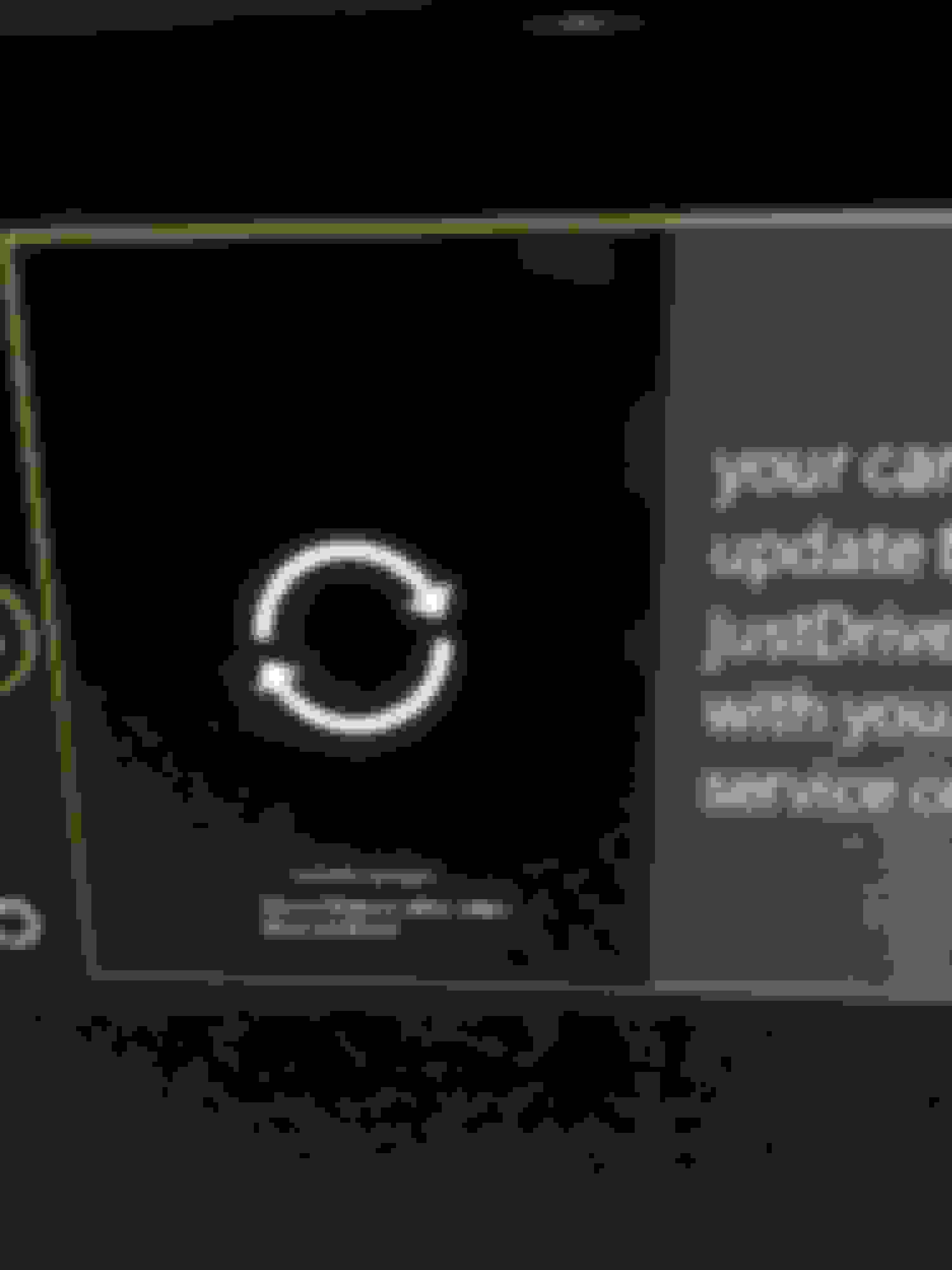
I recall (car is at dealership not with me) that when you plug in a phone running JustDrive there is an error message stating that InControl needs updating, Can someone confirm, or tell me I am stupid crazy!
Yes, I had an early model year 2016 and JustDrive told me I needed a firmware update (I also had the v4633). I don't think there's a TSB for it so my dealer had to open up a case with JLR, in the end it took about three hours I think because the modules updated were the Telematics and the Audio. The work sheet carries "52JAZ01" against the labor so maybe that's a code that would help you with your dealer.
It was done under warranty. After I had it done, JustDrive launched but I had no luck getting voice commands to work. Turned out that my cell provider T-Mobile had a strange carrier data issue relating to IPV4 or IPV6 or something which meant the backend never got the voice commands to work on. Fortunately, the JustDrive support guys were able to verify it and T-Mobile came out with the current Carrier Update and all good now.
Last edited by stmcknig; Mar 17, 2017 at 10:09 PM.
My dealer updated my 2016 F-type software and it made a mess of my message center display. Now I can only open the mileage menu, then can't get my selections to display. The message center now only displays my audio (or nothing if my audio is turned off)
I had the update and I am not sure if it was the app update or the car update but my music interface changed so now there is s full screen picture of the album with large arrows on it. Not sure I prefer this over the old one but the music navigation works the same. This is my preferred way to play music off of my phone as it allows me to navigate just as I would on the phone. I use it on longer trips as I don't want to keep plugging in the phone.
I had the update and I am not sure if it was the app update or the car update but my music interface changed so now there is s full screen picture of the album with large arrows on it. Not sure I prefer this over the old one but the music navigation works the same. This is my preferred way to play music off of my phone as it allows me to navigate just as I would on the phone. I use it on longer trips as I don't want to keep plugging in the phone.
+1. My update changed the play list display on mine as well. I think I preferred the old one.
+1. My update changed the play list display on mine as well. I think I preferred the old one.
I think something on my audio display is corrupt. Can you tell me if the message on your radio screen is also on your instrument panel audio screen? Mine shows a segment of the message and then it stays that way until I change the radio station - no scrolling, no updates. I'm under the impression that its supposed to be live.



 InControl App software upgrade