


NAV Screen Saver?


Thread Starter
|
Veteran Member


Joined: May 2009
Posts: 12,045
Likes: 3,344
From: home
 NAV Screen Saver?
I see there are several different home screens or screen savers. I choose different ones but the car always shows the "R" Logo?
Is there another setting to keep the changes?
.
.
.
Is there another setting to keep the changes?
.
.
.

Senior Member
Joined: Oct 2017
Posts: 249
Likes: 38
From: South Carolina
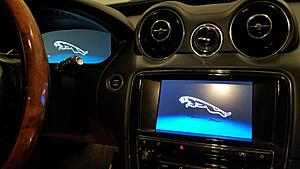
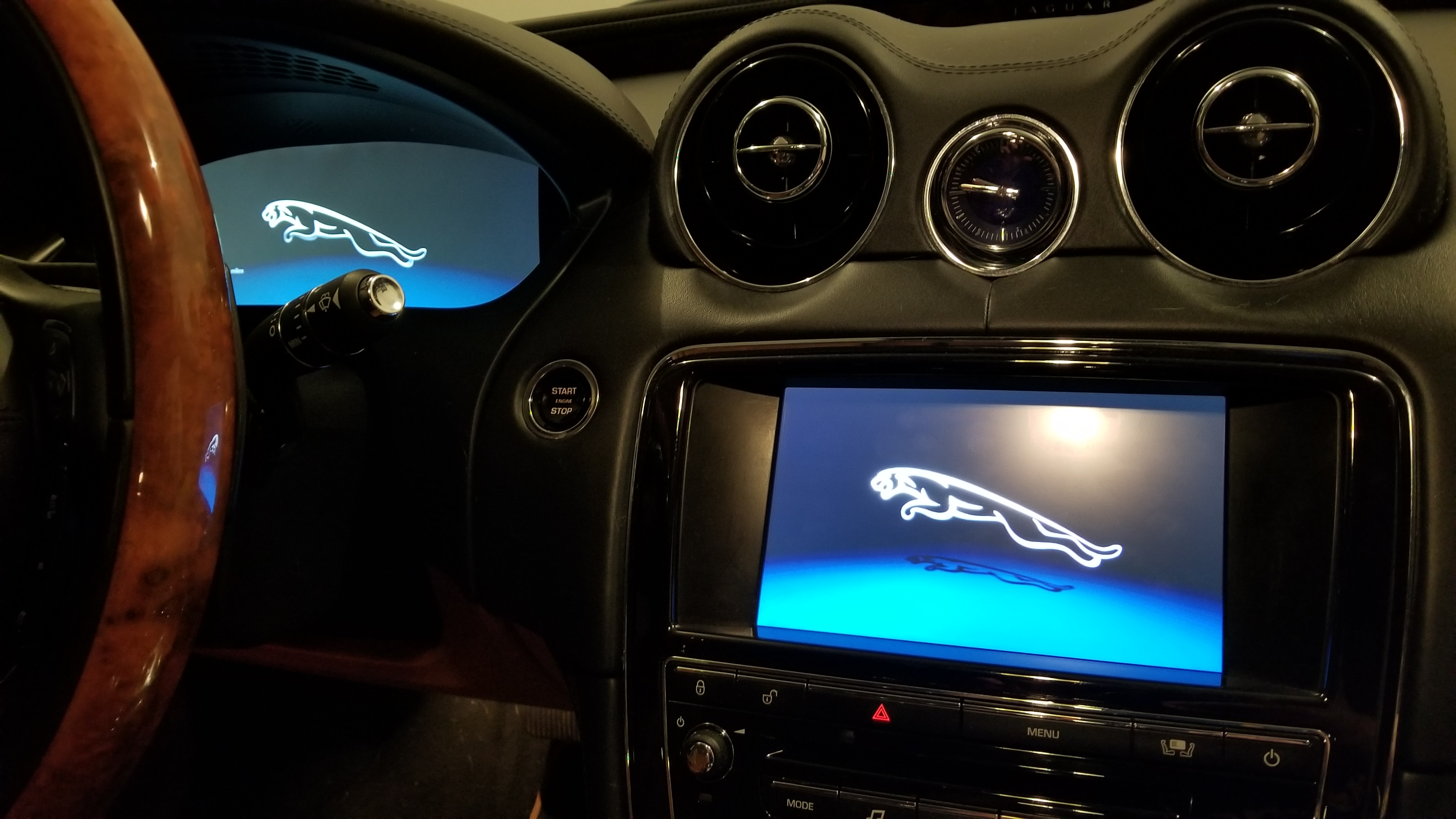
I had the same question. Weirdly, the screen saver is only there when you turn the screen off from the power button below it. So when you turn off the car, you still get the Jag logo on both screens (or in yours youd get the R):
but if youre in the car and turn the screen off, THAT is what changes

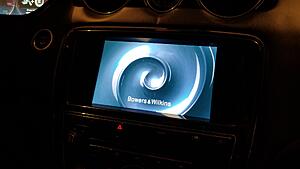
I dont really understand why it works that way, and its not even actually a screen saver, but its just one of those quirks.
but if youre in the car and turn the screen off, THAT is what changes


I dont really understand why it works that way, and its not even actually a screen saver, but its just one of those quirks.
Senior Member
Joined: Oct 2017
Posts: 249
Likes: 38
From: South Carolina
Right? Except when in reverse, then they turn themselves on to warn you about the wall you are backing away from.