When you click on links to various merchants on this site and make a purchase, this can result in this site earning a commission. Affiliate programs and affiliations include, but are not limited to, the eBay Partner Network.
One of the problems Bob has is that his car is, like mine, a 4.2, so he has no way of testing the ADU on the 5.0 cars. It may be that you have encountered an issue with the update that is specific to the 5.0 cars. @MarkyUK is a knowledgeable early adopter of the ADU 5.0 version and reaching out to him may offer you some useful advice.
Just one thing - I am pretty sure you downloaded the correct (5.0 engine) version of the updater, yes?
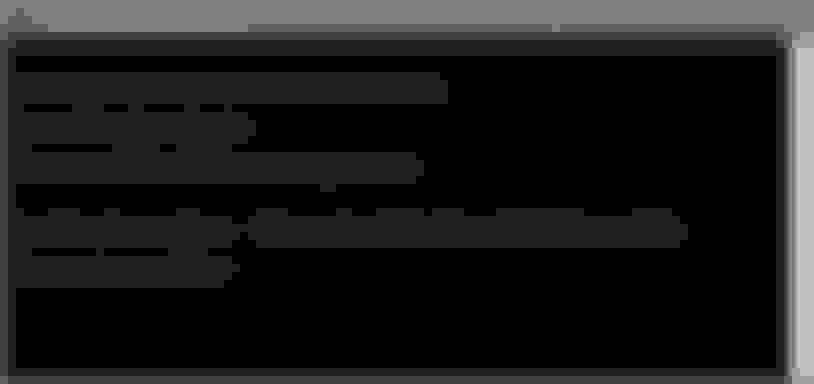
That picture doesn't look like version 2.1.0.5.
What version indicates the startup screen?
I noticed that when errors are occurring, this is due to the ELM327 can't keep up with the request frequency of the device.
About the gallons (and other non-metric units), this is chosen otherwise there are too many variables for me to create an "EZ-update" file.
But you can always try to do it the less convenient way:
- install arduino IDE software
- install ESP32 in the arduino IDE (Additional Boards Manager)
- connect the device to your computer
- select the correct ESP32 board (Boards Manager) and COM port
- download the (not-EZ) Arduino code.
- change the code to your liking's (units)
- upload the code to the ESP32 board
All is explained in the PDF "Manual: software" downloadable from my website (see my signature)
Mine showed up last night! I've got very full work days today and tomorrow, so it'll probably be Saturday or Sunday before I get to all this. But I'm very excited to have coolant temp / warning indicators.
Thanks Barnsie I can read it.
It looks like it doesn't connect to the ESP32 in a correct way.
Looking at DGL's picture, he has Windows 10,
probably he has to re-download the drivers from this site (windows 10 universal) and install them again.
use a different USB (3.0) port may also help.
It should look like this: (I downloaded the firmware so using the same file)
Last edited by Cabrio Bob; Sep 24, 2020 at 09:57 AM.
Reason: added 1st screen
Mine showed up last night! I've got very full work days today and tomorrow, so it'll probably be Saturday or Sunday before I get to all this. But I'm very excited to have coolant temp / warning indicators.
Thanks Barnsie I can read it.
It looks like it doesn't connect to the ESP32 in a correct way.
Looking at DGL's picture, he has Windows 10,
probably he has to re-download the drivers from this site (windows 10 universal) and install them again.
use a different USB (3.0) port may also help.
It should look like this: (I downloaded the firmware so using the same file)
If you recall, I got a similar sort of error when I first attempted to update my unit and I downloaded the latest Windows drivers, installed them, and it all went smoothly after that. At least, it is worth a try since it only takes a minute and costs nothing. One more thing eliminated from the troubleshooting.
I think for now I will stay with the way it is , am very happy just to look down and see temp. Would like to have the warning but can live without it for now.
Just one thing - I am pretty sure you downloaded the correct (5.0 engine) version of the updater, yes?
The 4.2 code will also work on 5.0 cars.
and 5.0 code also works on a 4.2 car (until you request a screen that should display oil level, you'll get an error)
Can you check:
- what does the 1st cmd screen show?
- in device manager the COM port of the device (it should show COM3)
- disable bluetooth on your laptop (often seen as a COM port)
- try right-click the firmware.bat file and select "run as administrator".
ok so COM3 is correct.
things that might cause the problem:
- you installed the X64 drivers and you have a X32 computer,
- the esptool.exe file is corrupt: re-download the firmware
- the esptool.exe comes from my computer (X64) an is not suitable for X32 computers.
- you don't have administrator rights on the laptop (very unlikely this causes the problem)
other solutions possible
- disable bluetooth on laptop
- use a different USB port
- use a different USB cable
- use a different computer
- connect the existing USB cable to a power supply (or computer, providing extra power)