When you click on links to various merchants on this site and make a purchase, this can result in this site earning a commission. Affiliate programs and affiliations include, but are not limited to, the eBay Partner Network.
Yes, there are a couple other Dash Cam threads, but they didn't have any specific info, and discussed camera brands mostly.
I need to know a good spot to hardwire my camera into, mostly because I think wires hanging everywhere and plugged into cigar lighter sockets is ghetto.
So, anyone out there know a good and handy spot to start yanking on copper strands?
I'd prefer something that would shut off after a time, so as to not add even more drain on a bottomless drain-hole.
Anyone?
Anyone at all???
Not that it matters, but the camera I got (third attempt at getting a worthy camera) is a VIOFO V3 GPS deal.
It depends on where you'd like to locate it it, center dash by windshield, overhead console, etc. There's a few placed there to pull/tuck wires or hardwire.
Mine switches off the camera when the car goes into standby, but has a G sensor that detects impact (even slamming the door hard)
Mine is wired to the UK passenger footwell fuse box (am guessing drivers side in the US) and wiring runs up the A pillar, across the top of the windscreen trim and the camera is invisible from the drivers seat, am sure it wouldn't take too much to run it to the other side of a LHD vehicle.
I believe it's been superceded in the last 18 months, no issues with battery drain and am happy to take some fuse box pics of the connections tomorrow if you'd like CJ?
Sounds like the same place as mine, I didn't want the distraction of being tempted to look at it so on the passengers side. I know it works as front passengers comment on it.
Fitted the largest SD it would take which overwrites when full.
Up on the top of the windscreen, tucked up under(ish) the rearview is where I will install it.
You could tap into power in the overhead console the, or as Marky said, through the pillar cover to the footwell fuse box #3. I've done both and the later would preferred. I have my methanol status lights wired from the controller in the engine compartment to fuse box # 3 up the A pillar cover, through the headliner and to the overhead console.
Don't know if I want to mess with the A-pillar if it's a problem.
As for the power in the roof console........ is it a Power-Off with Modules type of power, or is it a constant-on? Also, which wires/connections to use?
My camera also has the G-meter for recording when an event happens, but won't with No Power.
Aw, heck, maybe I'll just hook it up to wherever and see what happens.
SO many Options here.
I did not have any issue with the A-pillar. Need electrical diagrams for the X150 which are in the workshop manual. I'll have a search if you have no luck with it.
For fear of self incriminating, I cannot mention what I connected to one of the overhead console garage buttons. There's ample amperage up there for all kinds of devices. @Cee Jay . Give me a second to source if its switched... though I believe it is.
Got it, page 2312, of 3165 in the 2010 xk workshop manual. "In automatic mode, interior lighting is controlled by the Central Junction Box"
But I can't find an explicit statement that the CJB is switched... still looking.
Sorry. found it. Pg 2147, Ignition mode off: Interior lighting active.
@Cee Jay I blame you. As opposed to doing the work I should be doing I began reading the Battery - Mounting and Cables.
It is an interesting read. I had no idea of the depth of information available. But I am lazy, as many of you. At the first sign of battery trouble, just replace it and be done with it.
Cee Jay, if you search for radar detector there was a thread about wiring from overhead console. I did mine (just don't remember specifics) and it turns off with modules, not with engine, and turns back on when I open the door. If you don't find it, let me know and I can go out and pull my cover.
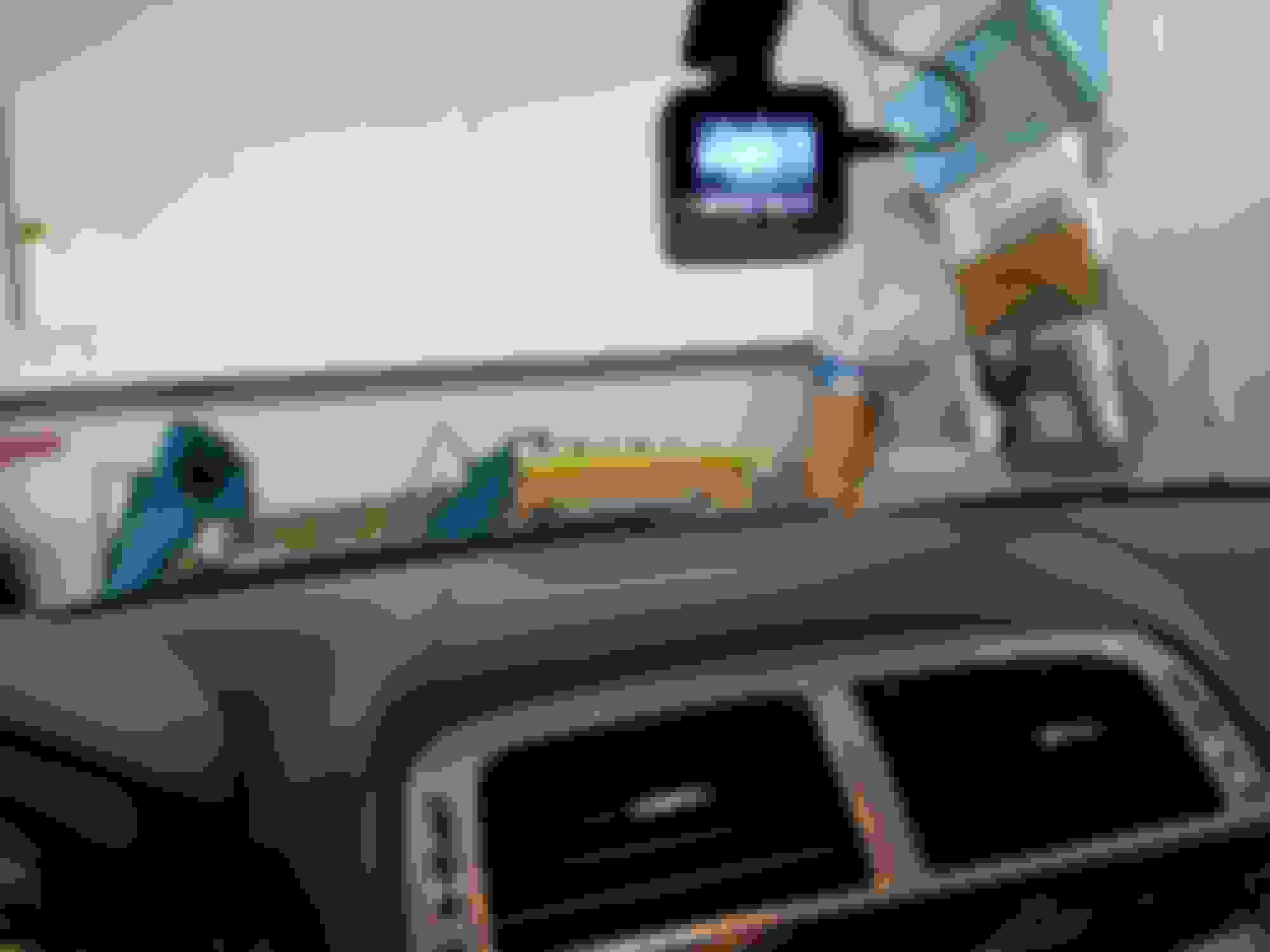
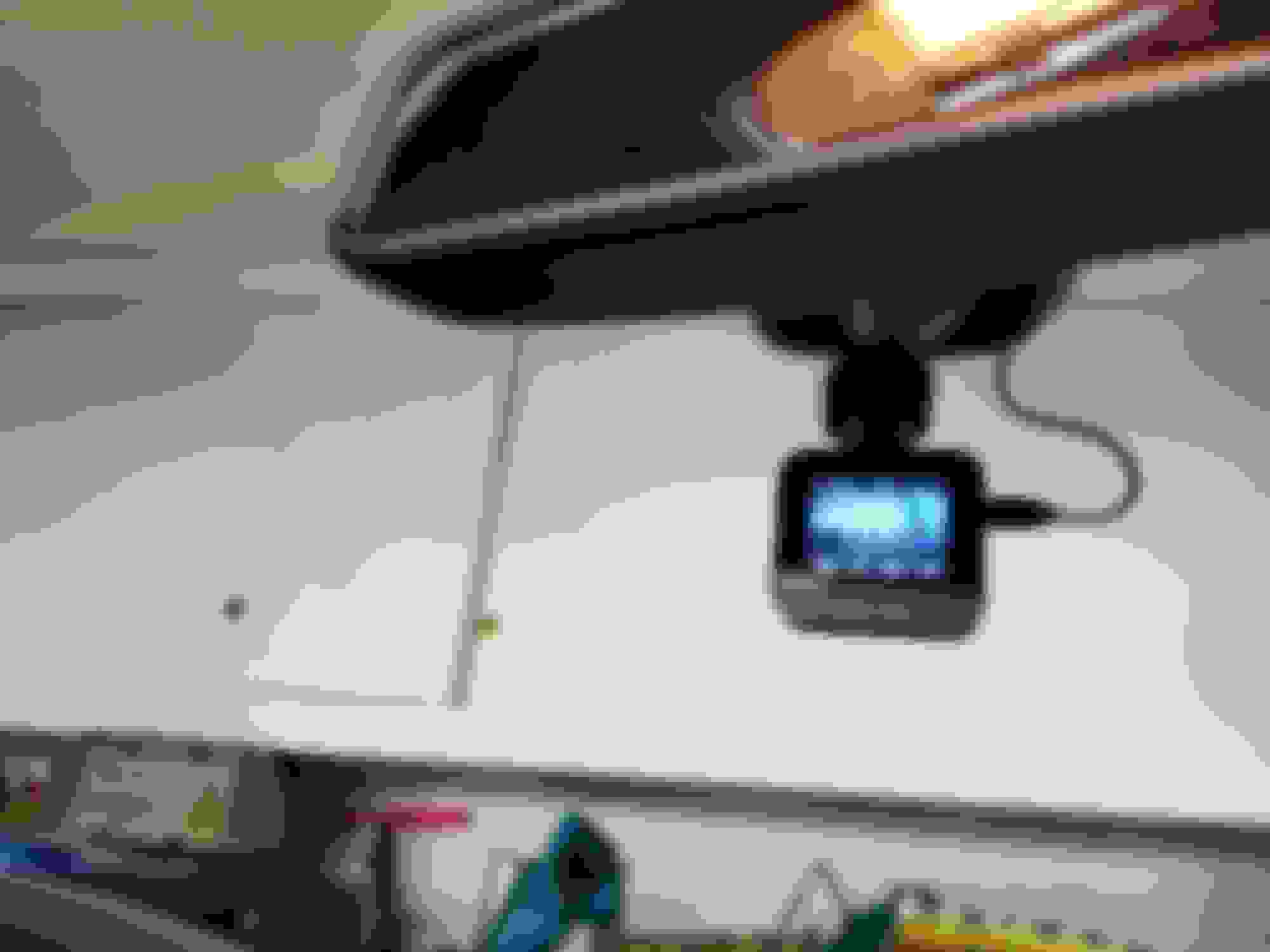
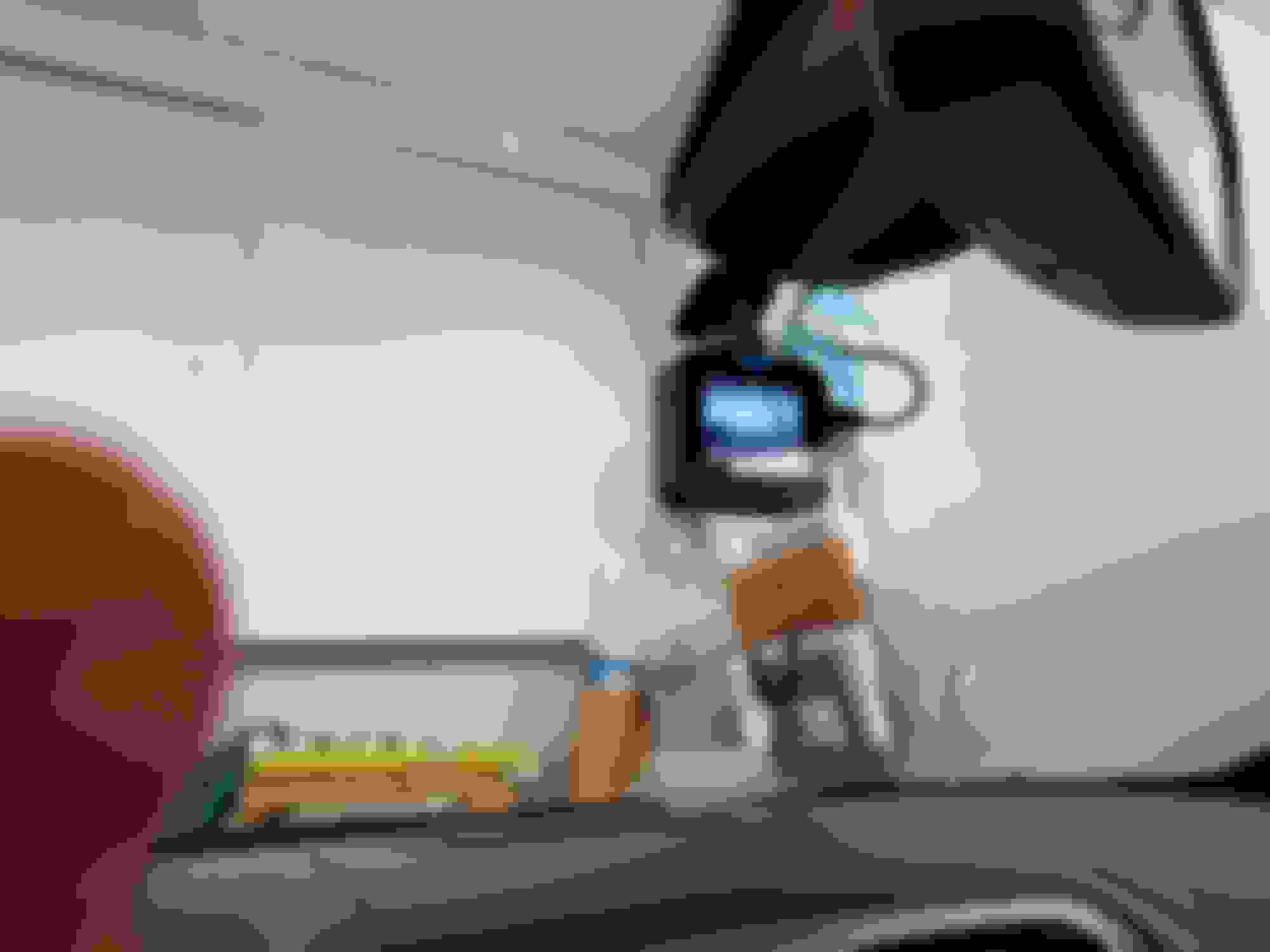
Cee Jay - Here are photos of my Dash cam installation. It is hardwired to the overhead module and I believe I put it to the same circuit that controls the lights that go on when you open the car doors. otherwise it is asleep with ignition off.
I hardwired mine through the passenger fuse box and L/H A-pillar (it pops off easily from the top), I also removed the side panel on the dashboard and removed the fuse box flap. The positive cable can then be dropped down into the fuse box (you can easily put your hand up inside to catch it) and the negative is attached to the 13mm bolt behind the dashboard side panel that I'd already removed. The cable from the top of the A-pillar to the camera is easily pushed up behind the head lining. I used the 10-amp fuse 23 (A/C). Mine is R/H drive, and the camera sits to the left of the mirror. The whole job took less than an hour, including a cup of tea and exploring and deciding on the cable route.
Difficulty level: Easy
Hope this helps
Mark
Last edited by Mark Five; Jul 15, 2020 at 11:12 AM.
I temporarily affixed my camera and wiring yesterday. I tucked the power cord up inside the windscreen-roof trim, tucked inside the A-pillar down and around to the dash where it also tucked neatly, then down to behind the passenger kick panel, then up to inside the glove box where I connected it to the cigar lighter using the supplied adapter.
It works just fine, and I can't see any wiring. It took less than a minute to accomplish with zero tools.
I'll use one of the above techniques later when I get more time to make it a permanent(ish) mount, but it works good enough for now. I don't even know if I like the camera yet.
Thanks for the tips, people.
I temporarily affixed my camera and wiring yesterday. I tucked the power cord up inside the windscreen-roof trim, tucked inside the A-pillar down and around to the dash where it also tucked neatly, then down to behind the passenger kick panel, then up to inside the glove box where I connected it to the cigar lighter using the supplied adapter.
It works just fine, and I can't see any wiring. It took less than a minute to accomplish with zero tools.
I'll use one of the above techniques later when I get more time to make it a permanent(ish) mount, but it works good enough for now. I don't even know if I like the camera yet.
Thanks for the tips, people.
I did mine the same way. No visible wires and you can't see the adapter when the glove box is shut. Seemed the easiest route to me. When I did it, I intended, one day, to hardwire it to somewhere overhead console being favourite) but so far, 'one day' has not yet arrived
I was hoping to do something similar with a radar detector. I have a t-tap, but I’m unsure of which wire to tap power from. I would prefer to tap from the fuse box area or passenger side footwell area.
The wire must be live when the car is running, and inactive when it is off.
Would anyone happen to know what color wire I should t-tap?
I'm no electrical expert, so from a personal point of view I'd be very wary about tapping into wires unless I'm absolutely sure of what it supplies and the potential consequences of additional power draw from that wire.
If you don't mind losing the option of using it, why not use Cee Jay's method and plug it into the aux socket in the glove box? Another alternative would be to piggy-back on to an existing fuse - I used fuse 23 for the dash cam, which powers on when the engine's running, and off when it's not.
Good luck
Mark



 Where to hardwire a Dash camera?