When you click on links to various merchants on this site and make a purchase, this can result in this site earning a commission. Affiliate programs and affiliations include, but are not limited to, the eBay Partner Network.
That’s fantastic. Great write up and Kudos to you for being the first.
May eventually do the same but thinking maybe camera in side mirror so can see side of the car when parking so don’t curb the wheels.
I have the "LHS reverse mirror dip" turned on and adjusted so that when reversing I can see the rear tyre in the mirror, works great for seeing exactly where my rear tyre is in relation to the curb so that way I can be sure I have parked nice and close to the curb but without curbing the wheel.
Obviously RHS rear view mirror for you Muricans!
Finished installing the front camera today. Took 6 revisions of the camera holder to get one I was happy with (complex geometry to fit the grille). Here is the final part:
Used 5-minute epoxy to glue it in to the grille:
Fit well, here it is glued in place:
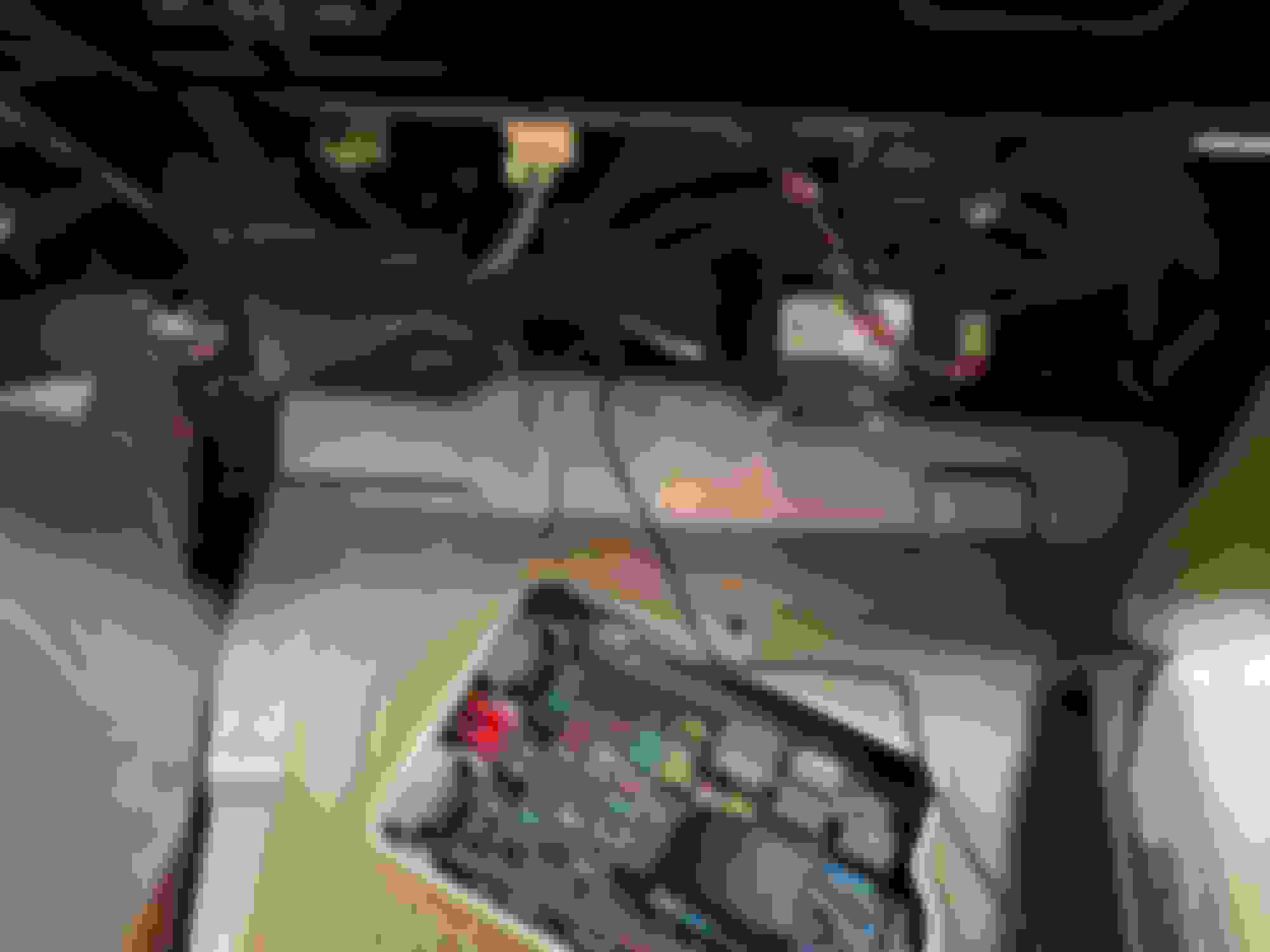
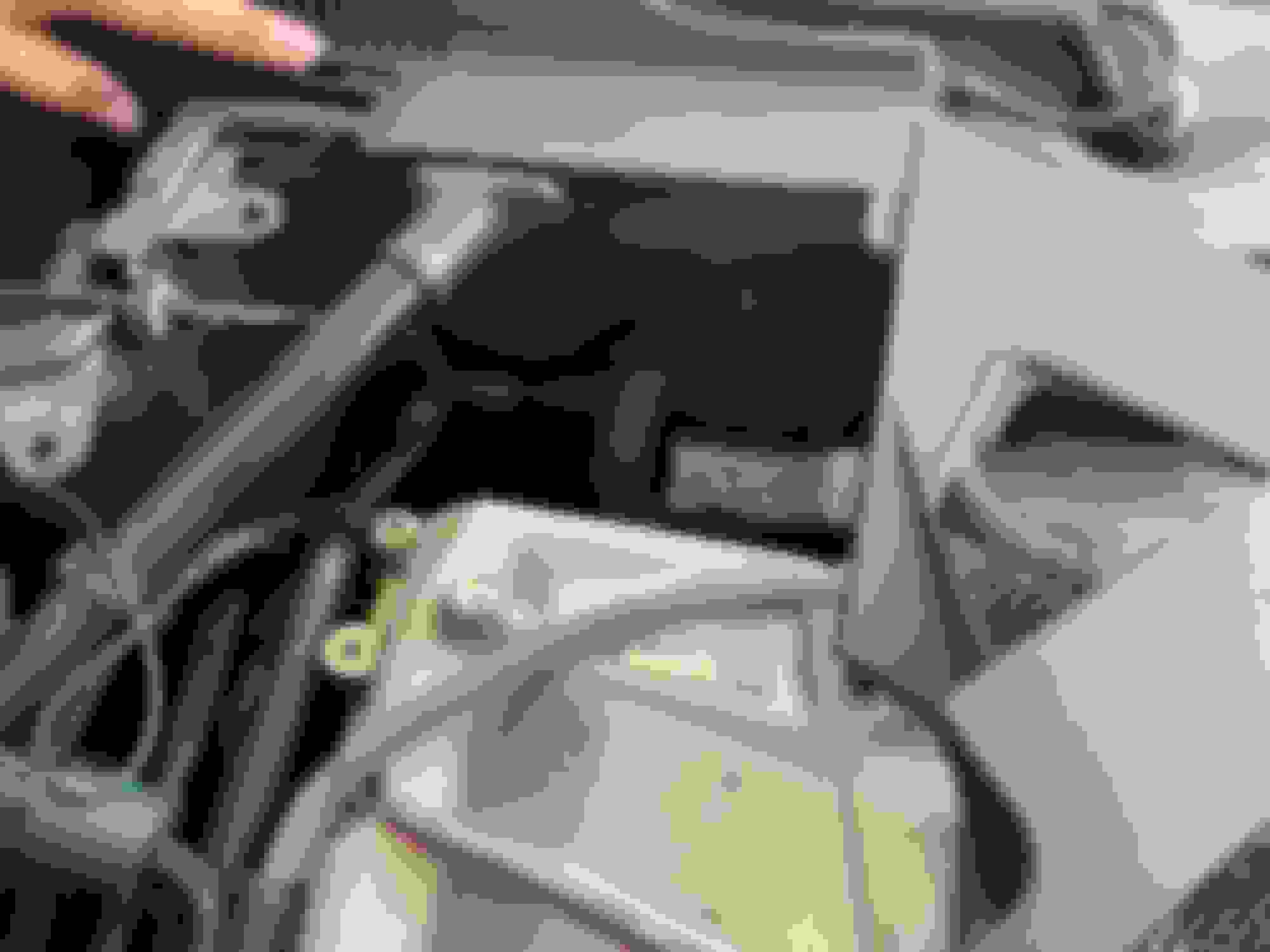
Next challenge was finding a passage through the firewall. I found a "soft spot" above the fuse box in the passenger footwell. Was able to poke an Allen wrench through it and found it in the engine bay. Difficult to pinpoint in the pix, but here it is with the camera cable fed through it:
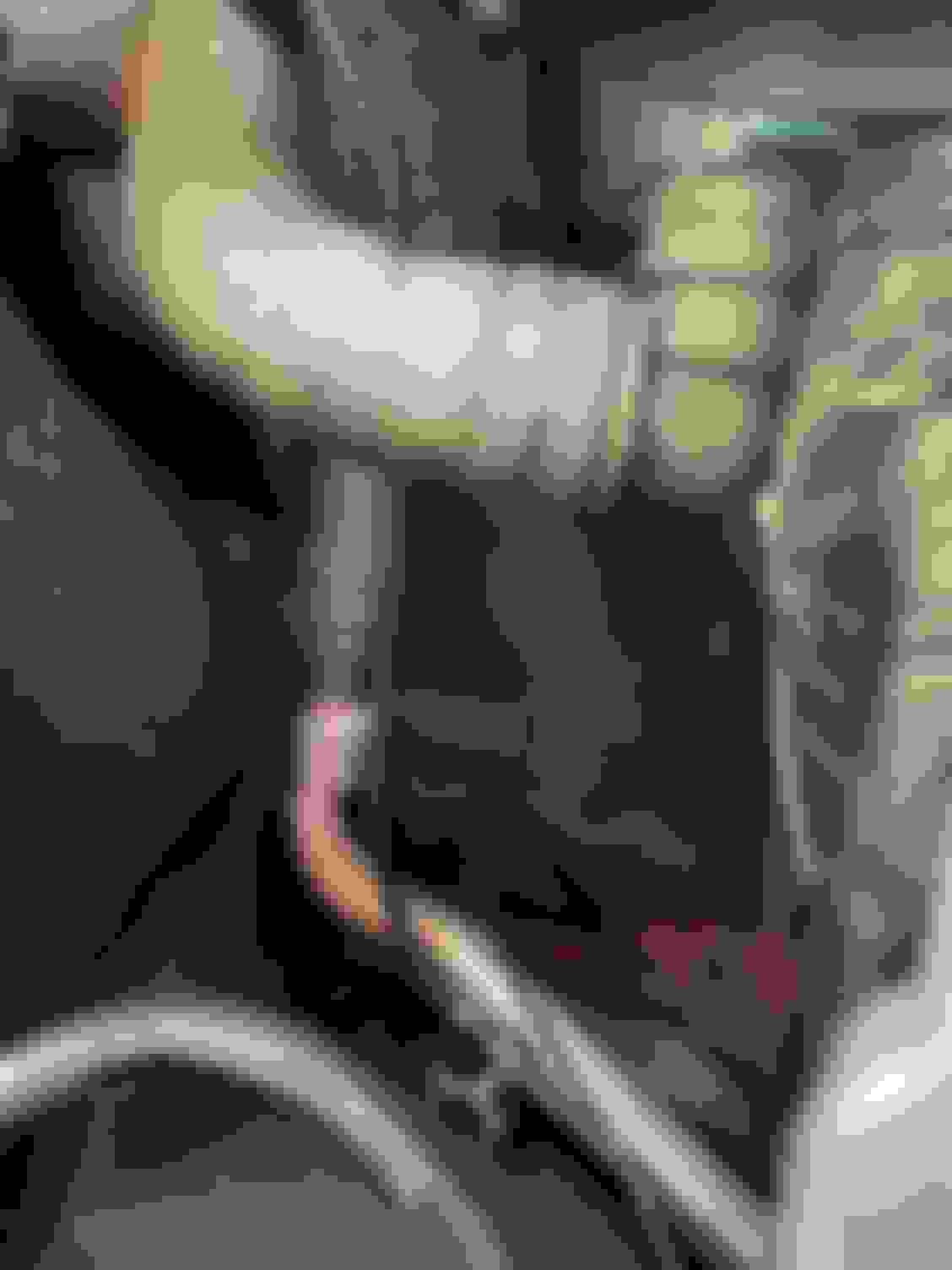
I could not see where the cable came out, it is under a corner in the sheetmetal, but this shot gives an idea of where to look:
And a close up of the line (middle of the three black wires/lines):
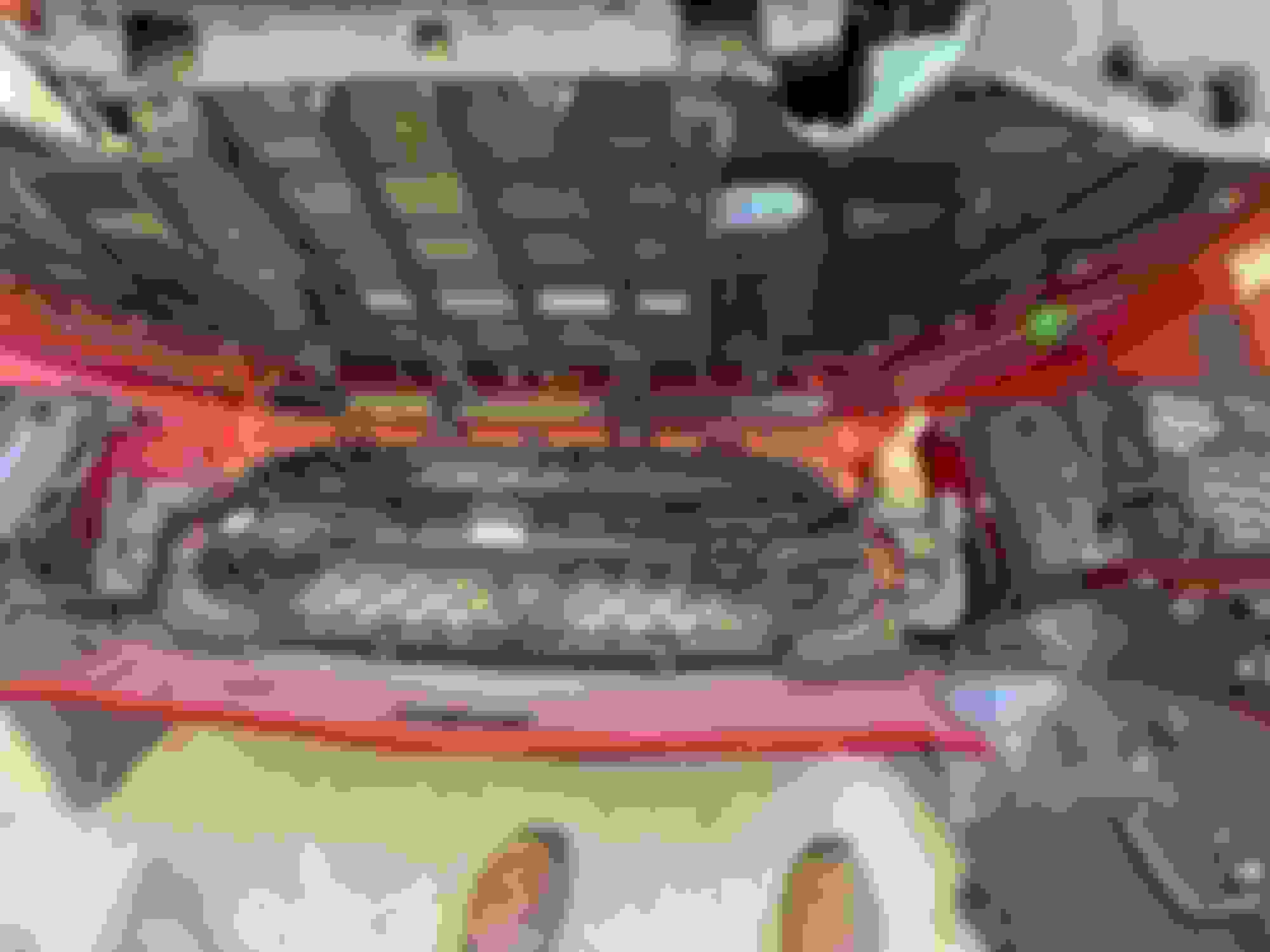
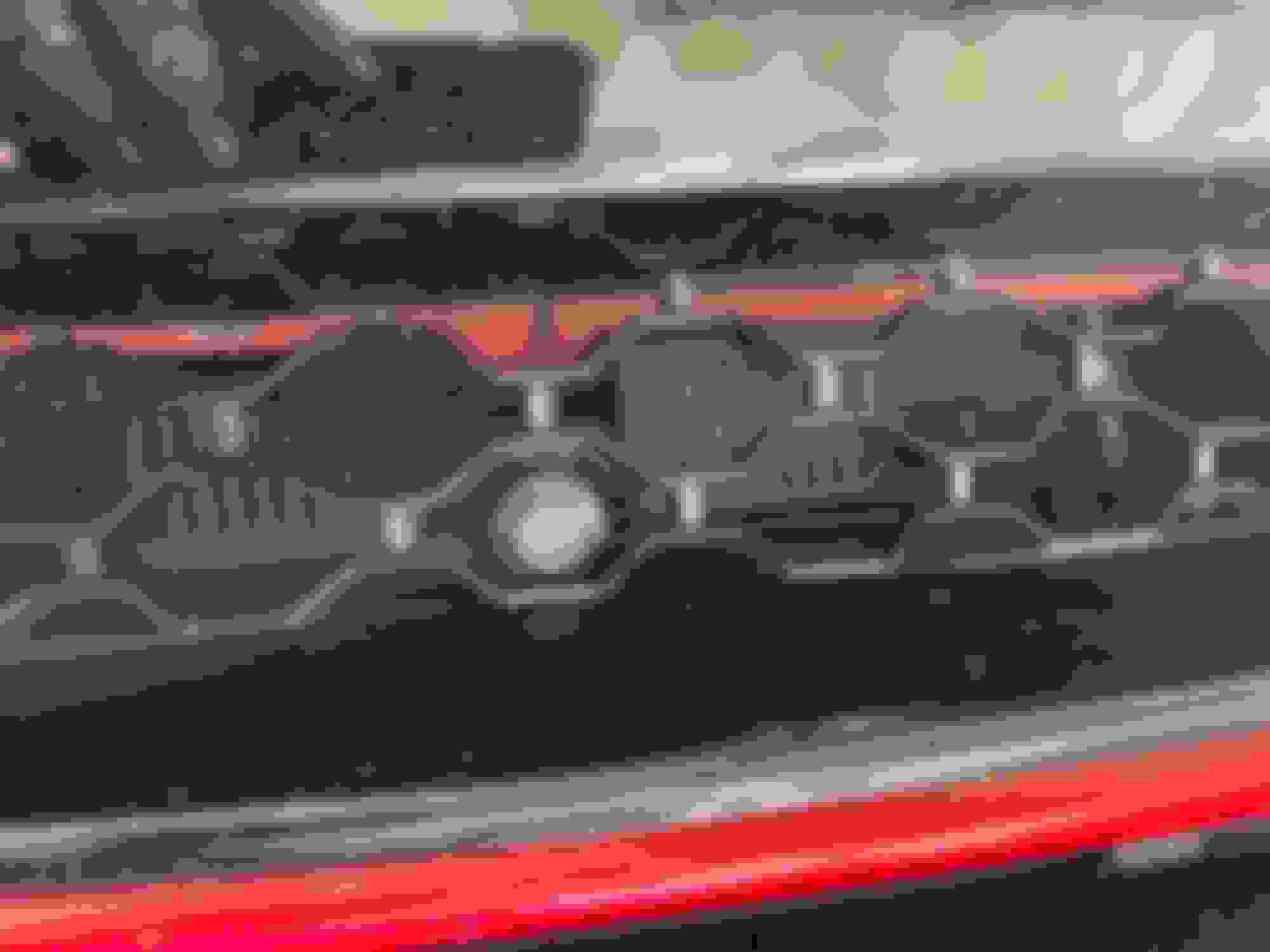
And here is the camera installed in the grille and the grille back in the bumper:
For the camera, I tapped the +12V from the cigarette lighter in the cabin, and used the red wire on the camera extension for the +12V. For ground I tapped in to the green connector that runs the parking sensors. I used a multimeter to find the ground wire, and tapped it. So there is now a power barrel jack and the camera composite fitting that can be disconnected and the bumper comes off completely.
Here is the bumper mounted up again:
And a close up of the camera installed:
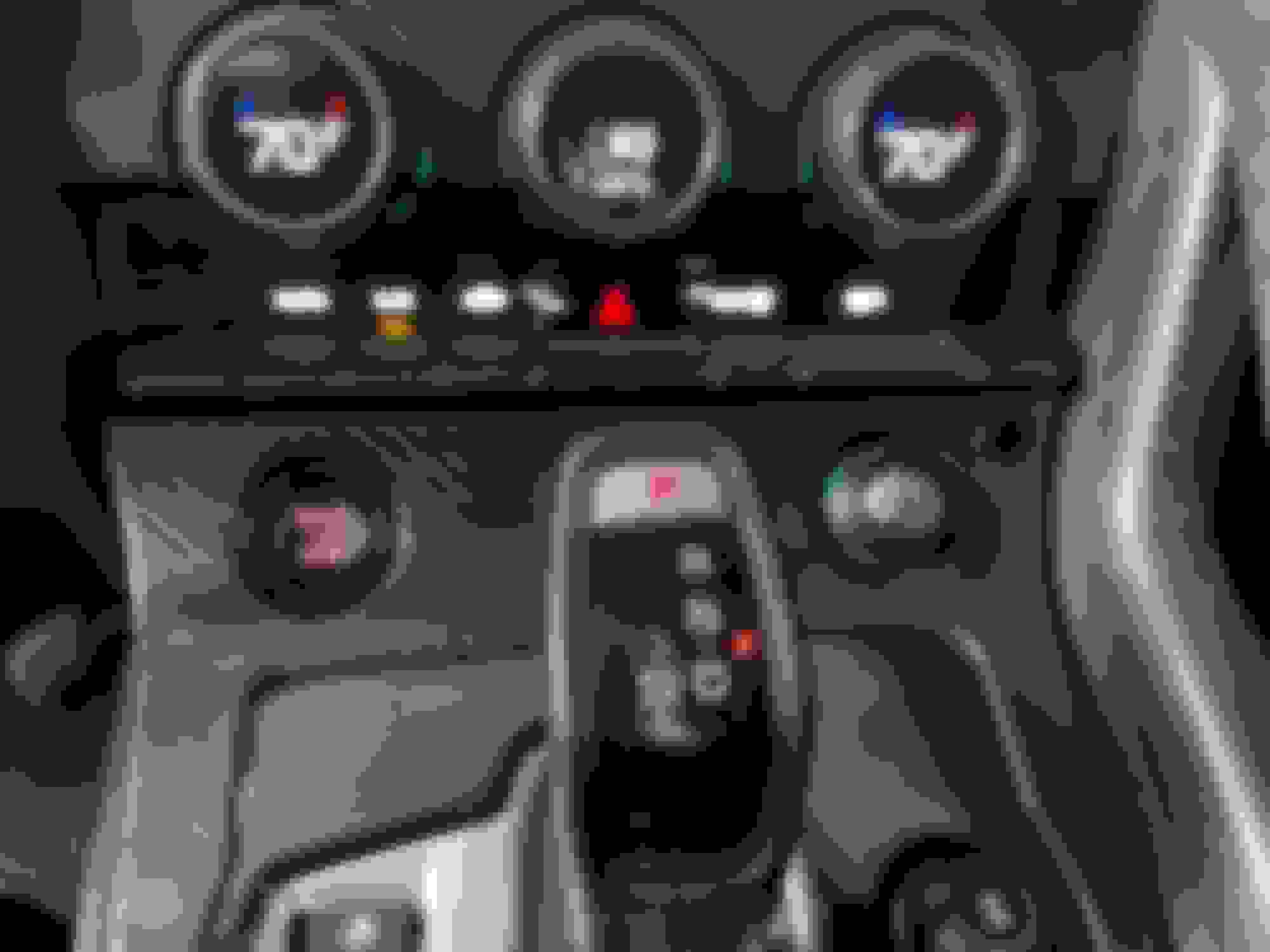
That left the button to trigger the camera on screen. I tapped the ground line from the cigarette lighter, ran that through a small pushbutton switch, to the "Key In" line on the IDCORE unit. I mounted the pushbutton to the surround around the shifter. It's pretty well hidden from the passenger's view, and off in a "dead" corner and not very noticeable given how small the switch is (this is the switch I used: https://www.amazon.com/dp/B0B73JDQLM):
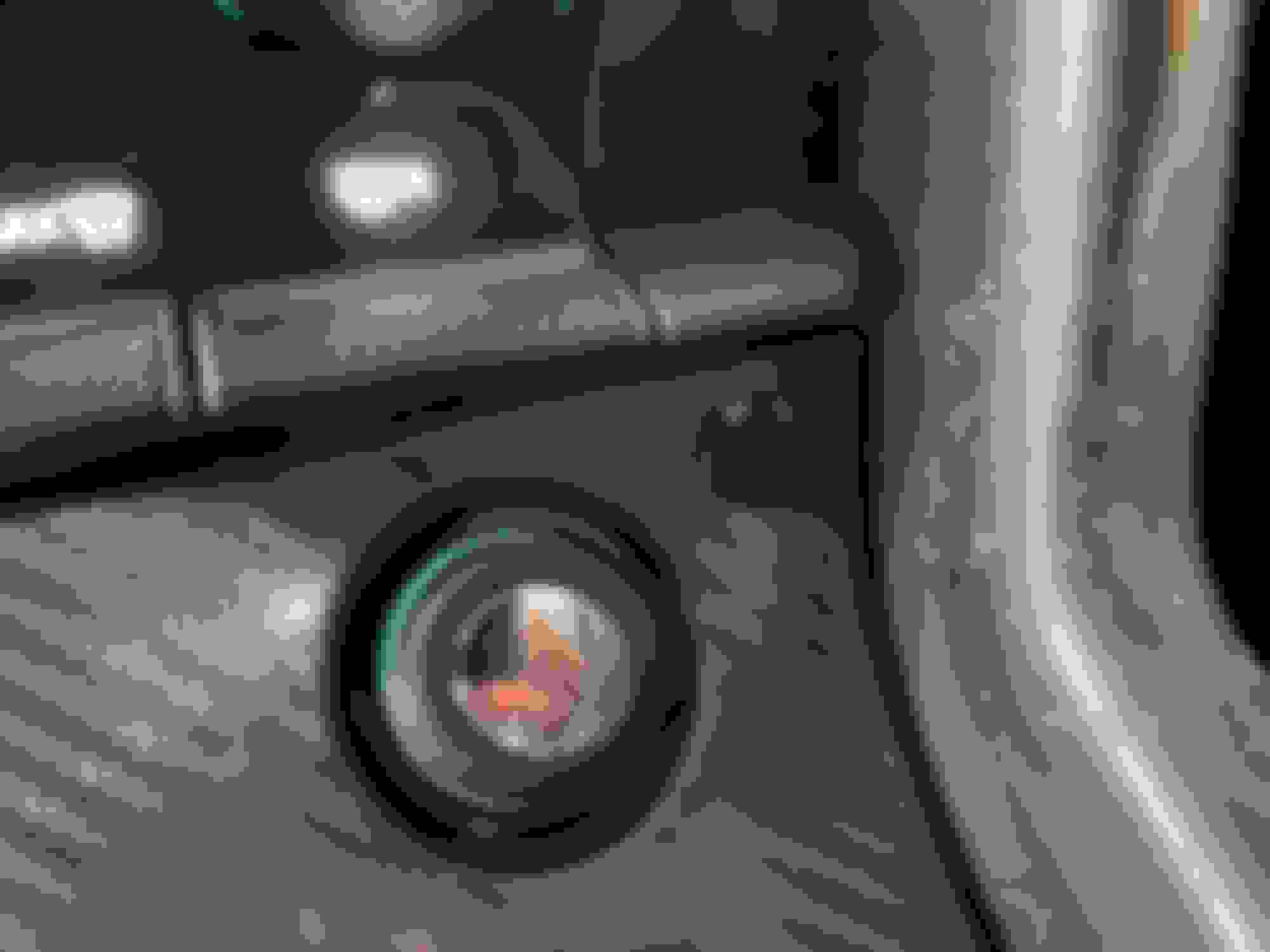
Close-up:
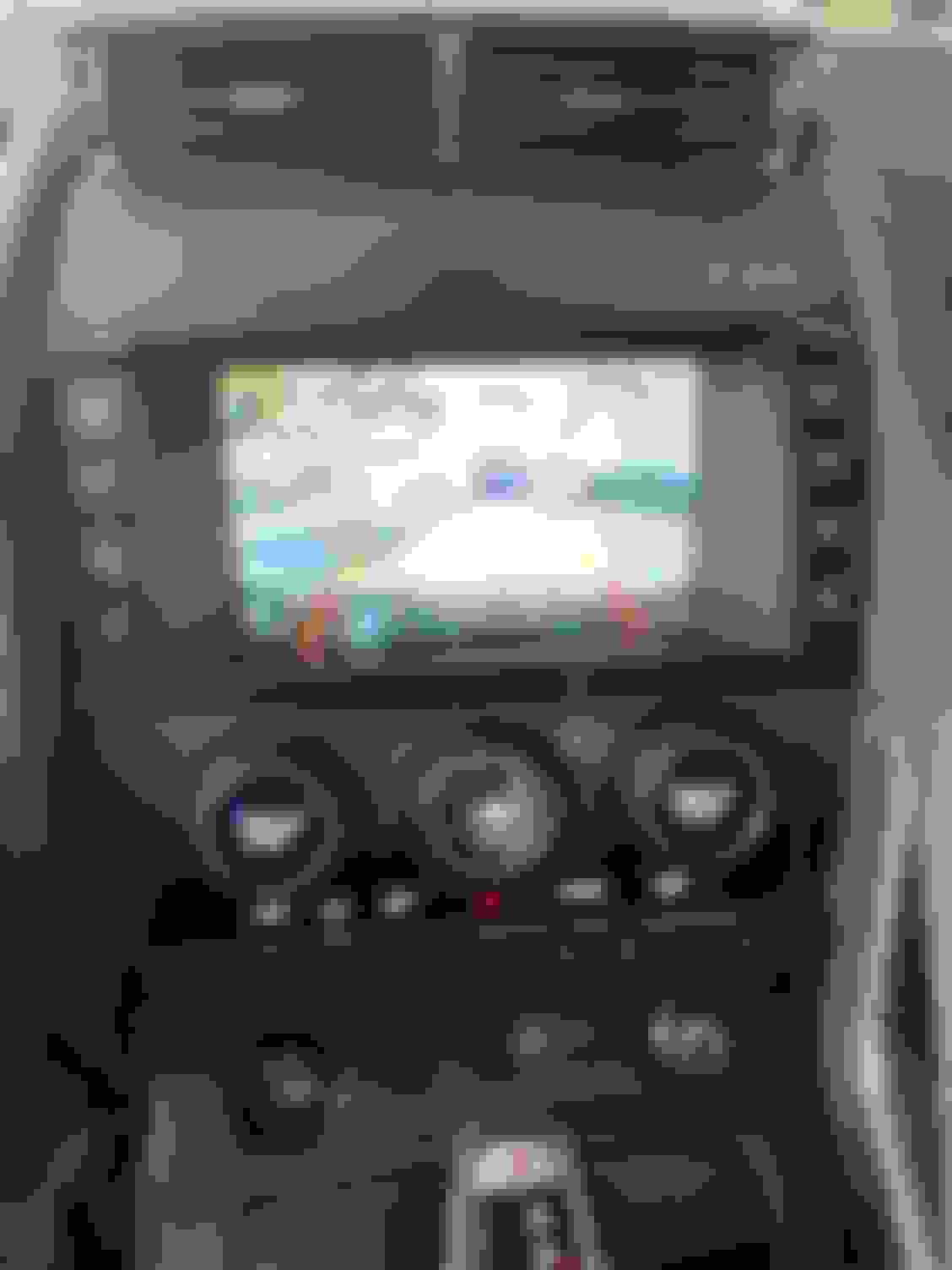
So that's all for the install! Here it is in action on the screen:
To activate, you need to be on any screen from the IDCORE unit (not the factory Jaguar screens). From there, just push the pushbutton and the screen will shift to the front camera. Getting back to the IDCORE screen is iffy so far. What seems to work best is to hit the "Navigation" button, and it will go back to CarPlay. Sometimes if I hit the pushbutton once or twice it will go back to CarPlay, but it is not consistent.
Parking sensors are working fine, backup camera works fine when shifting in to reverse.
Thanks for your explanations.
Thanks to your tutorial, I have install my front camera, this weekend and she work perfectly now 👌🏽
The cable for install the camera was difficult to understand, but luckily you included photos.
This tutorial should be added to the options available for the Jaguar 🐆 !
Finished installing the front camera today. Took 6 revisions of the camera holder to get one I was happy with (complex geometry to fit the grille). Here is the final part:
Used 5-minute epoxy to glue it in to the grille:
Fit well, here it is glued in place:
Next challenge was finding a passage through the firewall. I found a "soft spot" above the fuse box in the passenger footwell. Was able to poke an Allen wrench through it and found it in the engine bay. Difficult to pinpoint in the pix, but here it is with the camera cable fed through it:
I could not see where the cable came out, it is under a corner in the sheetmetal, but this shot gives an idea of where to look:
And a close up of the line (middle of the three black wires/lines):
And here is the camera installed in the grille and the grille back in the bumper:
For the camera, I tapped the +12V from the cigarette lighter in the cabin, and used the red wire on the camera extension for the +12V. For ground I tapped in to the green connector that runs the parking sensors. I used a multimeter to find the ground wire, and tapped it. So there is now a power barrel jack and the camera composite fitting that can be disconnected and the bumper comes off completely.
Here is the bumper mounted up again:
And a close up of the camera installed:
That left the button to trigger the camera on screen. I tapped the ground line from the cigarette lighter, ran that through a small pushbutton switch, to the "Key In" line on the IDCORE unit. I mounted the pushbutton to the surround around the shifter. It's pretty well hidden from the passenger's view, and off in a "dead" corner and not very noticeable given how small the switch is (this is the switch I used: https://www.amazon.com/dp/B0B73JDQLM):
Close-up:
So that's all for the install! Here it is in action on the screen:
To activate, you need to be on any screen from the IDCORE unit (not the factory Jaguar screens). From there, just push the pushbutton and the screen will shift to the front camera. Getting back to the IDCORE screen is iffy so far. What seems to work best is to hit the "Navigation" button, and it will go back to CarPlay. Sometimes if I hit the pushbutton once or twice it will go back to CarPlay, but it is not consistent.
Parking sensors are working fine, backup camera works fine when shifting in to reverse.
I appreciate you sharing this. I may try to tackle this projec, too.