When you click on links to various merchants on this site and make a purchase, this can result in this site earning a commission. Affiliate programs and affiliations include, but are not limited to, the eBay Partner Network.
I was finding it more and more frustrating working around the issues with the JEPC application, so as a winter project I decided to write a replacement tool for JEPC. I've called it 'Jpart', and the first release is now available from jPart.org. Note that this is completely free (and does not include any ad-ware, monetization or tracking software) - I just wanted to share my work with the forum members, and help make it easier to maintain and preserve our cars!
Note that jPart does not include any of the JEPC files - you still need a set of those installed locally on your machine. It is simply a replacement for the JEPC application, for accessing the files locally on your machine.
There are two current versions - 1.2.0.0 which has been tested extensively on Windows 10. I have also just built and uploaded 1.2.1.0. This is 32 bit Windows 7 version. It may work on 64 Bit Windows 7 as well, but I've not had a chance to check that.
One note: When you download (especially 1.2.1.0) you may get a warning that this is an 'unknown' or new file (because it is!). This should change after a few folks have downloaded it, but I wanted to assure you I have scanned it with MS Defender and MalwareBytes and neither identified any threats.
If you try this, please let me know what you think! (also interested to hear what OS versions you install on)
-Steve
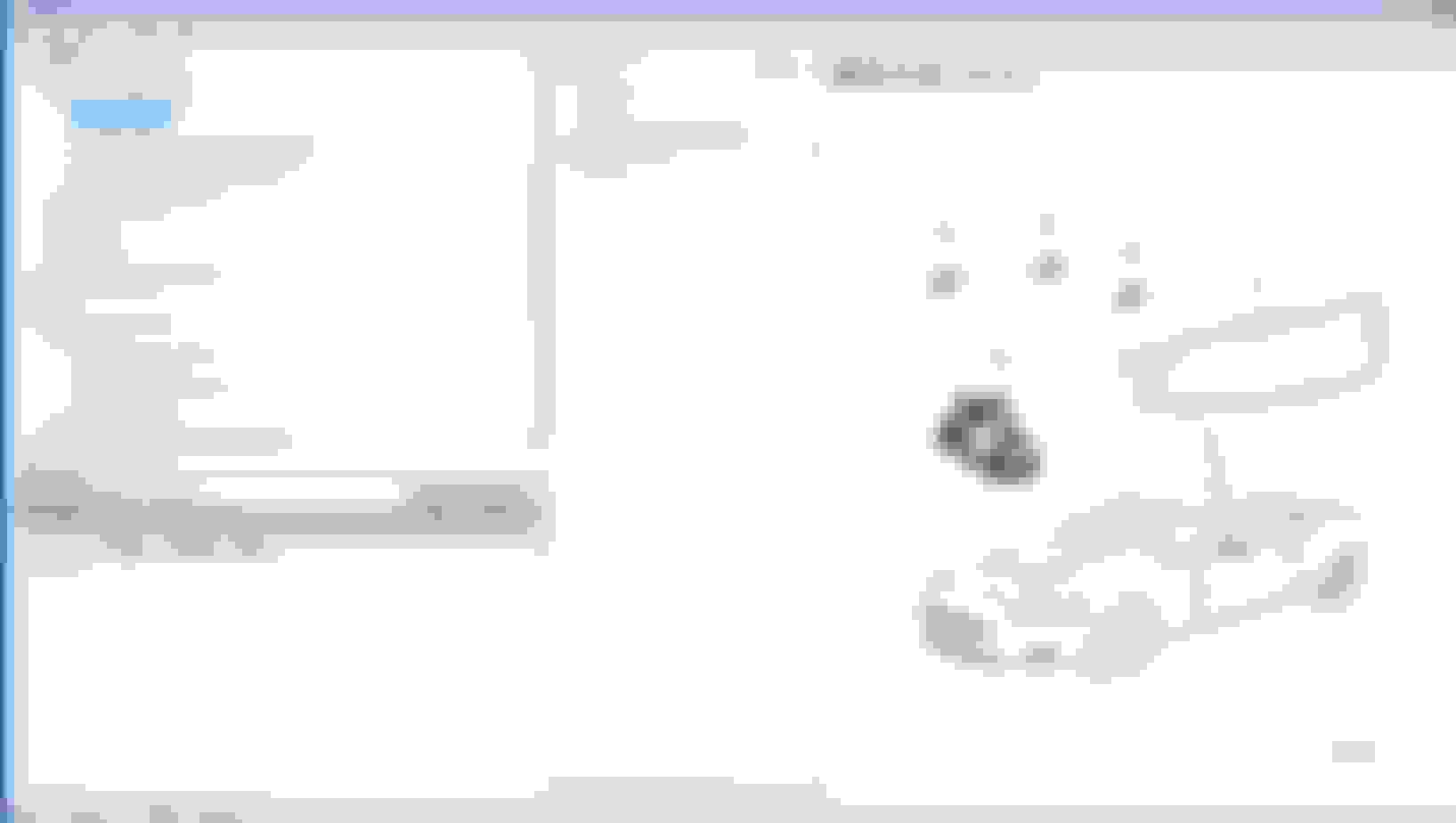
Screen capture of jPart
Last edited by GGG; Jan 25, 2022 at 02:26 AM.
Reason: Moved to new thread
Installed the version for W7 Ultimate 32bit, under oracle VM. I'm using JEPC '13.
If I find '18 I'll upgrade, since many of my parts references have been superceded. Not a big problem, since as long as I can find the PN's, I can find the supersession.
Minor challenge was finding the right files to direct it to, but once done, worked as noted below.
Nice that I no longer have to struggle with flash to see images. THANK YOU!
Installed the version for W7 Ultimate 32bit, under oracle VM. I'm using JEPC '13.
If I find '18 I'll upgrade, since many of my parts references have been superceded. Not a big problem, since as long as I can find the PN's, I can find the supersession.
Thanks for the feedback!
Note that once you have a part in the search results or shopping list, you can right click on it and find the part on JLR classic. That usually gives you the supercession.
The app looks good but Windows Defender finds problems with the 32 bit version on my PC and mentions a specific threat rather than just 'unknown or new file':
Thanks - I'm investigating immediately. I think this is a false positive, but I have discovered that if i deliberately SCAN the setup with Windows Defender I get the same report (I don't get it when running it)
I do NOT get any report with MalwareBytes (when doing a quick scan, about to do a full scan)
I will update shortly
Update: I have reported jPartSetupx86.exe to Microsoft as false positive in Defender, I will report back what they say. I also see a number of other similar reports for users who used the same Python installation tool to create their setup.exe (if you search for "Trojan:Win32/Sabsik.FL.A!ml" and "Python" they will show up.
Update 02:17AM UTC 24-Jan: Having done a full scan, the only file that Defender is reporting a problem with the is the 32 Bit installer (no issues at all with the Windows 10 64 bit installer). I suspect this is a false positive, based on the older installation tool I had to use but I have reported to Microsoft for review. Out of an abundance of caution, I've removed the links to the 32 bit version at the web site, but the Windows 10 version is still there. Not sure how long Microsoft take to review these (and then update the virus signatures), but probably at least 24 hours.
Update 01:36pm UTC 24-Jan: Microsoft have responded, confirming that this was a false positive and there is no malware in the installer. They have updated their AV signature files for MS Defender. Below is the the notice I received, which includes instructions for forcing an update of the AV signatures on your machine.I will be restoring the download links on the web site later today (Windows 10 64 bit version is still available for download).
Final Update: 5:00pm UTC 24-Jan: I have restored the links on the website, and both the Windows 10 and Windows 7 32 bit (x86) versions are available for download again at https://jpart.org
Apologies for any concern this may have caused, and thanks to those who reported it.
Confirmation from Microsoft that 1.2.1.0 release of jPart 32 Bit installer doesn't contain malware
Last edited by thefixer; Jan 24, 2022 at 10:59 AM.
Reason: Add final update
I was finding it more and more frustrating working around the issues with the JEPC application, so as a winter project I decided to write a replacement tool for JEPC. I've called it 'Jpart', and the first release is now available from jPart.org. Note that this is completely free (and does not include any ad-ware, monetization or tracking software) - I just wanted to share my work with the forum members, and help make it easier to maintain and preserve our car!
Thanks. Up and running on Win10 with the ‘13 version.
I've been using it myself this evening - makes a change from writing and debugging the code! I'm putting together a shopping list of all the parts I need to replace the hoses on my XKR (it's reached the age where they're getting hardened, with a couple of minor leaks).
Putting together the list has made me realize there's a few usability issues that I'll try and resolve in future releases - but I welcome any suggestions!
One thing that I considered when writing it was perhaps having a 'library' of shopping lists, either here or on the web site so that members could use and create them to share for particular projects.
-Steve
Last edited by thefixer; Jan 26, 2022 at 10:21 PM.
Hi thefixer,
Thanks very much for all your hard work. I could never get JEPC working, even with the several pages of excellent how-to guides produced by other experts.
I downloaded and installed your application, and it works beautifully. What a great achievement, to make this parts book work like it should have all along.
Thanks again, it's very much appreciated!
Installing on win10 home now but still get the security warning from Windows. Installed anyway with no problems.
Thanks for the effort!
We really needed this as Jaguar has abandoned all of us DIY guys and we are struggling to get info to repair our cars!!
With your skills I bet you could improve SDD too!!
.
.
.
Installing on win10 home now but still get the security warning from Windows. Installed anyway with no problems.
Thanks for the effort!
We really needed this as Jaguar has abandoned all of us DIY guys and we are struggling to get info to repair our cars!!
With your skills I bet you could improve SDD too!!
.
.
.
Thanks!
Which warning were you getting? (the fact it is a 'new' or 'infrequently downloaded file', which is to be expected) or the malware alert from Windows Defender? If you're still getting the Defender alert, you may want to force an update of the signature files. If you can send me (private message is ok) a copy of the error dialog that would be helpful - though at this point I'm sure there's no real issue.
I'm working on some enhancements to jPart - biggest one is probably going to be support for 'Succession' (if you've added a part to your parts list, it will then give you the option of selecting a later equivalent part.
Only bug I've had reported (really an oversight!) is that if you add parts to the shopping list, and then close the program (without saving) it doesn't warn you to save the list....or save it automatically. I'll fix that in the next release.
It was some kind of malware warning. Can't get back to it as program is now installed.
I currently have some kind of error preventing windows defender anti-virus from running but still got the warning.
.
.
.
Thank you for your great job! It's fantastic that I don't need Flash Player.
I have a question. After first installation I was using it just fine. I had some problems with my laptop and reinstalled it. I selected the JEPC folder and started indexing. However, the adapter was disconnected and turned off. After that, jPart does not run and stop immediately.
I suspect that when you terminated it (or when your PC had a problem), you may have left either the jPart configuration (settings) file or the database corrupted; these are both opened when you start the program again so if either is corrupted it could cause a problem.
Both of these files will (by default) be in the folder C:\Users\<username> where <username> is the currently logged in windows user. If you delete both of these files, then the software will think it is a fresh installation.
Assume you are logged in as "BobJones", the the two files you need to delete are:
Delete the two files above (if you could save a copy elsewhere that might be helpful)
Reboot the PC and login
Re-install jPart
Open it, and check it works BEFORE doing any searches
Rebuild the search indexes (and remember - if doing it for all models (which is recommended), then that can take a long time.
If you find this does fix the problem, could you send me the two files (dropbox or one drive link works). Even if this was caused by an unexpected shutdown I'd like to modify the software so you get a warning
Note that jPart does not include any of the JEPC files - you still need a set of those installed locally on your machine.
Sorry if this is a silly question (and it probably is, since all the other posters seem to have known the answer), but where does one get the JEPC files? I long ago looked for a Jaguar parts catalog and found nothing, save another solution posted by someone else that didn't work for me.



 JPART - a replacement tool for JEPC