When you click on links to various merchants on this site and make a purchase, this can result in this site earning a commission. Affiliate programs and affiliations include, but are not limited to, the eBay Partner Network.
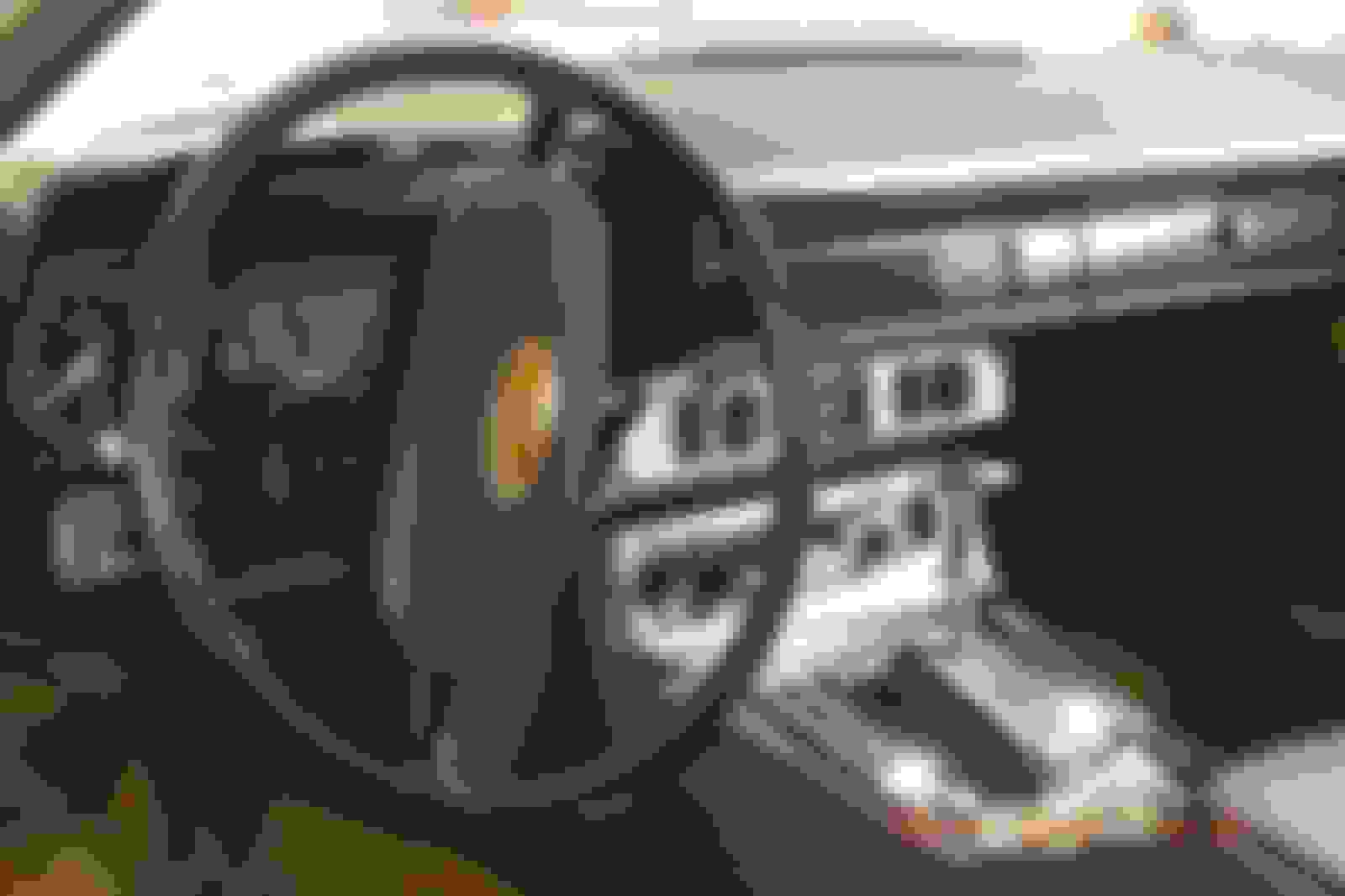
I have a new-to-me '78 XJS; just rec'd last week and discovering a few things to address.
One of which is the headlight switch that apparently has some bad / temperamental contacts; when switching into the headlight detent it's very finicky causing the right rear taillight, front right side marker, and left rear tag light to go out - if only setting the switch to parking lamps then all the lights work fine (obviously head lights are off in this position).
I can carefully manipulate the switch a bit over half-way between the parking light detent and the headlight detent just to the point where the headlights come on and all the previously mentioned lights stay on; thus telling me it's apparently the switch and I'm assuming old / worn / corroded contacts.
1. Doable to take the switch apart to address the contacts assuming that's the problem?
2. Or... cross reference between other years / models to swap out w/ an eBay acquired switch? Does the XJ6 Series III use the same switch? Looking to expand my search options.
FWIW - My switch has four positions which I imagine is standard for the most part:
- Off
- Side (parking)
- Head
- Fog
Just the one screw holding the switch in - but I do remember having trouble getting it out - I think I had to drop the steering column down a bit - which was ok for me as the streering column was down to get the instrument panel out.
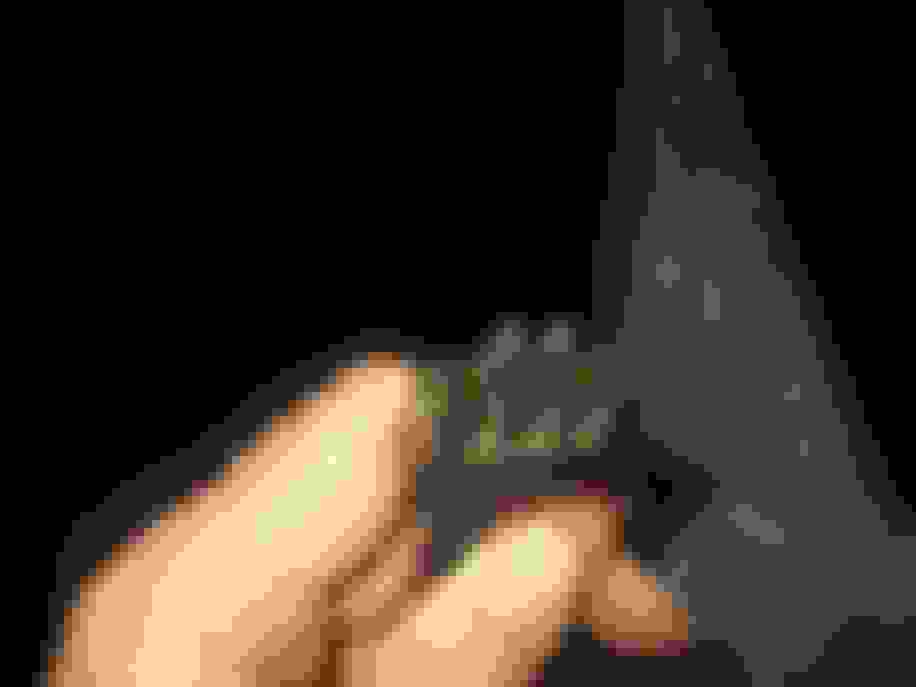
Anyway - this is what it looks like behind the switch - I would pull it out and give it a clean up - including the plug
Mine has 4 positions as well - but it doesn't go to the fog setting (which is ok because I don't have fog lights)
Thanks all.
I removed the light switch assembly and once out then removed the switch from the plastic face plate.
Removed the C-clip and washer from the shaft and then sprayed / worked in some WD-40; works properly now regarding all the tail, side, and tag lights staying on.
Side notes:
1. When switched to Fog Lights only the headlights shut off. I assume this is correct and thus the fog lights are true fog lights as opposed to driving lights, therefore these are aimed low and headlights are shut off to mitigate light reflecting back when driving in fog:
Is this correct?
Any hack to keep the low-beam headlights on at the same time as the fog lights?
2. When driving, the wide rectangular 'Amber' warning light and the "Park' light will cycle On-and-Off sporadically; the head lights and taillights stay on consistently just fine.



 Headlight Switch - 1978 XJS