


Another part request - after installing rear camera


Thread Starter
|
Junior Member
Joined: Oct 2014
Posts: 26
Likes: 3
From: Atlanta, GA
 Another part request - after installing rear camera
Loving this forum
Vehicle 2008 XKR Conv.
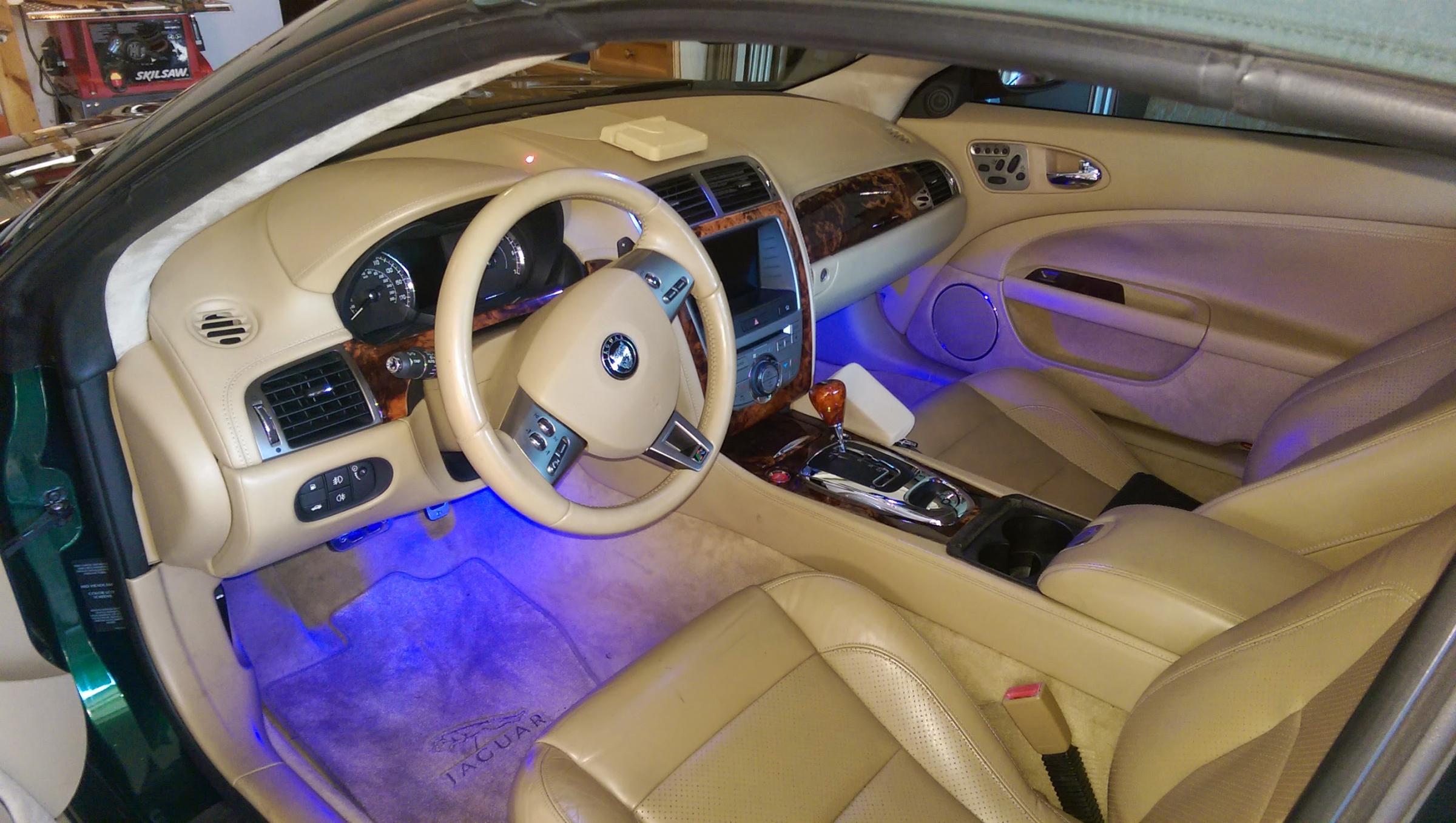
After finally managing to install a rear view camera into my car - took some time to locate the correct wires to tap into - but I got it. nice factory look drilled neatly next to the license plate lighting
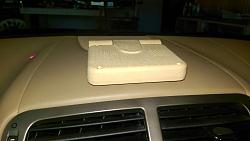
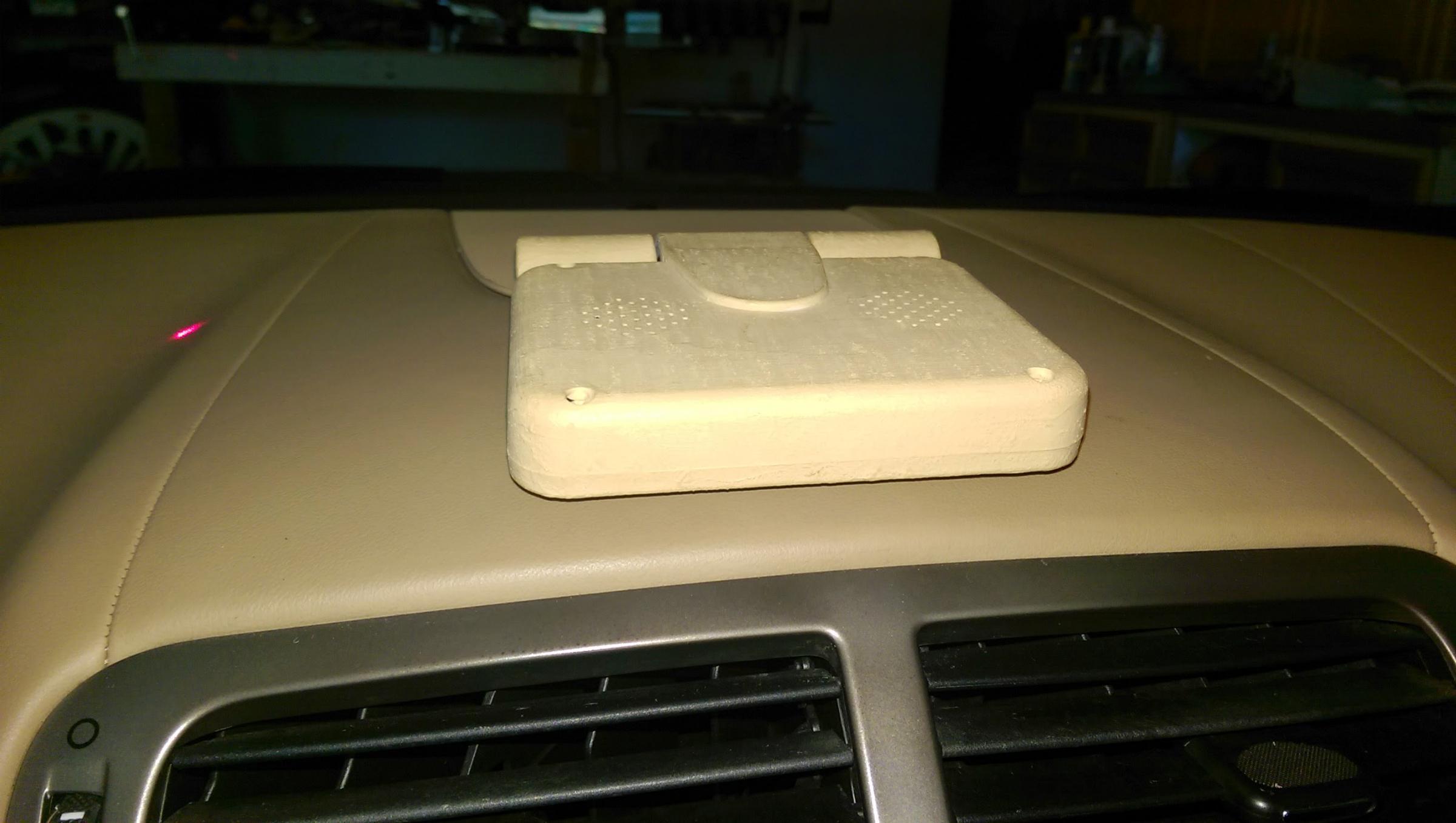
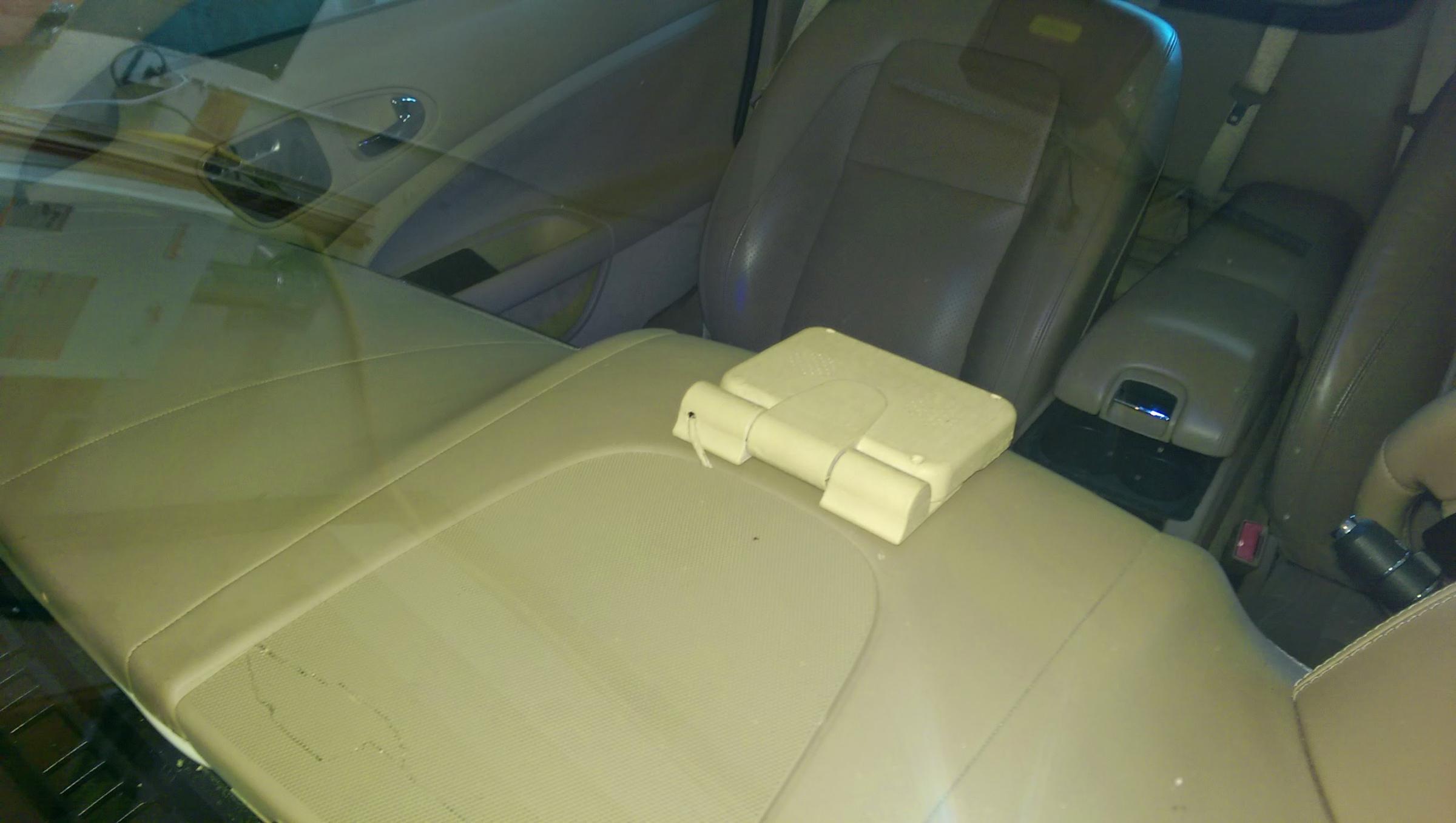
I now have a small motorized screen on my dash that when I put the vehicle into reverse it opens up and shows me whats behind and when I move out of reverse it closes itself.
I opted for this way as - integrating to the rear view mirror meant I loose other functionalists of the car - ie dimming of side mirrors
and adding it the existing navigation screen means 1) I loose the visual of the rear radar sensors and 2) I have to manually switch to nav mode each time
I would love to somehow integrate it fully but till someone finds a way this is the best I have come up with
Anyway onto my part question
In order to run the cables to my new mini monitor on the dash I went underneath the FRONT RIGHT SIDE DASHBOARD TOP AIR VENT and due to its age it busted as I removed it
So who knows what that part number is?
Vehicle 2008 XKR Conv.
After finally managing to install a rear view camera into my car - took some time to locate the correct wires to tap into - but I got it. nice factory look drilled neatly next to the license plate lighting
I now have a small motorized screen on my dash that when I put the vehicle into reverse it opens up and shows me whats behind and when I move out of reverse it closes itself.
I opted for this way as - integrating to the rear view mirror meant I loose other functionalists of the car - ie dimming of side mirrors
and adding it the existing navigation screen means 1) I loose the visual of the rear radar sensors and 2) I have to manually switch to nav mode each time
I would love to somehow integrate it fully but till someone finds a way this is the best I have come up with
Anyway onto my part question
In order to run the cables to my new mini monitor on the dash I went underneath the FRONT RIGHT SIDE DASHBOARD TOP AIR VENT and due to its age it busted as I removed it
So who knows what that part number is?


Thread Starter
|
Junior Member
Joined: Oct 2014
Posts: 26
Likes: 3
From: Atlanta, GA
So this my camera install guide
First I drilled a hole in the underside of the silver Jaguar strip on trunk
I removed this by undoing 4 bolts and it is also stuck down on each end with 3m like tape
I ran the wire inside this strip and through the hole of the license plate light to the inside of the trunk
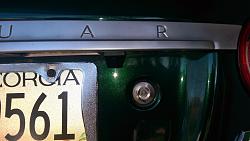
I then removed the inner trunk lining
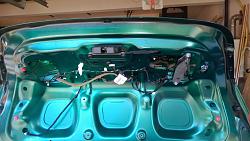
I tapped the red wire from the camera to the orange/yellow wire that leads to the reverse light and grounded the black wire from camera to the ground plate on the trunk
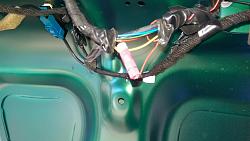
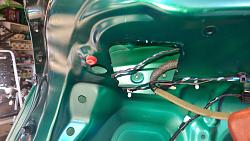
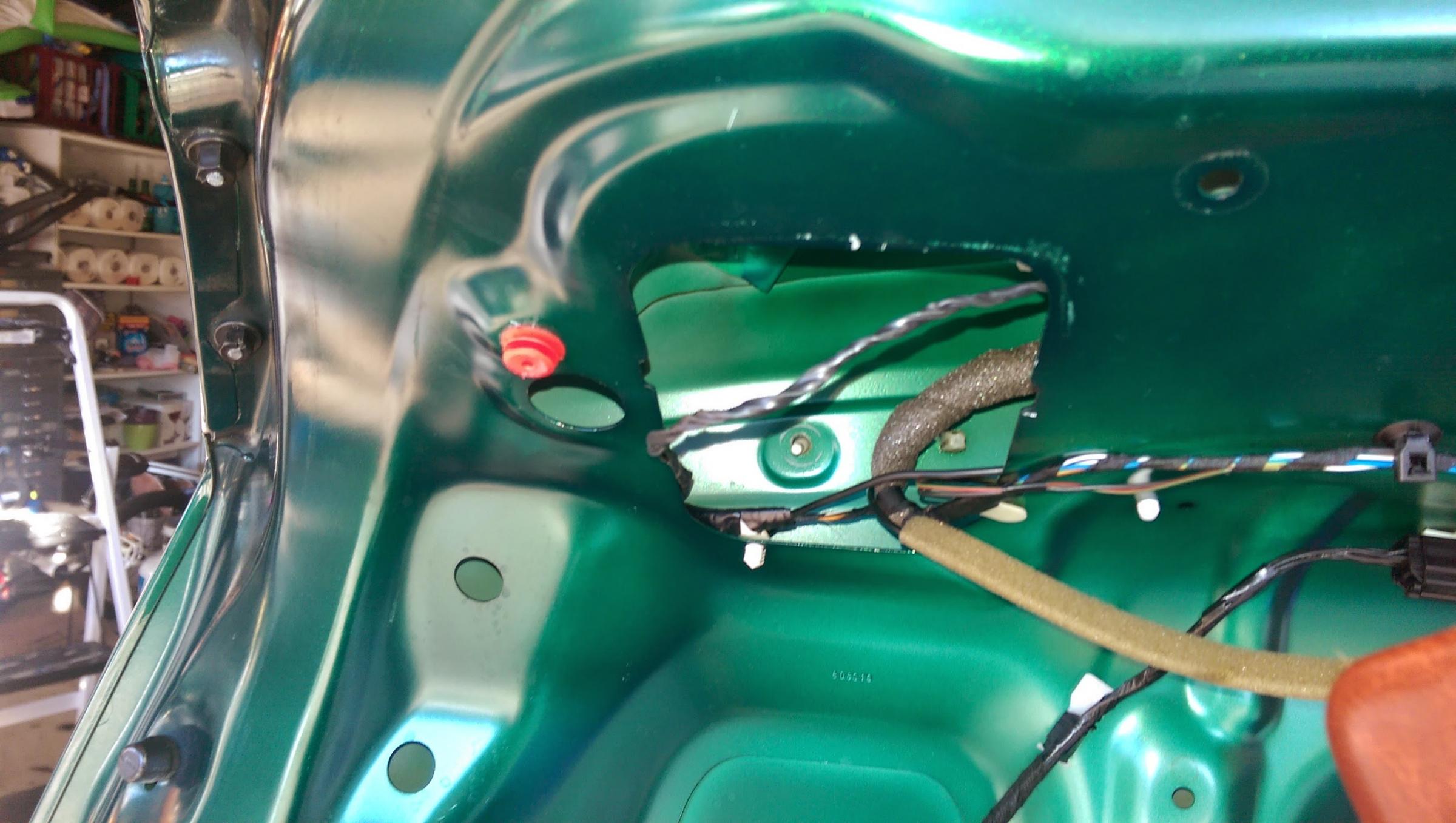
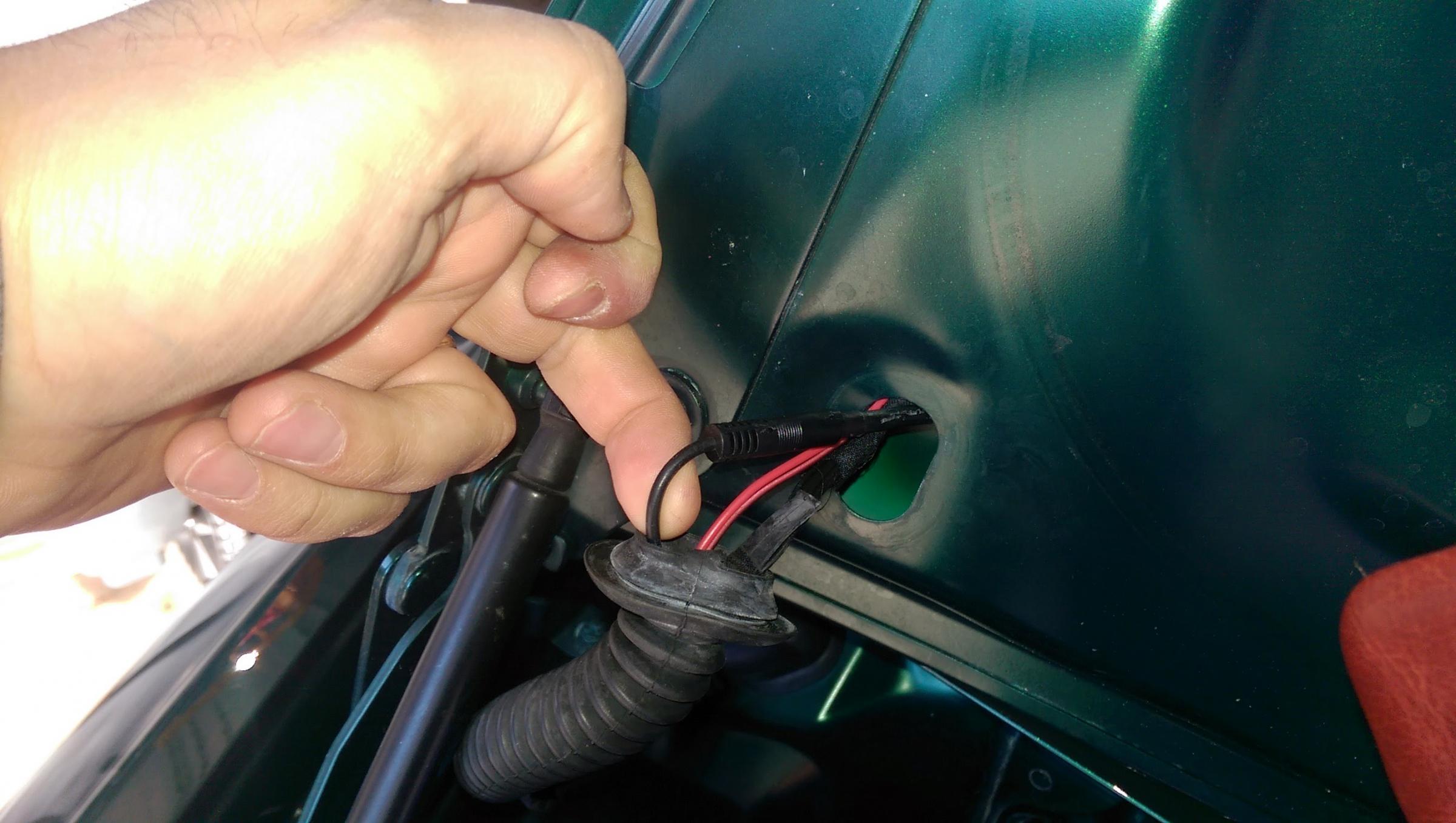
I then routed the wire through the trunk down to the grommit/rubber tube that runs the other wires
I fished the RCA image cable through this, into the car, under the rear seat to the fuse panel, then from their through the center carpet to the front of the car.
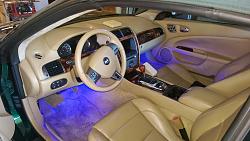
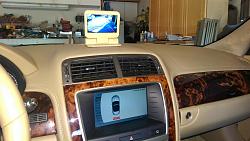
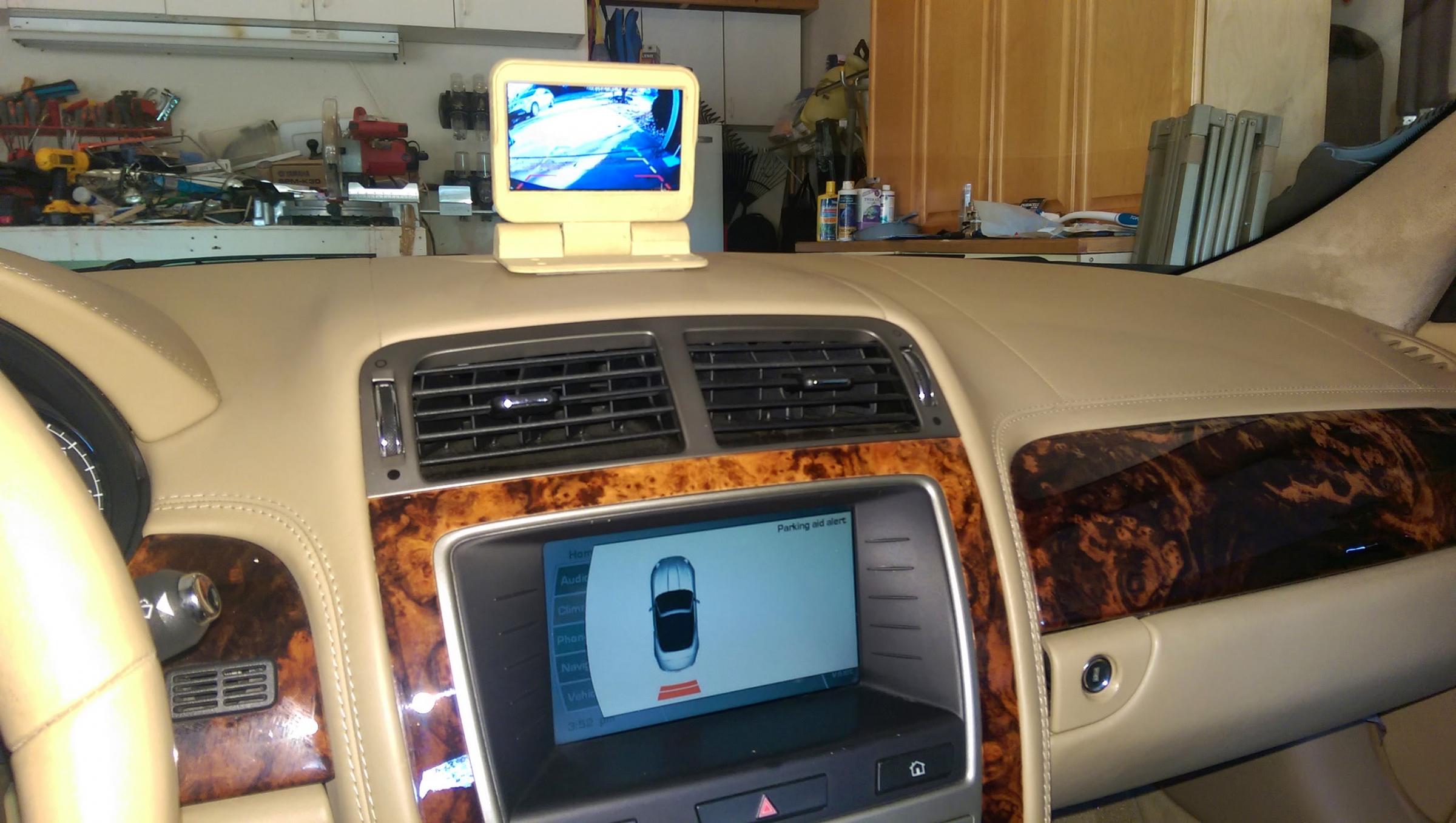
In the below image you can see the front dash of the car. The camera monitor is in the center of the dash, just in front of the center grille.
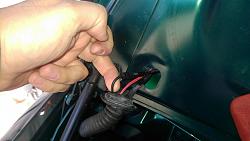
The RCA wire runs up the side of the car, through the dashboard winscreen air vent, into the center speaker grille where I connect it up with the monitor.
Likewise I ran the monitors power along the same path, and tied it into the fuse box
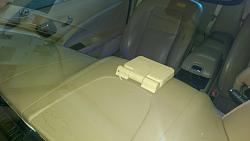
In this last image you can see the camera in operation
I am finally attaching a video (if it uploads) that shows how the monitor opens automatically when I move into reverse and closes when I move out
If it doesnt upload the link below is to the mp4 on dropbox
https://www.dropbox.com/s/5b1bg8qw9q...O0002.mp4?dl=0
All these pics can be viewed at dropbox
https://www.dropbox.com/sh/uzbm8de15...6bWJo0Vfa?dl=0
I removed this by undoing 4 bolts and it is also stuck down on each end with 3m like tape
I ran the wire inside this strip and through the hole of the license plate light to the inside of the trunk

I then removed the inner trunk lining
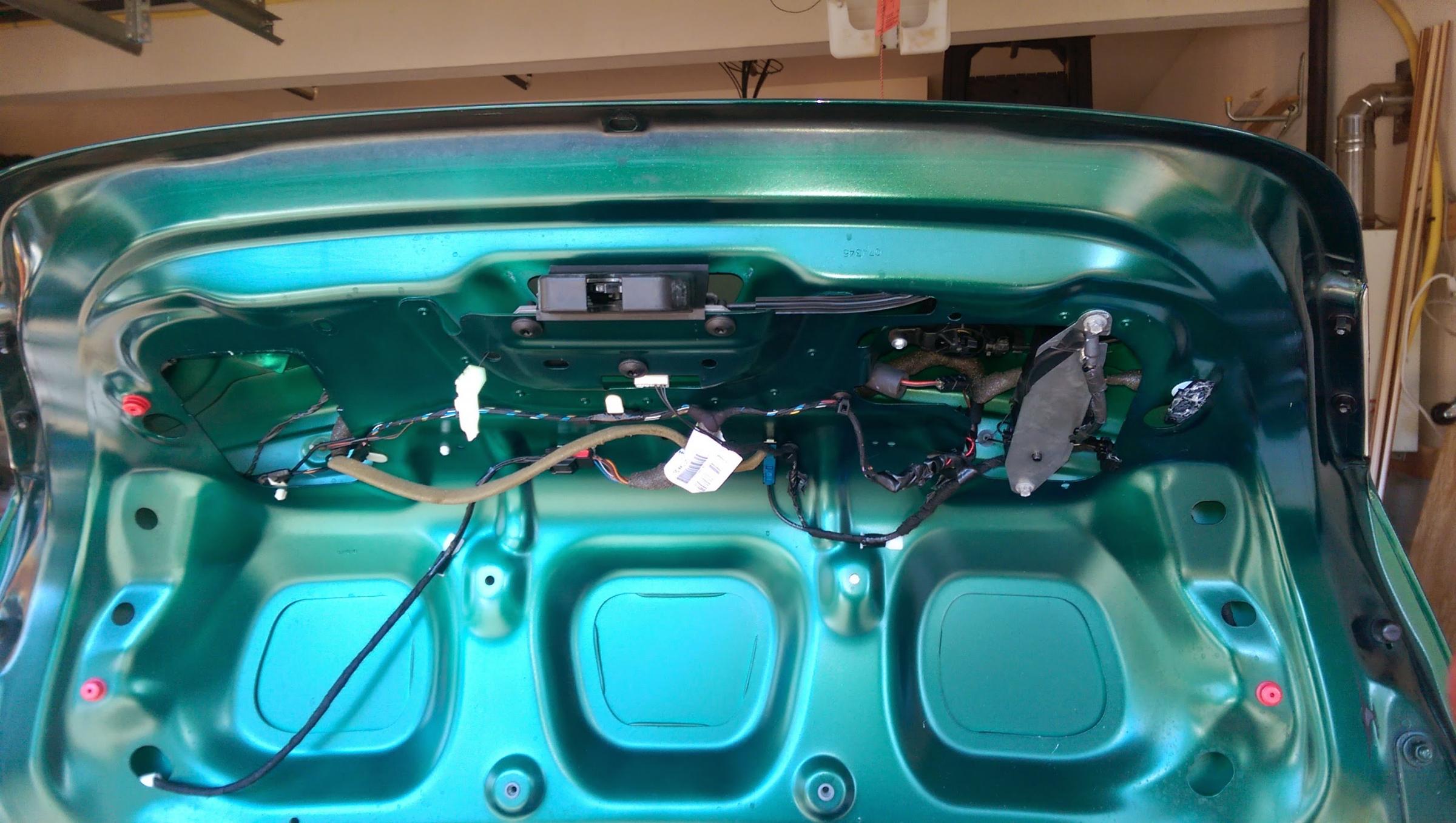
I tapped the red wire from the camera to the orange/yellow wire that leads to the reverse light and grounded the black wire from camera to the ground plate on the trunk

I then routed the wire through the trunk down to the grommit/rubber tube that runs the other wires
I fished the RCA image cable through this, into the car, under the rear seat to the fuse panel, then from their through the center carpet to the front of the car.
In the below image you can see the front dash of the car. The camera monitor is in the center of the dash, just in front of the center grille.
The RCA wire runs up the side of the car, through the dashboard winscreen air vent, into the center speaker grille where I connect it up with the monitor.
Likewise I ran the monitors power along the same path, and tied it into the fuse box
In this last image you can see the camera in operation
I am finally attaching a video (if it uploads) that shows how the monitor opens automatically when I move into reverse and closes when I move out
If it doesnt upload the link below is to the mp4 on dropbox
https://www.dropbox.com/s/5b1bg8qw9q...O0002.mp4?dl=0
All these pics can be viewed at dropbox
https://www.dropbox.com/sh/uzbm8de15...6bWJo0Vfa?dl=0
Last edited by hhv00586; Nov 28, 2014 at 03:37 PM.


Thread
Thread Starter
Forum
Replies
Last Post
BrentGardner
XJ XJ6 / XJ8 / XJR ( X350 & X358 )
29
Dec 16, 2024 12:13 AM
MC36
US Lower Atlantic
0
Sep 1, 2015 07:34 PM

Currently Active Users Viewing This Thread: 1 (0 members and 1 guests)