When you click on links to various merchants on this site and make a purchase, this can result in this site earning a commission. Affiliate programs and affiliations include, but are not limited to, the eBay Partner Network.
HELP - Touch Screen Cycling / MOST System Fault or Hardware Fault?
I'm really stumped on this one.
All of a sudden the touch screen has started constantly cycling the Jaguar logo and never boots up.
I have tried a fibre optic loop on both the Nav DVD and the Bluetooth module.
I have also tried the lights off, hold down the start button, then brake etc to no avail.
I used my IID tool and couldn't find any relevant fault codes.
I then Plugged in SDD and searched the DTCs. The following 3 ECUs it says are present but un communicable, which seems more like it.
Is the touch screen faulty or is there a fibre optic issue somewhere, and where should I search? I've had the infotainment module and screen out and checked for loose cables.
it says ACM, APIM, FCDIM.
The battery is AGM and a few months old. The battery replacement procedure was run.
I struggle with Jaguar's nomenclature occasionally as they sometimes use different terms for the same module. Never heard or APIM. Well I've heard of them but not on our cars - Navigation. ACM should be the audio connectivity module (CD player_ and the FCDIM = the touchscreen. those are where you want to bypass. Also check fuses
I did take all these units out today and no loose wires or anything.
All I did find was one of the fibre optic looms was badly bent at almost 180 degrees. However, no explanation as to whether that may or may not be the cause or any reason why it would suddenly cause things to stop working.
According to the notes I made when I was checking the firmware for all of the modules on my '10 XKR, the APIM is "Accessory Protocol Interface Module (USB)"
FCDIM stands for Front Control Display Interface Module.
For clarification, the black box on top of the CD player is theInformation and Entertainment Control Module or ICM. The CD player is often referred to the IAM (Integrated audio Module)
Not quite that easy to check the Amp. You need to remove the seat and then remove the carpet tub.
You still haven't confirmed that you verified all fuses are working.
tried to load the PDF but getting an error message so here's a pic of it. Not same model year but this should get you started:
Does the seat need to come out? It was my understanding from the diagrams i have seen that the amp is behind the carpet of the passenger footwell, in front of the engine bay bulkhead
Does the seat need to come out? It was my understanding from the diagrams i have seen that the amp is behind the carpet of the passenger footwell, in front of the engine bay bulkhead
yes it does but takes ten minutes tops. The carpet tub is hard formed. you won't be able to pull it back far enough.
So does the Amp work? If you can hear the amp working, I don't see how that's your problem.
yes it does but takes ten minutes tops. The carpet tub is hard formed. you won't be able to pull it back far enough.
So does the Amp work? If you can hear the amp working, I don't see how that's your problem.
How would I tell the amp is working or not?
I would agree, you never hear of the amps failing on these. However, i have now fiber optic loop tested every other component, plus tried a spare infotainment unit (with CD) and audio module (the black box on top). Surely this leaves the touch screen as having developed a fault?
I have SDD and I read you can use one from a pre-2013 XF and re-programme with SDD.
I would agree, you never hear of the amps failing on these. However, i have now fiber optic loop tested every other component, plus tried a spare infotainment unit (with CD) and audio module (the black box on top). Surely this leaves the touch screen as having developed a fault?
I have SDD and I read you can use one from a pre-2013 XF and re-programme with SDD.
turn up the music loud, turn up the base and sub woofer (amp). Put your hand and head down there on the upslope of the footwell. If you can't hear anything, you're either nearly deaf like me or your amp isn't working. Play a song with some deep base (Money by Pink Floyd). FWIW, all the sound on your speakers is passed through the Amp, so if they're working... that's not your issue.
Otherwise, pull the seat, a few trim bits, the carpet bucket, the sub cover plate and test.
turn up the music loud, turn up the base and sub woofer (amp). Put your hand and head down there on the upslope of the footwell. If you can't hear anything, you're either nearly deaf like me or your amp isn't working. Play a song with some deep base (Money by Pink Floyd)
Otherwise, pull the seat, a few trim bits, the carpet bucket, the sub cover plate and test.
I can't do this and play any music or control volume, as the entertainment system isn't working whatsoever. The screen is cycling the logo and never boots up.
MOST transceiver is damaged in one of the control modules in the MOST network.
No power supply to a control module in the MOST network.
Damaged fuse.
Damaged control module in the MOST network.
You checked the fuses for each of the modules. You're in the process of checking the MOST Ring. Leads me to think what you initially suspected. Bad touchscreen but also I'd confirm power at each module, not just fuse. Read something like this a while back and the gent found the fuses were good but no power at one of his modules.
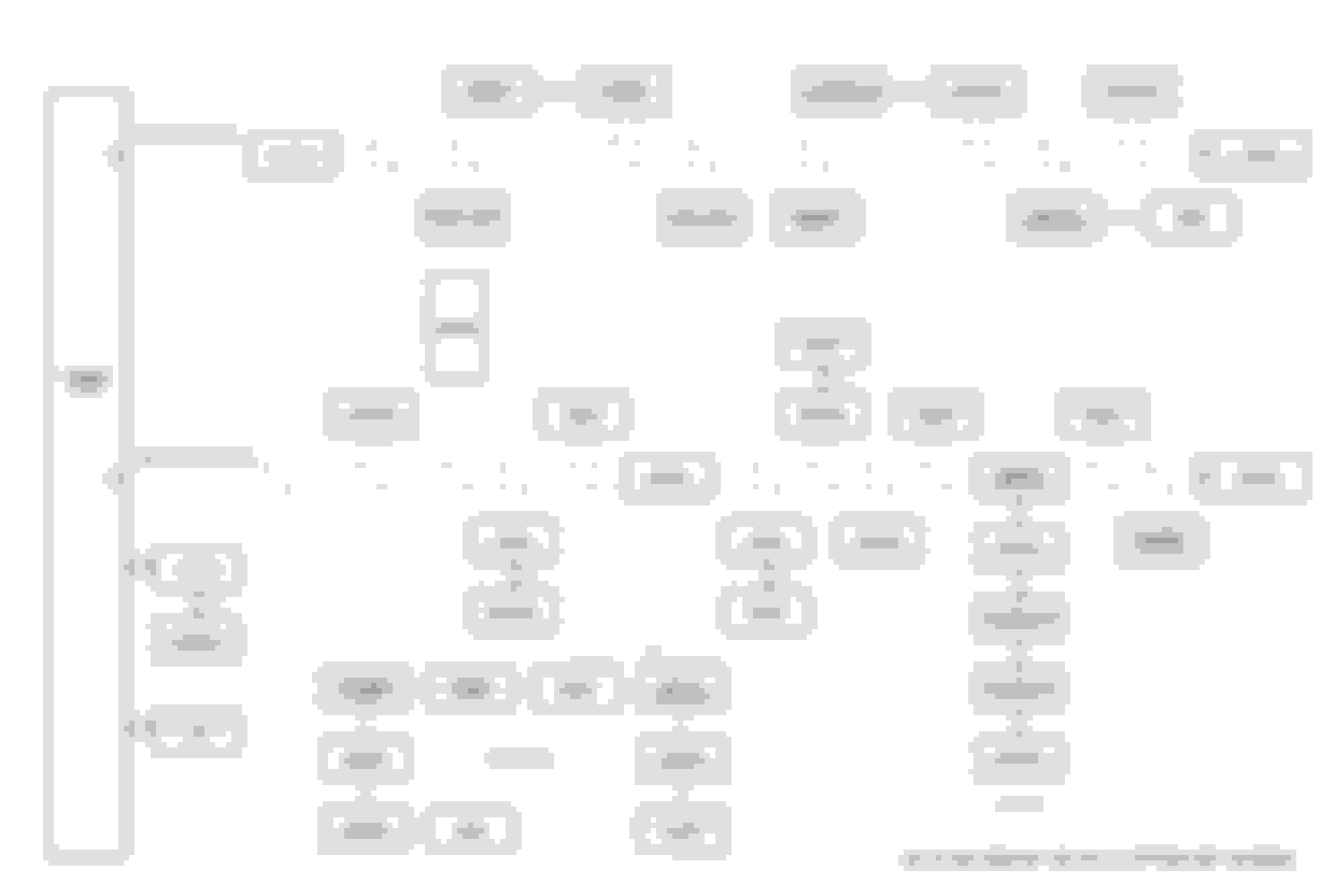
Here are some useful pages and images from service manual. In my past life, I had to chase out an error in the MOST network that was created by the former owner. Long story short, I bought a spare of every module in the network to allow me to do some In-N-Out diagnostics, and have also rebuilt the network on a table to fully understand it.
If I had to guess, your problem is a fault with the “ information and entertainment module”, which is 12 in the control diagram and 1 in the MOST diagram. That is also known as the APIM in SDD. That unit interfaces your center console and steering wheel buttons to the MOST control network, it is supposed to manage the MOST signal ring to initiate digital audio delivery from an appropriate source to the amplifier. It also is the only MOST unit that is on the vehicle CAN bus, so it is how MOST units communicate with SDD.
SDD is saying it cannot talk to APIM. Notice - the FCDIM (touchscreen) is the first thing after the APIM on the control diagram, and the ACM is the first thing after the APIM on the MOST diagram. SDD can’t talk to the ACM or FCDIM units without talking to the APIM first. The error in APIM has to be fixed before the others have a prayer. Maybe the APIM it is just unplugged from CAN. Or the MOST control loop connector is pulled. Maybe no power. Or maybe it is fried. That is where I would start.
Have also been following the circular network diagram.
I tried both a spare information and entertainment module as well as fiber optic loop to no luck, and have ruled out the next items in the ring: portable audio module, Nav DVD, Bluetooth unit, (there is no DAB), so next item in the loop is the touch screen itself then the amplifier then the integrated audio module (have also ruled out with a spare).
Also, when just attaching power only to the touch screen, it continues to cycle the Jaguar logo - I'd have expected it to show some kind of error code if no fibre optics are connected?
So I think this leaves just the touch screen or the amp (which I would imagine is unlikely).



 HELP - Touch Screen Cycling / MOST System Fault or Hardware Fault?