When you click on links to various merchants on this site and make a purchase, this can result in this site earning a commission. Affiliate programs and affiliations include, but are not limited to, the eBay Partner Network.
My 2010 XKR doesn't have an aux input. Cambo came up with a method to enable the aux input on the 2007-2009 model years, but it doesn't work on 2010+ without hacking the car's computer, which is way beyond my ability.
The Amazon Echo has a bluetooth output and a 3.5mm stereo jack output. I need to get either one to work in order to use my Echo Auto in the car. How can I make one of those play through the car's audio system?
By the way... in my last car I had one of the little round Echo Dots stuck to the dashboard with double-sided tape. It was AWESOME. I'd be driving down the road and I could tell Alexa to play a song, or an album. I could have her set reminders for me. I could play the radio station I was listening to if I got out of range of the radio signal. I would be driving down the road and realize it was going to get dark before I got home, so I could turn on the lights for the dogs. I could play Jeopardy! She could tell me jokes to keep me awake. I could even use her as a hands-free speaker phone.
I miss all of those features, but I'm not sure how to make her work with a 2010 XKR. Help!
I'm currently waiting on a delivery from China and in that shipment is a USB-AUX adaptor, which is basically a little black box with a 3.5mm jack that plugs into the USB socket and plays a continuous mp3 file.
If it works then it's possible to have an AUX input from anything, playing via the USB input in the factory radio of the 2009-onward X150's.
I've tried a couple of these devices that didn't work in the XK, but worked in other cars, so it's just a matter of finding the right one.
MARKY!!!!!!!!!!!!!!!!!!!!
WHAT the HELL, man??!!??? Are you TRYING to get everyone in here SICK????????????? Those are full of VIRUSES!!!!!!!!!!!!!!!!!!
Not something I'd do myself Sam but curious as to how you set it up? Do you create a wifi hot spot from your phone and then tether the device to that? Echo needs internet. Just curious about the particulars. I'm wondering what the difference is between having an echo in your car vs the Alexa app on your phone?
Not something I'd do myself Sam but curious as to how you set it up? Do you create a wifi hot spot from your phone and then tether the device to that? Echo needs internet. Just curious about the particulars. I'm wondering what the difference is between having an echo in your car vs the Alexa app on your phone?
I actually have a Verizon MiFi hotspot that I always left in my last car. It was connected 24/7. My Echo Dot was mounted on the dash and connected to unswitched power, so it was always connected. I never had any battery issues, but the car was my daily driver (as is my XKR).
I figure most people have their Echo Auto connect to the WiFi hotspot on their phones, but I'm just going to use my Verizon MiFi (I get it free through work).
I rarely use the Alexa app on my phone. It doesn't work like an Echo. I can't talk to it and tell it to play music through my car stereo. Or maybe I can. I don't know. I've never tried to use it like that.
Having the Echo in the car was super-convenient. I'd be driving down the road and remember I needed something from the grocery store. I'd tell Alexa to add it to the shopping list. I'd go out of range of the talk radio station I was listening to and I would just say "Alexa, play WTKK. She'd pick up right where I lost signal. I would remember something for work and tell Alexa to add a reminder. I could tell Alexa to call my wife, and boom, my wife's phone would start ringing. It's a great speaker phone. I subscribe to Amazon music, so I can play millions of songs just by telling her to play a song. I have playlists set up, so I can tell her to play a playlist, or an album, or a genre of music. When I'm bored I can play games, or listen to audio books, just by telling Alexa what I want.
I've really missed it since I got my XKR, so now that my dash is fixed, this is the next big thing on my to do list.
Thanks. It sounds like your data's free so it works for you. I plug my iPhone in and siri will listen to voice commands and it's connected to my sound system. Before that, through my android set up, Hey google did the same. Curious as to whether echo auto, if connected to an iPhone and the iPhone is plugged in, would (I should say could) sound only come from echo auto like your echo set up or play through the cars audio. pretty sure the answer is that there's no way Amazon would want that so a big no but curious. Rhetorical question.
On samsung phones, there is an app available through the Samsung app store called GoodLock, which has modules you can install. Specifically, the 'routines' module. This will enable or disable a wifi hotspot based on your bluetooth connection or other parameters. For example, my parameters for enabling hotspot are connected to the vehicle bluetooth. Disabling occurs when it finds my home wifi, or work wifi, since being connected to either of those means I'm not in the car and driving.
The way my setup works is that the android box in the rear console is connected to switched power, and the audio out of the box is bluetooth connected to a bovee dongle in the front console for media. When I turn on the car and my phone bluetooth connects for call audio only (media audio from my phone to the car is turned off), the app automatically turns on my phone's hotspot. On the andoid box in the car, a taker profile is searching for my hotspot, and when it finds it, will open pandora and start playing music. I can control the android box, music volume, play/pause, track advance, and touchscreen control using the steering wheel and stock touch screen, which is converted into a usb-connected trackpad when the android screen is being displayed. I can watch the mouse follow my finger as i drag it across the screen, and pressing the screen simulates a click of the mouse.
End result is instant on pandora through the vehicle system when i start driving, along with any other feature or app that android is capable of running. Works like a charm.
Those without Samsung andoid phones will likely need to be rooted to allow 3rd party (like tasker) control of the wifi hotspot, since that is carrier controlled. iPhones are probably out of luck entirely for an automated solution.
Last edited by TraxtarXKR; Feb 26, 2020 at 12:51 PM.
Not sure about the solution for iPhone. While I've been trying to get the sellers to understand how I'd connect it, they won't commit to saying whether it would work. I downloaded the manual but it has more pictures than instructions. I see around the 2 minute mark, it says something about video only. Anyway, for $250, I'd need them to confirm.
"You will be able to stream Pandora and Spotify, but the song and artist information will not be displayed and the steering wheel controls will not work with these apps."
If this is correct then that is a good reason to go for the Bovee because it does show track information and you can use the steering wheel controls although on my '10 XKR both forward and back jog wheels seem to only move it forward a track.
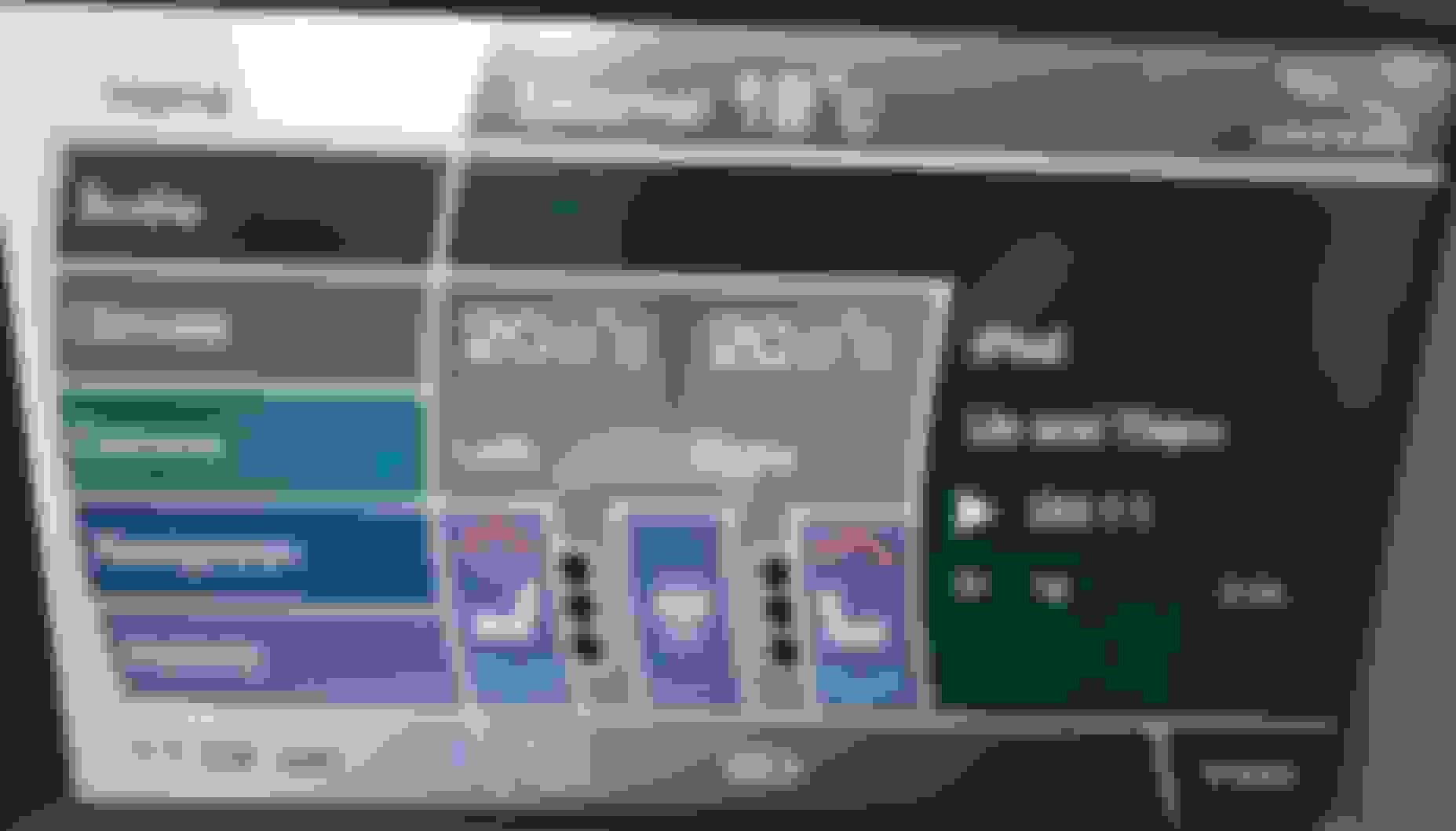
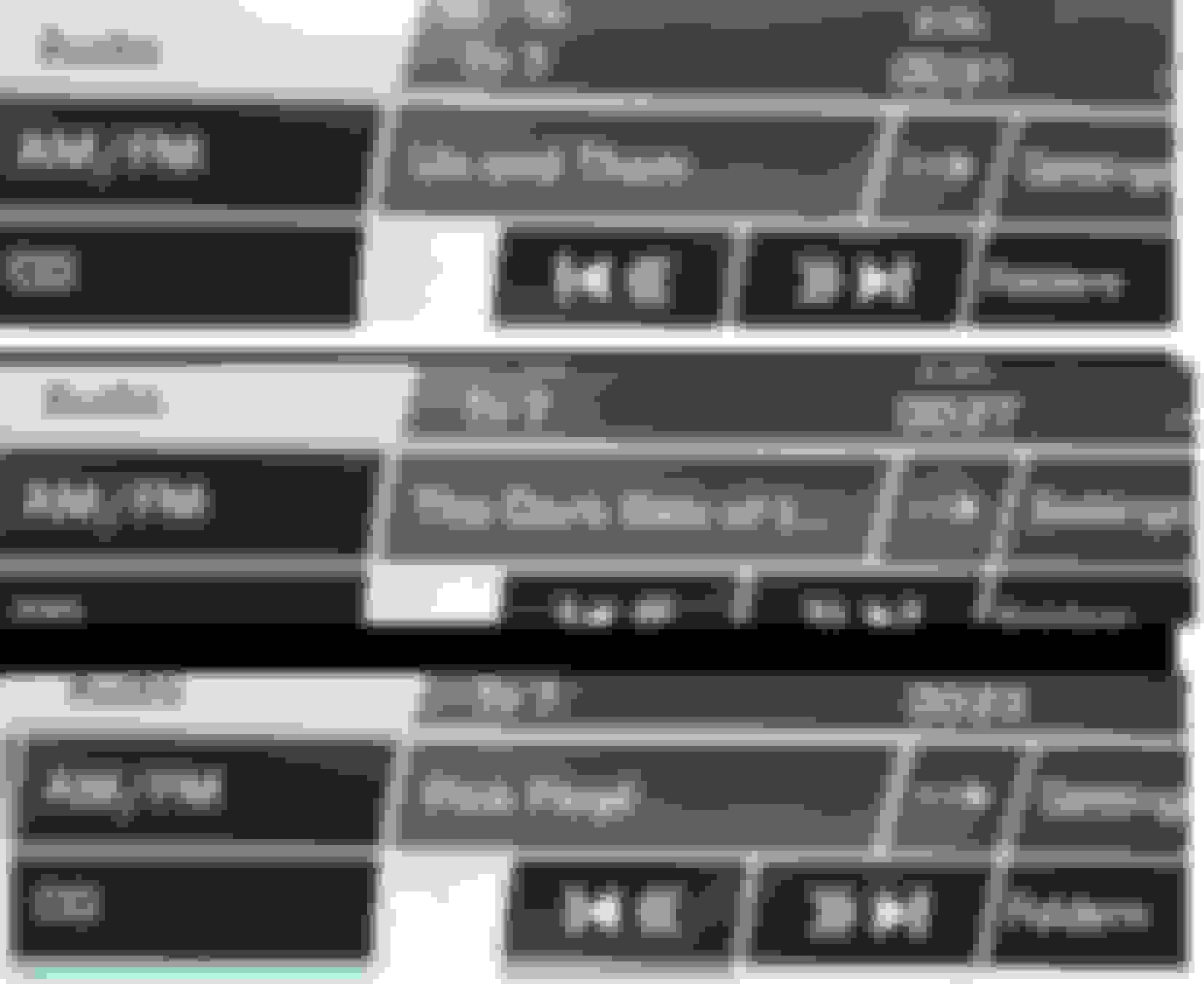
This is from my car playing a Spotify track:
You don't get much real estate on the audio screen but you can use the right arrow on that screen to choose whether it displays, Track Name, Album Name or Artist Name.
"You will be able to stream Pandora and Spotify, but the song and artist information will not be displayed and the steering wheel controls will not work with these apps."
If this is correct then that is a good reason to go for the Bovee because it does show track information and you can use the steering wheel controls although on my '10 XKR both forward and back jog wheels seem to only move it forward a track.
This is from my car playing a Spotify track:
You don't get much real estate on the audio screen but you can use the right arrow on that screen to choose whether it displays, Track Name, Album Name or Artist Name.



 How can I hook an Amazon Echo to my 2010 XKR?