When you click on links to various merchants on this site and make a purchase, this can result in this site earning a commission. Affiliate programs and affiliations include, but are not limited to, the eBay Partner Network.
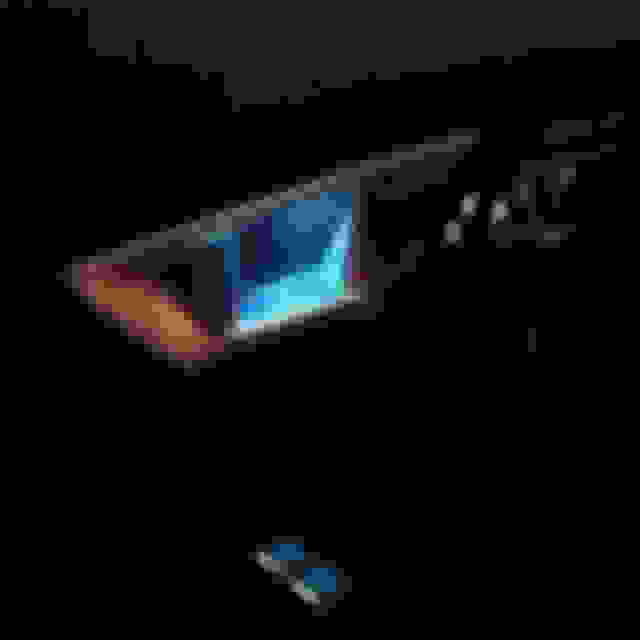
I'm trying to figure out if BASE cars have some sort of interior mood lighting. As of now, only the door latch handles have the blue light lit. Like this:
But when looking under the area directly above the "Meridian" logo, I saw a clear plastic strip with lighting diffusers and what appeared to be an LED. Same as the passenger grab handle on the dash.
So technically if the LED lights on door latch handle and the area above the "Meridian" logo were both lit, it should look like this along with the passenger grab handle on the dash.
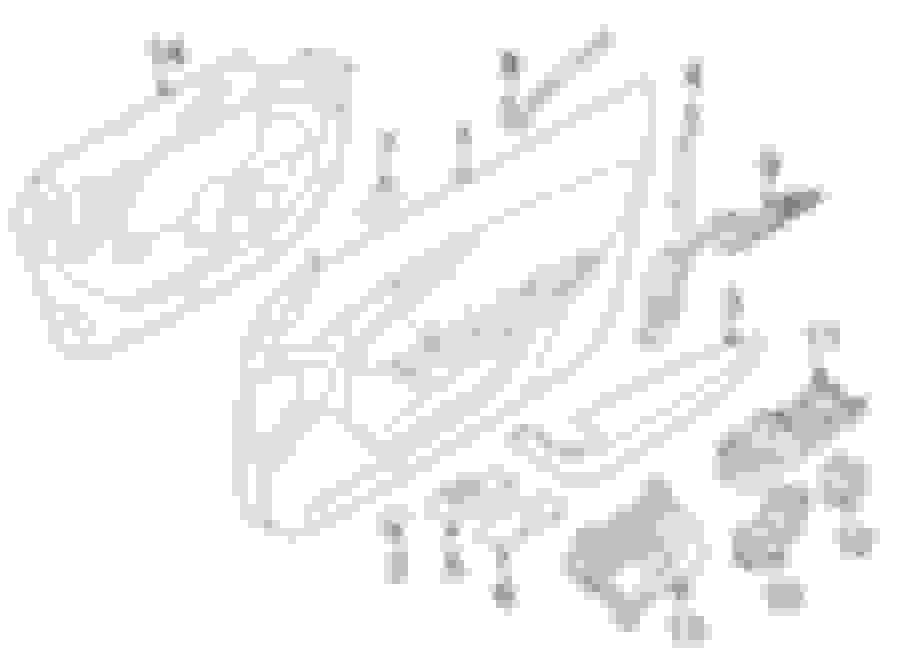
Here is where the plot thickens. A quick look at a parts diagram online shows theres TWO different lighting options. One has a SINGLE LED which I'm assuming is the blue. The second option is a DUAL LED which I assume is for the cars equipped with the "Configurable" option. This leads me to believe that those with BASE cars should have all the areas of concern light up with the blue. On the diagram its #8. And for whatever reason, the dual LED is cheaper. lol
When you guys can, can you confirm whether or those areas are lighting up? And if not, can guys peek under the handles and see if there is that clear strip as I have shown in the above photos?
When replying, please say what model and if you have the configurable or non.
I have a V6 S so not a base, and yes I have those lighting strips and yes the colour is configurable, but only between blue (phosphor) and red. There are two other apparent settings/colours on the config screen but they are both greyed out and they do nothing.
Also putting the car in Dynamic mode automatically changes all the lighting to red.
Edit - whoops, I stuffed up, I just went out to have another play around with the ambient lighting configuration, and it works like this: There are five colours to select from, with phosphor blue on the far left and red on the far right, with three others in between. These three others are all a bit faint and washed-out looking, both the setting buttons and the actual lights, which is why I first thought they didn't work. There is also another set of four buttons for setting the light intensity, from very weak to reasonably bright.
I have it as well and it is as OzXFR says. But in mine, only the grab handle strip and the strip above the meridian logo on each door change colours. The door handle light and seat controls stay blue.
I hate to be fussy, but I would have preferred it if all lights changed colours.
Thank you all again for your help. There's one more thing I'd like you to check. It depends on your car. But on the homescreen, is there a button called "Valet"? If there is:
-Hold down the VALET button for about a 30 seconds
-It should take you to a "secret' screen that says "E Mode Main Menu"
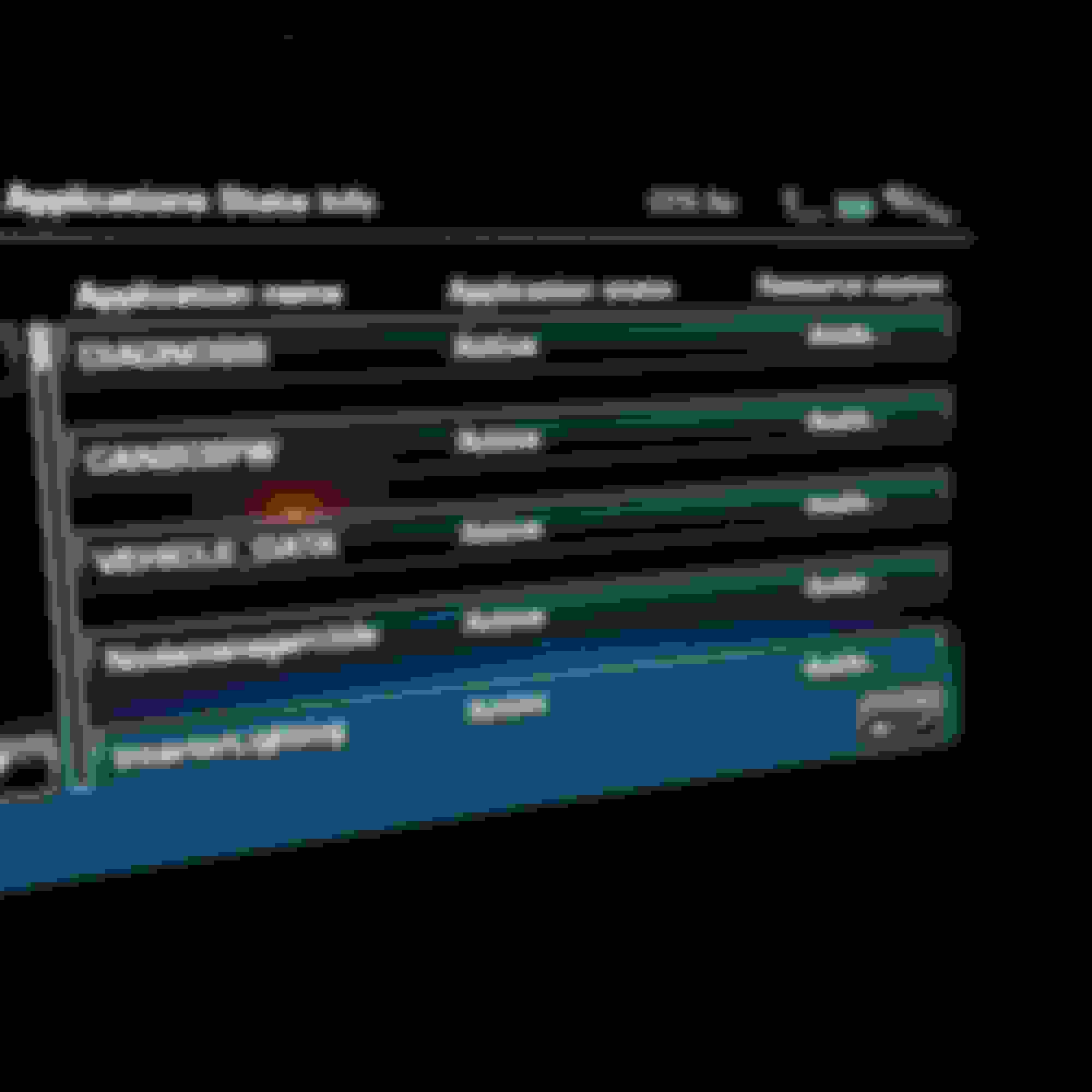
-Select "Application States Info"
-On the next screen theres an item called "InteriorLighting"
-Theres two columns; one says "Application State" and "Resource Status".
Can you guys confirm what yours says? For example mine looks like this:
Last edited by WhiteTardis; Jan 27, 2017 at 09:24 PM.
Thanks for the heads up about the Valet button and the 30 second press, I didn't know about that!
How it works on my MY2015 S coupe:
Press and hold the Valet button for approx 30 secs and it brings up a screen with a list of options including Application States Info screen (ie it skips the E mode main menu screen). I tried all the other options but none or any of the sub-menus under them bought up anything close to Interior Lighting.
Then pressing the Application States Info button brings up a screen with three bits of text, Application Name, Application State and Resource Status (and nothing else / nothing under them).
All three of those were unresponsive to any pressing, move along, nothing to see here!
Thanks for the heads up about the Valet button and the 30 second press, I didn't know about that!
How it works on my MY2015 S coupe:
Press and hold the Valet button for approx 30 secs and it brings up a screen with a list of options including Application States Info screen (ie it skips the E mode main menu screen). I tried all the other options but none or any of the sub-menus under them bought up anything close to Interior Lighting.
Then pressing the Application States Info button brings up a screen with three bits of text, Application Name, Application State and Resource Status (and nothing else / nothing under them).
All three of those were unresponsive to any pressing, move along, nothing to see here!
Thanks for looking; I noticed that you have a 2014-2015. I know that theres a slight difference on headunits 2016+ so that could be the reason why but also it can also be an Aussie spec.



 *Help Needed* Passive and Configurable Lighting