When you click on links to various merchants on this site and make a purchase, this can result in this site earning a commission. Affiliate programs and affiliations include, but are not limited to, the eBay Partner Network.
Hello,
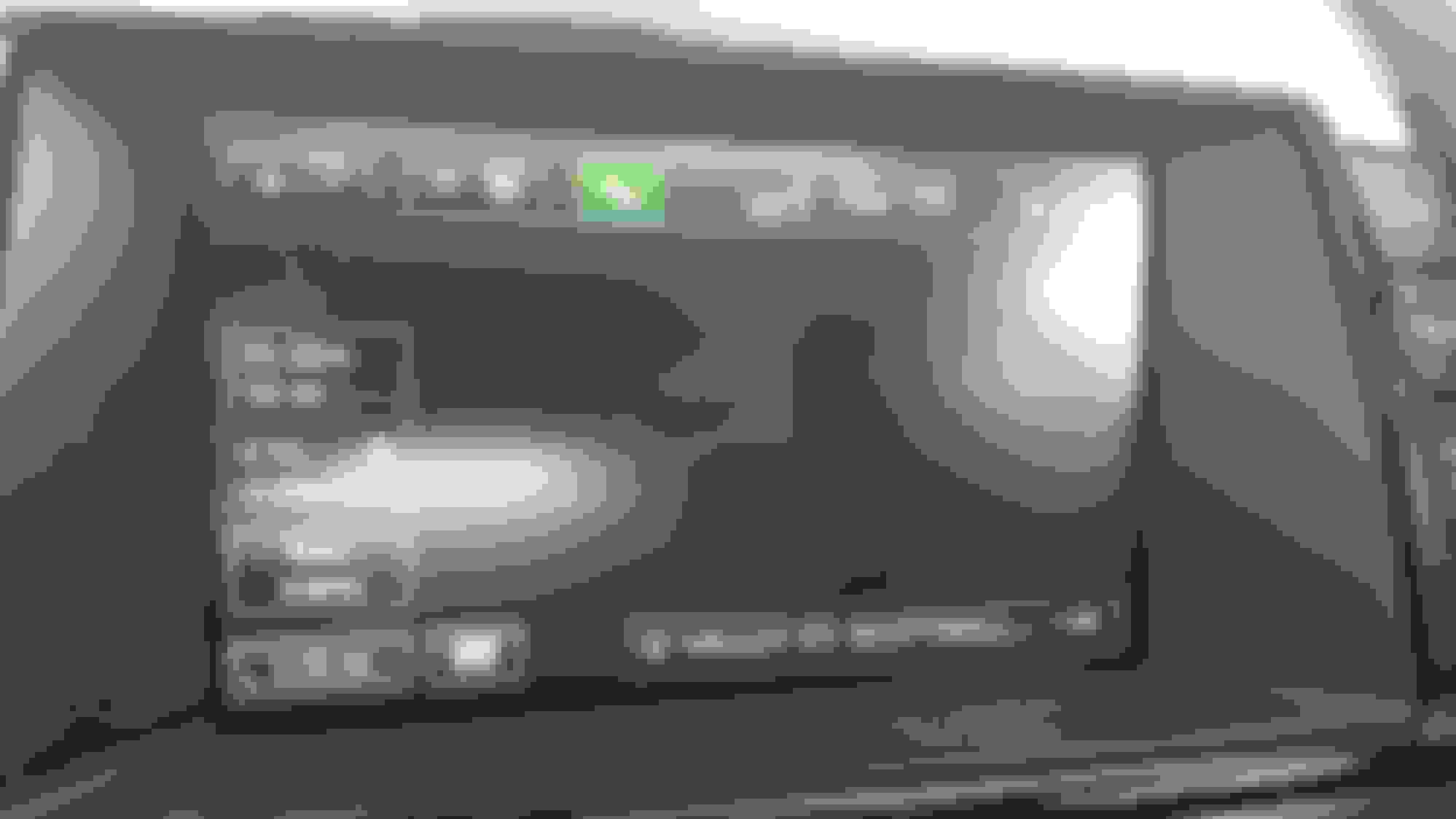
I have just tuned my F-type with the Velocity group. The car is now a beast! Problem is that since this mod the map in the navigator disappeared (see pic). Before the mod, I was able to visualize the map. Somehow the instructions are there (the navigator says things like "like turn left", "right" etc), so the navigator knows where it is, but the map does not appear.
The tuner told me that their mod device can only communicate with my engine module. Their device would not be able to communicate with the navigation module nor change any of its settings. I believe him, but I still have this problem and I was wondering if anyone of you have ever had similar problems. Another solution I had in mind, if nothing works, is to buy the updated maps at Jaguar (https://jaguar.navigation.com/produc...S/JaguarNA/USD). It is a system to update the map via USB. I imagine the USB map update should not interfere with the engine ecu mod, right? But it is overpriced
Mine did exactly the same thing almost exactly two years ago and it hasn't happened since (several others said exactly the same happend to them too). It just came back to normal by itself after the car was shut down for several hours and restarted. I found later the nav system doesn't really completely shut down/forget everything for at least an hour so shutting down and restarting immediately didn't make the issue go away.
You might also check to make sure the battery is ok.
I've never had any side-effects from the device used for the VAP tuning. I had some issues with satellite radio reception when the antenna was failing (replaced under warranty). I did have my nav screen mysteriously go blank once, but I rarely use it and it "got better" on its own.
Perhaps a "battery module reset" would work (disconnect battery for ~15 seconds).
mmm, interesting. Maybe I damaged it by using the "recond" option on my CTEK battery tender (just before I did the VAP tuning). It is odd, but whatever. The car has been shout down for several hours already and I did the batter module rest as suggested but I still have the problem. However, this discussion helps--- knowing that some of you had the same problem and then it solved by itself after some time gives me hope. I very seldom use that map anyhow, so I do not really care much.
VAP does say it may take several car restarts for all of the systems to go back to normal. I honestly never use the in-car nav so I have no idea if mine is working after the VAP tune.
VAP does say it may take several car restarts for all of the systems to go back to normal. I honestly never use the in-car nav so I have no idea if mine is working after the VAP tune.
After flashing a VAP tune my car throws a CEL but it always goes off after the fifth restart.
It usually take 5 restarts for me as well to clean all the error codes after the tuning. But after that, I have driven my car for almost a week, so my car should be over 15 restarts by now. Oh well, those maps suck anyhow. Let's just hope they come back in case I want to sell the car. At this point I have to assume it was not the tune but a coincidence --- I seldom use the maps so maybe they stopped working few days before or after the tuning. Mysteries of Jag technology!
By the way, and off-topics -- the VAP tune is amazing. Worth it!
I’ve loaded, unloaded and reloaded various VAP tunes dozens of time and never had a Nav issue. However, the tuning process is energy consuming. Make certain the battery gets fully charged again. That may resolve your issue.
All you can try is disconnecting the battery, "hard reset". But that may only fix it for one ignition cycle....
I appreciate! I did the hard reset, but no change on the screen. It is so odd, the navigator technically works (it tells me when to turn) but no map on the background--it is all black. I will wait a few weeks to see if it will get fix by itself. I am not even sure a map update would fix the problem if, as you hypothesized, is a hardware issue
Did you ever get this resolved? I replaced my radio/NAV unit and it does the same.
I wish! It has been several months, and the problem is still there. Not a battery problem, not a tune problem. The only guess I have is that I have installed a back up camera and maybe the guy who installed it messed up the cables on my NAV. However, giving that many others have this problem, it is probably something else. Not sure how to solve it. I would buy updated maps to try to fix it, but they are way too expensive for just an experiment
Going from your first photo you have information displayed around the edges that are being generated by the nav unit. This can only be displayed properly if the cable between your nav unit and head unit is working correctly so it is not a cable issue. It suggests to me you have either software corruption in the nav or a bad circuit some where. I think I read somewhere that there constant power to the nav. You could try hard resetting by unplugging the nav or alternative disconnecting the battery for ?1 hr . Failing this you could try reflashing the nav unit via USB
Before buying new maps, try UAD's Car Play / Android Auto replacement for your NAV unit. Best thing I ever did... I hardly use the stock interface at all now. Easy install and a complete game changer for the car. https://unique-ad.co.uk Currently 25 quid off the price.
Going from your first photo you have information displayed around the edges that are being generated by the nav unit. This can only be displayed properly if the cable between your nav unit and head unit is working correctly so it is not a cable issue. It suggests to me you have either software corruption in the nav or a bad circuit some where. I think I read somewhere that there constant power to the nav. You could try hard resetting by unplugging the nav or alternative disconnecting the battery for ?1 hr . Failing this you could try reflashing the nav unit via USB
Thanks for the answer. What you say makes sense.
I will try to unplug the battery for 1 hour.
In case it doesn't work, how can I relflash the navigatior? Should I buy new maps?
Thanks
Before buying new maps, try UAD's Car Play / Android Auto replacement for your NAV unit. Best thing I ever did... I hardly use the stock interface at all now. Easy install and a complete game changer for the car. https://unique-ad.co.uk Currently 25 quid off the price.
Very cool! Thanks for sharing. Was it easy to install? Does it require a lot of hardware changes or a lot of disassembling?
I just installed a backup camera --do you think this software will be compatible with the camera?
Many thanks!
Good suggestion by tkwesa. I would also do this before buying new maps. i have the joyeauto unit which is the same as UAD. You lose the factory nav option (which doesnt work for you anyways) and it then becomes the pathway into the carplay adaptor from which you can use whatever map app you like which is way better than before. Also wireless to your phone. Plenty of threads on install but super easy as all plug and play(ie no splicing into looms)
Very cool! Thanks for sharing. Was it easy to install? Does it require a lot of hardware changes or a lot of disassembling?
I just installed a backup camera --do you think this software will be compatible with the camera?
Many thanks!
Very easy install and they have support for backup cameras, even aftermarket ones.



 F-type navigator's map blacked out