When you click on links to various merchants on this site and make a purchase, this can result in this site earning a commission. Affiliate programs and affiliations include, but are not limited to, the eBay Partner Network.
Latest software and map versions for MY18 8" ICTP?
When I took delivery of my car last week the dealership was supposed to have updated all software and satnav maps to the latest versions. I'm now trying to figure out if this was actually done. My car is MY18 and has the 8" ICTP system with physical buttons on the sides.
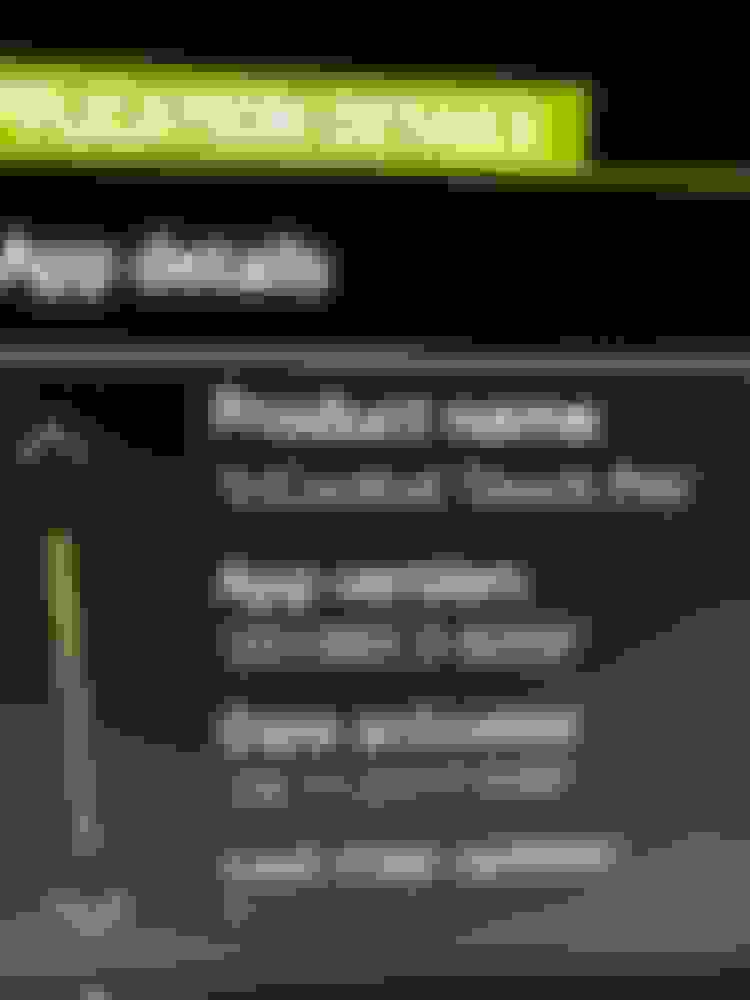
When I check the version numbers in the car I see this:
So the ICTP software has obviously not been updated since November 2020. It doesn't say when the maps were last updated. Are these actually the latest versions or are there any newer ones?
Looks like the car was activated in the system on 2017. Your InControl account will show you how long your subscription is good for, but if you bought it used as a CPO you should have a five-year map subscription.
As for the InControl software, there was a very minor update in December 2020 and the latest version is S20C1_20.48.3-635557 (at least for USA cars). The only real change is that your software version added the Apple CarPlay buttons and a couple others to the nav screen but those features won't work in a MY18 with the 8" system, so this latest version just removed those buttons from the nav screen menu. See attached.
Awesome, thanks for the link to that thread. Managed to register and look up my car but there's something weird on the site because I never get to any stage where I can actually download any maps. It displays info on how I should have a SIM card in my car and connect from the in car system but won't store/remember my car. Maybe because I'm in Europe or because the car isn't connected to my incontrol account yet (waiting for JLR to remove it from the previous owner's account). Anyway this is a good start and I'll have another look a the map updates later.
Looks like the car was activated in the system on 2017. Your InControl account will show you how long your subscription is good for, but if you bought it used as a CPO you should have a five-year map subscription.
As for the InControl software, there was a very minor update in December 2020 and the latest version is S20C1_20.48.3-635557 (at least for USA cars). The only real change is that your software version added the Apple CarPlay buttons and a couple others to the nav screen but those features won't work in a MY18 with the 8" system, so this latest version just removed those buttons from the nav screen menu. See attached.
Thanks Matt. Maybe things are a bit complicated by the fact that the car still is connected to the previous owner's account. Apparently the dealer asked JLR to sort it out last week, but it's still not done. I don't know how long the maps subscriptions are here in Europe but guess I'll find out when I get the car connected to my incontrol account. Anyways I probably wouldn't pay for any new maps and rather consider adding an aftermarket CarPlay kit instead.
So it does seem like it doesn't have the very latest ICTP software then. Exactly, I do have the CarPlay button and some other blanked out 4x4 function which don't work. If that's the only difference I guess it doesn't really matter though.
Awesome, thanks for the link to that thread. Managed to register and look up my car but there's something weird on the site because I never get to any stage where I can actually download any maps. It displays info on how I should have a SIM card in my car and connect from the in car system but won't store/remember my car. Maybe because I'm in Europe or because the car isn't connected to my incontrol account yet (waiting for JLR to remove it from the previous owner's account). Anyway this is a good start and I'll have another look a the map updates later.
I had trouble with my first update as well. It takes a day or two for your account to get fully setup after creation so you can do the update yourself. Try again in a day or two.



 Latest software and map versions for MY18 8" ICTP?