When you click on links to various merchants on this site and make a purchase, this can result in this site earning a commission. Affiliate programs and affiliations include, but are not limited to, the eBay Partner Network.
Jaguar Forums Feedback & Suggestion CenterNeed help with Jaguar Forums? Ask here! Have a suggestion to help improve Jaguar Forums? Tell us here....THIS SECTION IS NOT FOR TECHNICAL QUESTIONS
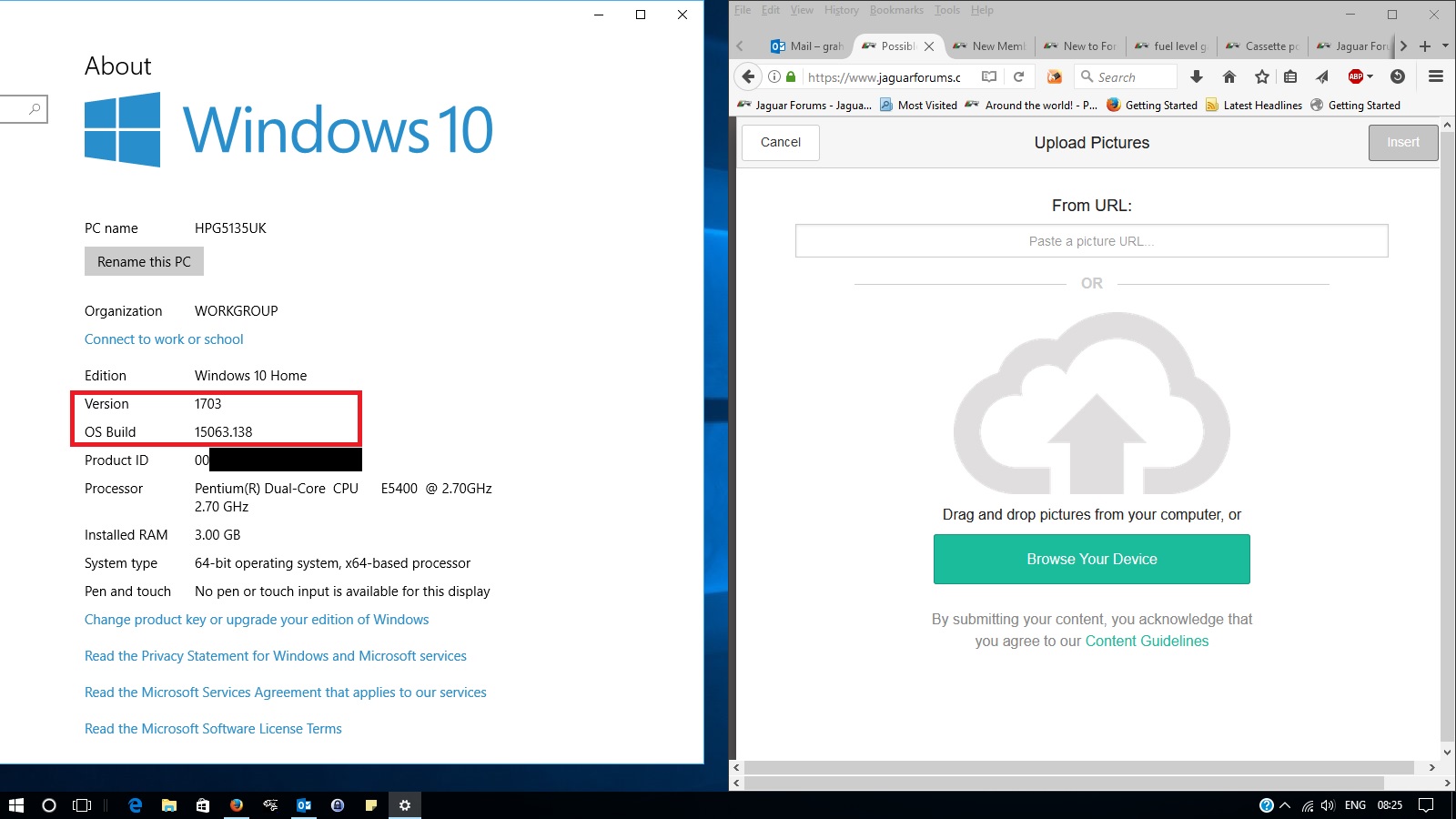
Not for sure if its related, perhaps coincidence, but I did the Win10 update on 20 Apr. The only seeming updates were for better app functions, quicker saves/searches added and supposed faster browsing. Well, today I tried to post an image and this is what came up using the image icon (never had this issue before), ..it did the same for this post....
Knowing where and what I needed to prompt, I was able to complete my task. But, as you can see, its not exactly a cut and dry. ....and what are those other two popup windows that won't go away? I tried closing them to no avail, without closing the whole response without it posting.
Yes, that's the update (upgrade) that was installed Win10 Home x64 version 1703 (KB4018483) OS Build 15063.138 on a ASUS G74SX. My setup is set to check for updates every time I log on and auto download. The only thing I don't have is for it, is to auto install once downloaded, because I don't need it rebooting when I'm in the middle of something....like being on site here.
I use CCleaner, Adguard and Bitdefender, I haven't had any prior issues with these 3rd party apps.
Hmmm, I just tried to add a smiley here and couldn't...are they shut off in this forum? I couldn't even open the [more] window to view more...kinda weird.
Just added smilies to your post to see if there was any issue opening the selection.
I use CCleaner and AdblockerPlus but recently uninstalled Bitdefender because it was getting too intrusive. That's the only significant difference between our two installations.





 Possible issue from Win10 update?