When you click on links to various merchants on this site and make a purchase, this can result in this site earning a commission. Affiliate programs and affiliations include, but are not limited to, the eBay Partner Network.
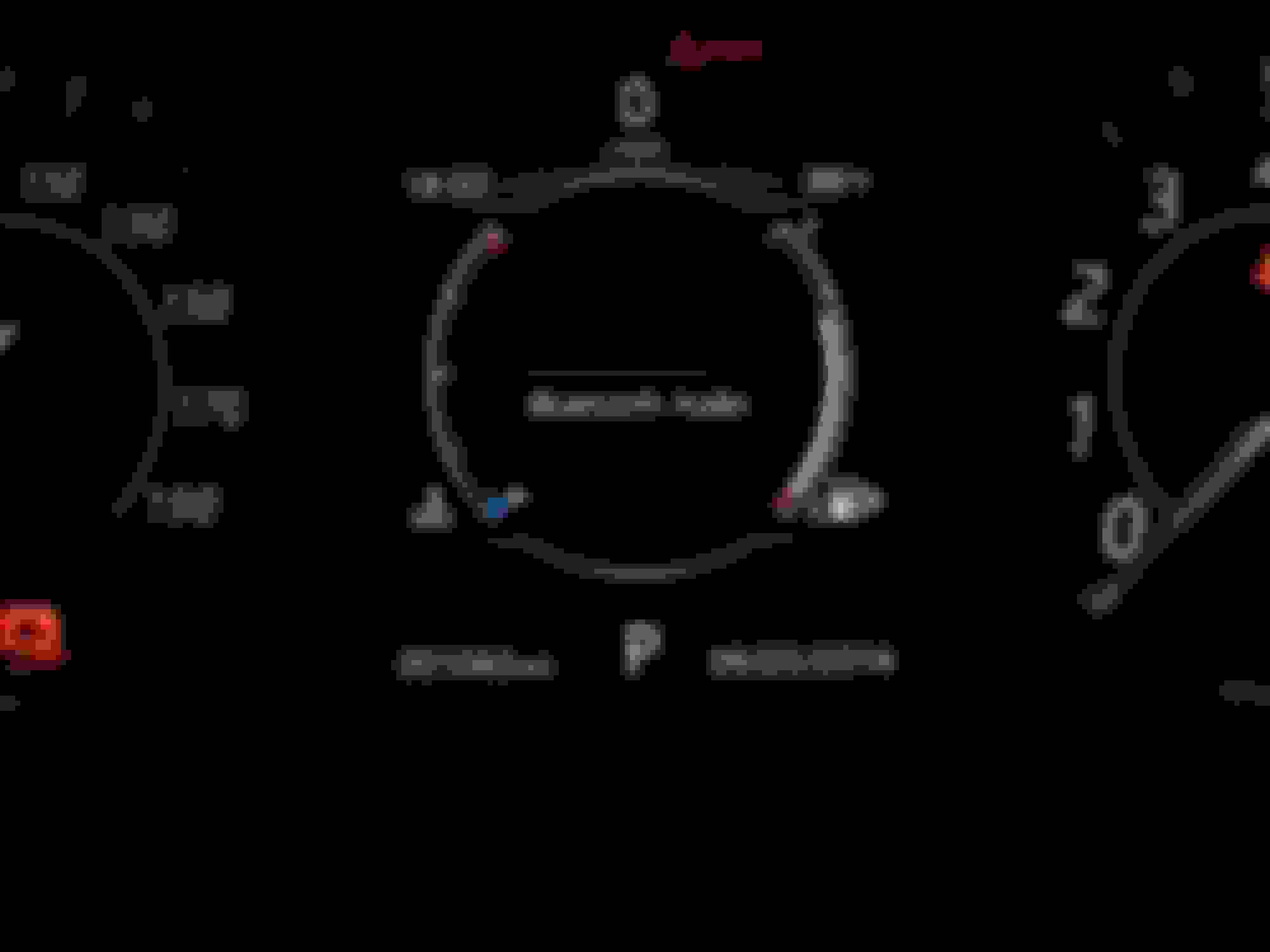
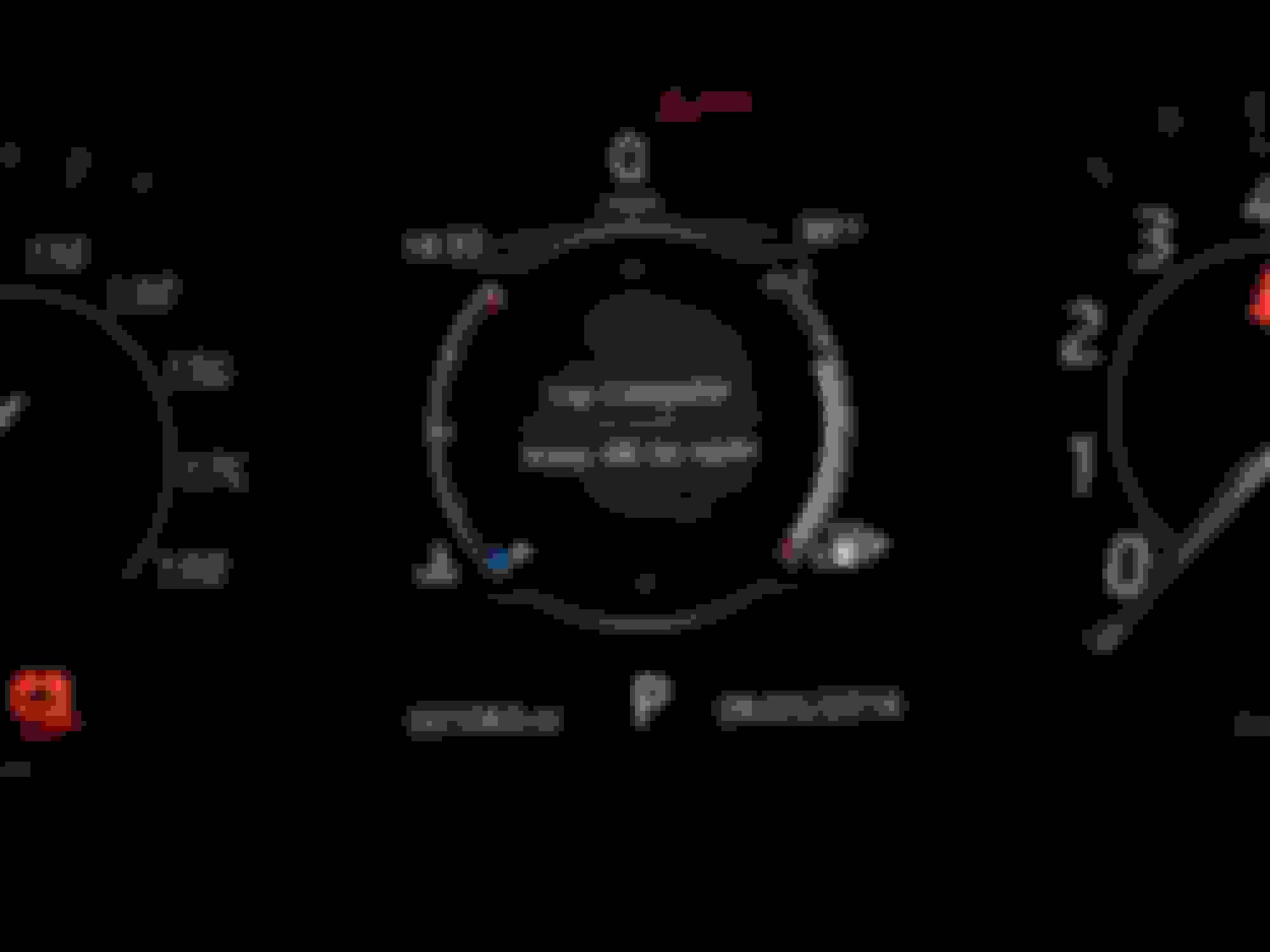
I wanted to check my oil and following the owners manual I attempted to access the relevant link only to discover that my car does not have a 'vehicle info' option. I see from various postings and youtubes that this seems to be present in at least some of the F types but cannot verify if it has been disabled in my 2016 V6 S Manual on purpose, or if there is a software problem or some other issue. Does anyone know the situation and/or have any suggestions.
Thanks
I wanted to check my oil and following the owners manual I attempted to access the relevant link only to discover that my car does not have a 'vehicle info' option. I see from various postings and youtubes that this seems to be present in at least some of the F types but cannot verify if it has been disabled in my 2016 V6 S Manual on purpose, or if there is a software problem or some other issue. Does anyone know the situation and/or have any suggestions.
Thanks
car has to be in accy. mode to get "vehicle Info"
press start WITHOUT foot on the brake.
car has to be in accy. mode to get "vehicle Info"
press start WITHOUT foot on the brake.
No Vehicle Info while engine is running.
In AbyJag's case, push Start button with foot Off clutch pedal. Then depress Menu button on steering wheel and scroll up to Vehicle Info. However, the Vehicle Info screen should be available whether the engine is running or not. If the engine is running (or has been running in the past 10 minutes) the oil level will indicate as "not available".
Thanks for the suggestions - unfortunately looks like the option simply doesn't exist on my car, whatever I try. I called the dealership. Will let you know if they find something interesting (at the same time, I am going to get them to provide power to both my USB ports (I checked the voltage, or rather lack of it, today) - not sure if this electrical glitch is connected or not, but might as well resolve all the problems in one visit.
Not at all. In fact half the screen is blank, it looks like more information should be there - not an interface issue though as sub-menus for the other options fill the space
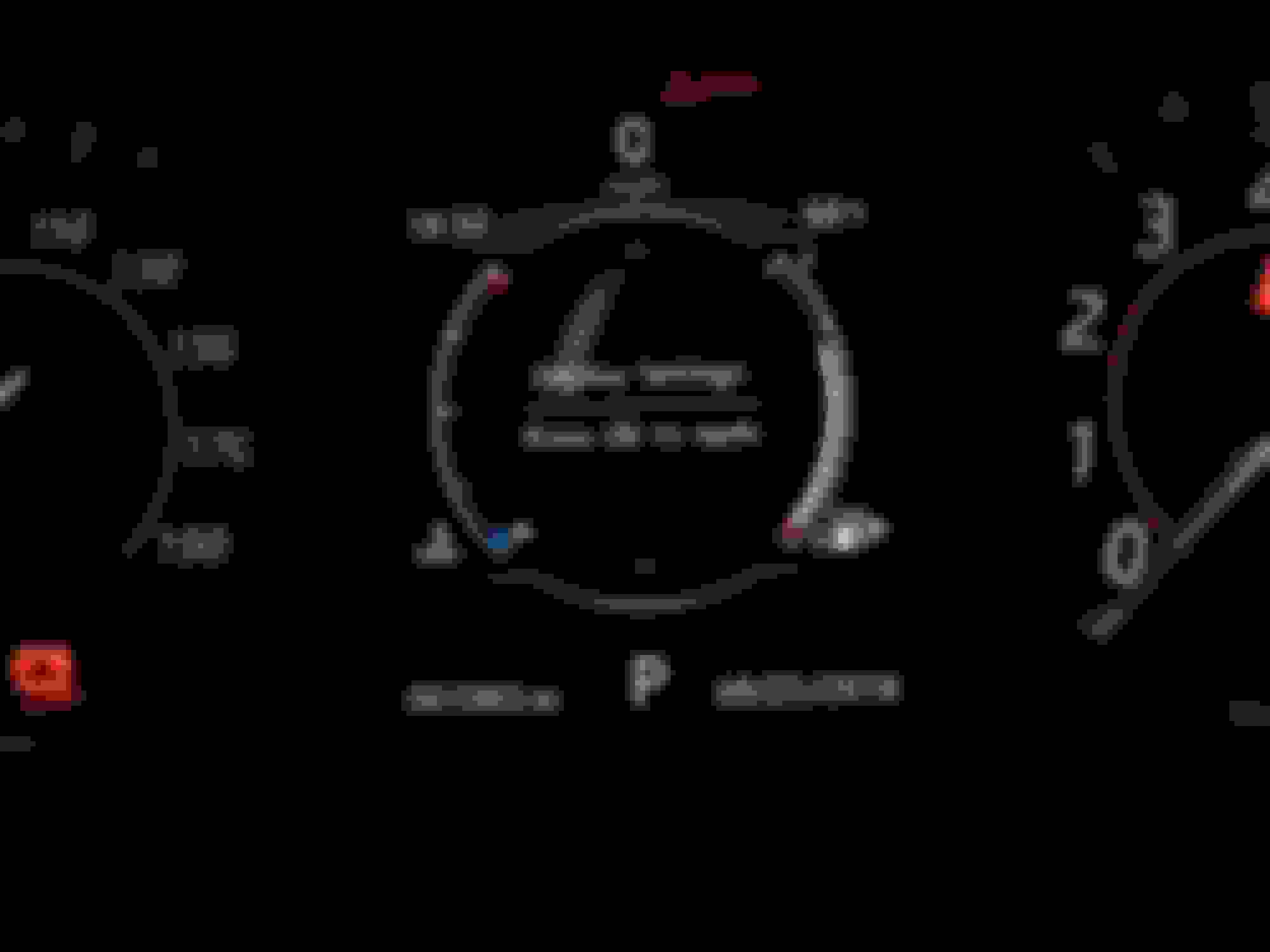
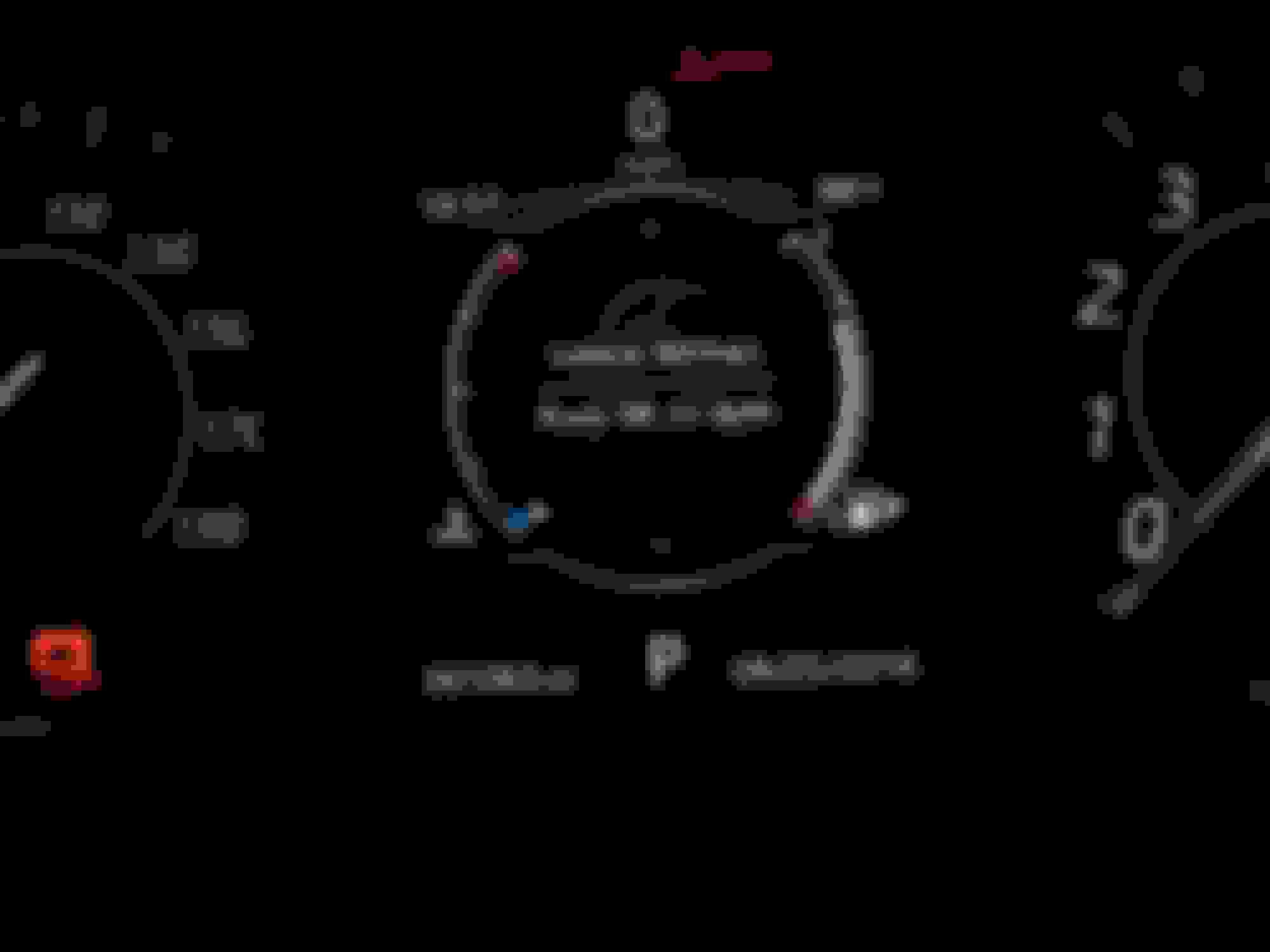
The Vehicle Information does not appear as a line item, but rather is a an entire Window that appears between the two primary gauges when you scroll up or down after pressing the Menu button on the steering wheel.
Not at all. In fact half the screen is blank, it looks like more information should be there - not an interface issue though as sub-menus for the other options fill the space
You're in the wrong menu. Vehicle info is a top level menu.
THANK YOU - THANK YOU - THANK YOU
I was totally misdirecting myself and the dealership was no better. Your patience and trouble to post the idiots guide has just saved me a lot of trouble, maybe more than I imagined, my oil overfilled warning was the first thing I saw. Needless to say, I will still be talking with the dealership.
Jonathan, that video is for the >2015 model which had a different instrument cluster. The newer cars have the display shown in Andrew's walkthrough. You can most easily tell them apart because >2015 had vertical temperature and fuel gauges and the later ones curved to form a circle like another dial.
I know it now : )
A further factor that sent me in the wrong direction was my owner's manual, which, though my car is a 2016, was written in 2014 and has every page overlayed with the phrase "draft". While I accept limited understanding on my part, I do think Jaguar should finalize their owner's manual by the third year of production.
Regardless, clearly this forum is more valuable, certainly, very welcoming
I see this is an older thread, but I was hoping to get clearer info on accessing vehicle information on my dash display. On my dashboard there is a box labeled vehicle info, however it is "grayed out" un-clickable. I would like to check my oil level. Since there is no dipstick I would assume there has to be a way to access this information. Does the vehicle need to run for 10 min prior to opening info menu, or is there some other trick I'm missing?



 No "vehicle info" option on dash menu