When you click on links to various merchants on this site and make a purchase, this can result in this site earning a commission. Affiliate programs and affiliations include, but are not limited to, the eBay Partner Network.
If someone has already dismantled their head unit, would anyone be able to tell me what kind of connections there are to the back of the screen?
Does it only have the ribbon cable or is there an additional power cable?
This also depends on the number of pins the ribbon cable has??? It may already have power from the head unit???
I already have wireless android auto and carplay added through a little box I bought from a local seller which works fine, but the screen, oh Jaguar, the screen is tooooooo small !!!
I had this crazy idea that I wanted to get something like the Tesla Screen sold on Aliexpress, but I don't want to mess with wrapping the textured parts of the dash to make them all match. (can of worms senario).
So I kept on searching and found another type of screen which kind of sticks out from the dash, of course because it larger at 8.4"
The bezel is just too big (I just threw up a little in my mouth ) and it looks like a screen from a Renault Clio. Yeah, I'm in Portugal (Europe) so we have those here.
There must be a better way.
Something like this, but this is only available for the more recent models, Mine is a 2013 XF.
I'm all about DIY, so if someone can help me by sharing information on the internal connection to the display screen, I can go out and look for a similar screen technology, but somewhere around 13" with minor bezel and build my own bracket to connect it to the existing head unit.
I understand there are all kinds of different opinions of what looks better and what is OEM or not, but thanks for your help and comments.
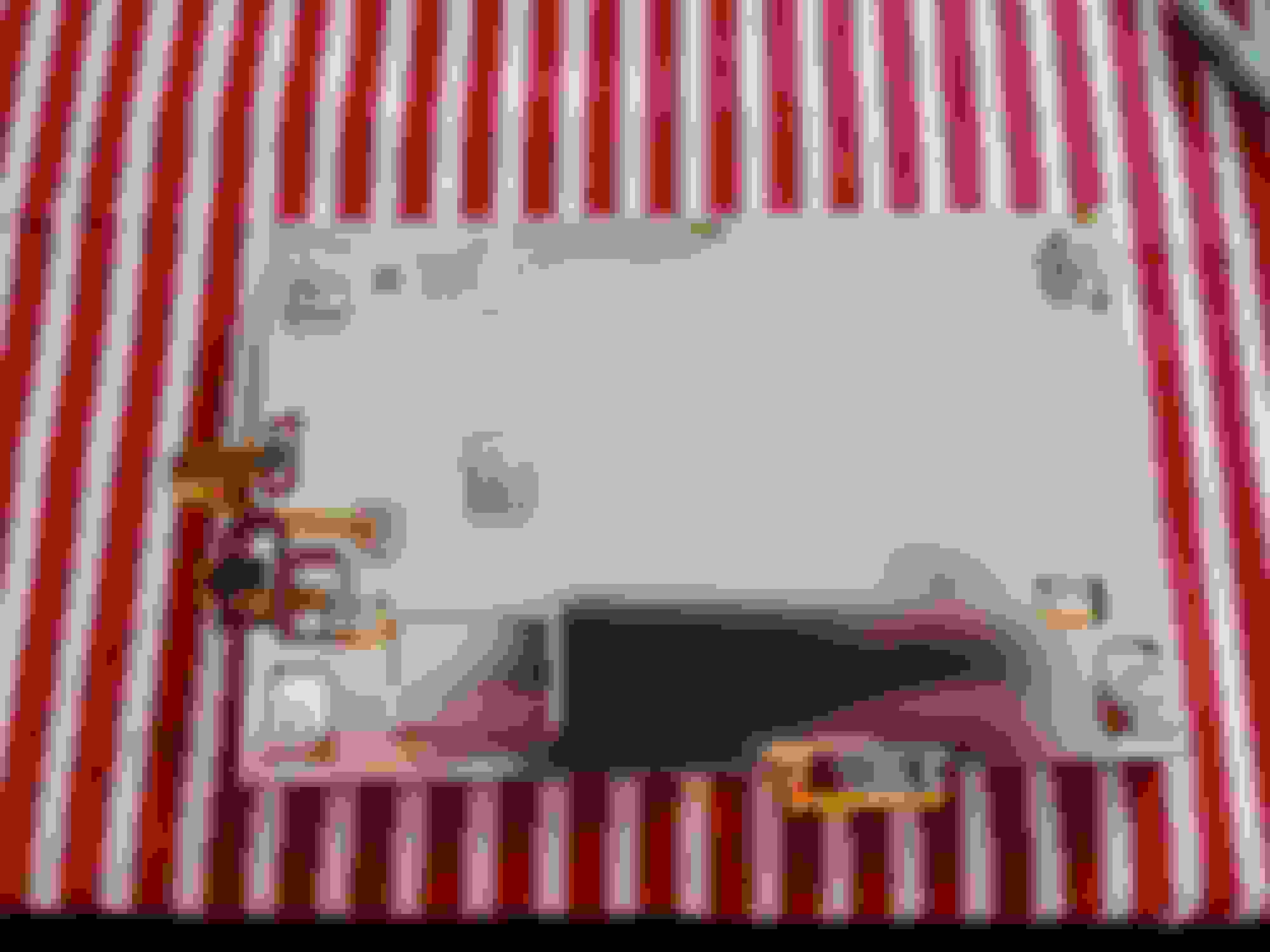
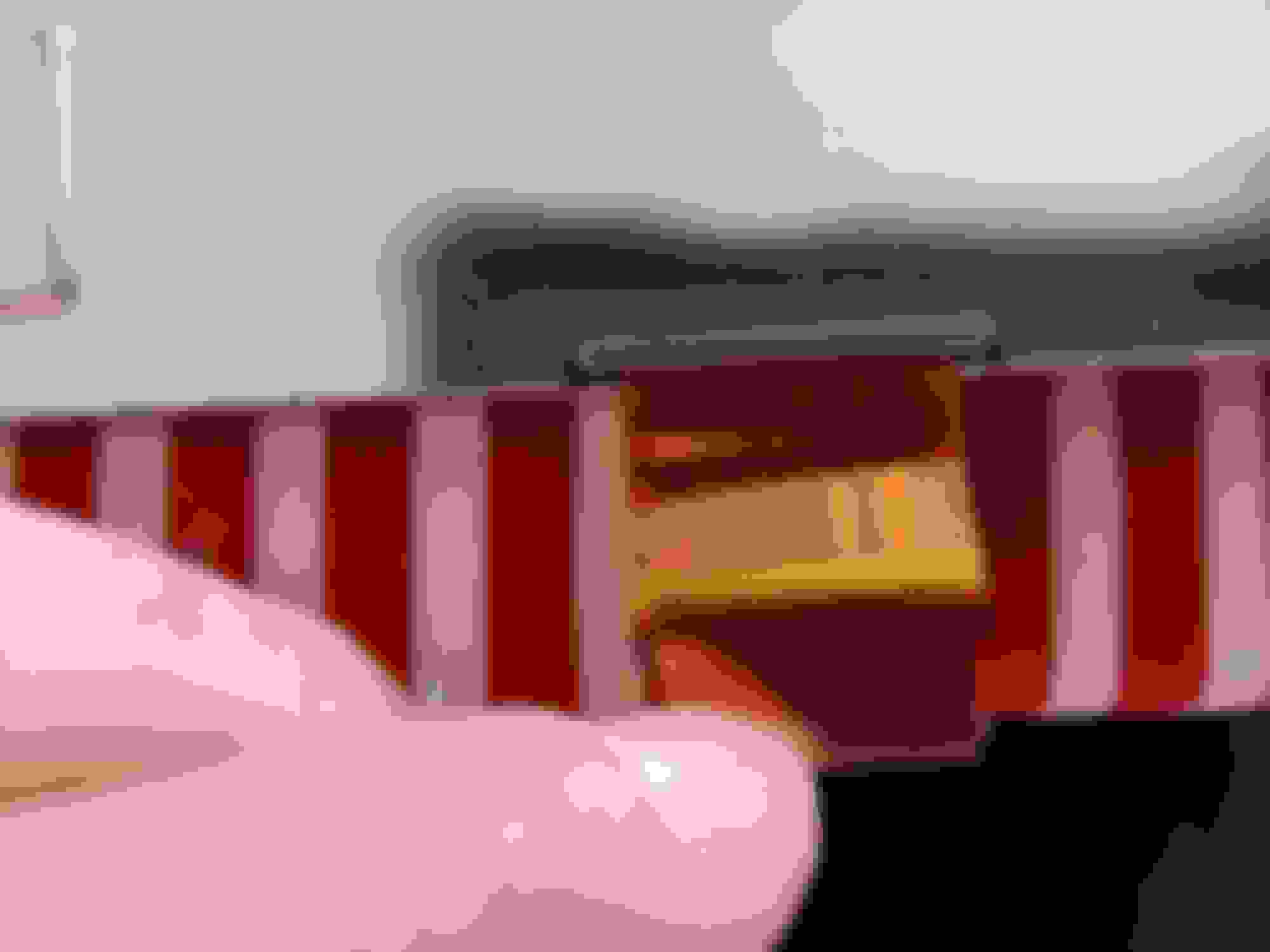
Hi, I removed this from my XF 2.2d 2012 because it stopped working. I bought a used replacement from eBay and all's good now. Hope you can make out all the connections you are looking for. Good luck! Noelmid
So from what I understand in the 3rd picture, on the right, the display still has another circuit board attached to it's back, then the ribbon cable comes out of that circuit board.
Shoot, this probably isn't going to work the way I was thinking it could.
So from what I understand in the 3rd picture, on the right, the display still has another circuit board attached to it's back, then the ribbon cable comes out of that circuit board.
Shoot, this probably isn't going to work the way I was thinking it could.
Yes. There's a 40 pin connection from the central board to the screen driver, I'm guessing it's some sort of LVDS / TTL signal but I've not checked. The screen driver board has a bunch of stuff going on, I'm not really sure why, but ends up with something like 60 pin connection to the screen. Seems like overkill.
I had this crazy idea that I wanted to get something like the Tesla Screen sold on Aliexpress, but I don't want to mess with wrapping the textured parts of the dash to make them all match. (can of worms senario).
So I kept on searching and found another type of screen which kind of sticks out from the dash, of course because it larger at 8.4"
The bezel is just too big (I just threw up a little in my mouth ) and it looks like a screen from a Renault Clio. Yeah, I'm in Portugal (Europe) so we have those here.
1. looks like the interior of a high end 2002 Buick
Because the display isn't multi-touch, I'm thinking it's a 4-wire resistive screen. If it were multi-touch it would either be a 5 wire ribbon cable or it would be a capacitive screen which I don't think it's either of those two.
So I've narrowed it down to 4-wire resistive. Can you confirm this?
1. looks like the interior of a high end 2002 Buick
2. looks like a children's tablet
I've also got the second one. True, it does have an oversized bezel which should have physical buttons in it oo justify the size. Having said that it doesn't look as bad in real life as it does in the pictures as it is quite tight to the dashboard and doesn't block the vents.



 External from Dash / Display Screen
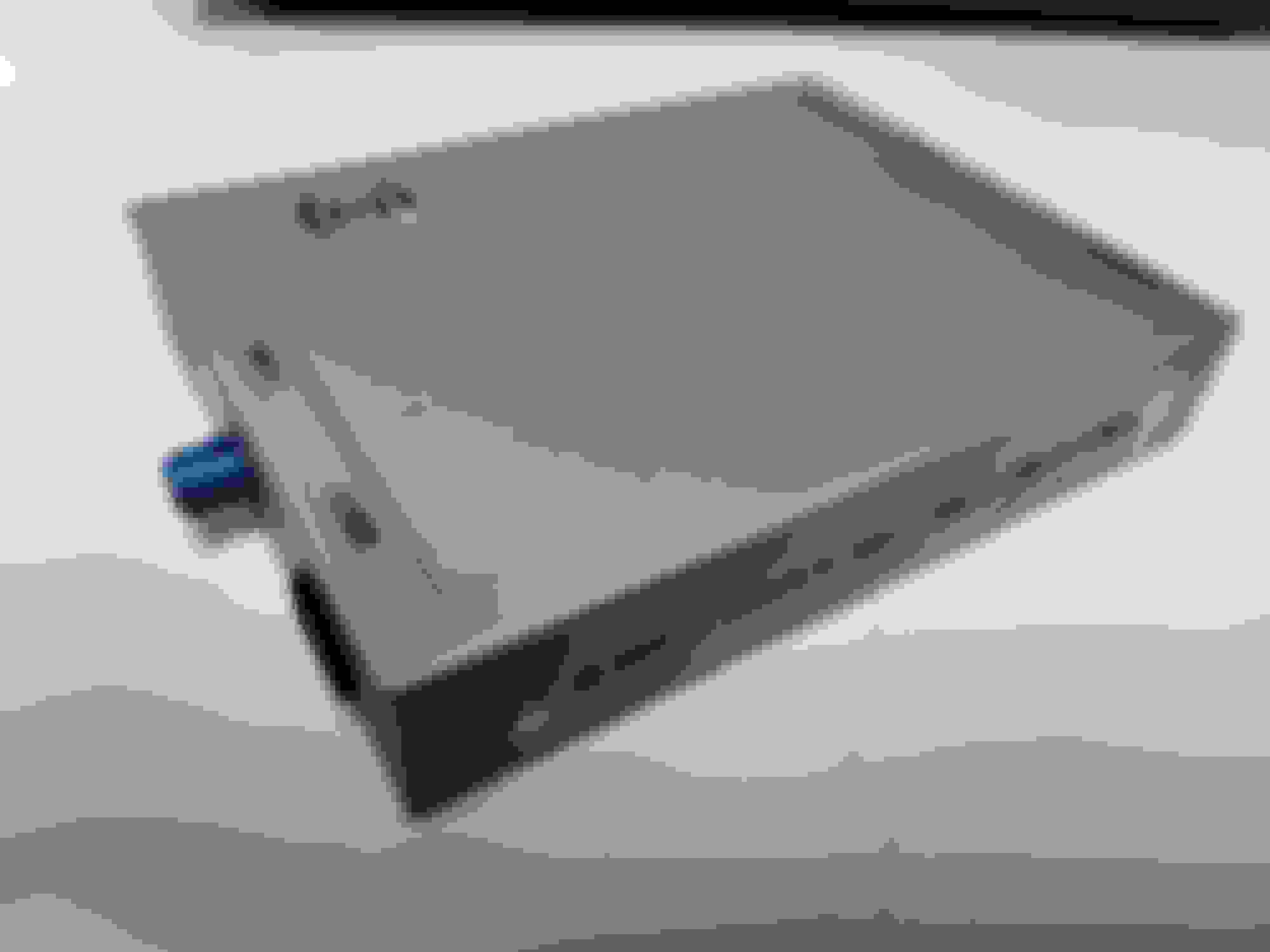

 ) and it looks like a screen from a Renault Clio. Yeah, I'm in Portugal (Europe) so we have those here.