XJ ( X351 ) 2009 - 2019

Replacing Door Unlock / Lock Button

Thread Tools
 
Search this Thread
 
Old Apr 18, 2021 | 05:00 PM
  #1  
mohaqq's Avatar
Thread Starter
|
Member
Joined: Aug 2020
Posts: 70
Likes: 10
Default Replacing Door Unlock / Lock Button

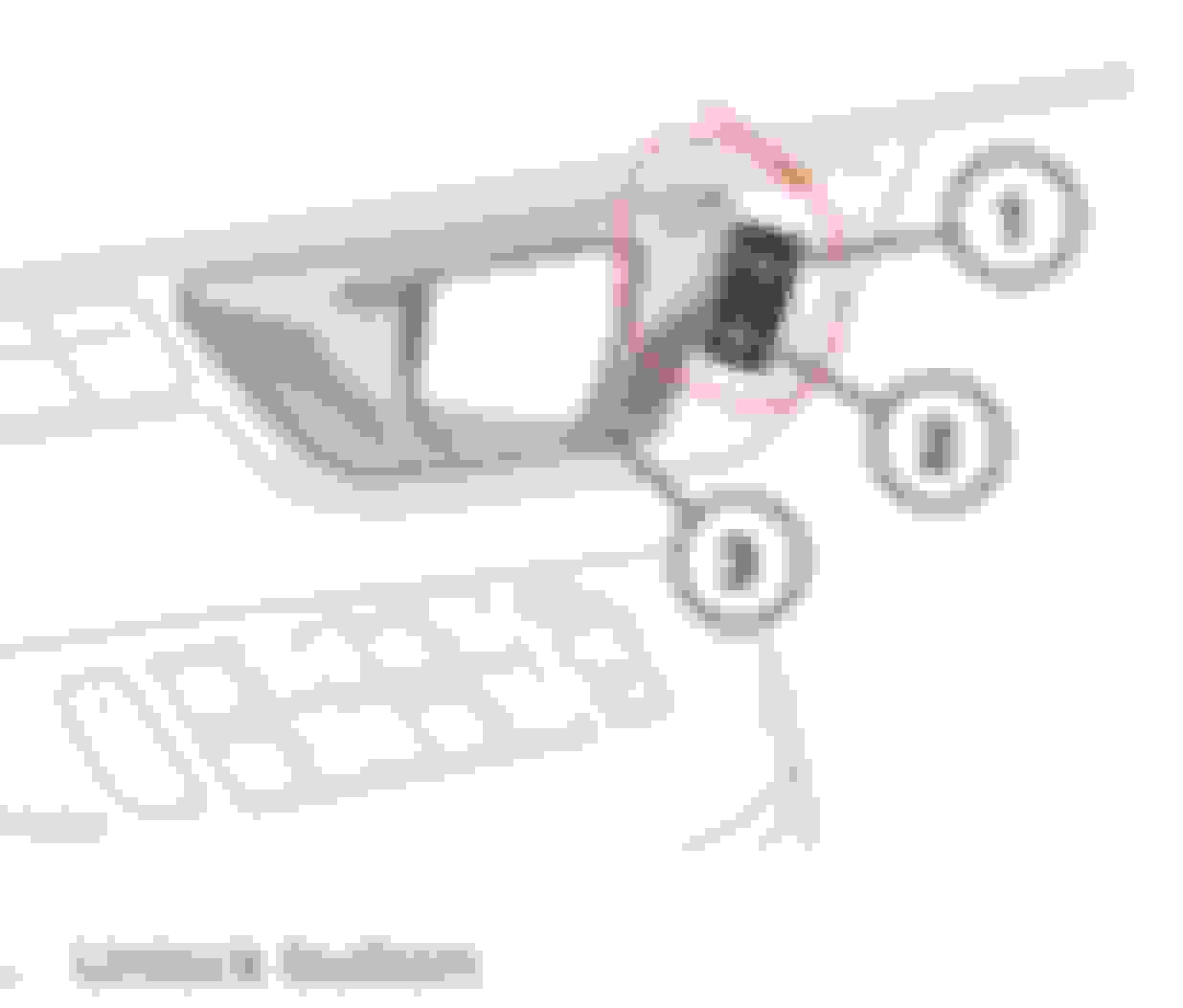
Can anyone provide instructions on how to replace the Jaguar XJ X351 MY2016 internal door unlock/lock button, mine is faulty and does nothing, NO backlights and NO amber door lock indicator.

Not 100% sure if this is the switch or a loose of disconnected connector, it has never worked since i owned the car which is over 12 months.

See button highlighted in RED

 
Reply
Old Apr 18, 2021 | 10:38 PM
  #2  
Stuart S's Avatar
Veteran Member
15 Year Member
Community Builder
Loved
Community Favorite
Joined: Aug 2010
Posts: 10,106
Likes: 7,108
From: Atlanta suburbs
Default

See the X351 Workshop Manuals and Electrical Guides in the Stickies at the top of this Forum.
 
Reply
Old Apr 20, 2021 | 12:55 PM
  #3  
clubairth1's Avatar
Veteran Member
15 Year Member
Community Builder
Community Influencer
Liked
Joined: May 2009
Posts: 12,052
Likes: 3,344
From: home
Default

If you remove the door card it's easy to get that switch out. It may pry out from the front but I find it safer to remove the door panel so I can work at it from both sides.
.
.
.
 
Reply
Old Apr 24, 2021 | 03:43 AM
  #4  
mohaqq's Avatar
Thread Starter
|
Member
Joined: Aug 2020
Posts: 70
Likes: 10
Default Checked the workshop manual

there are references to the buttons, but no real instructions on how to remove and replace, does anyone have any instructions based upon experience and any pictures or photos.

Thanks
 
Reply
Related Topics
Thread
Thread Starter
Forum
Replies
Last Post
keithyboy
S-Type / S type R Supercharged V8 ( X200 )
6
Sep 27, 2025 03:56 PM
R444lfe
MKI / MKII S type 240 340 & Daimler
9
Feb 13, 2021 08:31 AM
Vorpal63
XF and XFR ( X250 )
0
Jul 18, 2020 03:51 PM
brian18332
F-Type ( X152 )
9
May 18, 2018 10:17 AM
sawduster
X-Type ( X400 )
1
Oct 31, 2017 12:58 AM

Currently Active Users Viewing This Thread: 1 (0 members and 1 guests)


All times are GMT -5. The time now is 08:57 AM.