When you click on links to various merchants on this site and make a purchase, this can result in this site earning a commission. Affiliate programs and affiliations include, but are not limited to, the eBay Partner Network.
Question about those who have Android auto. Thinking about getting an X351 and I would definitely like to have this feature. I've always been curious if the map can be displayed on the cluster using Android auto or apple car play navigation, or only using the build it navigation.
Question about those who have Android auto. Thinking about getting an X351 and I would definitely like to have this feature. I've always been curious if the map can be displayed on the cluster using Android auto or apple car play navigation, or only using the build it navigation.
I’ve looked at the “unique auto developments” option for my XJ - android / Apple works via the main console but the maps in the digital cockpit will be OEM
I’ve looked at the “unique auto developments” option for my XJ - android / Apple works via the main console but the maps in the digital cockpit will be OEM
Thanks for the reply. My question is in regards to OEM only and not after market.
I bought a XJ50 2019 a few days ago and I still learning in quite a few things but so far here is what I could already do and see
I don't use a Sim Card in the reader of the car, I share the wifi from my phone with the wifi of the car and it works well, plus I connect the USB cable to the phone for Android etc
with the cable USB, ( my phone is a Samsung S21 Ultra )
you get the android on the center screen, and I don't like a few things, like- the map or android screen is with too much contrast and I don't think we can change that, the voice system doesn't work, meaning you have the microphone at the screen and it does nothing, so you need to do all manual, it doesn't share the map or address with the main cluster ( maybe I am wrong but it seems not, I don't use it because of the screen too contrasted
here on Android auto
and here with the Wifi ( my mobile share the network via wifi to the car
I really like it and I use it, both screens are with the same info and is just a shame that the cluster map stay's old fashion meaning it doesn't show buildings in 3d or Satelite view or kind of
I've seen some XJ with a 3D buildings etc Map on the cluster but not sure how it is possible - I don't have the incontrol activated maybe with that , I don't know
in any case, it works well like this and very good definition etc ( there are other features like weather, digital radios, navigation etc
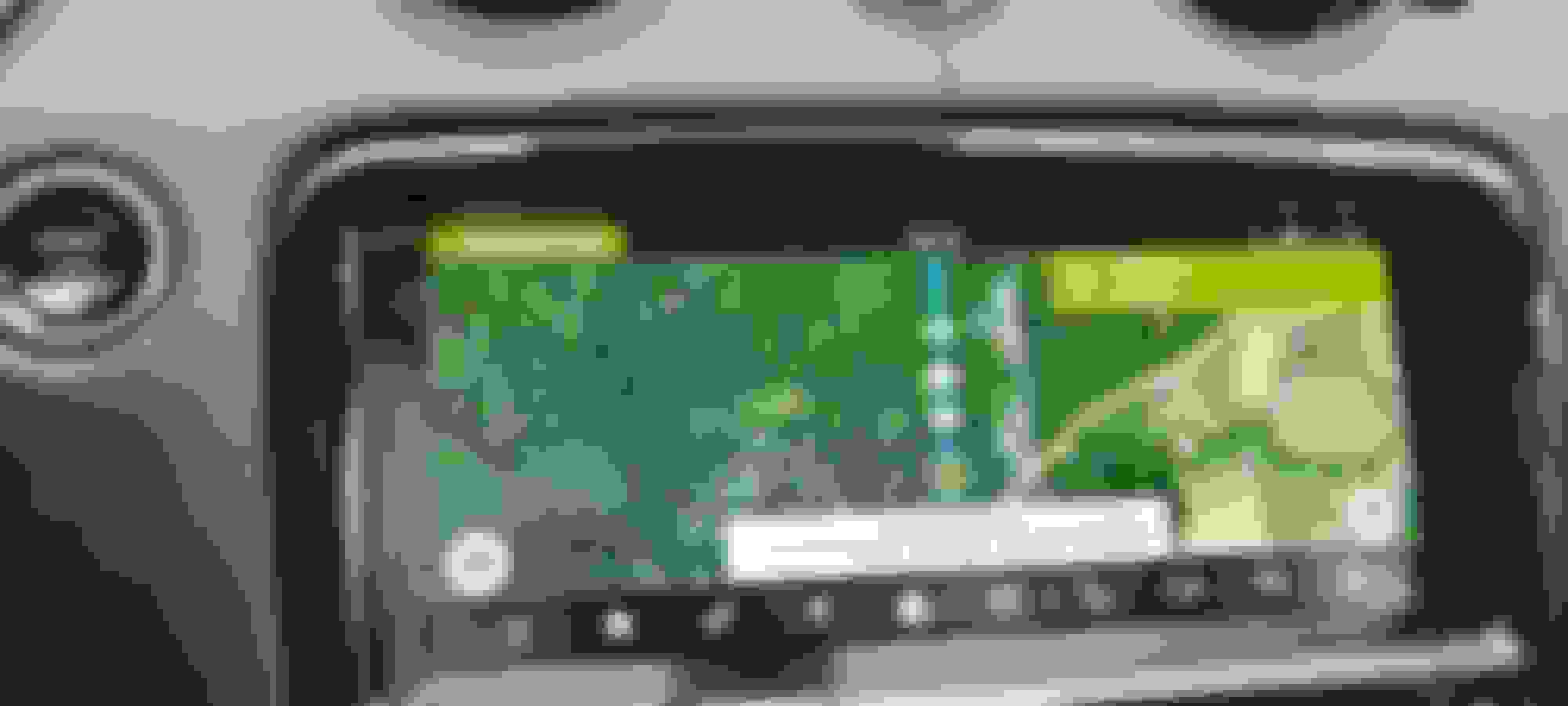
see here the navigation (via wifi ) I use it only
If now there are other things I don't know please share
Thank you
Cheer
Last edited by Geoffrey Fake; Jan 30, 2023 at 03:46 PM.
I have Android auto in my 2018 XJR 575 (wired). It works seamlessly and the only objection I have is the woman's voice is not too pleasant and I have not figured out how to control the volume when I am using the GPS.
I bring a small correction to my previous post
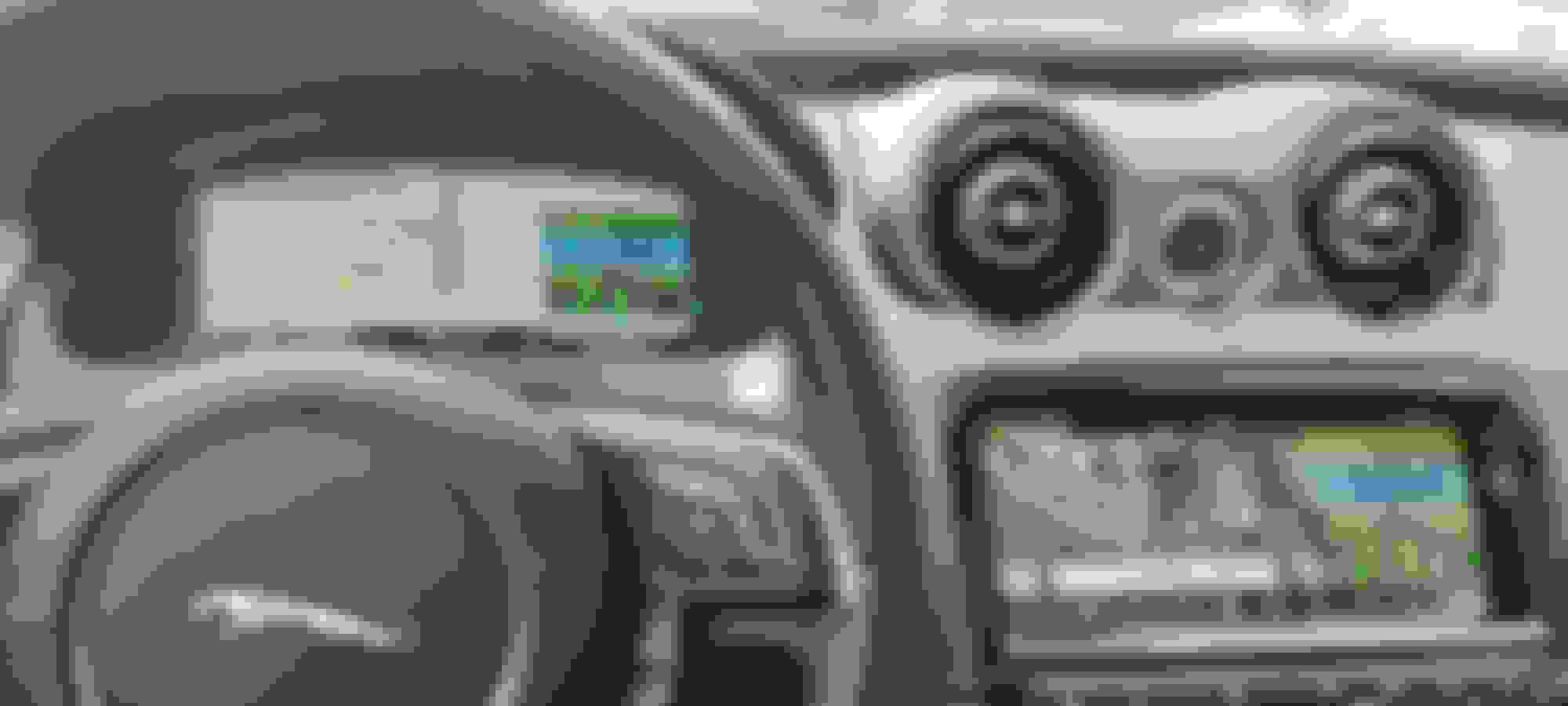
The cluster Map indeed can show buildings but not all of them so I presume it is a map update or something
here an example while I was driving and just on the map without any GPS adresse
I bought a XJ50 2019 a few days ago and I still learning in quite a few things but so far here is what I could already do and see
I don't use a Sim Card in the reader of the car, I share the wifi from my phone with the wifi of the car and it works well, plus I connect the USB cable to the phone for Android etc
with the cable USB, ( my phone is a Samsung S21 Ultra )
you get the android on the center screen, and I don't like a few things, like- the map or android screen is with too much contrast and I don't think we can change that, the voice system doesn't work, meaning you have the microphone at the screen and it does nothing, so you need to do all manual, it doesn't share the map or address with the main cluster ( maybe I am wrong but it seems not, I don't use it because of the screen too contrasted
here on Android auto
and here with the Wifi ( my mobile share the network via wifi to the car
I really like it and I use it, both screens are with the same info and is just a shame that the cluster map stay's old fashion meaning it doesn't show buildings in 3d or Satelite view or kind of
I've seen some XJ with a 3D buildings etc Map on the cluster but not sure how it is possible - I don't have the incontrol activated maybe with that , I don't know
in any case, it works well like this and very good definition etc ( there are other features like weather, digital radios, navigation etc
see here the navigation (via wifi ) I use it only
If now there are other things I don't know please share
Thank you
Cheer
I am exceedingly curious about the details of the build sheet on your XJ. I test drove a '19 XJ50 but it did NOT have Carplay/Android Auto so I spoke with the service manager who has been managing the service on my '17 XJ and my '22 F-Type R for the past several years and he indicated that the XJ50 was not capable of Carplay or Android Auto. I am puzzled to say the least. I would have traded my '17 in and paid the difference today if it had the connectivity...but otherwise not worth a dime to me as it's essentially identical in every other way to mine. Did yours come from Coventry with Carplay/Android automatically or was upgraded in any way later? Thanks for your input.
I own and use a 2018 XJR 575 that I bought about two years ago as a daily driver. It has both Carplay and Android Auto which connect by a cable to an outlet in the center armrest. I have a Galaxy S23 Ultra which interfaces perfectly with the XJR I haven't toyed with the controls to see if the contrast and/or brightness of the screen can be changed as I have not had the issue the OP has had.
Thanks for your reply Ralph, although, it leaves me even more confused.
The Jaguar service manager pulled up the build sheet on the '19 XJ50 I test drove and it specifically stated "minus Apple Carplay/minus Android Auto". Perhaps it's related to the engine configuration. Your XJ575 is the 8 with RWD, whereas the XJ50 is the 6 with AWD. Jaguar naturally assumed that anyone who wants that many horses in a sedan probably needs to keep BOTH hands on the wheel so they made sure to add Carplay/AAuto. But they stuck the AWD owners with their completely dysfunctional InControl app. Thanks again. Peace.



 X351 2018 and newer android auto











 But they stuck the AWD owners with their completely dysfunctional InControl app. Thanks again. Peace.
