When you click on links to various merchants on this site and make a purchase, this can result in this site earning a commission. Affiliate programs and affiliations include, but are not limited to, the eBay Partner Network.
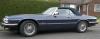
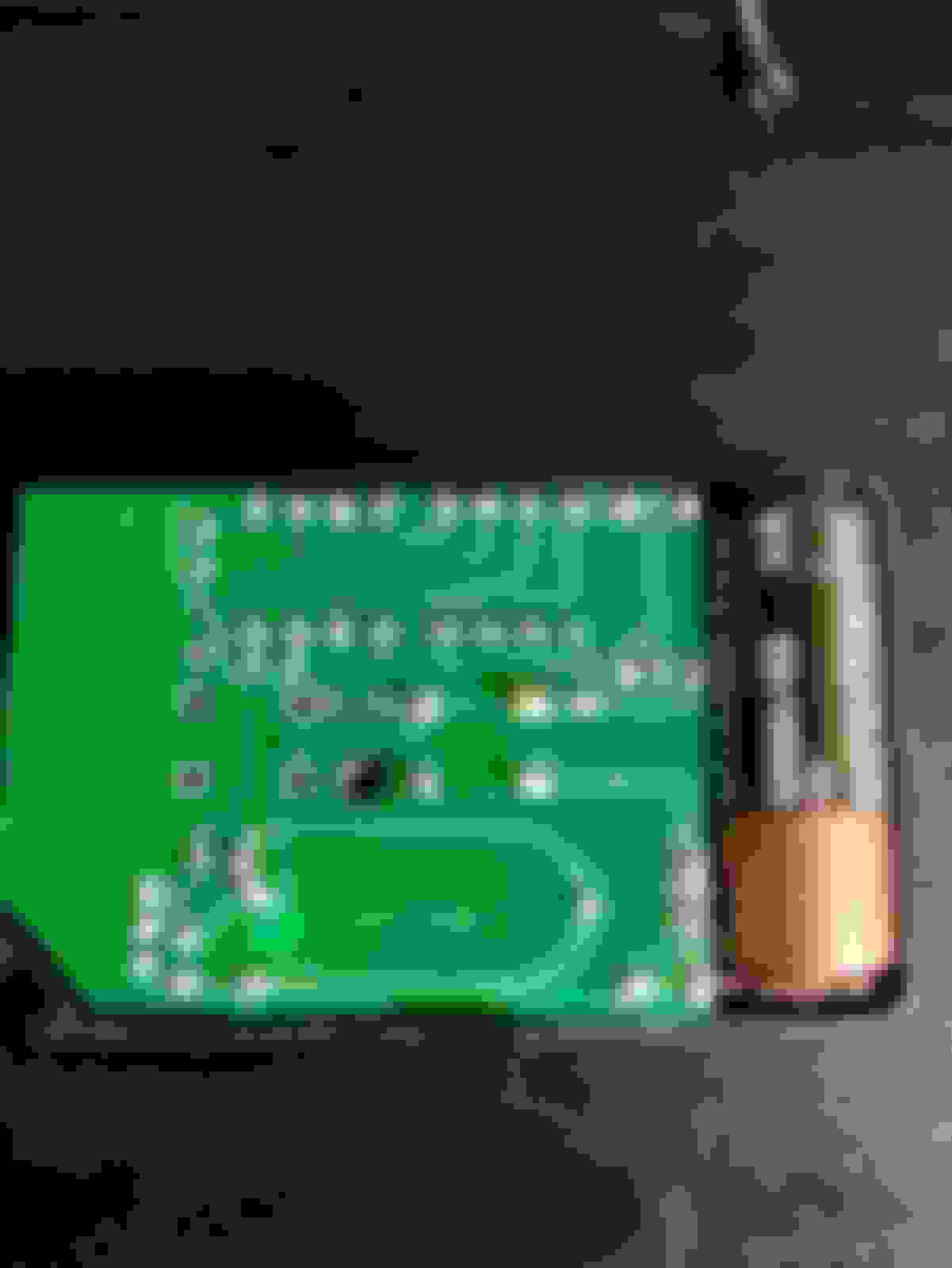
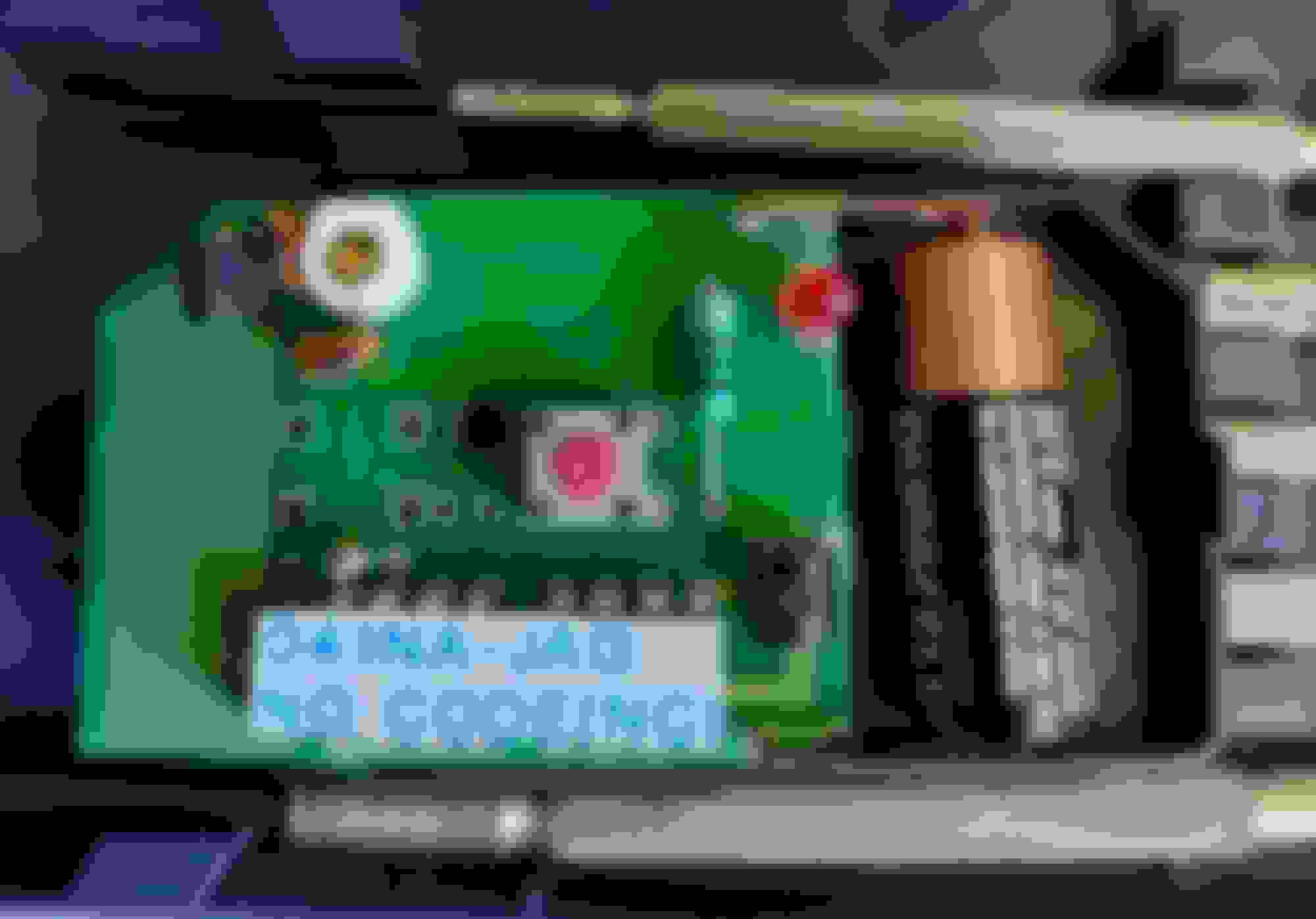
I wonder if anyone can help. I’ve got a ’93 4.0 XJS (VIN xxxx189559) that has always had 2 (non-transponder) keys but only a single remote; something I’ve finally decided to try to address since I don’t like having a single point of failure. This existing remote seems to be after-market since it has no Jaguar branding and the PCB is stamped as being ‘Tech Tronics’ but I wonder if it is simply a replacement fob for the OEM system since the alarm seems to respond with the expected ‘chirps’ and ‘warbles’ that I have seen mentioned online.
With that in mind, if the alarm is OEM, can anyone advise where it would be normally located? Also if it is OEM, is there a simple way of determining whether it would operate at 318mhz, 418mhz or & 433mhz and which of the long list of fobs I might need? At the moment I’m rather lost in a list of DBC100852, DBC10086, DAC6160, DAC7970, DBC10085, DAC7990, DBC100842.
Again, assuming the alarm is OEM, I’ve seen a couple of processes mentioned to code the replacement/additional fob to the car – one involving a ‘valet switch’ (Is DBC12022 correct?) that my car does not have. Again, is there a way to identify which method will be needed since I have also read that the ’03 XJS might not have the wiring for the valet switch under the centre console lining.
The oem alarm works on:
The UK had 418Mhz others had 433 and the US has 315-8 mhz. You will find it behind the right (passenger) tail light. It bolts onto the lower fixing bolts. There are some programable remotes on Ebay that can be programed to the alarm. Jaguar remotes are rare and will cost a fortune.
Do you have a red led light on the ciger lighter or on the steering control column with a small switch ?
Hi,
Thanks for the quick reply - there is a light behind the cigar lighter; cant remember ever noticing it illuminate though however the 'security' light on the stereo is active
Light on cigar lighter is for the alarm. It should flash . Radio light has nothing to do with the alarm. Did you look in the boot/trunk for the alarm ? ?
Jaguar changed the alarm system somewhere mid 1993. Yours looks like the later one without valet switch (or its in the armresrt box)
Hi, it is dark and rainy here now in the UK but - assuming the weather improves - I'll be taking a look tomorrow and will let you know what I find. I'm hoping for an OEM alarm but I am not convinced that is what I will find - this is the current remote:



 XJS alarm remote