When you click on links to various merchants on this site and make a purchase, this can result in this site earning a commission. Affiliate programs and affiliations include, but are not limited to, the eBay Partner Network.
Thank you tlindi... the link is to a Microsoft One Drive (your microsoft password req’d). Downloadable file there for the nav disc with clock, Alpine BM9JG91F, as well as one for the earlier release Leaper.
Cannot attest to success beyond accessing download page; a gracious member supplied me a working file via PM!
i'm new here because i recently bought a Jaguar S-type Sport in Pacific Blue.
i'm from the Netherlands so sorry for my bad English.
I was trying to update system so i came on this page.
I tried downloading a link and have the iso burned on a disc.
insert it in the dvd reader in the trunk and tried installing via the 'secret menu'
there was an error message in the screen, so i tried turning the radio of and the car to cancel the updating process.
Now the screen and all the buttons around the screen dont work and the heater is blowing on a high temperature.
Can someone please help me and does someone has a working update ISO for my S-type?
Its a 2003 model with the newer GEN interior.
Sorry for dredging up this thread but I recently picked up a 2002 XK8 with the older navigation disk (no clock) and was hoping someone out there still has a copy of the newest 2003 alpine version.
Sorry for dredging up this thread but I recently picked up a 2002 XK8 with the older navigation disk (no clock) and was hoping someone out there still has a copy of the newest 2003 alpine version.
Thanks in advance.
I think your best bet will be to look for a pirated copy online. Not sure where to look but apart from that it's just copies on Ebay.
When you find a disc be mindful of the alternate loading procedures that the seller should provide. When I did mine (long ago) I had to pull one or two circuit breakers (and maybe some other steps) to get the disc to download properly.
I have a copy of the 2003? ISO - latest one - that I can send you to burn to a DVD - note my NAV head is (all may be) picky as I had to burn 3 copies before I got one that will load and even then sometimes it won't.
Thank you tlindi... the link is to a Microsoft One Drive (your microsoft password req’d). Downloadable file there for the nav disc with clock, Alpine BM9JG91F, as well as one for the earlier release Leaper.
Cannot attest to success beyond accessing download page; a gracious member supplied me a working file via PM!
Sorry for late answer (few years). tryly Onedrive link has corrupted. But here are couple of images:
Thanks for the link. How does the process work? Burn all three images to DVD and give it a whirl?
Download all files (..001, 002 and 003) and extract 001 with 7-Zip as in image. It will extract one ISO file. Then burn it to high quality DVD-R disk with slow burn speed (x1). Navigator cant rear DVD+R disks and ones burnt with high speed (4x or so).
(I also extracted ISOs to links above - on 2015 I splitted them cause OneDrive didn't wsupport 4GB files)
See my video about update procedure. Navi keeps small chirp chirp noise while its updating and screen is black for few minutes. Do not interrupt the process!
Standard 8" android tablet, FM bluetooth transmitter - got a built in Android Auto system which I can use for nav and media playback
I have a Garmin GVN 53 unit with recent software update if you want to keep your factory screen / look intact. Has manual, wiring diagrams, etc but would need a knowledgeable pro or individual to install.
PM me for details.
There is no update past 2003. If you have the 'leaper' on the screen you have the earlier version, if you have the clock on the screen you have the later (2003) version.
They come up on ebay from time to time, but may not be worth the investment for a 2003 update.
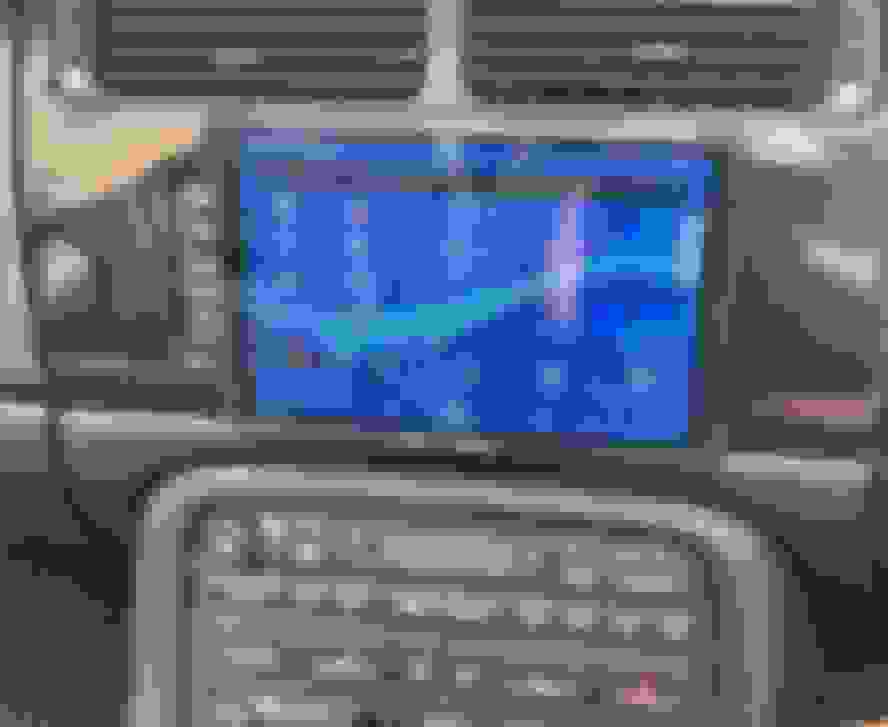
I have 2004 XKR with the Jaguar on the screen. I wish it had the clock. I also wish i could update it.
I have 2004 XKR with the Jaguar on the screen. I wish it had the clock. I also wish i could update it.
It’s my understanding that the update won’t won’t be earth-shatteringly different from what you have now. You will still be left with 19 year old maps.
I have the Nav display on my ‘02 XKR. I just enjoy it for what it is, a snapshot of history, just like the rest of the car.
I don’t need the gauges or a real gauge conversion as my Autool X60 is doing a very good job with all engine information needed.
when I do need modern navigation help there’s nothing my iPhone can’t provide and it plays thru the cars speakers thanks to the discount car stereo Bluetooth connection.
It’s my understanding that the update won’t won’t be earth-shatteringly different from what you have now. You will still be left with 19 year old maps.
You're lucky - on my original sat nav southern Europe wasn't even included on the disc, so all I had was an outline of the country and nothing else. I replaced it with a Garmin DriveSmart 55 plus wireless back up camera. The screen size is a close replacement for the original, albeit a little smaller and gives me a modern touch screen sat nav with quite a few extras compared to the original sat nav, whilst looking almost exactly OEM. For me its the perfect combination of latest tech, while keeping the OEM look.
XKR 2005 Navigation problems - When I turn on the engine the screen reads
Error reading DVD_ROM DISC
Please check the disc
I cannot figure out how to open the DVD Navigation player in the boot. I pressed on the small indented area in the middle of the player and it doesn't open.
I do not know if the problem is the disc or the player and cannot remove the disc.



 That’s a good link!