


Wow us with your XK8/R photos



Joined: Dec 2011
Posts: 120,439
Likes: 17,001
From: Durham, UK

1. select your post with the thumbnail
2. click on the image to open full size
3. edit - copy (the image is now on your clipboard)
4. close the image
5. click on the black edit button at the bottom of the post
6. click in the text where you want to insert the image
7. edit - paste
You then get a full size image as I did with your thumbnail.
NOTE: this works with Internet Explorer and Firefox but not with Google Chrome.
Graham

Veteran Member


Joined: Oct 2012
Posts: 3,752
Likes: 1,617
From: Puerto Rico
All members can enlarge their photos.
1. select your post with the thumbnail
2. click on the image to open full size
3. edit - copy (the image is now on your clipboard)
4. close the image
5. click on the black edit button at the bottom of the post
6. click in the text where you want to insert the image
7. edit - paste
You then get a full size image as I did with your thumbnail.
NOTE: this works with Internet Explorer and Firefox but not with Google Chrome.
Graham
1. select your post with the thumbnail
2. click on the image to open full size
3. edit - copy (the image is now on your clipboard)
4. close the image
5. click on the black edit button at the bottom of the post
6. click in the text where you want to insert the image
7. edit - paste
You then get a full size image as I did with your thumbnail.
NOTE: this works with Internet Explorer and Firefox but not with Google Chrome.
Graham

Senior Member

Joined: Aug 2010
Posts: 883
Likes: 63
From: Illinois / Wisconsin








Joined: Dec 2011
Posts: 120,439
Likes: 17,001
From: Durham, UK
Here is a link to my Photobucket.
Mike_Ciupke's's Library | Photobucket
Mike_Ciupke's's Library | Photobucket
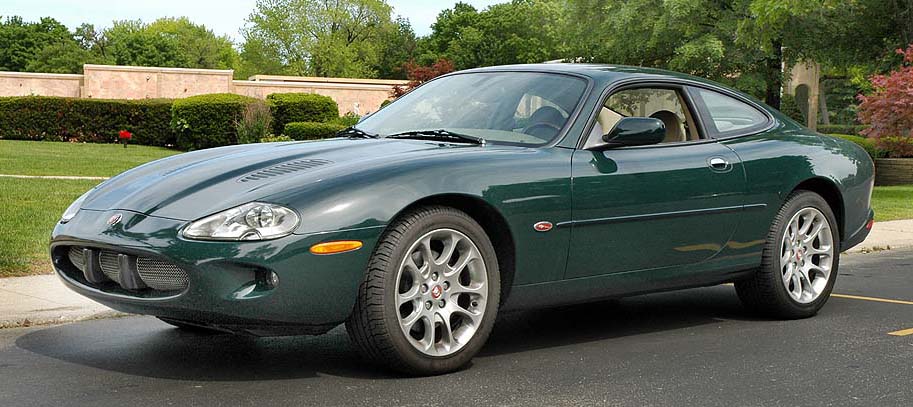
I've pulled one image from your Photobucket set for members who have limited connectivity to see.
Graham




Senior Member
Joined: Aug 2010
Posts: 883
Likes: 63
From: Illinois / Wisconsin
Hmm... maybe its my computer. I will try again. Thanks for letting me know.
Thanks

Thanks
Last edited by Norri; Nov 14, 2013 at 10:19 PM. Reason: increased pic size

Senior Member
Joined: Aug 2013
Posts: 801
Likes: 77
From: North Northumberland England
 My two gals
Here is a pic of my two babes.....better ones coming in the new year when they are back on the road.


Last edited by GGG; Nov 15, 2013 at 07:46 AM. Reason: enlarge photos

Junior Member
Joined: Oct 2013
Posts: 24
Likes: 1
From: Tigard, OR
I am wowed by my 2006 coupe
I'm not sure if I've done this right, but I'm trying to share some pictures by putting the links here. If the pictures don't show up, can someone tell me how to do this? I clicked on the icon that shows a mountain and sun, and pasted the dropbox link into the dialogue box.


[IMG]https://www.dropbox.com/sh/5rbb16pfkvibfnr/soWWgTMmtm/ug_800.jpg
[/IMG]https://www.dropbox.com/sh/5rbb16pfkvibfnr/1GM0M83VfC/pQ_800.jpg
[IMG]https://www.dropbox.com/sh/5rbb16pfkvibfnr/SJr951-TVE/oA_800.jpg
[IMG]https://www.dropbox.com/sh/5rbb16pfkvibfnr/soWWgTMmtm/ug_800.jpg
[/IMG]https://www.dropbox.com/sh/5rbb16pfkvibfnr/1GM0M83VfC/pQ_800.jpg
[IMG]https://www.dropbox.com/sh/5rbb16pfkvibfnr/SJr951-TVE/oA_800.jpg
Veteran Member
Joined: Oct 2012
Posts: 3,752
Likes: 1,617
From: Puerto Rico
I'm not sure if I've done this right, but I'm trying to share some pictures by putting the links here. If the pictures don't show up, can someone tell me how to do this? I clicked on the icon that shows a mountain and sun, and pasted the dropbox link into the dialogue box.


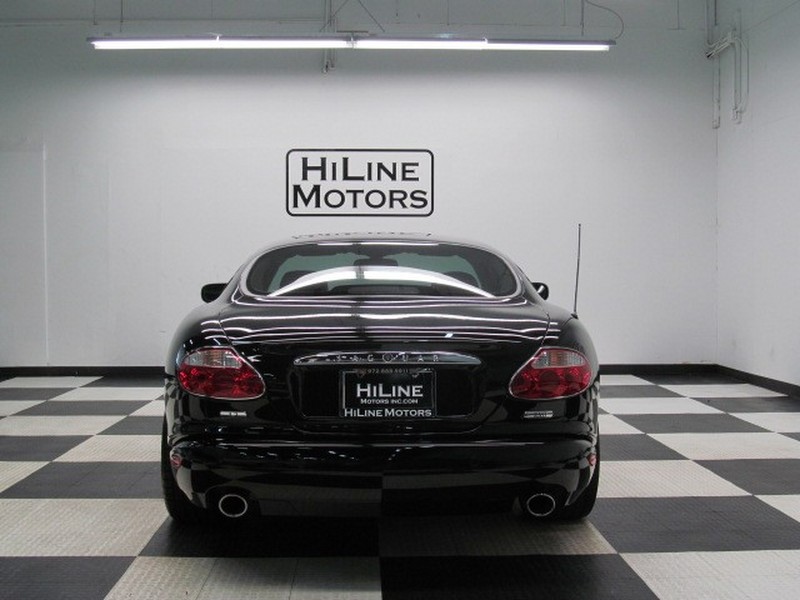
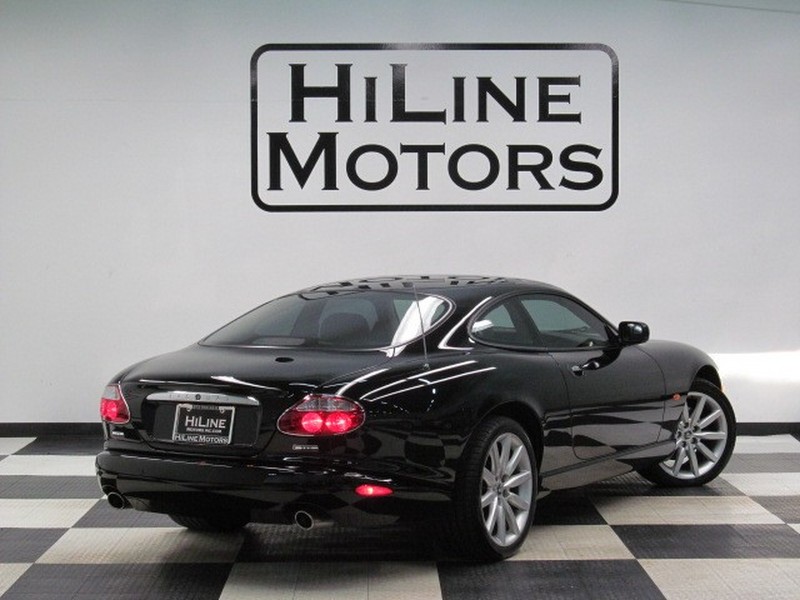
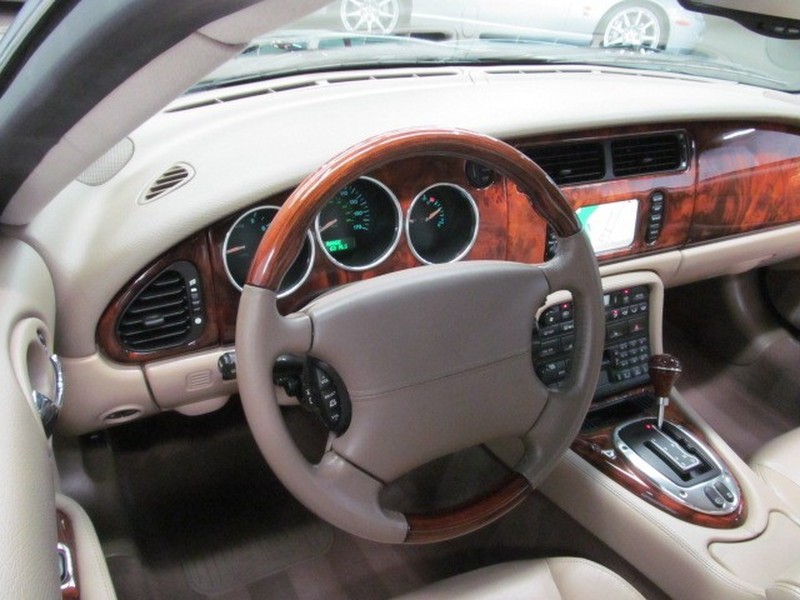

Last edited by giandanielxk8; Nov 16, 2013 at 07:40 PM.


Junior Member
Joined: Oct 2013
Posts: 24
Likes: 1
From: Tigard, OR
Thanks GiandanielXK8. Still not showing up. I've looked for a place where I can attach them to the Forum, but didn't find it. Can you point it out to me please?
Veteran Member
Joined: Oct 2012
Posts: 3,752
Likes: 1,617
From: Puerto Rico
To add more than one photo:
1. click on the Edit button
2. click on the Advanced button

3. click on the Paper Clip icon
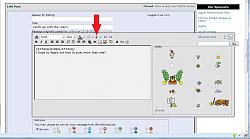
4. click on Manage Attachments

5. either upload from your PC etc by clicking on the Browse button (circled in red) to navigate to the file location and then clicking on the Upload button (circled in red) OR for online storage, type in the URL (arrowed in blue) then click on the Upload button (circled in blue).

It will have taken you longer to read this than it will to upload another photo!
Graham
1. click on the Edit button
2. click on the Advanced button
3. click on the Paper Clip icon
4. click on Manage Attachments
5. either upload from your PC etc by clicking on the Browse button (circled in red) to navigate to the file location and then clicking on the Upload button (circled in red) OR for online storage, type in the URL (arrowed in blue) then click on the Upload button (circled in blue).
It will have taken you longer to read this than it will to upload another photo!
Graham
Last edited by giandanielxk8; Nov 16, 2013 at 07:42 PM.


Senior Member
Joined: Jun 2012
Posts: 159
Likes: 47
From: nl
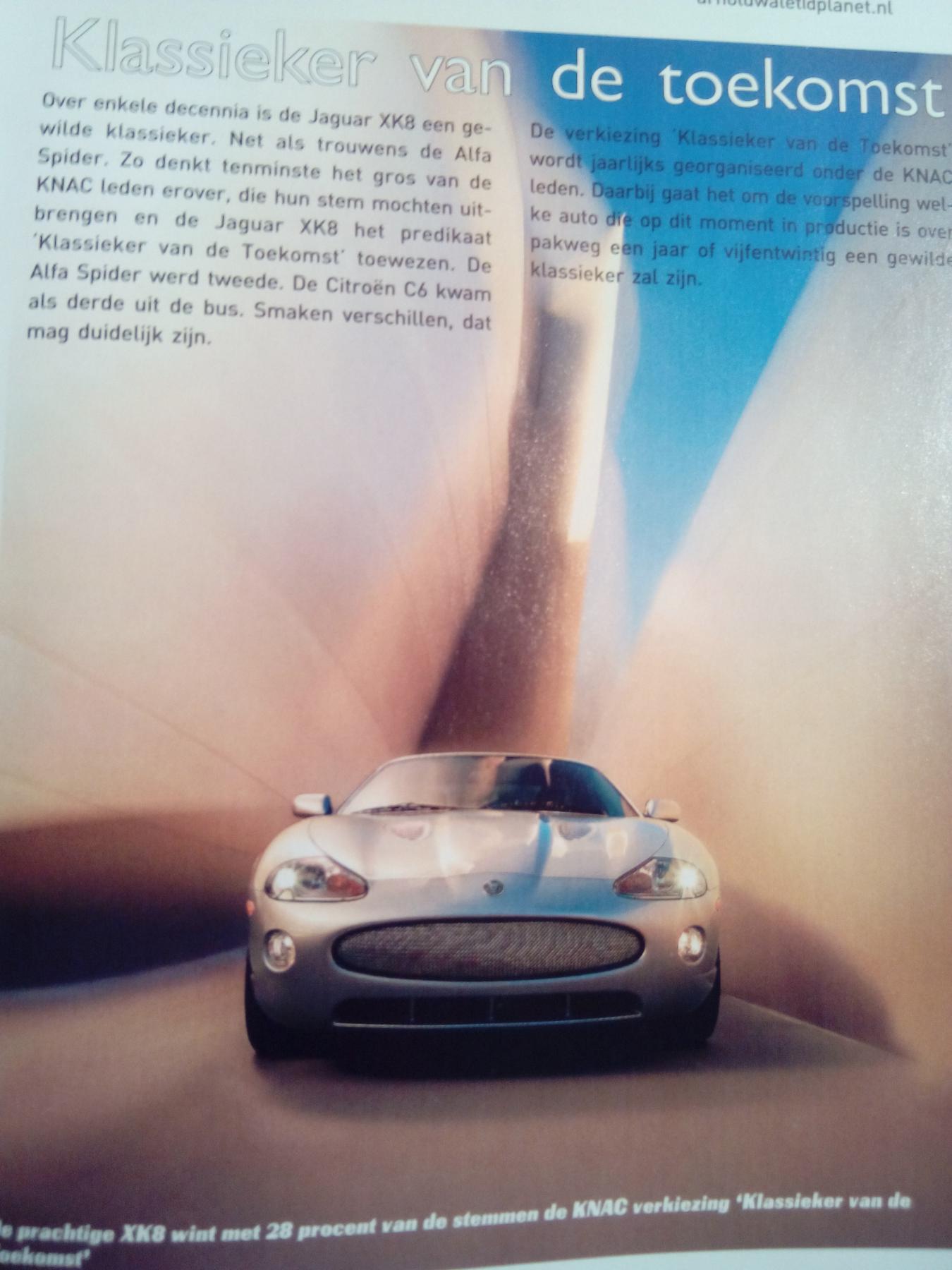
Classic of the future
Browsing through a 2007 Dutch car magazine I came across some familiar eye candy; The XK8 was elected to be the most wanted classic car in a few decades by the Royal Dutch Car Society...! (KNAC)
Last edited by keestanis; Nov 20, 2013 at 02:38 PM.
