When you click on links to various merchants on this site and make a purchase, this can result in this site earning a commission. Affiliate programs and affiliations include, but are not limited to, the eBay Partner Network.
Installed CarPlay module by IdCore from Unique Auto Developments
Bought the Bosch unit for my 2016 R. I pulled the panel behind the elbow, the unit there did not say Harmon Kardon, so I have Bosch (I've seen may ways to id what unit you have, but to me that was the easiest one). Here is a link to what I bought: https://unique-ad.co.uk/product/wire...ype-2013-2015/
and how-to's out there so I won't do a full write-up, but I will give a few details and highlights from my experience. UAD does a good job with the directions and include a trim tool which is VERY useful. The install is complete Plug-and-Play - no cutting or taping anything. The unit itself is much smaller than I though even though I had seen videos of the install. It tucks in to a "void" in the area behind the factory navigation module in the middle of the dash.
Only needed tools are a T20 Torx screwdriver, and the supplied trim tool.
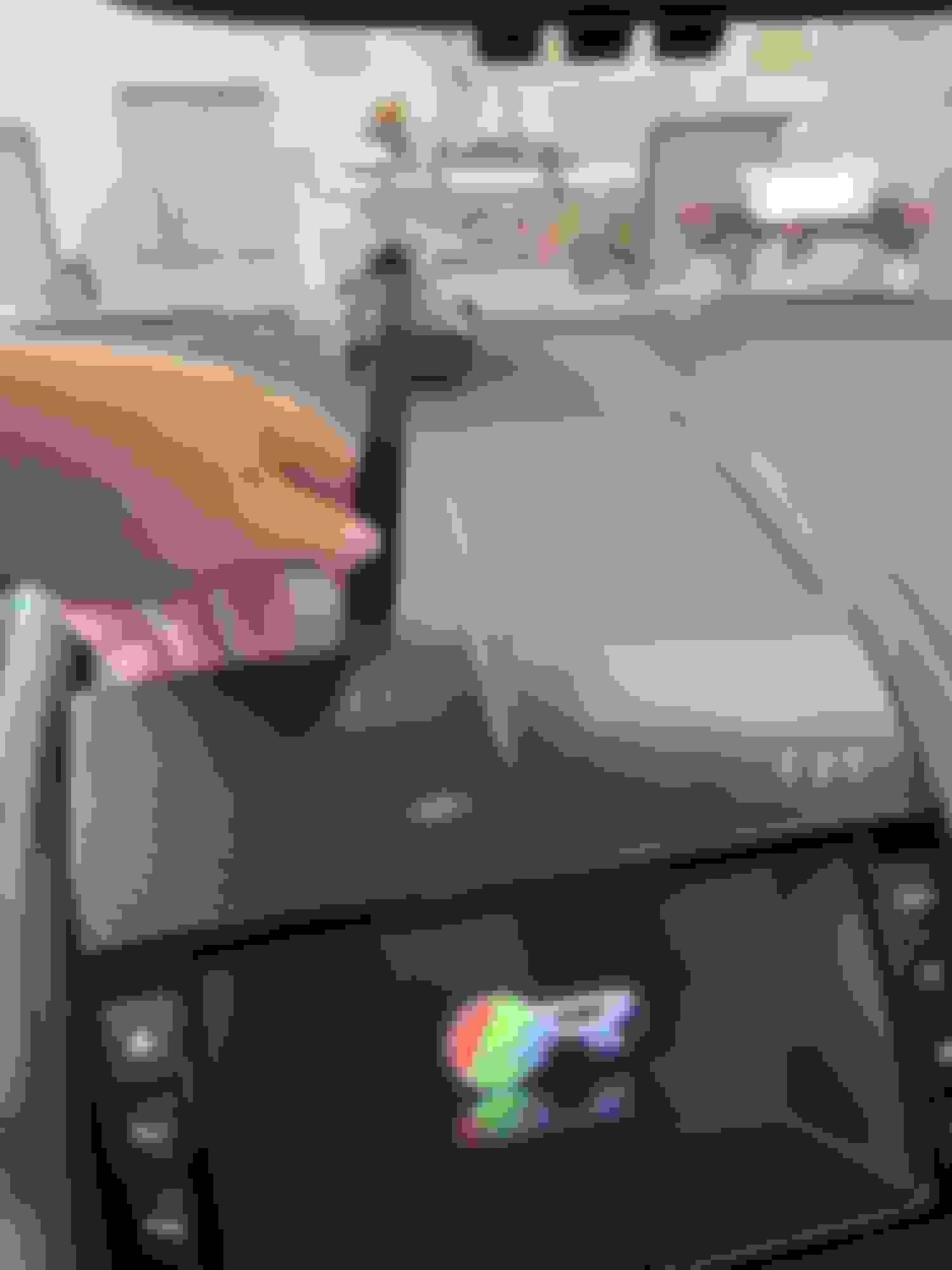
Use the supplied tool to get in to the dash:
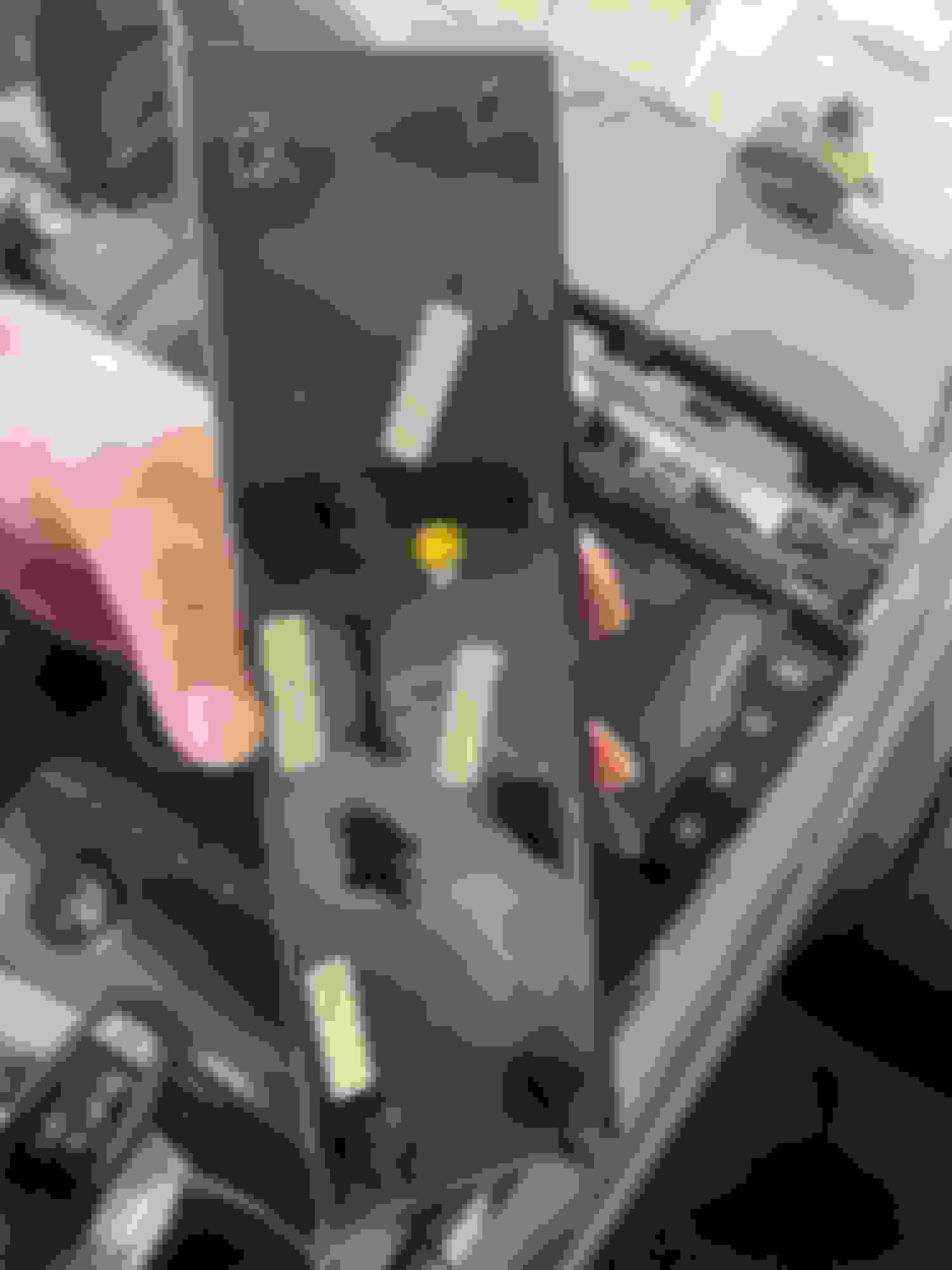
Here's the back of that panel, you are pulling the 8 spring clips:
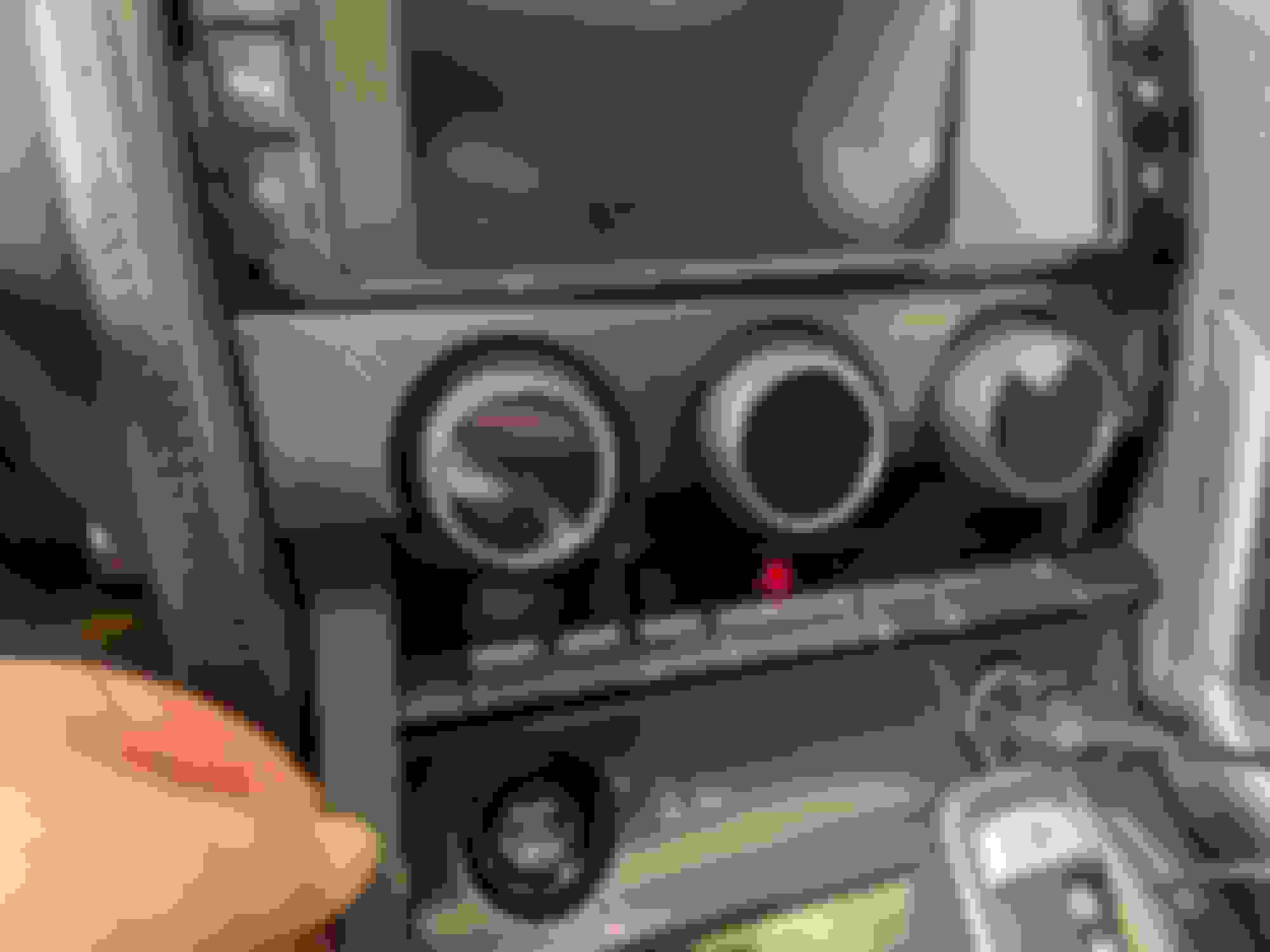
Remove the trim around the environmental controls:
You CAN remove the screen surround now, but I WOULD NOT! if I did it again. If I did it again, I would also remove the surround around the gearshift and remove the HVAC module PRIOR to removing the screen surround. There are clips in the screen surround that nest into the HVAC surround, so my new order of operations makes taking things apart easier.
Here's a hidden tab on the electrical connector to the screen surround. Press the tab to remove the connector:
Time to remove the screen:
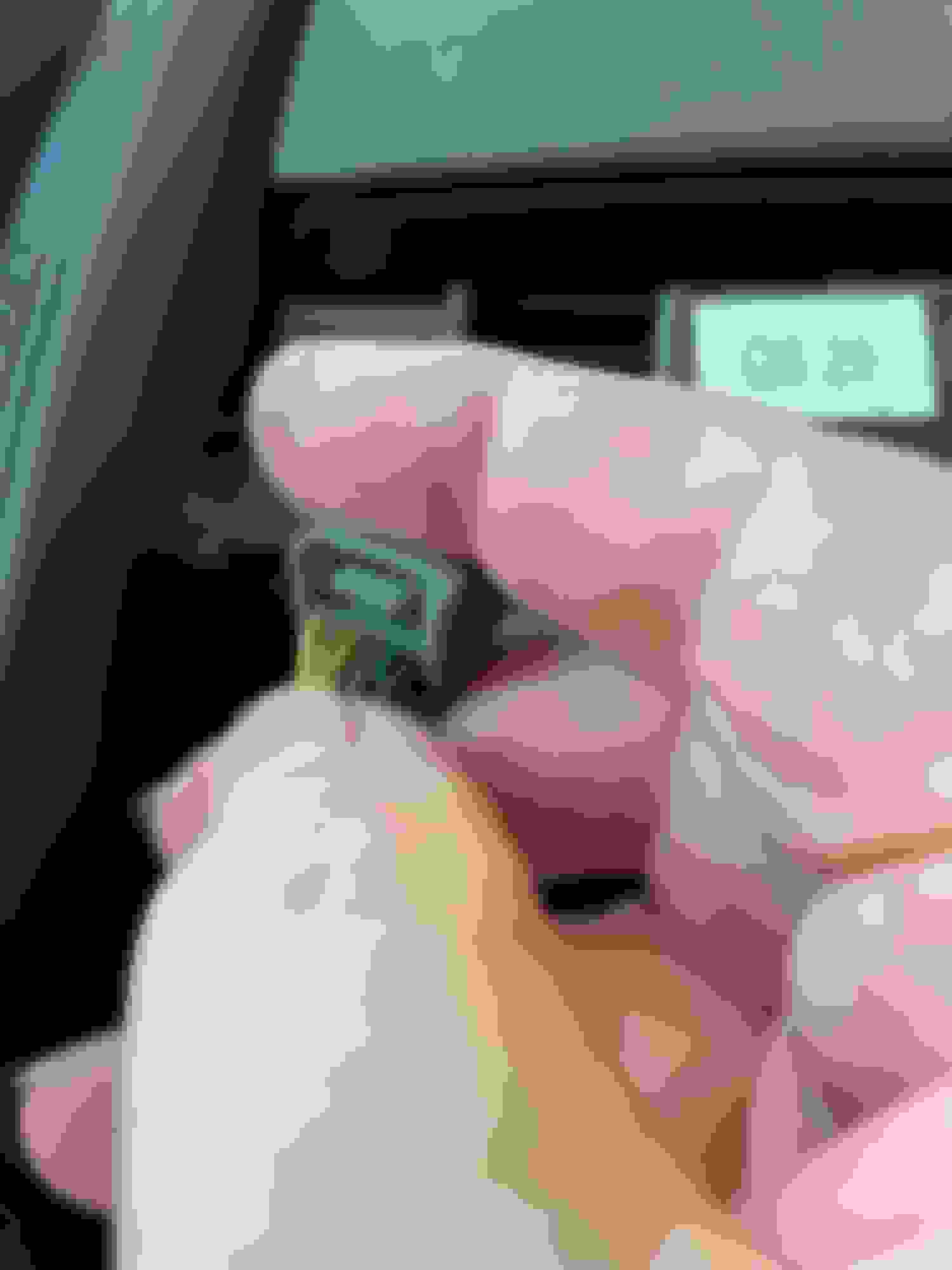
These connectors are the only tricky ones. Rotate the metal angled head away from the white finger. Pull the white finger out 2-3 mm. Then SQUEEZE the fitting between the white finger and the other side. The whole part comes off - white finger, colored connector, and the metal angled head:
That frees up the screen:
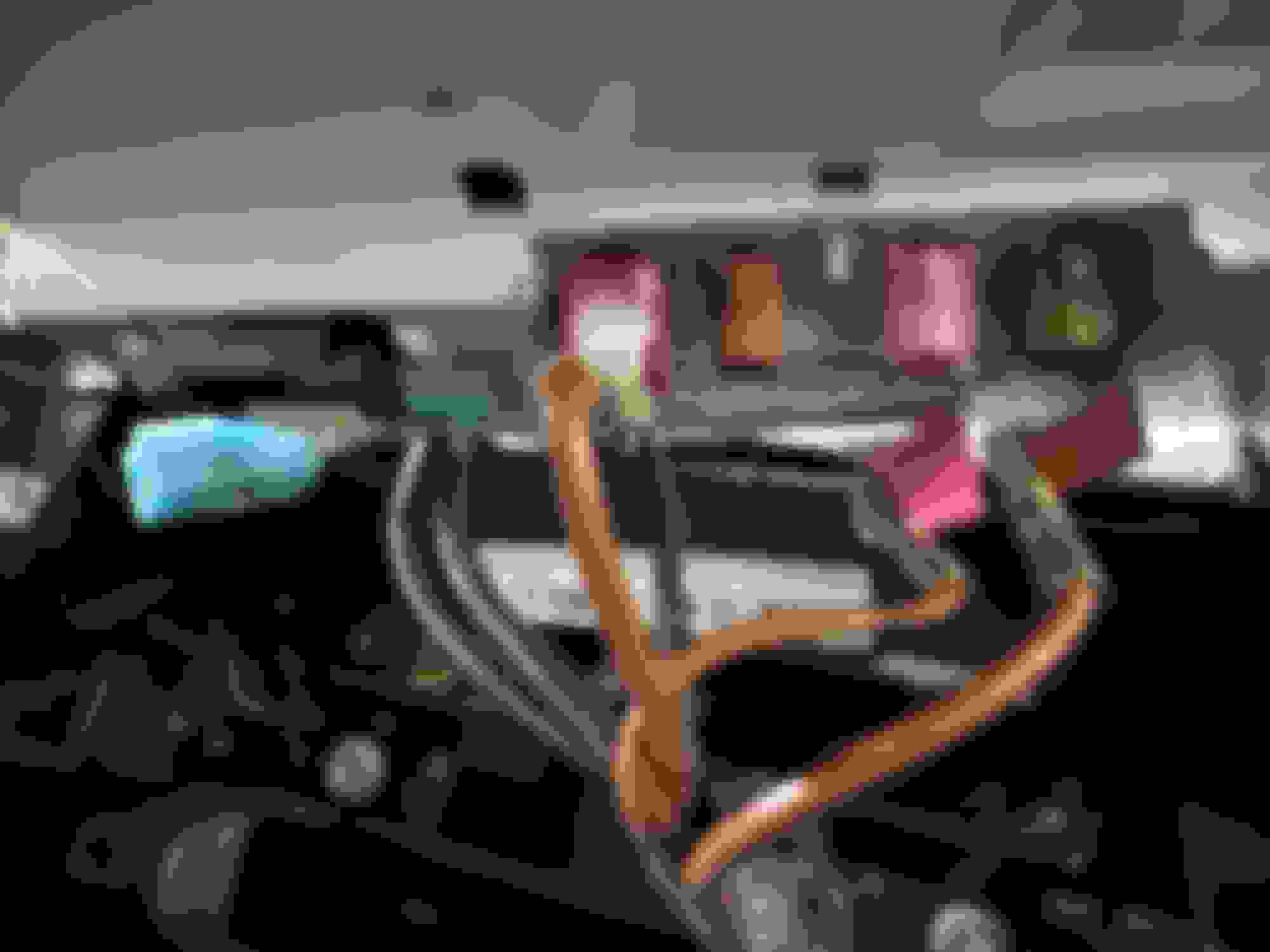
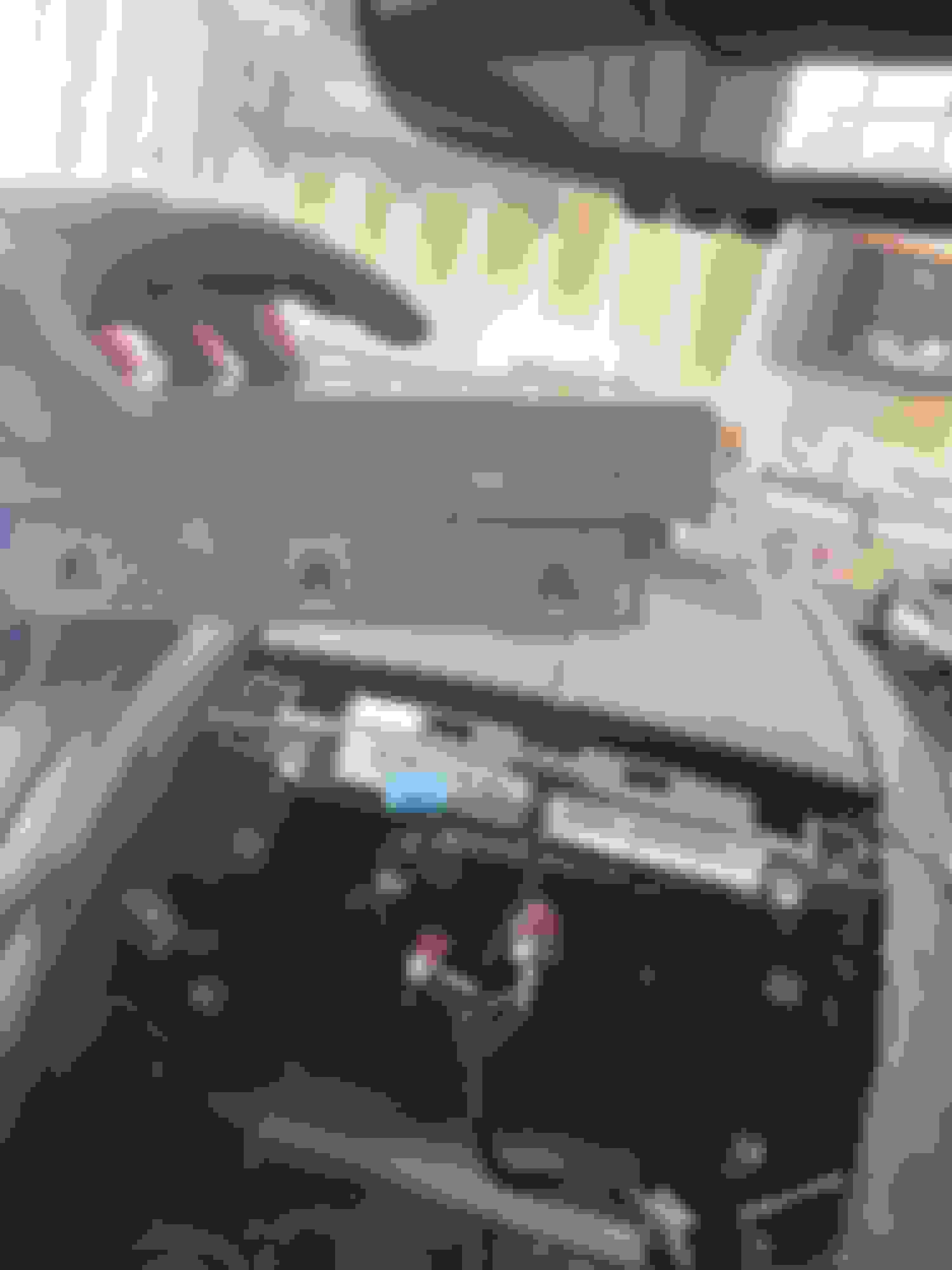
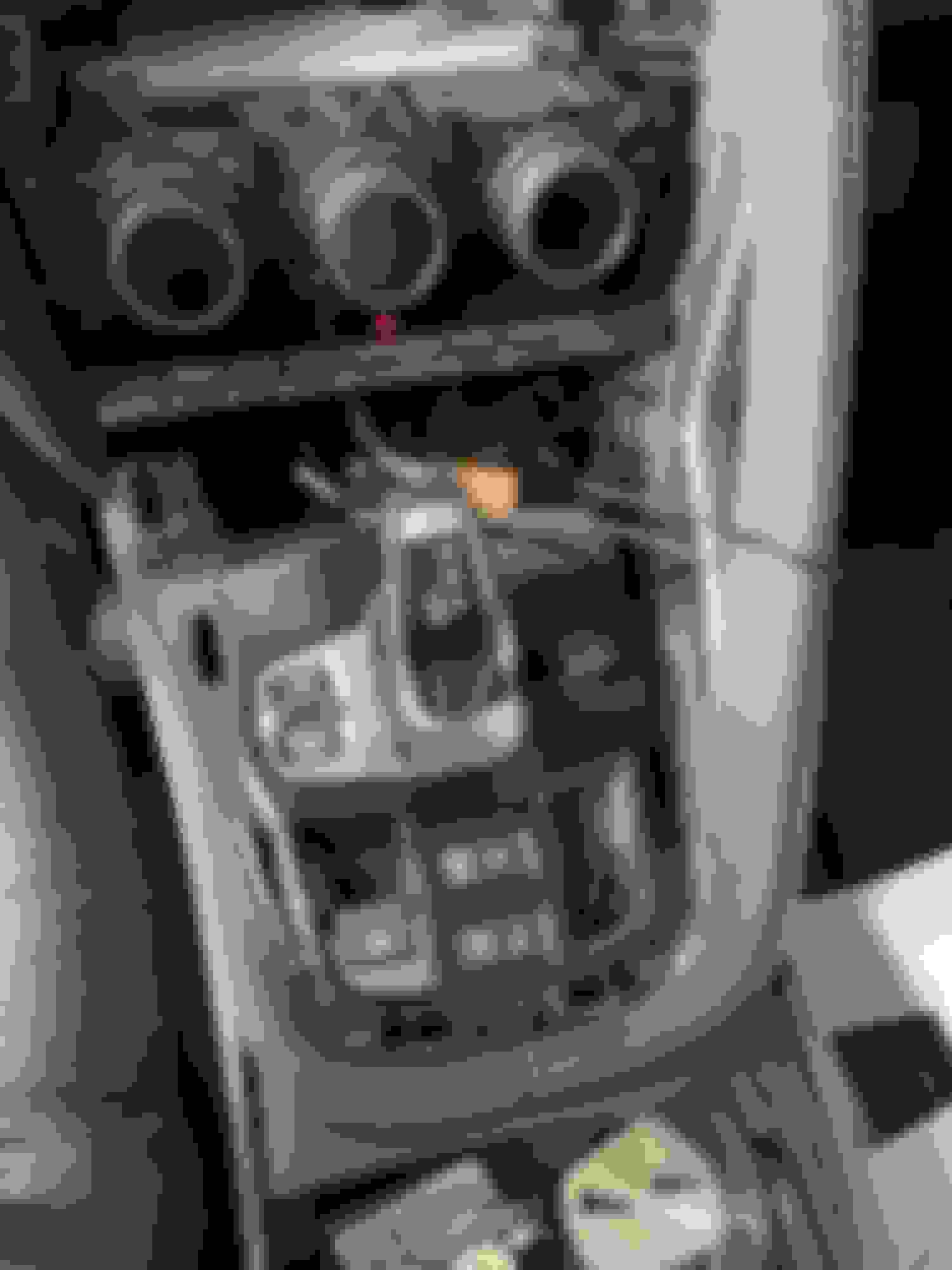
I won't go in to the wiring, as I mentioned there are enough other places to get that info. Again, this was all very easy except for a couple connectors. The instructions are good (not great), but certainly enough to complete the needed steps, routing the wires, and getting everything connected. Here's a shot with the gearshift surround detached. I was also running a power line for a radar detector and this made access easier for that too. I did read a tip later to remove the Start/Stop button entirely (it just pushes out the front) and connect it back up during the install and the car won't shut off. I did do the entire install with the battery connected, no issues, warnings or errors.
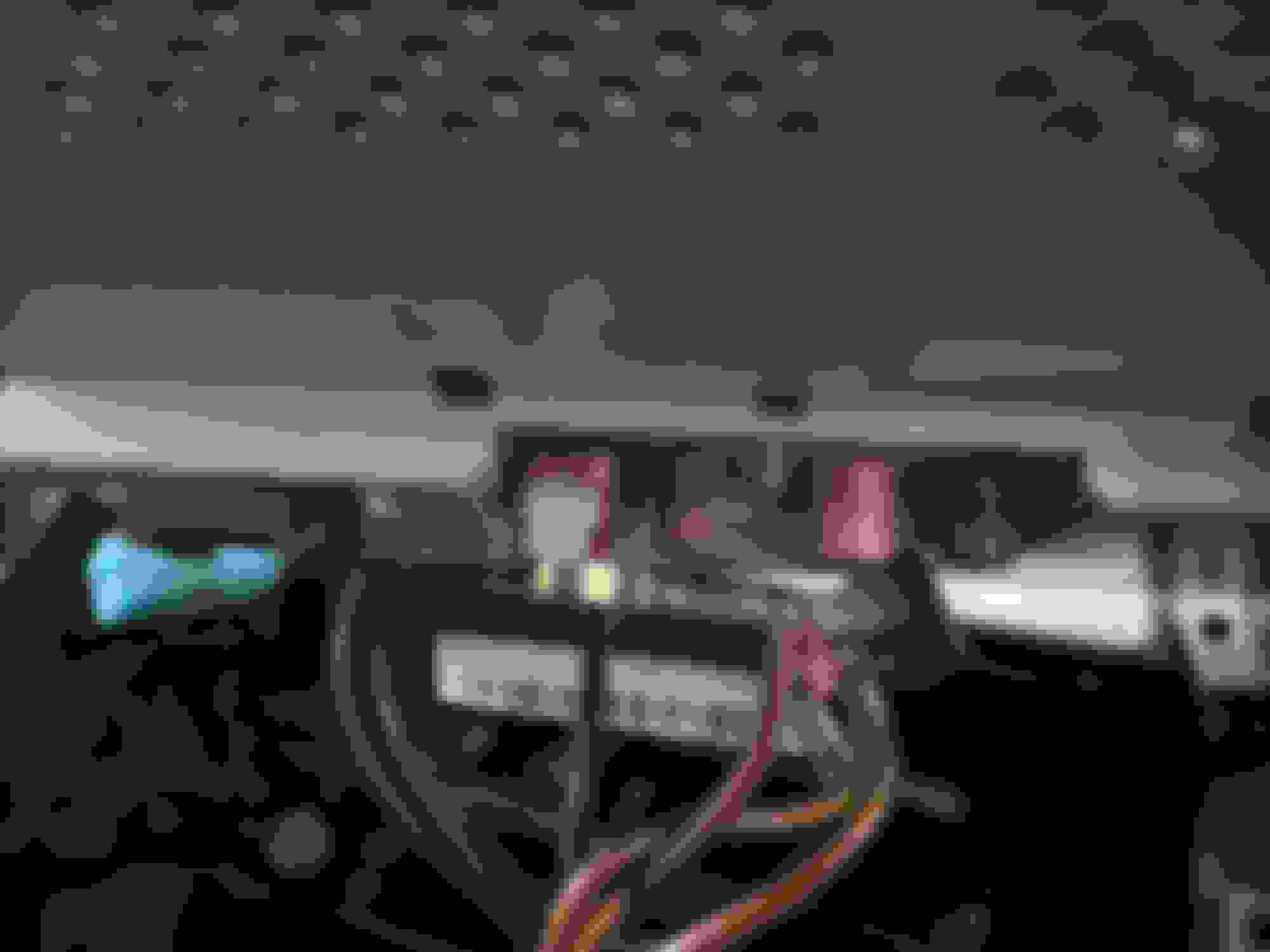
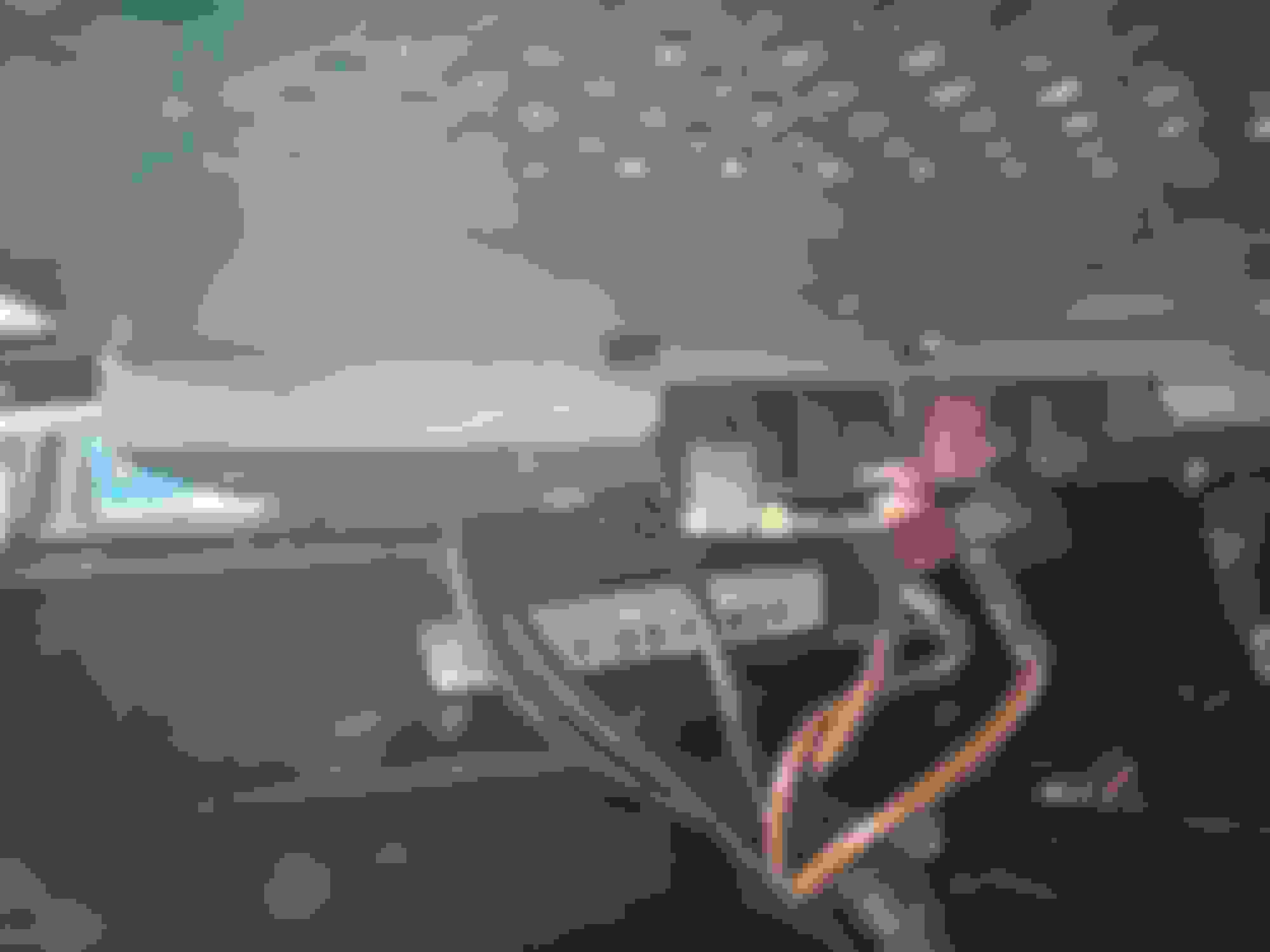
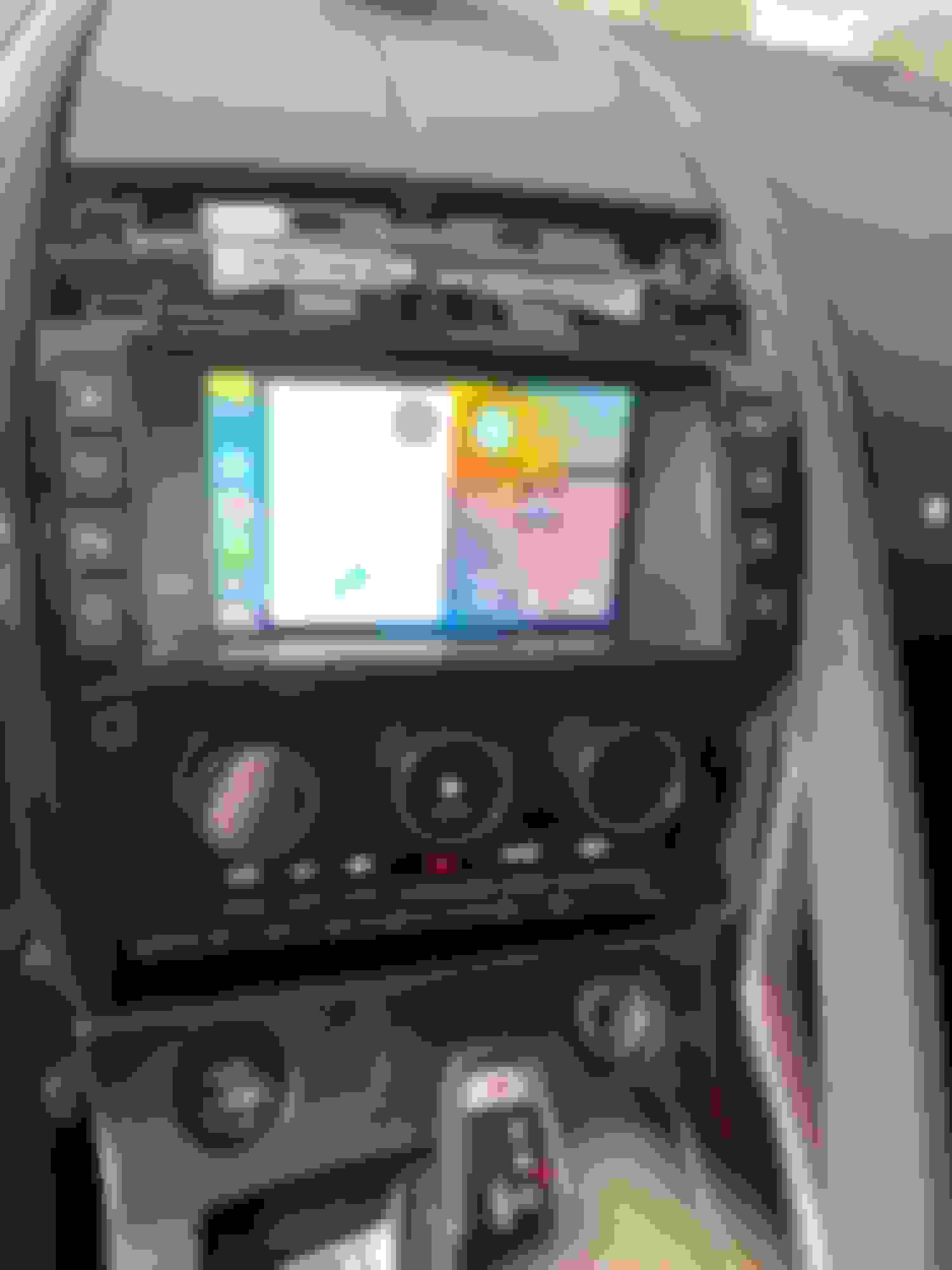
And here was the first powerup with everything tucked in place but not reassembled. It only took about an hour to get to this point:
Synching CarPlay took me two tries, not sure why. Reverse camera works, OEM screens work, press the Nav button brings you in to CarPlay. A LONG PRESS of the Nav button brings you in to the IdCore setup menu. Success, and I only went 6 days without CarPlay in my new car!
Only problem I had was my low tire pressure warning was on when I finished the job. I figured maybe something got screwed up with it being powered on and off a few times and after a few starts it would go away. Well, not so much. I had a screw in the front left tire and it is flat. So no testing the CarPlay for today! Gotta get a plug tomorrow before Cars and Coffee!
Great writeup. I just finished mine and the only thing I would add is some of the clips are REALLY on there and it gets a little scary to pop them. Three of mine popped off the plastic entirely.
I have android and hte unit seemed biased to Apple. There are a lot more options for Carplay, so some things, like changing the volume of waze, are a little complicated. All in all, I'm very happy with it.
I have noticed that the sound using Android is kinda sucky, like really low bitrate or something. I try to always use CarPlay, but sometimes my Android just wants to take over! The three connectors with the brown wires on the back were a real bear until I figured out how they work. Unfortunately the last time I took them off I lost one of the tiny plastic pieces on it so I am not sure I even CAN remove it if I ever need to again!
I have noticed that the sound using Android is kinda sucky, like really low bitrate or something. I try to always use CarPlay, but sometimes my Android just wants to take over! The three connectors with the brown wires on the back were a real bear until I figured out how they work. Unfortunately the last time I took them off I lost one of the tiny plastic pieces on it so I am not sure I even CAN remove it if I ever need to again!
Fortunately, I had seen another video about those connectors. Move the metal part to free up the plastic catch, slide the catch up and then the connectors came right off.
The whole thing took me a couple of hours. Most of that time was spent coming back into the house to re-watch videos and then try to find the plastic clips that popped off.
I've been fine with the Android sound. The EW didn't really do anything good, though. The rock preset was something...horrible.
Thanks for the details on disassembly. It's on my list to get an upgraded head unit, I am still not sure if I want to get an android Aliexpress unit (because it upgrades to a 10.25" screen) or use this. Either way, this is very helpful.
I installed the IDCORE CarPlay the other day in my 2017 SVR Coupe with the Bosch system. The physical installation was easy, except I forgot to buy a USB extension and had to run around trying to find one while the car was torn apart in the driveway. I found one at Best Buy so was able to finish it up. The problem I am having is that I can't hear Waze directions through the CarPlay. I have the phone connected to the car bluetooth as per the instructions as I couldn't hear the party on the other end of a call without that connection. They could hear me but I couldn't hear them. I switched the car stereo over to AUX but then can't listen to SAT radio, the call volume is weak and the other party to a phone call reports a bad echo. Does anyone have an idea of what is wrong? I checked the connections and they are all tight and correct as per the instructions. I suspect I have a wrong setting on my phone or on the IDCORE box but can't seem to figure it out. Thanks for any suggestions.
I have sound on Waze turned off, so I am not sure if it works. But I would NOT connect the car to the phone via Bluetooth - let CarPlay be the connection. You can listed to satellite radio by switching to it with the Mode button. I think Waze directions and phone calls will still be handled by the IDCORE (and the new microphone you installed) set up this way.
You should also be able to listen to "satellite radio" through the phone via CarPlay with the Sirius app, but then you would be using data to play the music.
I installed the IDCORE CarPlay the other day in my 2017 SVR Coupe with the Bosch system. The physical installation was easy, except I forgot to buy a USB extension and had to run around trying to find one while the car was torn apart in the driveway. I found one at Best Buy so was able to finish it up. The problem I am having is that I can't hear Waze directions through the CarPlay. I have the phone connected to the car bluetooth as per the instructions as I couldn't hear the party on the other end of a call without that connection. They could hear me but I couldn't hear them. I switched the car stereo over to AUX but then can't listen to SAT radio, the call volume is weak and the other party to a phone call reports a bad echo. Does anyone have an idea of what is wrong? I checked the connections and they are all tight and correct as per the instructions. I suspect I have a wrong setting on my phone or on the IDCORE box but can't seem to figure it out. Thanks for any suggestions.
John
this is what works for me. First adjust your Waze settings if it doesn’t match already
Start Waze on your phone
select “my Waze”
select “settings “ on top left corner Select Voice and sound Setting should be as in the picture.
You will have 3 connections between your phone and the car
1. Bluetooth to the module , mine says “joyeauto” .
2. wifi to the module - used for music
3. your original Bluetooth to the Jaguar OEM system
I would delete 3.
it mean’s that you lose to the ability to make a call using the OEM microphone and you will have to make a call through the module itself but should clear up any confusion in the system. Use the phone button on the UAD/Joyeauto screen or just ask Siri to call and everything should be good.
Thanks for the help gents. The problem was I didn't have the car stereo tuned to "Aux" when I started up the IDCORE unit. To fix it, I disconnected the phone, turned on Aux and repaired the phone with the IDCORE. Everything works now. I discovered that people I called using CarPlay heard an echo and static, so I followed the UAD instructions to add the factory phone back in. The sound quality for the call recipients is fine now. I can call and answer with the factory phone system and CarPlay functions as it should.
Thanks for the help gents. The problem was I didn't have the car stereo tuned to "Aux" when I started up the IDCORE unit. To fix it, I disconnected the phone, turned on Aux and repaired the phone with the IDCORE. Everything works now. I discovered that people I called using CarPlay heard an echo and static, so I followed the UAD instructions to add the factory phone back in. The sound quality for the call recipients is fine now. I can call and answer with the factory phone system and CarPlay functions as it should.
John
Where did you find these UAD instructions for setting the factor phone to not echo?
There is one research area near where I live with a lot of RF and it can make the carplay screen go away. I just say "hey siri...show waze or music" and it gets fixed...music never stops playing...sort of odd. With carplay the music quality is quite good. Then again, I like the optional OEM sound system. I like the older front end and the real gauges more too...
JLR should do what Porsche does and OEM these things.....killer product. Porsche has single DIN and dual DIN solutions for "older" cars.
Deleting the Jaguar bluetooth phone and just leaving it for carplay is key (at least to me).
Also, added a dedicated microphone that is at the A pillar....works perfectly....
Highly recommended.
jb
Last edited by jcb-memphis; Mar 1, 2023 at 05:53 PM.
I had a mobile installer put my unit in for 100 dollars....given the issues and complexity, I saw that as a bargain...he had the mic from his collection of double din units. I'd just go to a car stereo store and ask them for one. It looks like a Jensen but I am not sure....you may need to test one or two.
Sund quality is awesome...looks aftermarket and I don't care. That price covered full install, microphone, setting it up and showing me the ropes...best 100 bucks spent ever. Damaging just one panel in our cars is probably 100 bucks.
One issue to be aware of: I can get the volume to go up and down on the steering wheel but I cannot get the left right to skip songs/go back. That is the only thing the installer did not get to work. Minor as you can use the screen. Great product and makes the car "up to date."
Ha, I bought the same mic on Amazon before I posted. The Fwd/Rev does NOT work with the UAD unit, so no issue with the install - it's the hardware. The only "missing" feature I think, and to me no big deal at all.
One issue to be aware of: I can get the volume to go up and down on the steering wheel but I cannot get the left right to skip songs/go back. That is the only thing the installer did not get to work.
That is a known limitation of this system. Nothing to do with the installation or installer



 Installed CarPlay module by IdCore from Unique Auto Developments






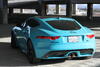


 I like the older front end and the real gauges more too...