When you click on links to various merchants on this site and make a purchase, this can result in this site earning a commission. Affiliate programs and affiliations include, but are not limited to, the eBay Partner Network.
Thanks for posting that diagram!
Did you notice there is no NA or Europe version?
Asia and Japan are the two versions listed so I was not 100% sure that diagram was the same for my car.
I looks like they are wired the same in all markets at least the antenna.
.
.
.
Yeah. I was curious about that as well. I figured like you, that there wouldn't be any difference with the GPS antenna connection.
Originally Posted by espark415
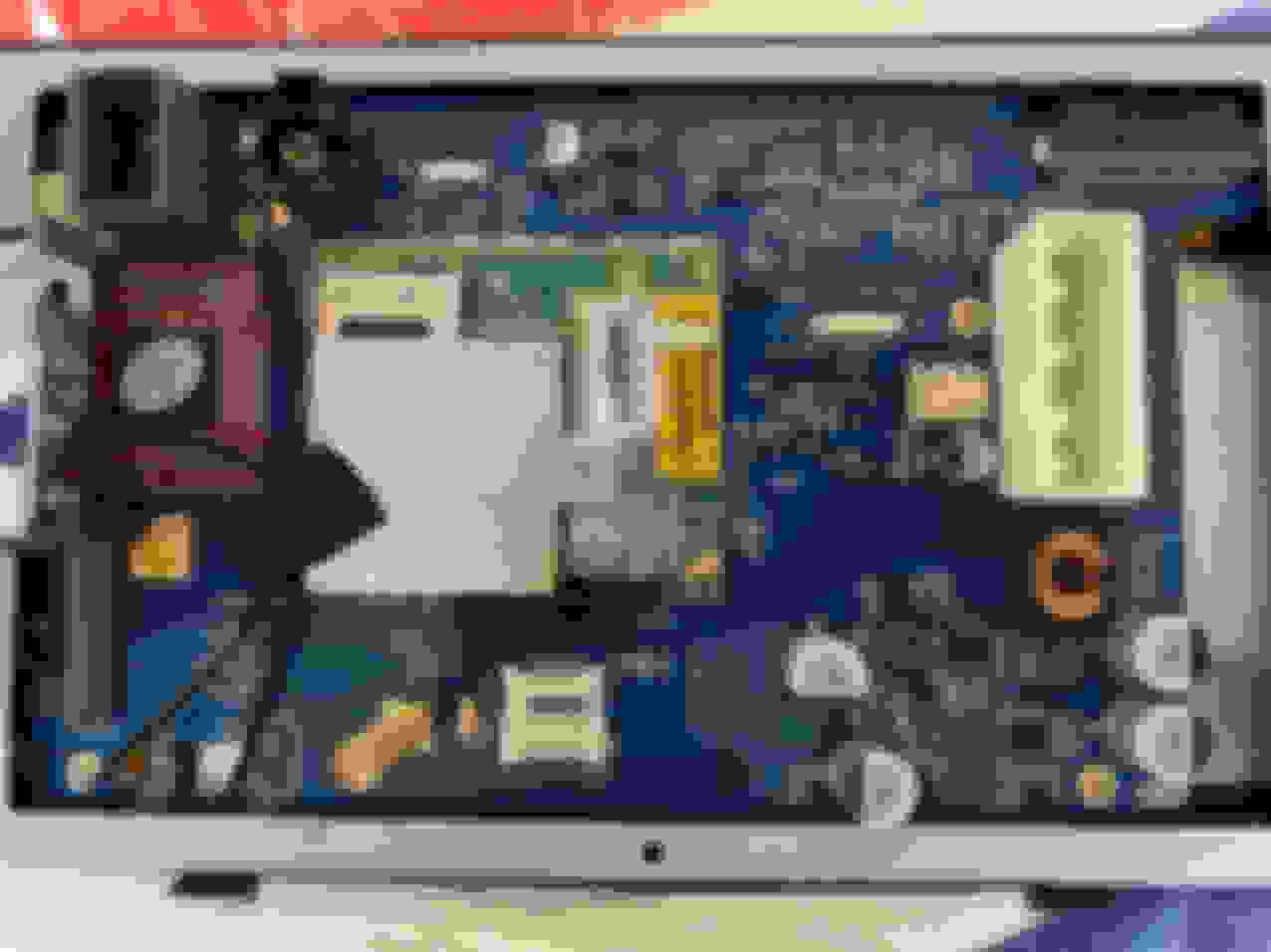
Hi Just installed one today in my 2011 XJ. SIM card from your carrier goes under the silver holder next to the red circled 4G on this board picture .flips out using your fingernail toward the outside of the board. I don't get any function when switching to original display. It's there but unresponsive. They threw 4 of those little silver capacitors 470 25V VT in the box not attached to the board as in your picture. Maybe it was the end of a shift on the production line in China.Lol
That sucks. And the vendor probably wants you to wait for a RMA number, then ship it back before they will send you a new one.
Hi,
My car has the older system, so there is no PHONE or NAV button but when MENU is pressed the original JAG main menu comes to screen (if the JAG main display screen is active).
If another Android screen is active no change on screen, but in the background the original Jag screen comes.
I have no idea about extra wiring...
What happens if you press the Seat button? Also, will massage work?
I had posted up thread about a circuit board sticking out which made it difficult to install the big screen and bezel. The navigation screen was dragging on top of the CD unit. I wanted to stop fighting it as I have had to install and remove it several timers so far. I used a thin Dremal cut off wheel which was fast and easy. Just taped up all the openings so no cutting debris would get in the electronics.
Then I covered the area with sticky backed felt. I love this stuff and use it as a sound deadener quite a bit. Now the unit slides in and out without much problems.
Just about done installing it and as I clicked on things I stupidly reset the unit to factory settings. No problem other than the original stuff is all chinese!!
Took a while but finally got it changed back to English.
.
.
.
I am just a hobby guy so don't think it would be a good idea? Afraid I would mess something up on your car?
Are you a DIY guy at all? I was posting so others could follow along and get a head start on what problems you might run into on the XJ. On The F-Type forum they have an extensive thread that I have kept up with too.
No massage seats in the XJR so I did not have to face that problem.
I hear you on the screen but I think there is an adjustment somewhere for screen brightness/contrast? But that's the big drawback on these units.
There is just so much available for Android that I don't know where to begin but since this is a custom overlay it's very confusing about what to change and where anything is located!!
Just zero documentation.
.
.
.
Here is New-Type Unit It can be installed on X351 produced in 16-17MY. My XJL's IMC is in the trunk, so it's very easy to install. The connector looks a little different. The PCB is MRW-8833 and its version is 191220. (However I removed this because there were some bugs.)
1. LTE communication has no problem. 2. Send audio over USB AUX. 3. Climate viewable. (but...)
Had the unit installed for a month or so and am pretty happy with it.
Some things I like;
The backup camera/park sensors comes on the screen as soon as you shift into reverse. Even if the Android is not booted up yet. This helps a lot because by the time I back out of my garage and shift into drive the unit is booted or nearly done. As was posted above I have yet to figure out how to fast boot this thing or put it in suspend or hibernate mode. The unit stays alive a good long while after shutting the car down so if the car is started the screen is immediately available to use.
Also if you disturb the car in any way like opening a door or the trunk. The Android unit will start booting up. This is also great because if you are at a grocery store or somewhere else loading something in the trunk. When your done and get in the car the screen is on immediately and ready to go.
The audio (at least the radio) also comes on immediately regardless if the unit has booted. I think this will only be true if your playing music from the stock system. I will need to play around with this some more to find out.
Nice to load App kits thru the USB. Still playing with the phone screen mirror App as I was not doing this before and need to learn how to use it. But the unit does see and connect to my Iphone.
Just a LOT of capability with absolutely no support. What we need is a forum for this Merryway unit so everyone can post what they have found out that works and what does not work.
This is the Merryway Interface and it's very crude and you can't change it? At least not yet!!
But the unit is blazingly fast especially compared to the tired old slow unit Jaguar installs! Going from screen to screen is fast and being able to shrink or stretch the screen is wonderful. Note you can't do that on the factory screen App. It's just a mirror of the complete stock system which is again a very good feature of the unit.
Still have not found the screen brightness and contrast or if there is a daylight setting? Merryway has a screen setting but it apparently does nothing and the screen can get sorta washed out in direct sunlight. I think this can be adjusted but again just no info.
Note I have NOT installed a SIM card which will give you a lot more functions but I don't want to add it to my data plan and use my phone for most of that.
.
.
.
Yeah, like I mentioned in my previous post, they did away with the other interface options, and you are stuck with that ugly one. Plenty of different launcher apps you can install, so that you can interface through that app, instead of the one that came with it. Of course, unlike other Android head units, you can't automatically boot into the launcher of your choice, you have to go to it from the ugly interface first.
Unless you have a specific app you want to use in the car that is available for Iphone but not for Android, then I wouldn't even bother with the phone mirroring. Just install the app you want to use onto the head unit.
I got a new unit today from Canavie. Previous unit had a condenser problem. But version has been upgraded. I don't know what's different because it's not installed yet.
I'm going to modify what I need before I install it. I have activated USB debugging. Has anyone connected to the ADB? I don't have a USB Type A-A cable. I'll try to connect it when I buy it. If I can use ADB Shell, I can add things we really need. (default navigation, translation, speed units, etc.)
Best regards,
KIM
Last edited by gloriashield; Jun 16, 2020 at 11:29 AM.
ADB is Android Debug Bridge. I can access Android System with developer permission using it.
"If I can access to..." If I can access with a Root permission, I can modify so many things. In short, I could boot it up more faster. Generally... I think there's no Root Permission.
What I want to do the most is to modify the translation. And my country doesn't use Google Maps, so I want to change it to another app. I need to have an ADB to modify all of this. (Some people want to change the speed unit from KPH to MPH in the basic theme. I think I can decompile the APK file and fix it easily.)
USB cable will arrive today. Then I'll let you know the result. It's pointless if the ADB doesn't work.
There is a thread about that app on XDA developer website. The app came out in 2014, and hasn't been available at the playstore for a few years. Some people said it doesn't work with newer versions of Android, whereas some said it works with Android 9. Have you tried it on more than one device?
Hi sgtm7 and all,
Sorry for not responding sooner.
Yes - I tried all the version of AutoSleeper I found but no function (some are not installs, some do nothing with the system, however I can set everything in the app...)
I decided a different way to have better "start-up" :
I designed a small PCB with optocouplers on it. It checks power on some wires in the car: footwell-light (as it lit up immediately when door opens..), ignition from auto-gear-switch.... And this PCB send power to the Android unit (the unused red wire) - so it powers up immediately gains several seconds...
I will post some pics when ready to use...
Another thing:
Thanks for the idea to use Car Launcher Pro.
This app makes much it easier to use.
unfortunately there is no user manual for it (or I could not found it).
If anyone has. - please let us know.
THX
Another thing:
Thanks for the idea to use Car Launcher Pro.
This app makes much it easier to use.
unfortunately there is no user manual for it (or I could not found it).
If anyone has. - please let us know.
THX
I pretty much just fiddled around with it. That is usually what I do, even if there is sound kind of manual available. I guess it is because I started messing around with computers back in the DOS days is why I find most programs/apps relatively easy to figure out. I haven't seen any manuals, but I did find this:
Just wanted to mention, that there are two versions of Car Launcher. The free version, and the pro version. I paid $3.00 for the pro version. The pro version allows you to download different themes, and to edit those themes to look the way you want them to.
And a 3rd thing:
I am still experiencing problem with bluetooth of the Android unit.
-Phone connects correctly (both handsfree and audio steaming)
-No other device can start BT and finally (after 30-40 sec) the system shows error: "Bluetooth share is not responding" - then the app closes. (I tried Kivic HUD, I tried OBD2-BT code-receiver).
Please let know if anyone has any experience with BT other than phone connection.
Thanks
this looks fantastic and i am super jealous. i wish there was someone in NY/NJ that could do the install for me, im a bit nervous doing it myself
My install usually involves a multimeter to find the constant 12V, ignition 12V, the headlight 12V, and the ground, and then cutting and splicing wires. This is an extremely easy install compared to my usual installation. Once you remove the OEM cards and install into the Android head unit, it is pretty much plug and play. Hell, even adding two amps and a subwoofer was easy, because both the OEM amp and the battery are in the trunk and easy to access.
If you know absolutely nothing about installing stereo equipment, and feel uncomfortable about doing it, you could take it to an install shop. However, I am guessing that most will be reluctant to do the circuit card swap, because of liability issues. So you will need to do the swap, and then take the head unit to the installer. In which case, if you removed the OEM unit and swapped the cards, there really isn't much left to do.
I pretty much just fiddled around with it. That is usually what I do, even if there is sound kind of manual available. I guess it is because I started messing around with computers back in the DOS days is why I find most programs/apps relatively easy to figure out. I haven't seen any manuals, but I did find this: https://www.youtube.com/watch?v=OMn35OxF8bg
Just wanted to mention, that there are two versions of Car Launcher. The free version, and the pro version. I paid $3.00 for the pro version. The pro version allows you to download different themes, and to edit those themes to look the way you want them to.
Thanks sgtm7 for this video. I saw it some days ago, and helped me to start with some advanced settings.
I thought there is a more detailed description to use more functions of the Pro version.
I will collect all my expectations and may be we can find them out ...
Thanks sgtm7 for this video. I saw it some days ago, and helped me to start with some advanced settings.
I thought there is a more detailed description to use more functions of the Pro version.
I will collect all my expectations and may be we can find them out ...
I am not 100% sure, but I believe when you have the free version, and you go to the app settings, any options that are only available for the pro version will be indicated. I know that theme editing is a pro version feature, but I can't remember which other ones were.







 It can be installed on X351 produced in 16-17MY. My XJL's IMC is in the trunk, so it's very easy to install. The connector looks a little different. The PCB is MRW-8833 and its version is 191220. (However I removed this because there were some bugs.)