When you click on links to various merchants on this site and make a purchase, this can result in this site earning a commission. Affiliate programs and affiliations include, but are not limited to, the eBay Partner Network.
Thank you for your kind replay. I fixed many problems by referring to this thread. (And .. you are right. How can I say "white square button"? )
First, the reason why GPS signal weakness and CAN protocol did not work was the problem of the unit. I bought the unit from Kanor. However, they disagreed this problems and blocked me. I bought it again from Canavie. And it's not perfect, but working fine. By the way, some UX is uncomfortable. XJ should use OEM displays often.
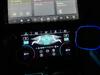
For change seats settings... : (Sample) Navigation > touch button > touch home > touch car icon > OEM display ...
I found a way to replace that button with another one. However, OEM displays must go through default theme. I think it's calling API or system commands. I asked them how to access root system, but they didn't tell me. I am sure that CAN includes more climate or other useful information.
Friends, try to install CPU-Z. There will be something strange. Android version is 7.0(API Level 24) and AP is not MT8783. Is it true?
That is strange?? But I don't have CPU-Z app installed either so I am getting the version info from the system.
I waited until they released a unit with version 9.0 Android. I wonder if yours is an older version somehow?
.
.
.
Hi guys! New guy here with a '13 supercharged,
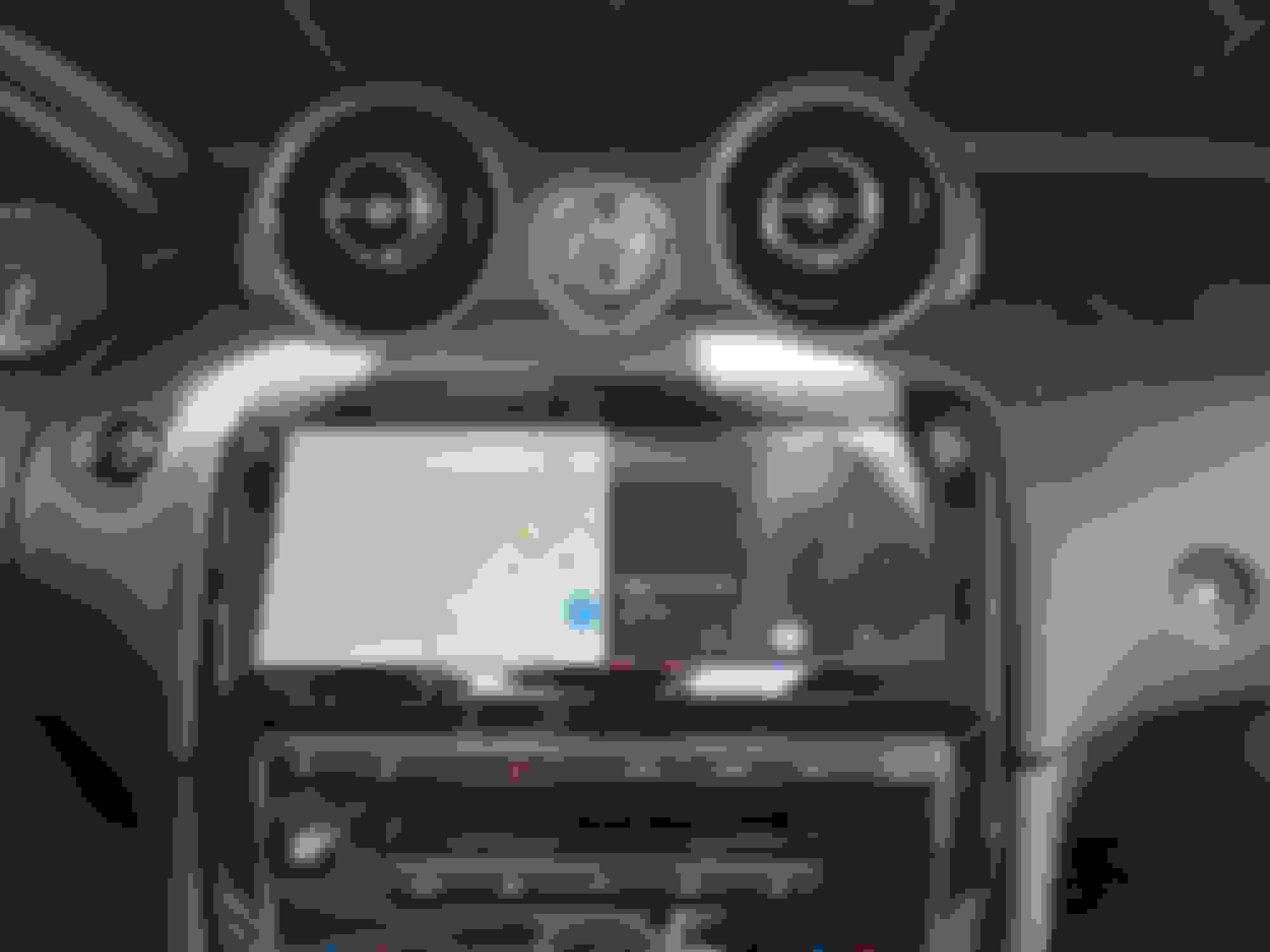
Thanks to this thread, I finished my install of the Chinese 10" headunit and have been using it for several weeks. I followed the advice to swap the gps plug with the factory one, so that is super fast now
This HU is pretty fast in general, a couple things that might kill the deal for some is the sound is not as good as the factory sound. It's weaker for sure. I followed someone's advice to install an EQ app. It helps but I still listen to Amazon HD audio from my phone through the 3.5mm jack.
The screen is really nice but finger prints get so bad you can't see the screen at certain angles without wiping down the screen constantly. I might get a sheet of those cut to fit screen protectors to see if it helps with the fingerprints and glare.
Having multiple options for gps, video streaming services and ability to install apps makes up for the poor sound.
Here is my install, can anyone guess where I hid the mic?
Hi guys! New guy here with a '13 supercharged,
Thanks to this thread, I finished my install of the Chinese 10" headunit and have been using it for several weeks. I followed the advice to swap the gps plug with the factory one, so that is super fast now
This HU is pretty fast in general, a couple things that might kill the deal for some is the sound is not as good as the factory sound. It's weaker for sure. I followed someone's advice to install an EQ app. It helps but I still listen to Amazon HD audio from my phone through the 3.5mm jack.
The screen is really nice but finger prints get so bad you can't see the screen at certain angles without wiping down the screen constantly. I might get a sheet of those cut to fit screen protectors to see if it helps with the fingerprints and glare.
Having multiple options for gps, video streaming services and ability to install apps makes up for the poor sound.
Here is my install, can anyone guess where I hid the mic?
Hey. Install looks great. I too have a major pain point with the sound. I ALMOST returned the unit as a result. Then I met fate.
while fiddling with my head unit I went to the old screen to switch back and forth from AUX to Bluetooth. I kept it on Bluetooth and headed back to Apple play. When my phone reconnected I switched my phone’s sound output from CarPlay to my car’s Bluetooth AND success. I had the excellent sound that I thought was lost. Now, I’m still struggling with the Android head unit but at least the majority of what I listen to sounds great again.
Hi guys! New guy here with a '13 supercharged,
Thanks to this thread, I finished my install of the Chinese 10" headunit and have been using it for several weeks. I followed the advice to swap the gps plug with the factory one, so that is super fast now
This HU is pretty fast in general, a couple things that might kill the deal for some is the sound is not as good as the factory sound. It's weaker for sure. I followed someone's advice to install an EQ app. It helps but I still listen to Amazon HD audio from my phone through the 3.5mm jack.
The screen is really nice but finger prints get so bad you can't see the screen at certain angles without wiping down the screen constantly. I might get a sheet of those cut to fit screen protectors to see if it helps with the fingerprints and glare.
Having multiple options for gps, video streaming services and ability to install apps makes up for the poor sound.
Here is my install, can anyone guess where I hid the mic?
The sound is a little weaker in Android apps, but even in Android it sounds better than before the upgrade. That is because I added an AudioControl LC7i and two amplifiers to my system at the same time that I upgraded the HU.
You are 100% right about the finger prints. I keep a micro cloth in my globe box and wipe it constantly. Good idea about trying a screen protector. I might try doing that myself.
Please post back about the screen protector as it sounds like a great idea!
Have you found any options so the screen is better in direct sunlight?
I have an Android tablet too and it has several screen lighting options which seem to be missing or at least I can't find where they are on this unit?
What SIM card did you install?
I am still using my phone for now.
.
.
.
I am looking, but the only thing I can find online that would be of the right size, are screen protectors that are made out of tempered glass. Even the cheapest one I could find is tempered glass. I don't know if they can be cut to size.
3M have a film for anti-glare what are perfect for hiding an finger prints as well.
They have pre cut and also available as a sheet where you can cut any size. (or take big screen model and cut it yourself)
When I checked the reviews on Amazon, it appears the 3M products were designed to only have adhesive on the outside edges of a tablet. Which wouldn't work for me, because it has to be cut to fit on the HU screen. Of course, doing a search for "anti-glare" film instead of just "screen protector" like I had done previously, took me to the product I needed. https://www.amazon.ae/gp/product/B08...?ie=UTF8&psc=1 This product was perfect for my needs. Didn't really have a glare problem, but it ended my finger print problem. It comes with two to the pack, which would be enough to do 4 HUs(or enough to mess up 3 times, before getting the size cut correctly).
Great find and looks like what I need.
I can't find one to fit the screen installed in the car. You mentioned you could cut them to size but the ad says they only fit the model listed.
I tried to find a way to speed up the booting speed of HU.
This HU already supports Quick Boot. Quick Boot works when ACC power is cut off. But it only works for 5 minutes. I suggested to Chinese engineer that I would like to change this time. By the way, he refused.
The first is AP. The AP has no way I can do anything about it. To use the standby mode forcibly, I need root permission. But it's impossible.
The second is Display. I can't even turn off the display at will. I decompiled their Launcher APK. I discovered that in order to turn off the display by software, it must communicate with MCU. I'm so angry. So I disassembled HU.
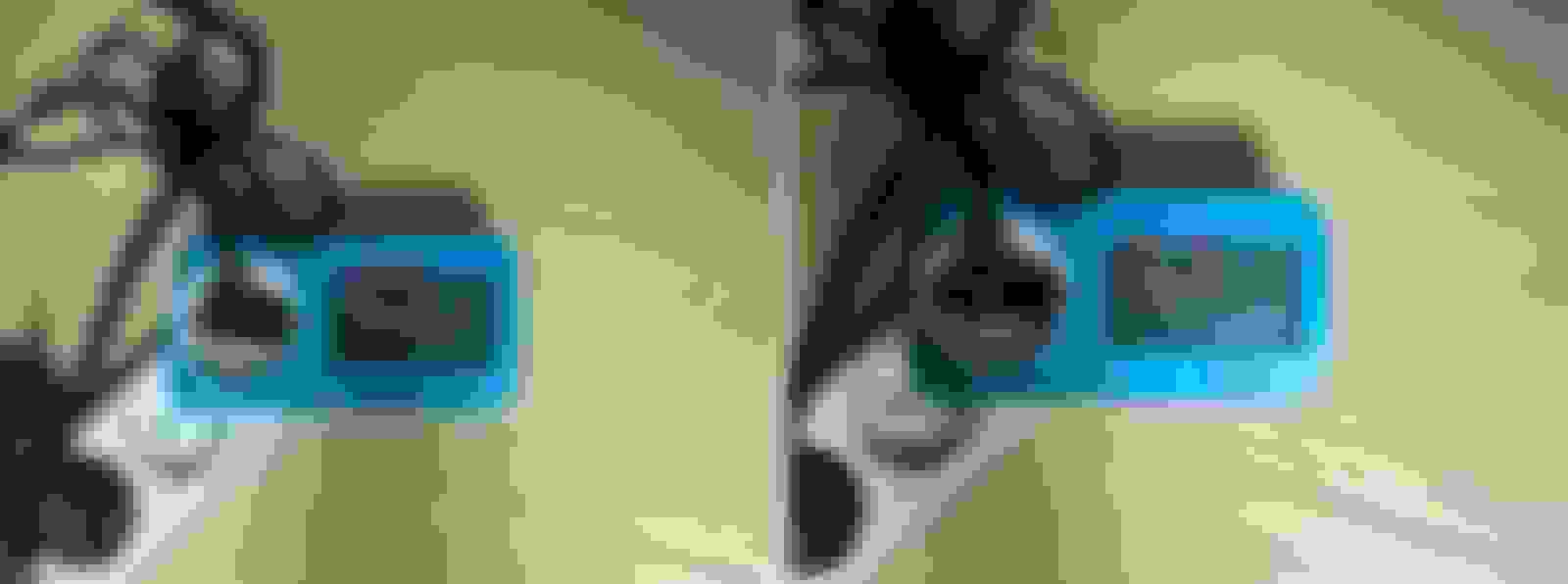
I found a socket to power the display.
Power consumption was measured with navigation, GPS, WIFI, and BLUETOOTH turned on.
- Display On : 11.2W => 903mA (12.4/7.8)
- Display Off : 7.8W = 629mA (12.4/7.8) 30.4% ▼
The idea is simple.
1. Always connect power to HU
2. Connect the relay to the display power socket.
3. When ACC is off, only the display is off.
the problem is ...
If I don't start the engine for 5 days it will use 75A. And the AGM battery has a slow charging speed. Maybe I need Lithium iron phosphate battery. I have to lower the average power consumption. Anybody have good idea?
2. I changed the apps for Navigation, CarPlay, and Google Music. When I touch CarPlay, Autokit starts. Touching Youtube Music starts PowerAMP. It's a very simple trick. For example, touching Easyconn runs com.easyconn. I made a com.easyconn app. It's a fake to run the app I want.
3. This is what I'm making now... I'm making it work when the panel button is pressed. The image below is an example. When I press that button, the Bluetooth button works "together". Mapping Key Mapping.
I told them I would help develop the program, but... they were rejected. There seems to be a lot of useful data in CAN data, but it is unfortunate.
Great find and looks like what I need.
I can't find one to fit the screen installed in the car. You mentioned you could cut them to size but the ad says they only fit the model listed.
Please post back if you install it too.
.
.
.
One sheet of the film they send is more than double the size of what is needed for the HU screen. They send two sheets. It is easily cut with scissors. Use a piece of thin cardboard or paper to cut to size and use as a template. Then cut the film based on the template. There are two labeled tabs that are labeled front and back, and are used to peel when applying the film. The tabs make it easy to peel, but it can be done without the tabs. You just need to insure you remember what side is front and back after you cut it to size and ready to put on the screen.
Have just bought the latest Merryway android unit, but I am really struggling to get the trim off. Has anyone got a video, or pics showing where to insert the prying tools? My chrome is getting marked and starting to worry it will look terrible.
I don't have any video, but you pry it off on the very outside of the chrome trim. Between the chrome and the leather. You shouldn't be touching the black portion of the trim at all.
I couldn't remember which thread I posted about the glare protectors I bought for the Jag. I just ran across this thread today and saw it. Don't bother buying them. When I posted my response, I had only used it after the sun was down. Looked great. It was a little time before I actually drove the car in the daytime. In the sunlight, it looks like crap. I ended up removing the glare protector, and went back to just wiping the fingerprints off from time to time. Sorry to anyone who bought the ones I linked to.
Have just bought the latest Merryway android unit, but I am really struggling to get the trim off. Has anyone got a video, or pics showing where to insert the prying tools? My chrome is getting marked and starting to worry it will look terrible.
I'm not sure I am following your problem, but if you are trying to get the "old" unit out, this thread should help:
Can you give me a bit more info on how you reprogrammed the buttons? What file you edited. I'm mostly looking to swap out the "carplay" button to launch another carplay app.





 )
) I bought it again from Canavie. And it's not perfect, but working fine. By the way, some UX is uncomfortable. XJ should use OEM displays often.