When you click on links to various merchants on this site and make a purchase, this can result in this site earning a commission. Affiliate programs and affiliations include, but are not limited to, the eBay Partner Network.
I've connected the new kit and it's working as designed. I had the Old Jaguar CarPlay/ Android Auto installed and before that, the Tesla Style Unit. Time will tell how it holds up. I know that Cameron backs his products fully. Mr. 12 Volt is new to me so long term is unknown.
I received a kit earlier and noted the problems I was having with it above in earlier posts. I did have to document the install for them and also take photos of each step of the video board to the head unit install and it was a pain but they responded to me daily from, (I suspect) China. They sent me a new kit and the I connected it today.
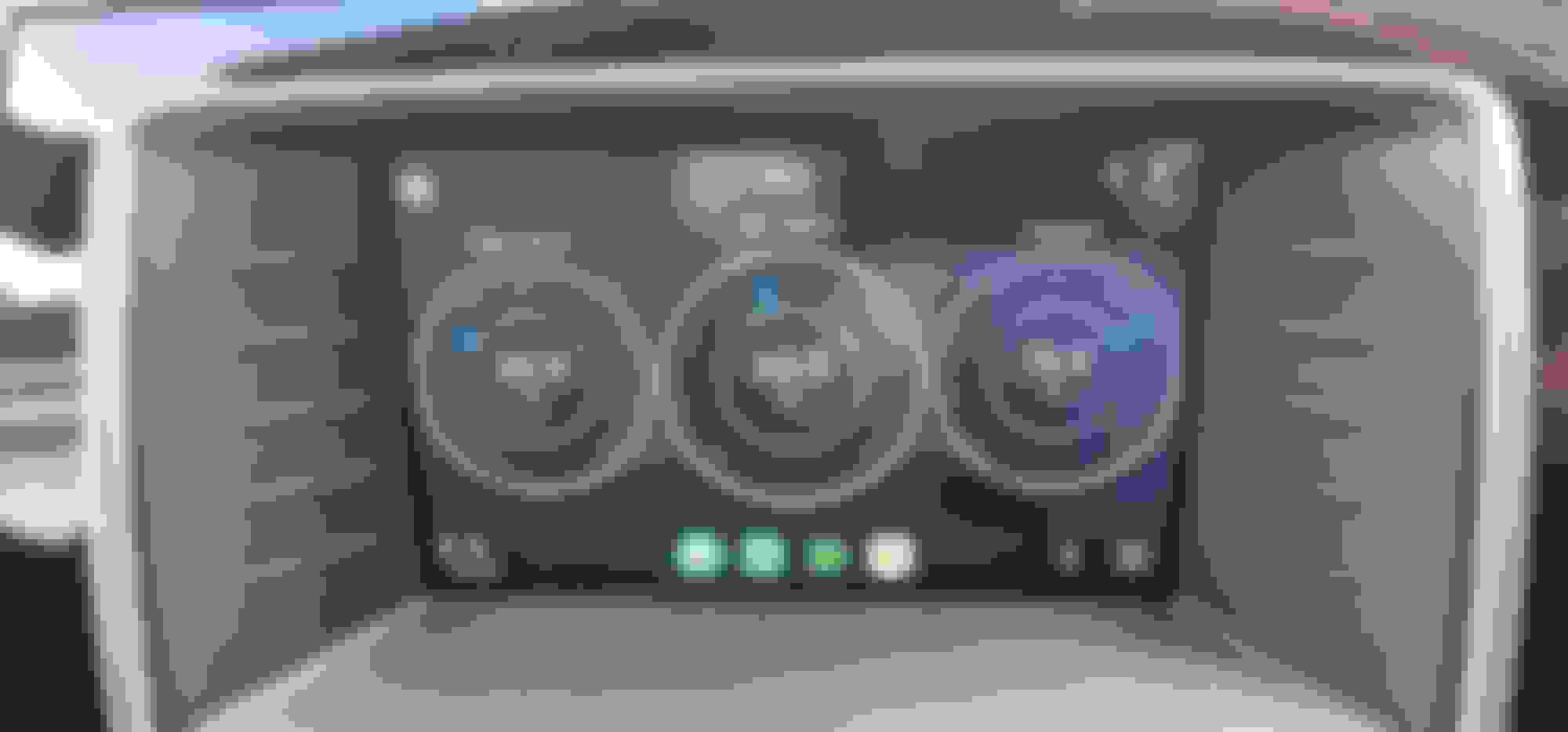
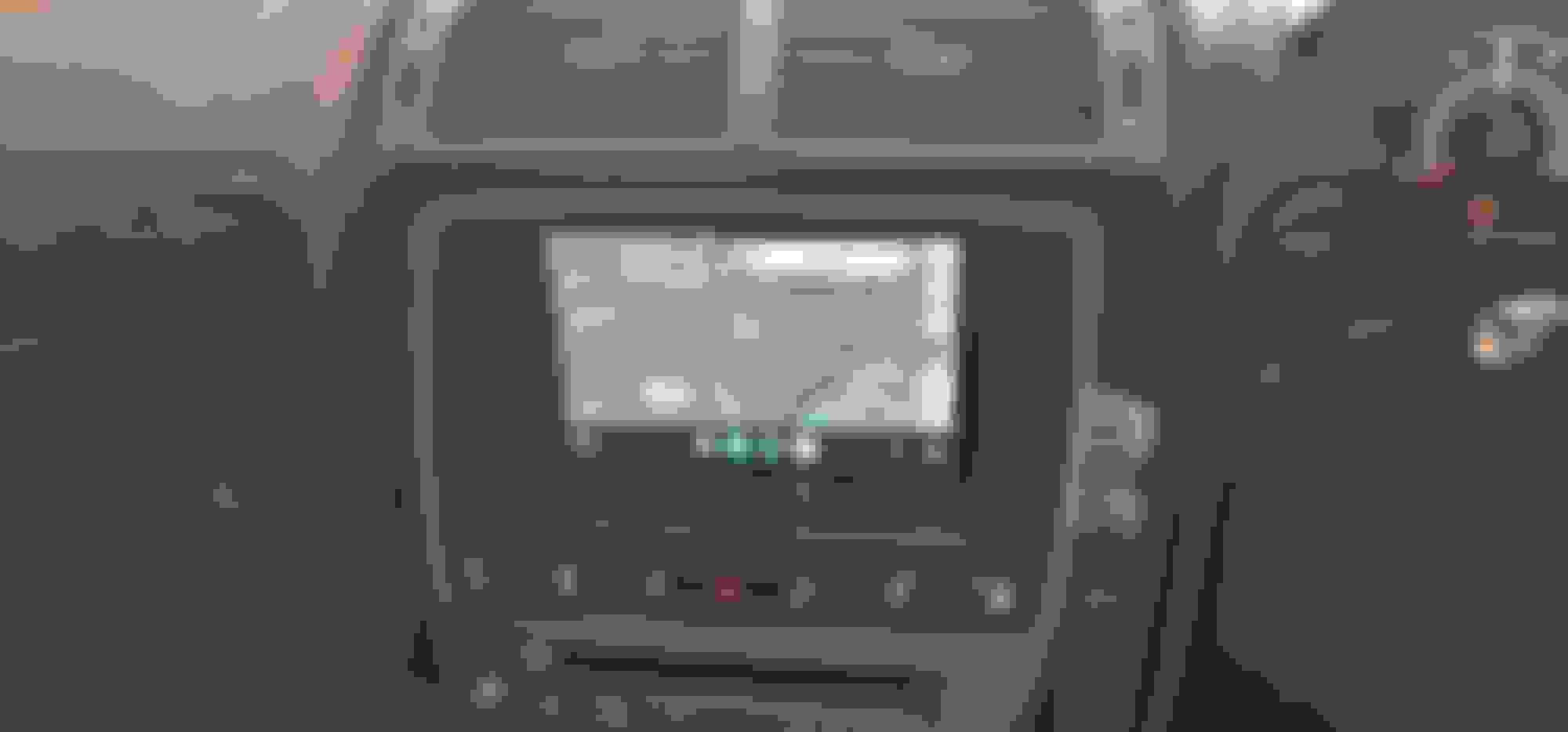
It works but a couple things bug me. I have to toggle through the source buttons (steering wheel or integrated control panel) to return to the home screen, then toggle through it again, or select Portable Audio on the audio screen to return to CarPlay. Just a pain imo, but otherwise OK. I need to be in the home screen when I shut down so I get the OEM screens on start up.
Sound system is nowhere near as robust as the Tesla Units but is improved over the auxiliary sound from Old Jaguar. To what degree, the user will have to decide. Price point is in favor of the Mr. 12 Volt unit. Warranty? I can't say but as mentioned, I trust Old Jaguar.
YES Cee Jay, Android Auto works as expected too, as it does on Old Jaguars product. In your case, having your virtual gauges on your touch screen, you could add that to the Old Jaguar video interface, Not sure at all about the Mr. 12 Volt unit.
For those that have a kit installed, see my comment about scrolling through the source button and let me know if there's a better way. Also, not mentioned in the video but back up camera only works in OEM screen. The kit has a video connector for back up but I suspect it only works when in CarPlay/ Android Auto mode.
I wish you would have covered more in that video. A deeper dive, in today's terms.
Originally Posted by Sean W
What do you want to see?
Try everything! How does Maps look, how to connect to phone, you said the Rear Cam needs OEM screen, how?
All those icons look like something to play with...
Try everything! How does Maps look, how to connect to phone, you said the Rear Cam needs OEM screen, how?
All those icons look like something to play with...
Ah, I see. This are all just standard CarPlay apps. CarPlay works the same in any car, as does Android Auto. Better that you view tutorials on you tube.
I got the Mr12volt system from Liam Biggs ( a big shout out as he was very helpful). I fitted it today and the Mr 12 volt video (slowed down to 0.25 speed !) was very helpful. I had only three head scratching moments to be fair. If you go to YouTube and search for Mr 12 volt you will find the installation video I am talking about. The first problem was the optical connection in the rear rhs of the boot. Found it OK, but didn;t realise that you have to prise a black plastic tab away and then the two optical cables slip out together. You put the plug back into the box on the car and then connect the optical loop system to the optics. That had me struggling for quite some time. Next up was removing the bezel from the radio/entertainment system. You definitely need the trim removal tools to do this (which I had), You need to start at the bottom. I tried for ages and it would not budge. Eventually I got it out by a bit of force but also wedging the trim tool against the round knob...i.e. the top part of the bottom strip rather than the owest part of that strip if that makes sense. Nothing else would give the leverage required. Once the bezel is off the rest is easy.
On the electronics...I just played the YouTube at a slow speed and took it easy on the kitchen table. The vid is very good on all this stuff. That was the easy peasy bit ezpecially if you have done a bit of DIY on computers and so on, but still easy enough if you take your time and are careful .
The YouTube at the end is not very good to be honest as it doesn't make clear which connections go where. However, the thing to remember is that all of the connectors are connected and can only connect male/female as designed so you can't make any mistakes there. The only possible problem is in connecting up the optical cables where there are (unlike with all the other connectors) a variety of possibilities. What I can recommend is watching the vid really carefully on slow playback...check which optical cables are linked to which connections and by process of elimination you will getitright. From memory there seem to be three options and only two are shown so the final one has to be correct !
There was also a brown connector in the vid that went up to the top right of the unit. I have no idea what that is as my 2009 XKR does not have that, so I ignored it and all seems to work OK.
Final point...I could not check the system out as the battery (of course being a JAG) decided to give up, but Liam provided me with sime useful info on setup. Forget the BT connection to the JAG as that will confuse the OEM with the new connection, also delete the iphone (Mine is Iphone) from the JAGand then re-connect with Mr 12v and all should be OK.
I will do that tomorrow when the JAG battery has recovered but I do not expect any probs as CarPlay etc were all there.
Very very pleased and a big shout-out to Liam Biggs for his help and very prompt service. Always get back to you in a few minutes !!
Hi CJ....thanks for that. That makes perfect sense. The adaptor kit comes with connections for both front and rear cameras which could be useful if I ever decide to retrofit cameras.
I have the mr12volt system in my 2011 XKR, fairly easy to fit and works perfectly justvwhat I wanted. I now have Android Auto Wieeless and have used it lots with no issues.
I also have torquepro running in AA just for temps at the moment.
How heavy is it on phone battery?
Do you still charge the phone in the car? If so, where?
You can use the connector from the unit and it will connect and charge, mostly I use it wireless and charge the phone separately as I have a fast charger plugged into the cigarette lighter. The more you have going on the heavier the drain ie maps + spotify etc
Let me get this straight. With AA on Mr12volt the TorquePro app can not be installed. To use TorquePro one would need the TorquePro app installed on their phone and an AA wireless adapter can be used to mirror your phone. Is this correct? It would be nice if TorquePro could be installed in AA directly.
Let me get this straight. With AA on Mr12volt the TorquePro app can not be installed. To use TorquePro one would need the TorquePro app installed on their phone and an AA wireless adapter can be used to mirror your phone. Is this correct? It would be nice if TorquePro could be installed in AA directly.
torque pro is not supported by AA, you need an app from github called AA Torque Settings, you can get this app running n AA without AAWireless I believe but it's tricky. with AAWireless it's easy as you get an App on your phone to change setting in AA. I also use the App to change resolution on my mib2.5 in the Golf so I can get Splitscreen.
i was an early adopter of AAWireless even before they had a dongle and it was software based it's a great bit of kit.
You have to desect passthrough mode in AAWireless App
Last edited by SpursMadDave; Aug 12, 2024 at 09:25 PM.



 Connected and testing, my thoughts