When you click on links to various merchants on this site and make a purchase, this can result in this site earning a commission. Affiliate programs and affiliations include, but are not limited to, the eBay Partner Network.
Wireless MirrorLink is one of the highlighted features of mr 12volt kit for the Jag as per their website
I don't use mirrorlink, it may well work well but i havent tried it, when i have tried mirrorlink in the past the results have not been reliable, AA is pretty stable amd works for me.
For tirque pro in AA you need -
torque pro app on phone
Aa torque settings app on phone
AaWireless or some other way of getting AA Torque settings app to show on AA
Just got my mr12v set, we'll see later how the installation goes
It shouldn't matter but I didn't expect it to be packaged in such a nice way, just like a new smartphone
Yes it is nicely packaged.
Just take your time and follow the videos, there are a couple of parts that are not that well explained but are fairly obvious. They also answer any questions on whatsapp pretty quickly
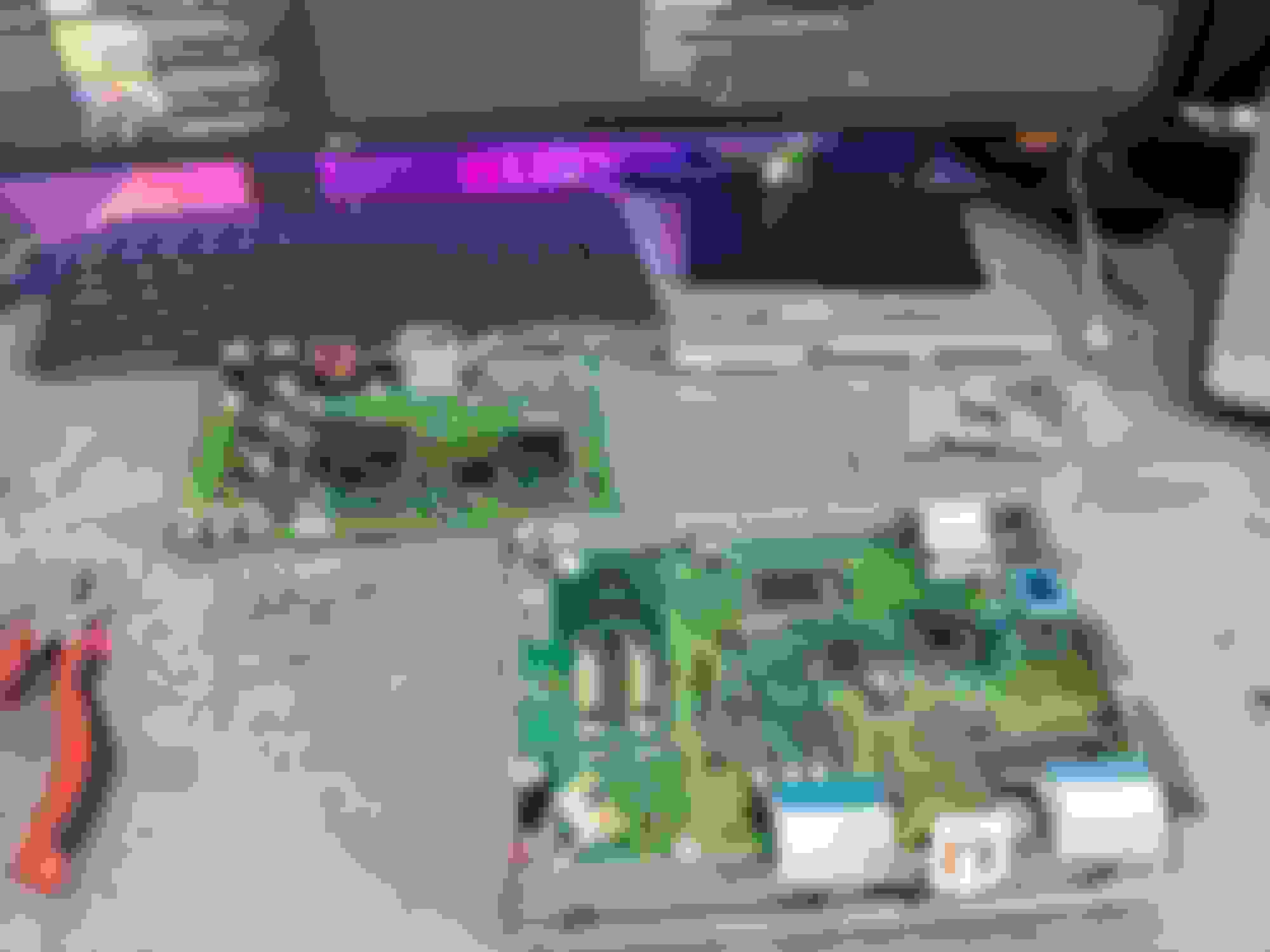
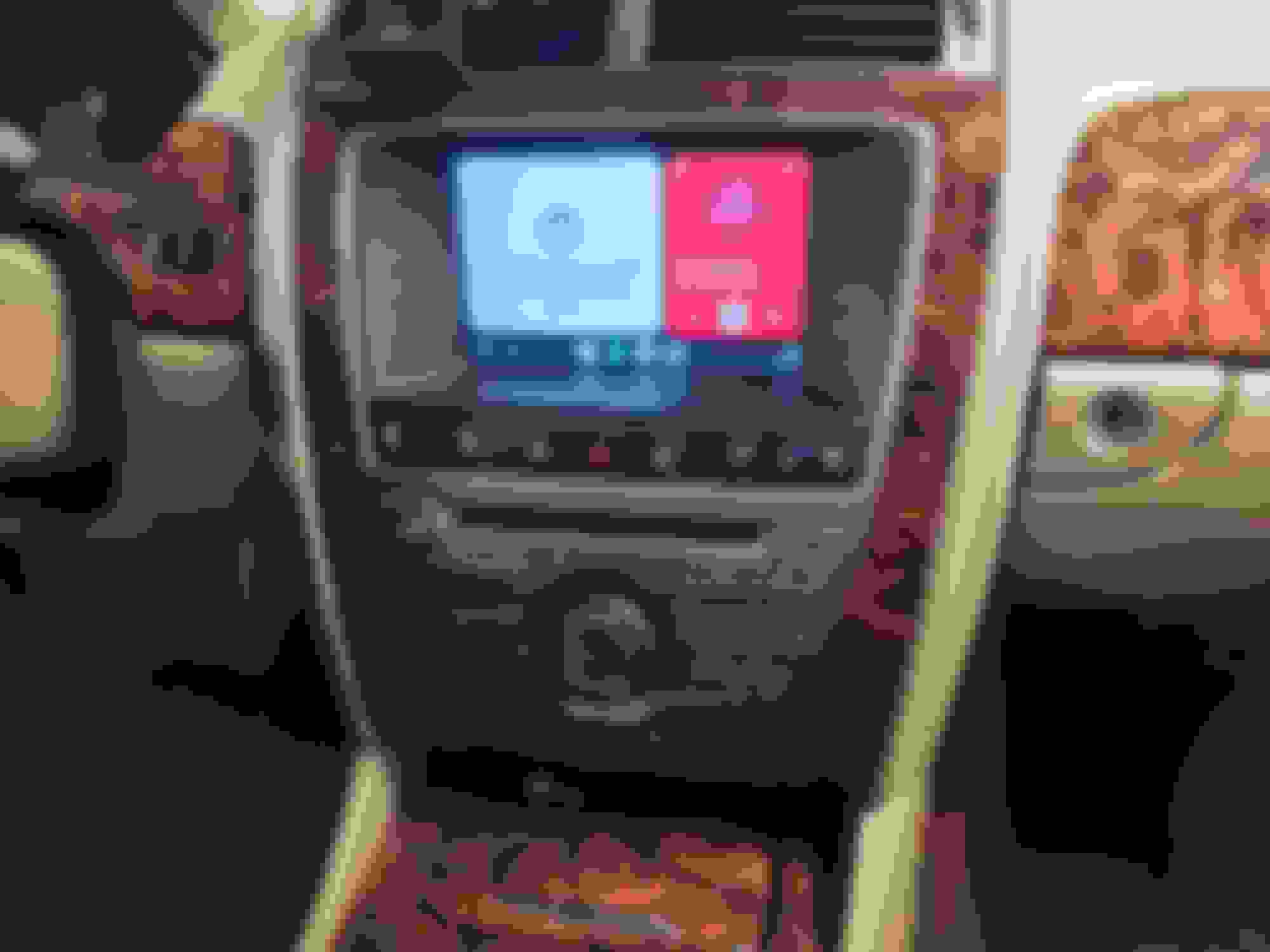
I got the Mr12volt system from Liam Biggs ( a big shout out as he was very helpful). I fitted it today and the Mr 12 volt video (slowed down to 0.25 speed !) was very helpful. I had only three head scratching moments to be fair. If you go to YouTube and search for Mr 12 volt you will find the installation video I am talking about. The first problem was the optical connection in the rear rhs of the boot. Found it OK, but didn;t realise that you have to prise a black plastic tab away and then the two optical cables slip out together. You put the plug back into the box on the car and then connect the optical loop system to the optics. That had me struggling for quite some time. Next up was removing the bezel from the radio/entertainment system. You definitely need the trim removal tools to do this (which I had), You need to start at the bottom. I tried for ages and it would not budge. Eventually I got it out by a bit of force but also wedging the trim tool against the round knob...i.e. the top part of the bottom strip rather than the owest part of that strip if that makes sense. Nothing else would give the leverage required. Once the bezel is off the rest is easy.
On the electronics...I just played the YouTube at a slow speed and took it easy on the kitchen table. The vid is very good on all this stuff. That was the easy peasy bit ezpecially if you have done a bit of DIY on computers and so on, but still easy enough if you take your time and are careful .
The YouTube at the end is not very good to be honest as it doesn't make clear which connections go where. However, the thing to remember is that all of the connectors are connected and can only connect male/female as designed so you can't make any mistakes there. The only possible problem is in connecting up the optical cables where there are (unlike with all the other connectors) a variety of possibilities. What I can recommend is watching the vid really carefully on slow playback...check which optical cables are linked to which connections and by process of elimination you will getitright. From memory there seem to be three options and only two are shown so the final one has to be correct !
There was also a brown connector in the vid that went up to the top right of the unit. I have no idea what that is as my 2009 XKR does not have that, so I ignored it and all seems to work OK.
Final point...I could not check the system out as the battery (of course being a JAG) decided to give up, but Liam provided me with sime useful info on setup. Forget the BT connection to the JAG as that will confuse the OEM with the new connection, also delete the iphone (Mine is Iphone) from the JAGand then re-connect with Mr 12v and all should be OK.
I will do that tomorrow when the JAG battery has recovered but I do not expect any probs as CarPlay etc were all there.
Very very pleased and a big shout-out to Liam Biggs for his help and very prompt service. Always get back to you in a few minutes !!
£340 well spent !!
Big thanks for the kind words, it's much appreciated!
Took me ~3-4hrs but in the end it wasn't the hardest, just very careful work. Not for the faint hearted though. There was a sticker with warning "contains mercury" but that's probably inside the screen itself.
The little screws holding together the screen unit were a bit tricky to not strip and move.
@Falkie s post helped me with the optical loopback in the rear, also took me a moment to realize there's a shared plug. Also plugging in opticals to the console took a while of careful rewatching the yt video but in the end I got it.
I'd say 80% success - I overlooked plugging in the physical buttons panel, will fix tomorrow.
Other than that, works great (accepting the touch screen mushiness).
Though after some driving with gmaps, the whole mr12v interface froze - I could back out to oem system but even turning the engine off didn't help that. On ignition back and choosing USB source it was back at the spotify/gmaps screen it froze originally.
Is there any cause/fix? @liambiggs maybe you encountered that?
Last edited by Brachacz; Aug 16, 2024 at 04:54 PM.
Though after some driving with gmaps, the whole mr12v interface froze - I could back out to oem system but even turning the engine off didn't help that. On ignition back and choosing USB source it was back at the spotify/gmaps screen it froze originally.
Is there any cause/fix? @liambiggs maybe you encountered that?
Restart your phone, remember these are MMI boxes so they mirror your phone so first point of call if to restart the app via your phone. If that doesnt work then check the next reply I am about to make.
@liambiggs Will try today but it was 99% not the phone issue, between powering the car off and on I disabled wifi and bluetooth on my smartphone.
I'd expect Android Auto or underlying box's OS to pick this occurrence up and show me some kind "phone disconnected" message with screen being still responsive.
@liambiggs Will try today but it was 99% not the phone issue, between powering the car off and on I disabled wifi and bluetooth on my smartphone.
I'd expect Android Auto or underlying box's OS to pick this occurrence up and show me some kind "phone disconnected" message with screen being still responsive.
Did you reset the unit by holding down the home button?
AA can be buggy especially on wireless, remember it has to work with so many different phones and devices.
i have maybe had a couple of freezes or disconnects over a few long journeys using Spotify & GMaps or Waze.
i get the odd issue in my VW Golf R using my AAWireless app also.
@SpursMadDave I didn't because the buttons didn't work, I overlooked connecting them 😄
But it's nice to know that it's one of the ways to reset the unit, will try today if it doesn't unfreeze by itself after last night
yeah I think I've had to reset it a couple of times, mine didn't freeze it just disconnected, reset it and it connected again. As i saybive had to do the exact same in the Golf before so doubt it was anything to do with the unit or my phone just the software.
Also plugging in opticals to the console took a while of careful rewatching the yt video but in the end I got it.
Actually neither post is very clear on the optical connections. Pics would be nice as well as some details. @liambiggs it would be very helpful for others if there is an order to the fiber optic connections.
Actually neither post is very clear on the optical connections. Pics would be nice as well as some details. @liambiggs it would be very helpful for others if there is an order to the fiber optic connections.
The uTube video is pretty clear, as long as you take it steady and pause when you need to etc
@SpursMadDave I didn't, the update video shows that it needs to be performed using an SD card, adapter FCC ("data tapes" similar to those inside head unit) -> SD card slot which I don't have.
Also as you mentioned - without changelog available, as long as nothing breaks I don't have the motivation to tear upholstery trim apart again to get the unit out
Last edited by Brachacz; Aug 19, 2024 at 08:45 AM.
@SpursMadDave I didn't, the update video shows that it needs to be performed using an SD card, adapter FCC ("data tapes" similar to those inside head unit) -> SD card slot which I don't have.
Also as you mentioned - without changelog available, as long as nothing breaks I don't have the motivation to tear upholstery trim apart again to get the unit out
I'm guessing a USB drive would work fine connected to the Mr12Volt USB connector