When you click on links to various merchants on this site and make a purchase, this can result in this site earning a commission. Affiliate programs and affiliations include, but are not limited to, the eBay Partner Network.
That's odd because I don't see a sig line on your posts.
When I go to my profile I see no place that's indicated where one can be added.
Here's my view of your post.
Signatures don’t appear on the mobile version of the forum, only when using the ‘full’ website.
Think that also applies to creating/changing your own signature.
Signatures don’t appear on the mobile version of the forum, only when using the ‘full’ website.
Think that also applies to creating/changing your own signature.
Instead of spoiling the original dash I thought about installing one of the many available Android Player that sits on top of the dash. This will not interfere with the original screen controls but provide Android Auto. Has anyone fitted one? Are they any good? What is the best method of fitting them so they don't fall off? It would also get around the problem of the in dash kit not fitting the early 2007 XK
Instead of spoiling the original dash I thought about installing one of the many available Android Player that sits on top of the dash. This will not interfere with the original screen controls but provide Android Auto. Has anyone fitted one? Are they any good? What is the best method of fitting them so they don't fall off? It would also get around the problem of the in dash kit not fitting the early 2007 XK
IMO that looks awful but to each his own. The windshield is too small. In any event, start a separate thread for that topic please.
I am on holiday in France and I am using one of those CarPlay units. It does look terrible!
But it’s just for 2 weeks and it makes things so easy. You can set Waze to km and is very good to prevent speeding.
When I get back it is going in a drawer!
At £44 from Ali Express a steal
Which unit have you got? I have just has 2 weeks in Cornwall and the sat nav was sending me down very narrow cart tracks so want a navigation system that will keep me to the wider roads. My car has the older control unit so will not accept the mr12volt unit.
It’s called Roadtop.
But it doesn’t have its own satnav. It works from your phone so you can use Waze/ Google Maps/ Apple Maps or whatever takes your fancy!
On the odd occasions I need satnav I can rely on, I fish out my Garmin. Sticks to the windscreen with a sucker, voice command enabled, super accurate with real-time updates etc and a nice big sharp display. And I can use it in whatever car I'm driving. Then it goes back in the cupboard.
Which unit have you got? I have just has 2 weeks in Cornwall and the sat nav was sending me down very narrow cart tracks so want a navigation system that will keep me to the wider roads. My car has the older control unit so will not accept the mr12volt unit.
If you really want something like the Pic you posted then Amazon have loads, you can order one, try it out for a day or 2 and then return it no problem
Thought I'd check back on this thread, and I see there's been quite a bit of activity since I first posted. So far so good with my unit. Only thing I realized to do recently is disconnect my phone's Bluetooth connection with the car so that it's only connected with the Mr12Volt/CarPlay unit. Otherwise, the head unit gets confused when a call comes in and sometimes can't decide between the car's phone BT or CarPlay.
Regarding Sean W's comments below, I'm not sure why yours is different, but here's a video of mine showing that you can simply toggle back and forth from CarPlay and the home screen functions using the Home button without cycling through sources:
It works but a couple things bug me. I have to toggle through the source buttons (steering wheel or integrated control panel) to return to the home screen, then toggle through it again, or select Portable Audio on the audio screen to return to CarPlay. Just a pain imo, but otherwise OK. I need to be in the home screen when I shut down so I get the OEM screens on start up.
Originally Posted by Sean W
For those that have a kit installed, see my comment about scrolling through the source button and let me know if there's a better way. Also, not mentioned in the video but back up camera only works in OEM screen. The kit has a video connector for back up but I suspect it only works when in CarPlay/ Android Auto mode. https://youtu.be/LQw_Y16z1kg
@Simon Tan thanks for the video! Yeah the biggest problem is that I was trying to fit it in an 07 - not compatible. One of the problems for my model year is the touchscreen. Mr. 12 Volt requires the 40 pin FFC cable and 07 -09 model years here in the US are 30 pin. I resolved that but still couldn't get the home button to work. I know the unit interacts with the can bus but don't have the details, although the home button shouldn't be impacted. Very strange but I've moved on. They have indicated they're working on one for the earlier X150's but no date pending.
@Simon Tan thanks for the video! Yeah the biggest problem is that I was trying to fit it in an 07 - not compatible. One of the problems for my model year is the touchscreen. Mr. 12 Volt requires the 40 pin FFC cable and 07 -09 model years here in the US are 30 pin. I resolved that but still couldn't get the home button to work. I know the unit interacts with the can bus but don't have the details, although the home button shouldn't be impacted. Very strange but I've moved on. They have indicated they're working on one for the earlier X150's but no date pending.
I stumbled onto a Mr12Volt on eBay and it was so cheap I took a chance. My XK is a US 2009 so not perfect for this but I am a glutton for punishment…when it arrived it was unopened and complete. I watched the install video several times, found that my screen was too old, wrong size cable. I found an inexpensive XF screen, got a friend to update it to the XK and did the install today. My car was equipped with factory usb. It’s a convertible, so it’s not fun getting to the usb module to install the most loop as it’s behind the pump for the top which has lots of insulation around it. I struggled for awhile getting the most connector to separate and install the loop…that part of the video was 15 seconds…took me about an hour. Once the screen parts were installed, the rest was pretty easy. As Sean W said, the home button doesn’t work with CarPlay but works fine with the OEM screen. I learned to select iPod to get to CarPlay…when I want the OEM screen I hit the source button once. My rear camera is enabled as OEM and doesn’t work with CarPlay. When I shift into reverse I need to hit the source button for the camera to work. None of these things are a big deal to me. On the upside, the CarPlay works great, sounds really good, screen touch is more responsive than I expected. It’s different than a modern screen so there’s a learning curve. The usb will charge my phone and play music on a flash drive. Overall, I’m pleased with the result…hoping for an update that will correct the home button…did I mention it was really cheap?
I learned today that the Car Scanner app supports CarPlay. The free version allows you to monitor lots of information…I chose coolant temperature and battery voltage to start…CarPlay doesn’t support gauges but at least you can see what it’s doing and the music continues to play when you switch to it…
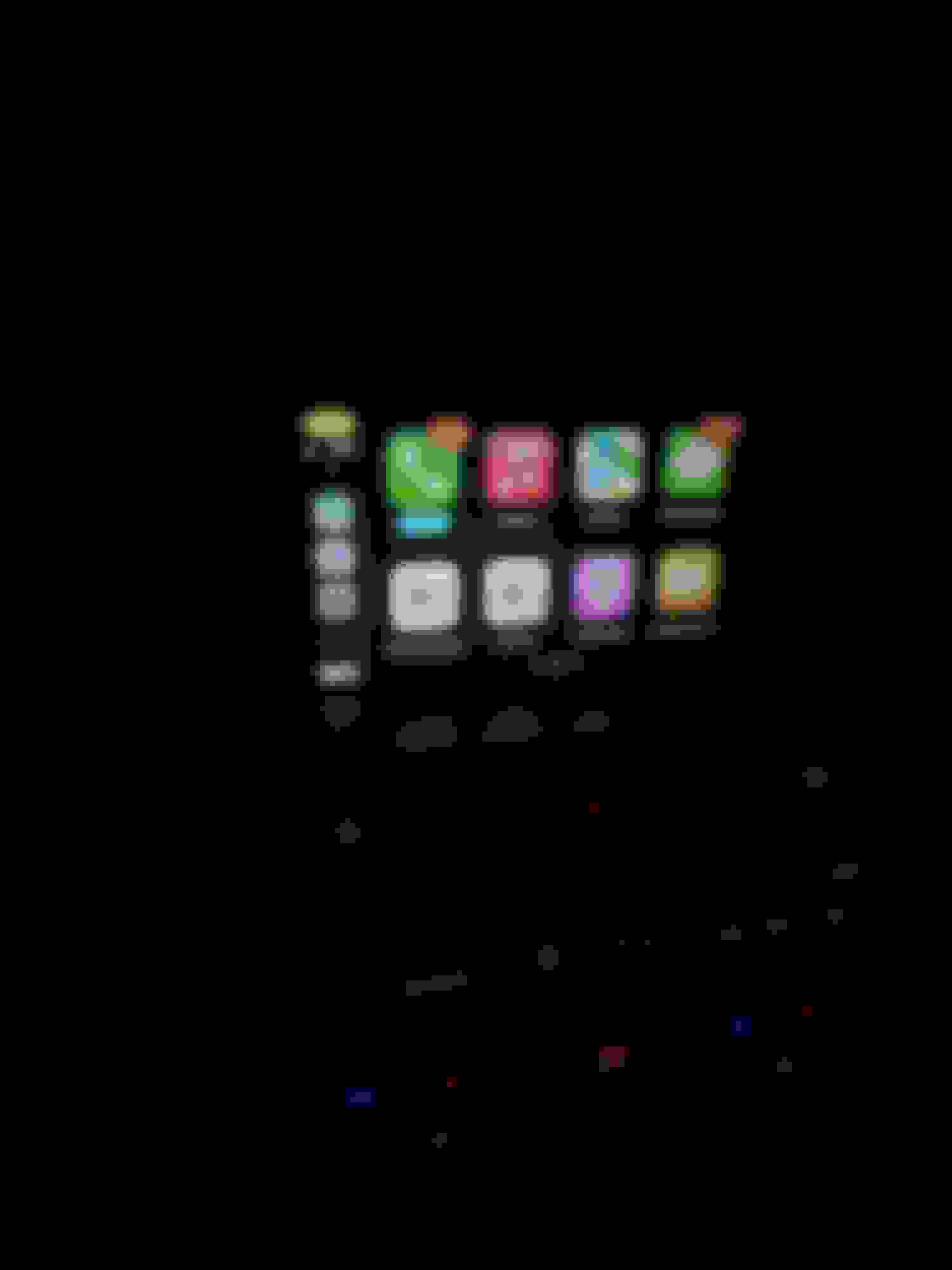
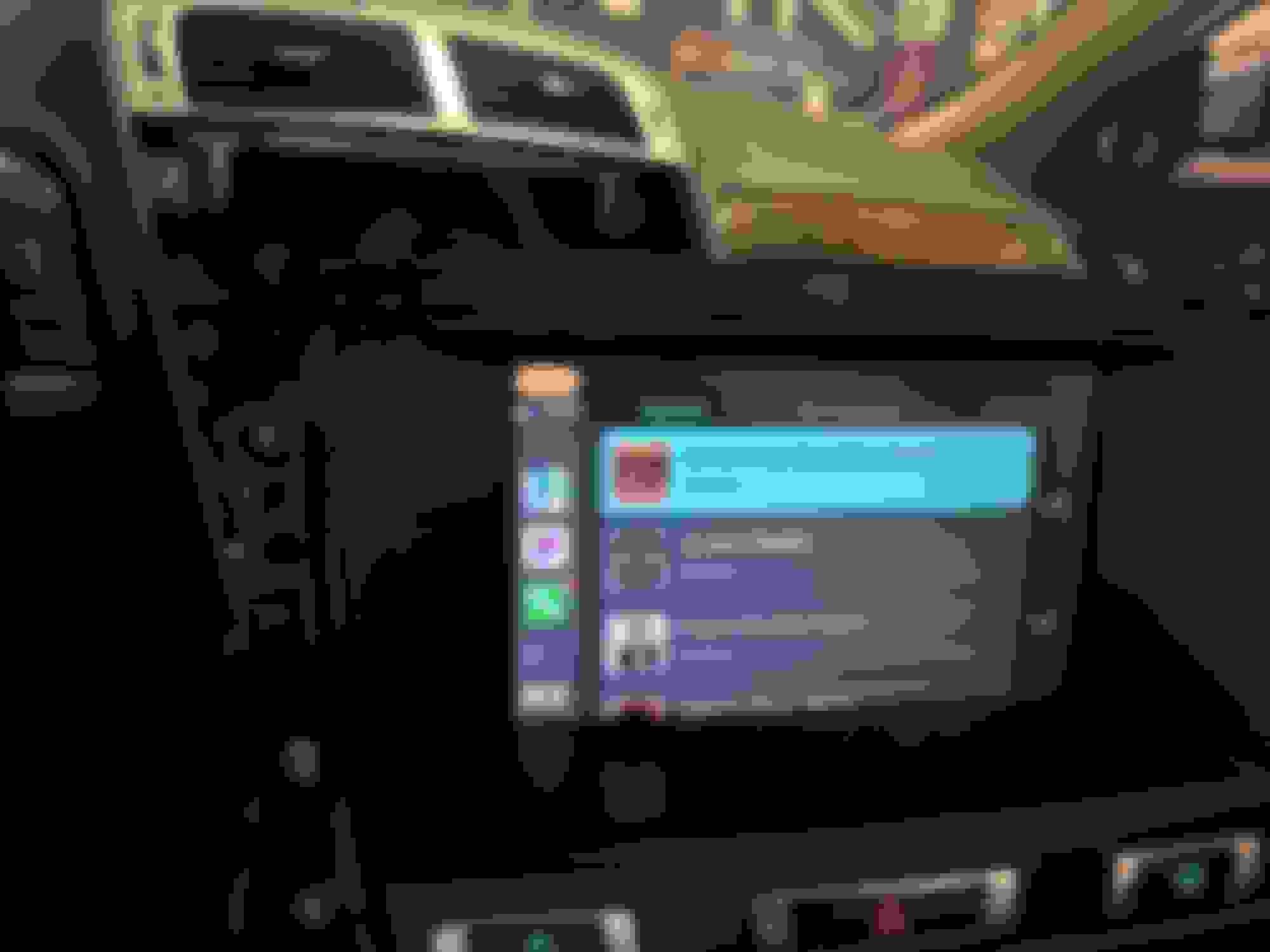
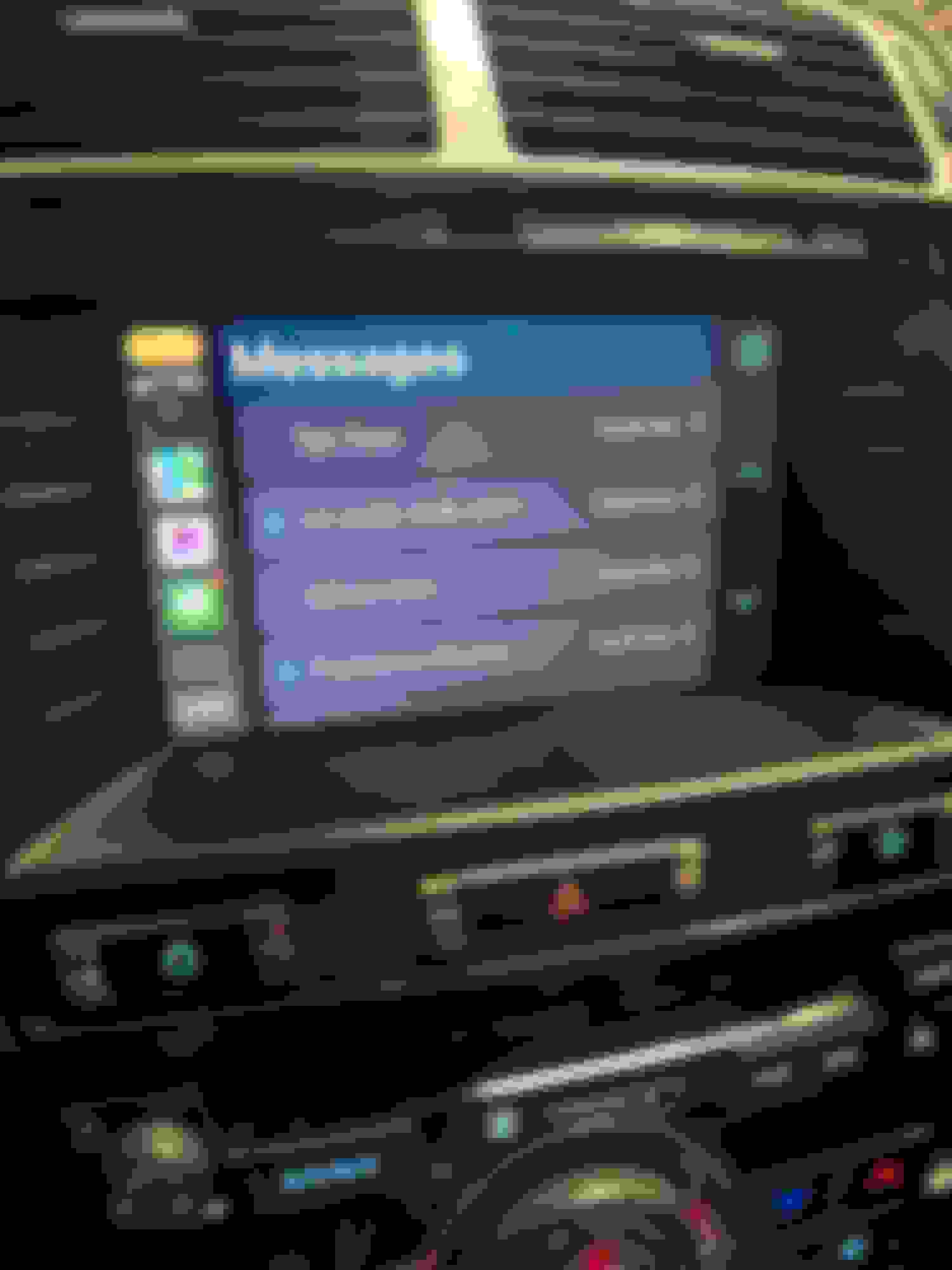
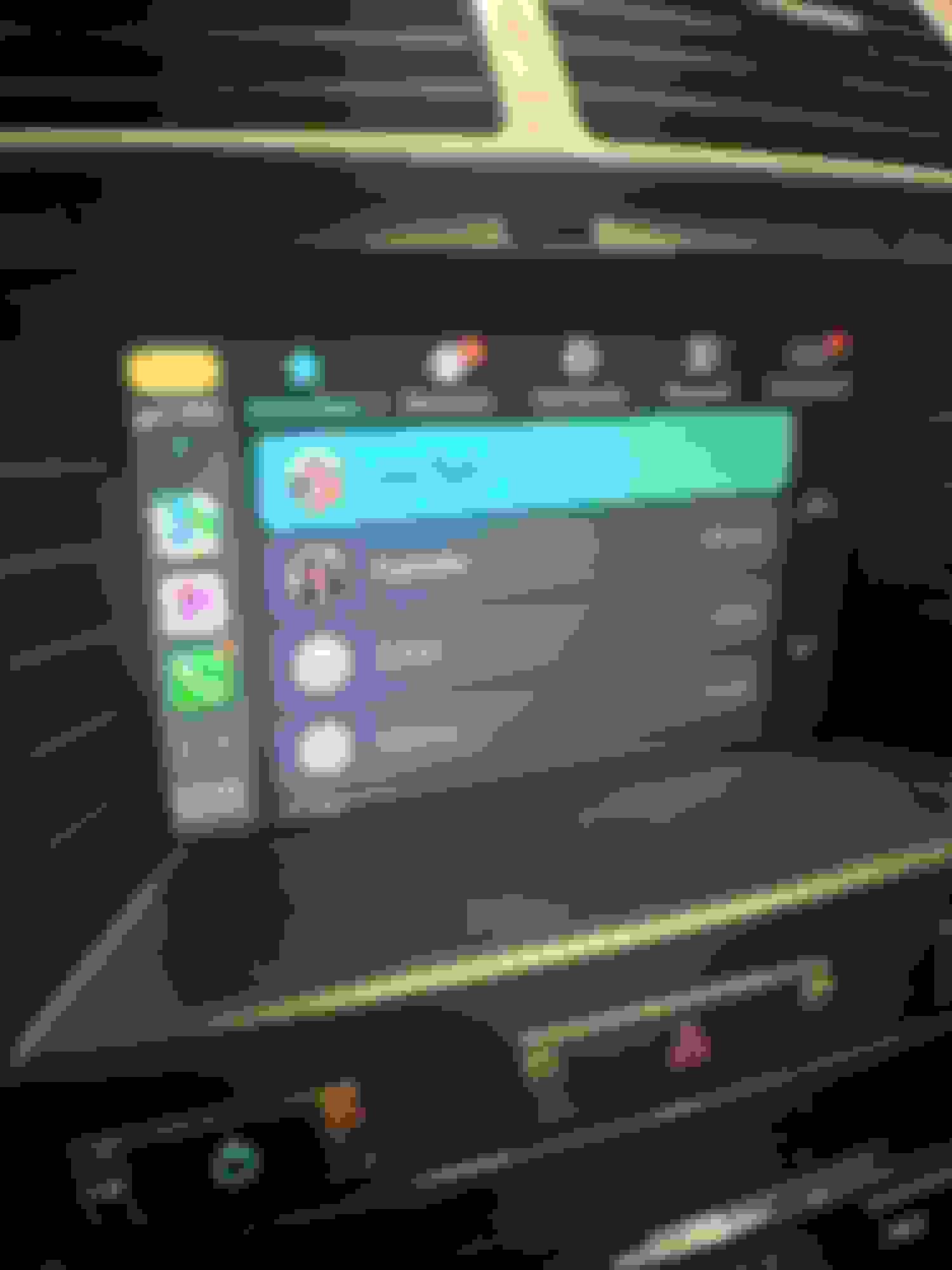
I'd hoped to post this update a lot sooner, but due primarily to my own ineptitude, I spent the last few days installing, uninstalling, then reinstalling the Mr12Volt unit I received over the weekend. Just before my first attempt, I saw a post by someone on the Facebook XK group saying they may have irreparably destroyed their display. This naturally added a bit of anxiety, but I figured I'd just be extra careful not to damage some of the connectors on the circuit boards as the poster had done. Of course, I immediately ran into one of the problems he described which was an internal power connector that crumbled in the course of being unplugged. But this turned out to be a non-issue since the broken cable and connector are replaced by a new one anyway. I take my time, and two or three hours later, I fire the car up only to find a blank white screen. I double check my connections against the install video and everything seems to be right until I notice there's a cable in the video that I don't seem to have. I rewatch the video over and over and wonder if perhaps Mr12Volt didn't account for different generations of head units. I message another user on the Facebook group who successfully installed his unit, and he confirms his OEM head unit and harness have the connector I don't. I uninstall everything and am relieved to see my original head unit at least works again. The other user from the Facebook group mentions to me that he also ran into a white screen initially but found that he had improperly connected one of the ribbon connectors. I decide to take out my head unit again and reinstall the Mr12Volt unit taking extra care this time on the ribbon connectors. Sure enough, I must have done something wrong the first time around, as I'm happy to report I now have Carplay, etc. on my 11-year old car. I'm still figuring out how it all works, but I will say the sound quality is great, and there's the added bonus of having a temperature gauge if you have an OBD app installed on your phone. The OEM screen's resolution is better than expected, but touch/swipe functions are a little slow compared to modern devices. Overall though, I'm pretty pleased to see the unit working as described after some self-induced panic. Below are a couple of screen shots of the unit in action
A couple nuggets of wisdom from my installation ordeal:
- Empty the CD changer before uninstalling the head unit, as you may end up with some stuck CDs in the course of removing and moving the head unit around
- Be aware that some of the 10+ year-old plastic connectors in the head unit's circuit board can get brittle, so be extra careful disconnecting them (for me, this only applied to the tiny two-pin connector between the two boards)
- The ribbon cable connectors on the OEM boards and on the piggyback board that come with the Mr12Volt unit all have different locking/unlocking mechanisms, so familiarize yourself with how they all lock/unlock first. I suspect my mistake my first time around was not realizing I hadn't fully locked one of the connectors on the piggyback board, and one the ribbon cables wasn't squarely in place
The OBD app I have shows gauges on my phone but on Carplay only a couple of PIDs get displayed. But hey, it's better than nothing!