When you click on links to various merchants on this site and make a purchase, this can result in this site earning a commission. Affiliate programs and affiliations include, but are not limited to, the eBay Partner Network.
Like many throughout the forum, my GPS presents the dreaded GPS not working (red line through GPS) symbol. The hidden menu (662) showed no satellite signals so I followed the well-documented procedures presented in other threads here and replaced it with a brand new unit.
Sadly, there is no difference after the replacement. The hidden menu continues to shows no satellite signals. The GPS/DVD disc has been replaced, I can set a destination (which will show on the map correctly) but the current location is never updated - due to no satellite signals.
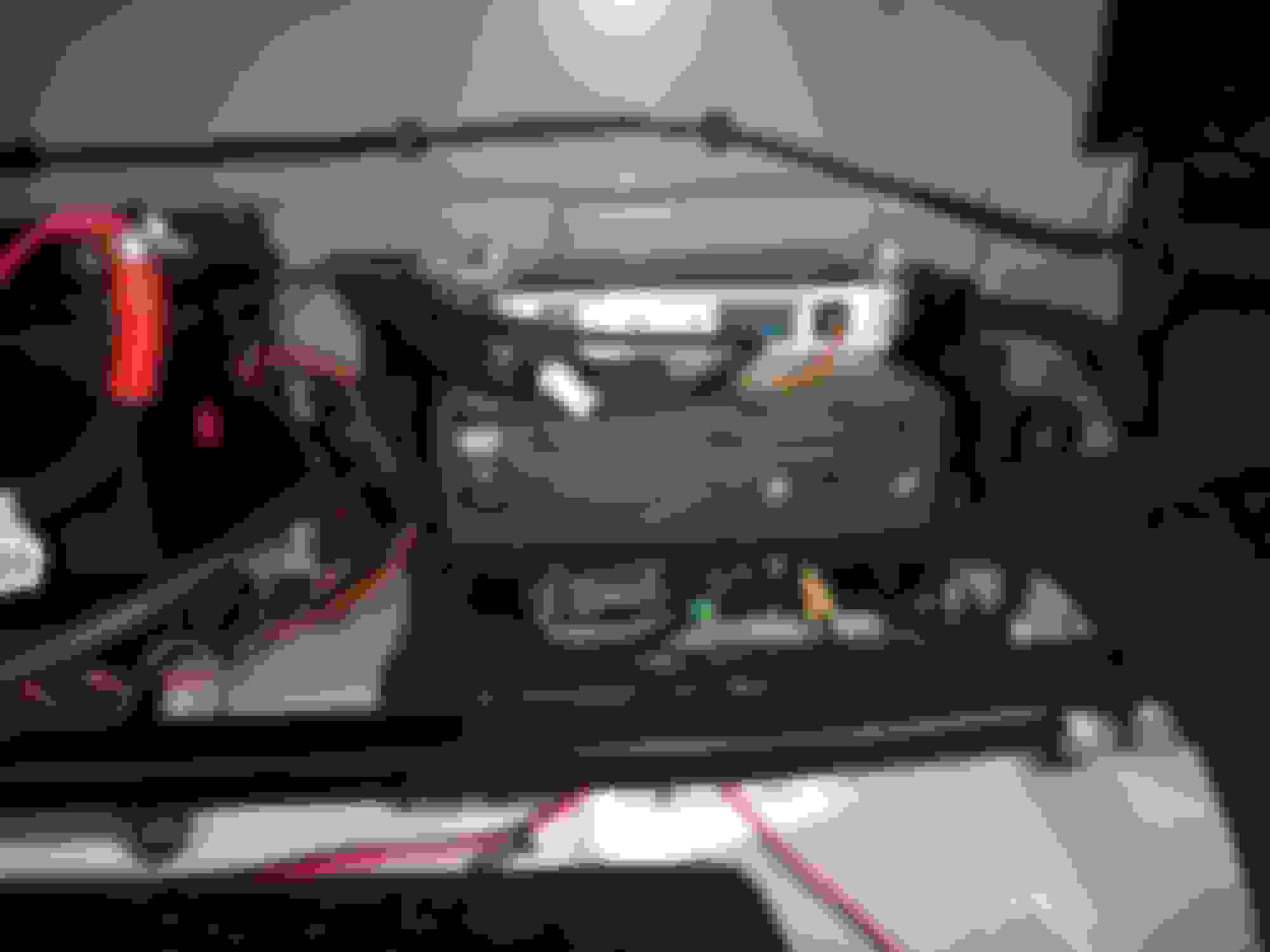
Looking at the DVD player. I am seeing a loose cable (in the attached photo - black & brown wires - white connector). Does anyone know what this is and/or where it should be connected?
That appears the be the cable the keeps the battery from draining prior to transport to the dealership. I don't remember the name for it, but it gets mentioned from time to time in these forums. It should not be connected to anything at this point.
Thank you! That makes me feel better (knowing that a loose connection is not used for anything) but, of course, stuck with the "why isn't the GPS picking up satellites after a new GPS antenna replacement" quandary... Could there be any other loose/missing connections?
Would love any ideas!
P.S. I have already driven the car for about 20 minutes after the GPS replacement, hoping to see any satellite registration!
plourenco, I am by no means an expert here, but the service manual indicates that the navigation computer (housed in the DVD player box) calculates the vehicle's current position from three inputs - the GPS antenna, the ABS module and a piezo gyroscope incorporated into the nav computer itself. Since you are seeing the map on the touch screen, it appears that some part of the system is working, but clearly not the part that locates the vehicle on the map.
To give others more information from which to help, can you answer the following?
Is the car showing any fault warnings on the center LCD screen?
Does the map appear to move as the car is moving?
Have all connections between the GPS antenna and the nav computer been checked (I assume so, but asked just to cover the point explicitly)?
Have you read the diagnostic trouble codes with an OBDII scanner? If so, what codes are showing?
What exactly was recently replaced in the nav system? Just the GPS antenna or the nav computer/DVD unit itself?
Any recent incidents that might have compromised the piezo gyro or other parts of the nav system?
This list is probably not exhaustive but hopefully it will tease out useful information.
After removing the player and reinstalling it, although I did not find any obvious loose connections, the satellites "magically" reappeared. Voila - the GPS is alive once again.
I also, through the "secret" GPS menus, managed to return the satnav's voice back to the sultry English voice.
It was one of the last warm autumn days here... top down, driving along the river road, the growl of the JAAAG, and the GPS' sultry voice reminding me I have missed the obvious turn to go home. Isn't life wonderful?
"Shipping Relay" is the nomenclature.
This question is asked quite often, mostly by new owners.
A Transit Relay in Jaguar speak:
Removed during PDI and the harness lead supposed to be tucked away our of sight. Never seen by original owners but almost inevitably found by a second or third owner.
I reckon disconnecting the cables and reconnecting them either solved the issue through a reboot or a faulty connection was the culprit. Fingers crossed it’s permanently solved.
You must admit that the idea of having a loose connection "hanging around" will increase any car owners' blood pressure no matter whether you pronounce the last letter of the alphabet "zee" or "zed"!!!
Anyway, thanks @jahummer I too hope that the GPS problem is fixed for now!
Lastly, although I have read many posts where others have difficulty changing the GPS/SAT NAV voice (with OEM JAG discs?), it seems quite easy.
I see the voice selection in two places (correct me if I am wrong):
Through the Hidden Menu (Code 660, Car Configuration Screen NOTE: be very careful not to change anything else without noting their current selections - what appears in the photo are my current selections)
The second, and more obvious, is in the Navigation Menu itself, under Navigation Setup, Language Selection. (I had lots of fun listening to her sultry scoldings, in amongst the many choices, Italian, French, and Portuguese!) A simple test is to select the language and then press the "speaker" icon below (which without a destination selection made simply announces that there is no destination in the language chosen).
One last word of "warning" - make certain you know at least some of the language you are selecting as the choice for "language selection" (the entire menu) will then revert to the language you have chosen.... and I can imagine some needing to Google Translate their way out such a bind!



 GPS (Sat Nav) - Cable/Connections? RESOLVED