X-Type ( X400 ) 2001 - 2009
Sponsored by:
Sponsored by:

Does Sat/Nav have infocenter functions?

Thread Tools
 
Search this Thread
 
Old Jan 8, 2018 | 02:03 PM
  #1  
wa3ra's Avatar
Thread Starter
|
Senior Member
Joined: Jul 2014
Posts: 954
Likes: 149
From: Dunmore, PA
Default Does Sat/Nav have infocenter functions?

The newer X that I'm looking at has the sat/nav, but no info center...


Are the info center functions available on the screen, or do I need to find a new display and switch pack to get them back?
 
Reply
Old Jan 8, 2018 | 07:18 PM
  #2  
Dell Gailey's Avatar
Veteran Member
5 Year Member
Liked
Joined: Mar 2017
Posts: 4,769
Likes: 795
From: Utah
Default

I have sat nav. Info such as what?
 
Reply
Old Jan 9, 2018 | 07:29 AM
  #3  
wa3ra's Avatar
Thread Starter
|
Senior Member
Joined: Jul 2014
Posts: 954
Likes: 149
From: Dunmore, PA
Default

Trip computer, gas mileage, distance counters
 
Reply
Old Jan 9, 2018 | 04:51 PM
  #4  
Dell Gailey's Avatar
Veteran Member
5 Year Member
Liked
Joined: Mar 2017
Posts: 4,769
Likes: 795
From: Utah
Default

The info you were curious about is listed just below the speedometer and is toggled between A & B on the headlight switch. You access the listed information by pushing the turn signal stalk button.

 
Reply
Old Jan 9, 2018 | 05:01 PM
  #5  
Dell Gailey's Avatar
Veteran Member
5 Year Member
Liked
Joined: Mar 2017
Posts: 4,769
Likes: 795
From: Utah
Default

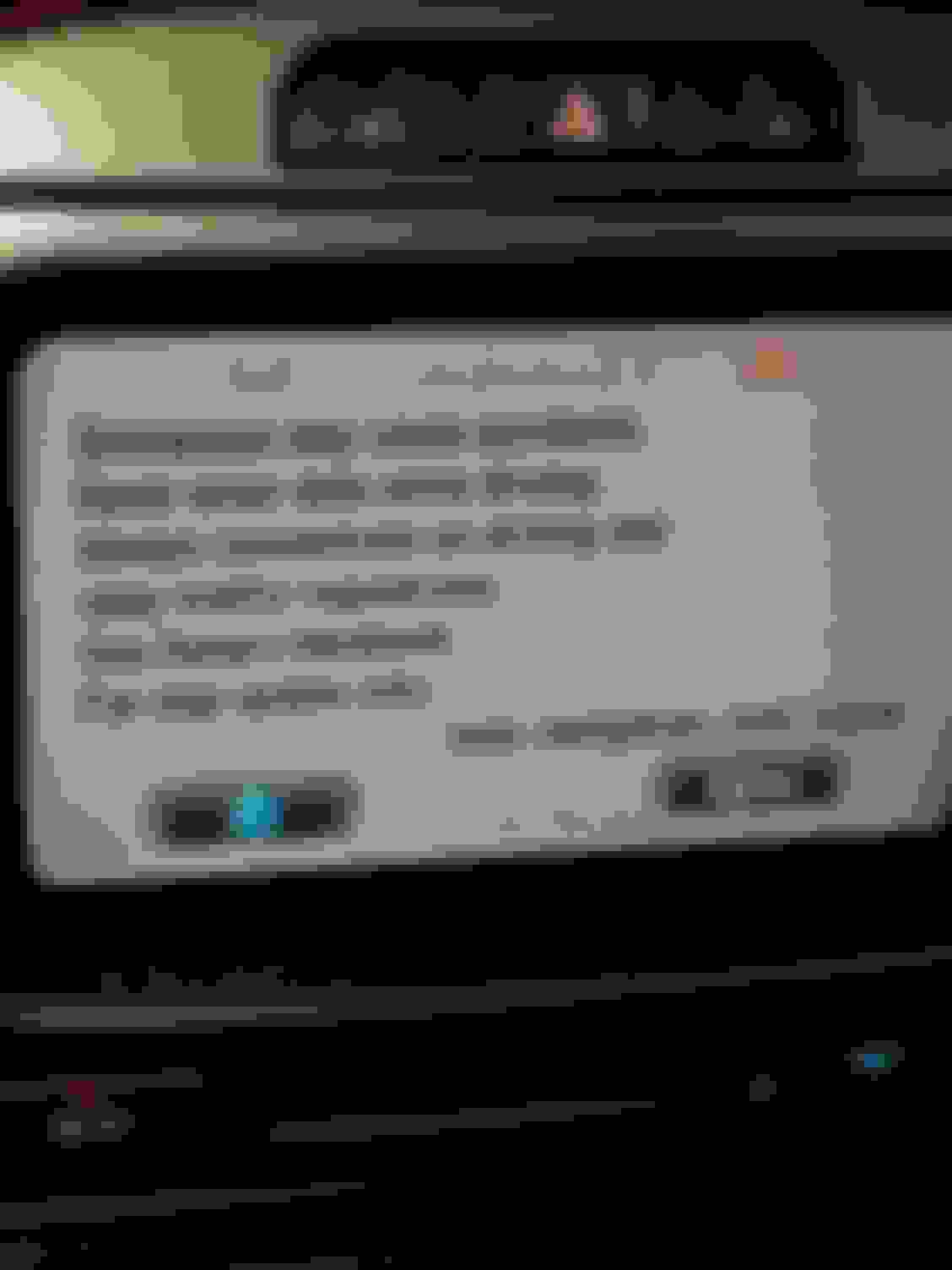
Pics of info


Total mileage


Trip odometer


Range or dist. to empty


Close but no cigar. Actual math = miles devided by gallons to fill, I get 2-3 miles greater. This is from last reset, also.


Afg. Speed since reset
The setting of language (British, US, French, etc.) For this info should not be confused with the Nav voice setting. They are 2 distinctly different techniques.
 
Reply
Old Jan 9, 2018 | 05:11 PM
  #6  
wa3ra's Avatar
Thread Starter
|
Senior Member
Joined: Jul 2014
Posts: 954
Likes: 149
From: Dunmore, PA
Default

Thanks. My 2002 has it, the new 2005 doesn't.


I've gotten very used to having it.


Looks like I need an instrument panel, switch, and programming to match the panel to the security and turn on the function.
 
Reply
Old Jan 9, 2018 | 05:28 PM
  #7  
Dell Gailey's Avatar
Veteran Member
5 Year Member
Liked
Joined: Mar 2017
Posts: 4,769
Likes: 795
From: Utah
Default

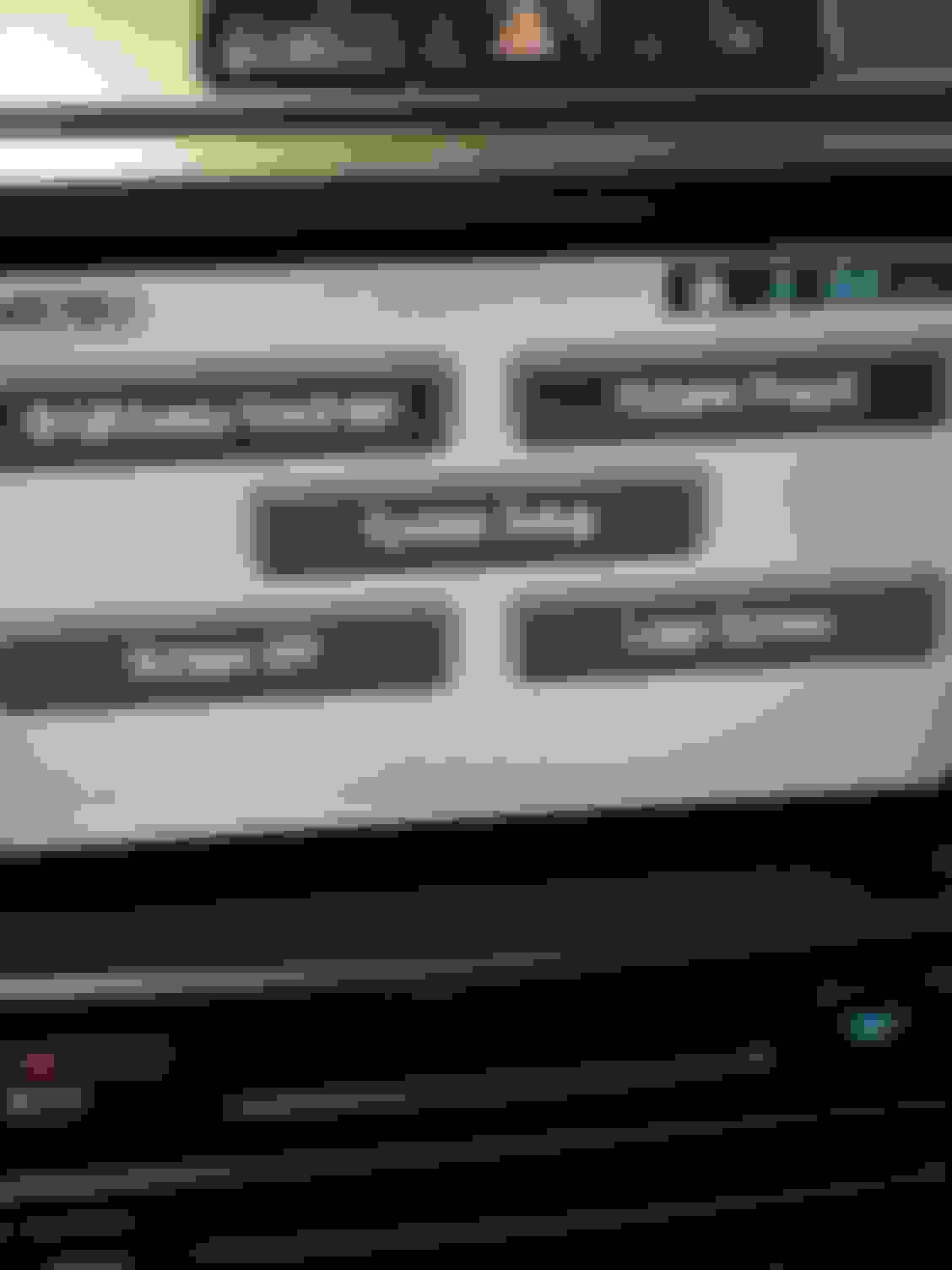
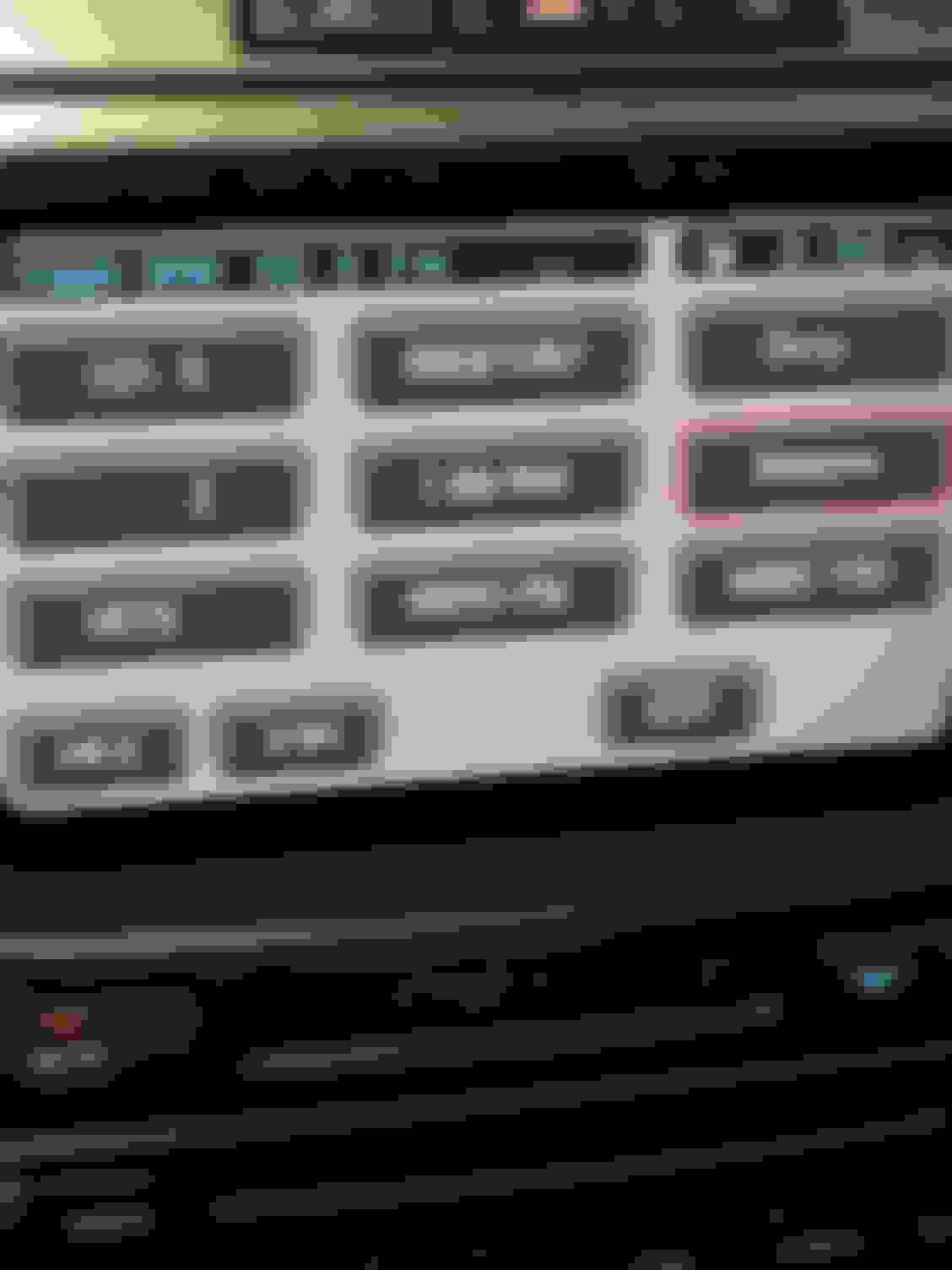
The Nav screen has buttons on left and right side of the unit. They show Nav, menu, audio, climate, phone, etc. As well as auto climate setting, manual fan (also on climate screen), front and rear defrost.

There is an additional info screen just below the nav screen showing time (duplicated on the nav screen), outside temperature, and interior temp setting).

And if you ever access the hidden Sat-Nav screen = never ever, never, ever.........did I mention? Never, ever, never, ever TOUCH THE S/W BUTTON on the touch screen = it is the black screen 50/51 error kiss of death.


Menu


Nav


Phone, but phone button on steering wheel does mute the audio if playing.


Climate


Audio


Info below Sat-Nav
 
Reply
Old Jan 10, 2018 | 10:57 AM
  #8  
wa3ra's Avatar
Thread Starter
|
Senior Member
Joined: Jul 2014
Posts: 954
Likes: 149
From: Dunmore, PA
Default

Thanks! I'm guessing S/W is the command to flash the software from the SDS/IDS?
 
Reply
Old Jan 10, 2018 | 02:35 PM
  #9  
Dell Gailey's Avatar
Veteran Member
5 Year Member
Liked
Joined: Mar 2017
Posts: 4,769
Likes: 795
From: Utah
Default

Yeah, software update. In the year (almost) I've had my kitty and been on this, the best of the Jag forums, it boggles my mind how many times I've seen the "ACCIDENTALLY" touched the s/w button and now have blank screen with error code, lmao!!

 
Reply
Old Jan 10, 2018 | 02:37 PM
  #10  
Dell Gailey's Avatar
Veteran Member
5 Year Member
Liked
Joined: Mar 2017
Posts: 4,769
Likes: 795
From: Utah
Default

Btw, then "they" seem to never search for the solution, which is easy to find here and instructions on burning a CD for the fix.
 
Reply
Old Jan 10, 2018 | 03:24 PM
  #11  
Alfadude's Avatar
Veteran Member
Joined: Feb 2009
Posts: 2,081
Likes: 304
From: Milwaukee, Wisconsin, USA
Default

Originally Posted by Dell Gailey
Btw, then "they" seem to never search for the solution, which is easy to find here and instructions on burning a CD for the fix.
"There seem to be a lot of "theys" that post a question on here before even considering doing even a rudimentary search first.
 
Reply
Old Jan 10, 2018 | 05:42 PM
  #12  
wa3ra's Avatar
Thread Starter
|
Senior Member
Joined: Jul 2014
Posts: 954
Likes: 149
From: Dunmore, PA
Default

I don't even need to search, a have a clean KWI disk!


Wondering what the most recent valid NA map disk is? 2008, or does something later work?
 
Reply
Old Jan 10, 2018 | 08:54 PM
  #13  
Dell Gailey's Avatar
Veteran Member
5 Year Member
Liked
Joined: Mar 2017
Posts: 4,769
Likes: 795
From: Utah
Default

Last one (& ever will be) is 2012 =

Jaguar | Jaguar | Jaguar - North America Map DVD Version 2011-2012 | HERE
 
Reply
Old Jan 10, 2018 | 09:41 PM
  #14  
wa3ra's Avatar
Thread Starter
|
Senior Member
Joined: Jul 2014
Posts: 954
Likes: 149
From: Dunmore, PA
Default

Gotta be more accurate than the 2003 in there!
 
Reply
Related Topics
Thread
Thread Starter
Forum
Replies
Last Post
brick
X-Type ( X400 )
8
Nov 28, 2014 03:54 PM
Pinecone
X-Type ( X400 )
15
Dec 29, 2013 07:34 AM
TheLegend
XF and XFR ( X250 )
1
Aug 14, 2011 09:05 AM
Cough
XK / XKR ( X150 )
1
Jun 22, 2008 05:26 AM

Currently Active Users Viewing This Thread: 1 (0 members and 1 guests)


All times are GMT -5. The time now is 03:49 PM.