When you click on links to various merchants on this site and make a purchase, this can result in this site earning a commission. Affiliate programs and affiliations include, but are not limited to, the eBay Partner Network.
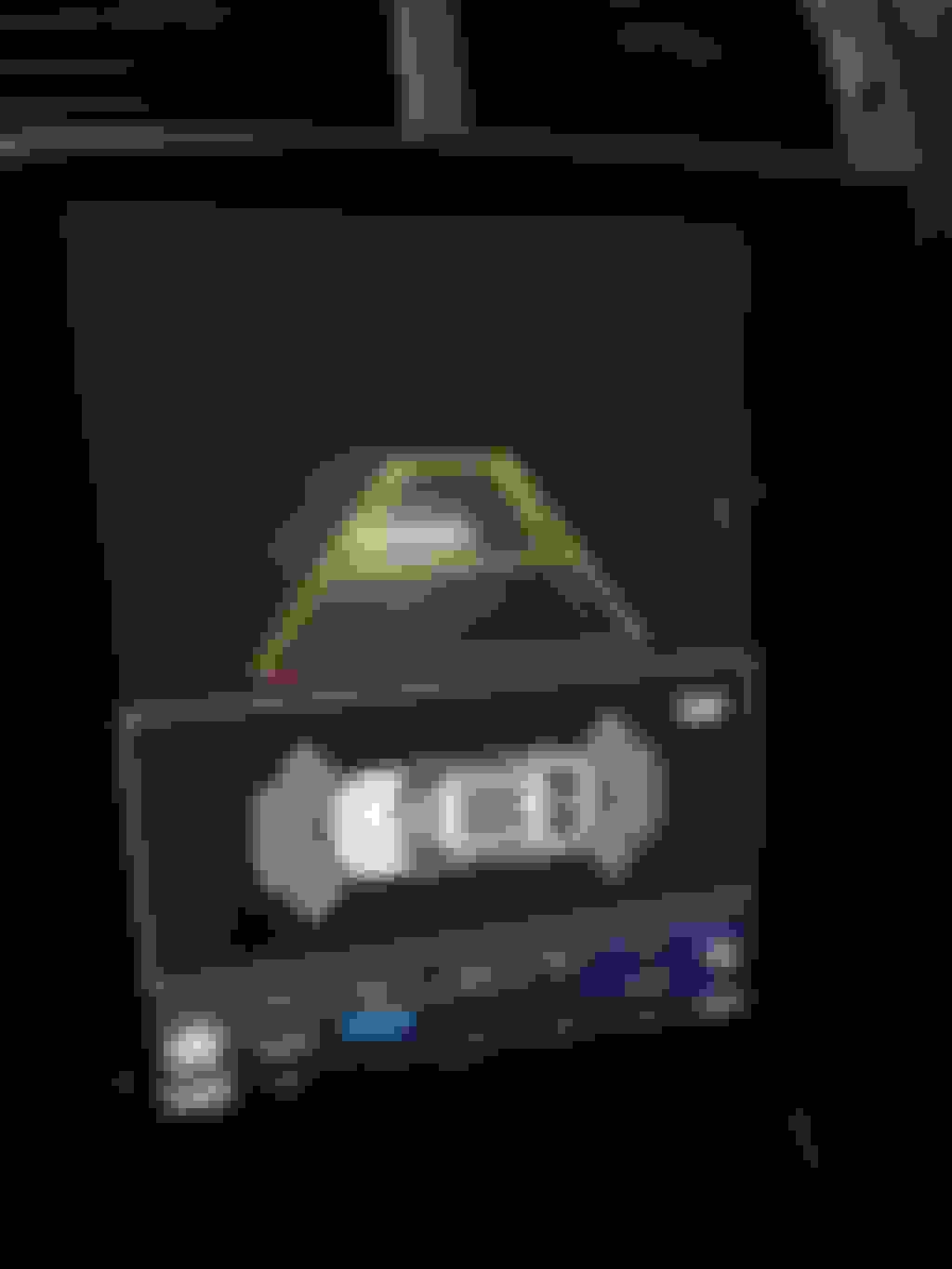
I've just installed a 12.1'' Android 11 Tesla screen to my Jaguar XK 5.0L 2012. Everything is working, except the OEM rear-view camera. It is an original camera and its power shall not be a problem. I understand that the connection should be a simple plug and play to the Unit yellow RCA connector with two short blue wires. When the car is in reverse - the sensors are working, but the camera screen is black.
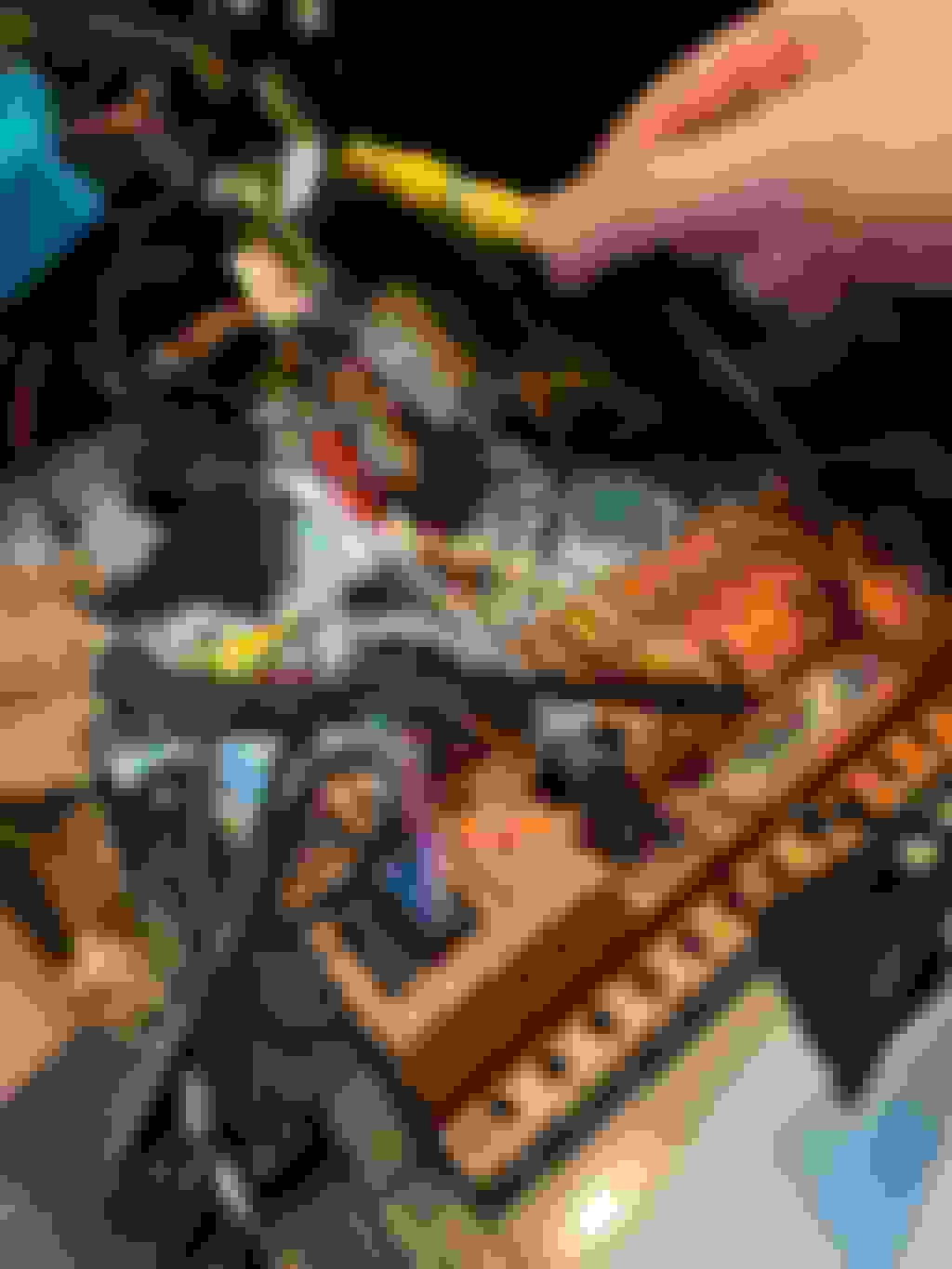
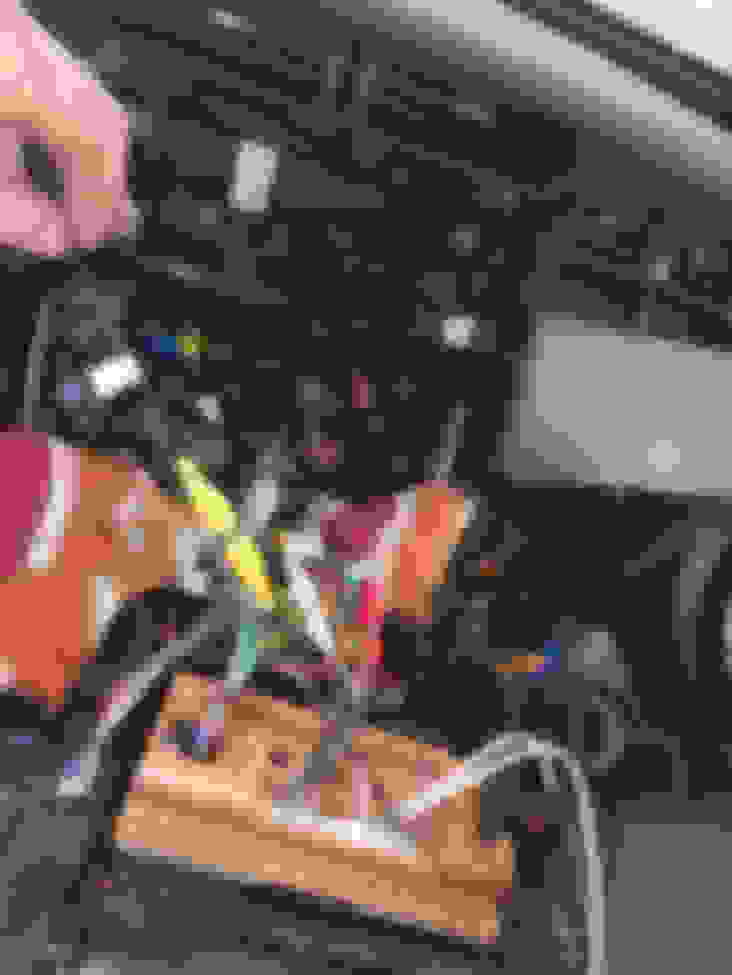
I will post my camera connection below. Has anyone experienced a similar problem with the OEM camera while installing the Tesla Android screen?
Should not be an issue as you have it connected properly. You'll want to test the wires at the android. With OEM, you would get a blue screen. Also check the various options to see if rear camera is activated (I don't recall if there is or it's just on when you plug it in). And then there's always "check the obvious" and make sure you don't have the camera blocked:-)
Thank you for your response!
I tested the wires and connection today. There is a signal in the cable to the Unit input connector. I asked the Seller to confirm the software camera settings.
@DmitryOv I took another look at your photo and it appears you have the back up camera connected to the Radio antenna cable. The radio antenna FAKRA cable is white and the backup camera is brown. Switch the two and you should be fine.
I bought the Android screen on Alibaba from TPXINXIN (Shenzhen Hanjin Auto Accessories) that claims to be a manufacturer but is just a re-seller really.
The same question was asked to them and the same pictures sent. Their response was: "after checking your model is 2013 year, and our radios only support the original camera fro the newest model year". Right.
The device they sell works but they do not know the product they sell, cannot provide any support and their communications are not honest.



 12.1" Tesla screen - back-up camera not working