When you click on links to various merchants on this site and make a purchase, this can result in this site earning a commission. Affiliate programs and affiliations include, but are not limited to, the eBay Partner Network.
Hi team, I have an issue with my navigation system in that I accessed the hidden menu and stupidly pressed 'update software'. Now my vehicle does not recognise that a nav computer is installed so my questions are:
1. Is mynav computer bricked?
2. Is it a simple fix of just buying another computer from Ebay and installing it or will it need coded?
Thanks in advance,I'm in NZ by the way so main dealerships are scarce.
Cheers Bill
Do you have an XK or and XK8? If you have an XK8 you are in the wrong forum, you should be in the X100 forum to get appropriate answers. The first XKs (X150) in the U.S. were 2008 model years. Your listing is confusing. Updating the GPS in the X150 is done by replacing the CD-Rom with a later edition.. The most recent versions that work can be found at Volvo dealerships or maybe Ebay. Anyway there is a search box in the upper right corner of this page where you can type in you question and get some info there. Good luck
My car is a 2007 XK 4.2 (X150) first introduced in 2006.
My post is about accessing the hidden menu and selecting 'update software's which has now stopped my vehicle recognizing the nav computer?
My car is a 2007 XK 4.2 (X150) first introduced in 2006.
My post is about accessing the hidden menu and selecting 'update software's which has now stopped my vehicle recognizing the nav computer?
Before anything, try a Hard Reset. Disconnect BOTH main battery cables and touch them together (yes, the battery cables touch) for about ten seconds. Make SURE the battery isn't a part of this procedure.
The windows should then be reset using the factory window reset procedure, and all the other adjustments SHOULD remain as they were.
This may fix it, it may not.
Do you have an XK or and XK8? If you have an XK8 you are in the wrong forum, you should be in the X100 forum to get appropriate answers. The first XKs (X150) in the U.S. were 2008 model years. Your listing is confusing. Updating the GPS in the X150 is done by replacing the CD-Rom with a later edition.. The most recent versions that work can be found at Volvo dealerships or maybe Ebay. Anyway there is a search box in the upper right corner of this page where you can type in you question and get some info there. Good luck
Ralph,
The OP's in New Zealand, so the trick using the North American Volvo disk won't work for him. It appears that you made a typo, since the first X150 model year in the US was 2007 (2006 in the UK).
Stuart
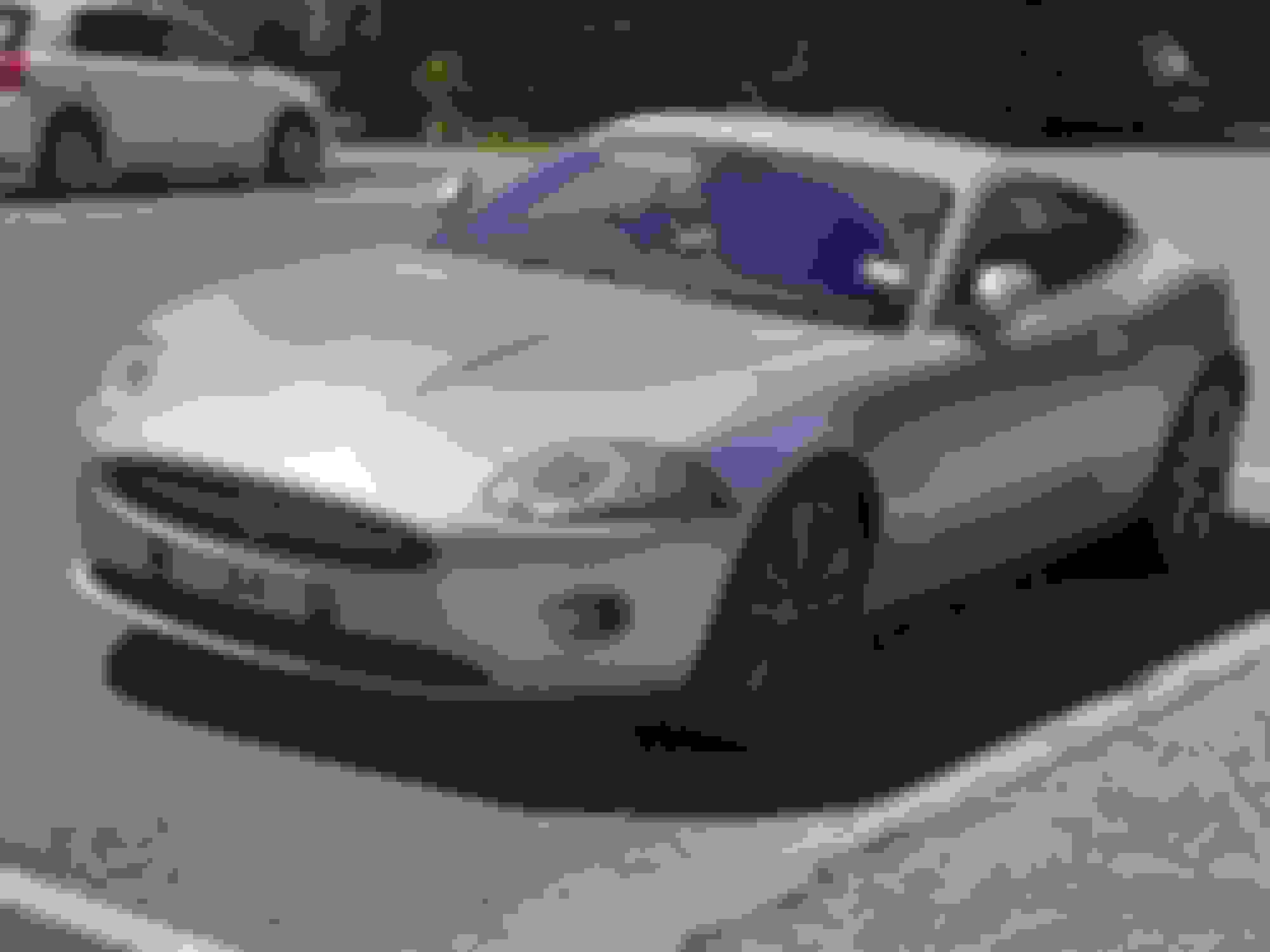
P.S. The "propeller blade" in the OP's grille was a design feature of the X150 introductory year only.
Last edited by Stuart S; Apr 16, 2021 at 09:53 PM.
Reason: Added P.S.
greetings all,
The OP is accuate. The software update option selected is there to update the management software on the navigation device. Commonly referred to as ROM. It is not to update maps.
(and incidentally, my 07 was acquired from the dealer in 06)
I’m with Cee Jay on this one. in the event you do not have the Alpine? ROM disk, (I have no knowledge where to source one) I would try the hard reset first. Be certain to clear all memory! (that means don’t just disconnect the battery but actually discharge all components by touching the cables) Then the standard boot process should invoke. I might in fact take a deeper look today... I wonder if I can source the image from Alpine directly...



 2007 XK8 Navigation problem