When you click on links to various merchants on this site and make a purchase, this can result in this site earning a commission. Affiliate programs and affiliations include, but are not limited to, the eBay Partner Network.
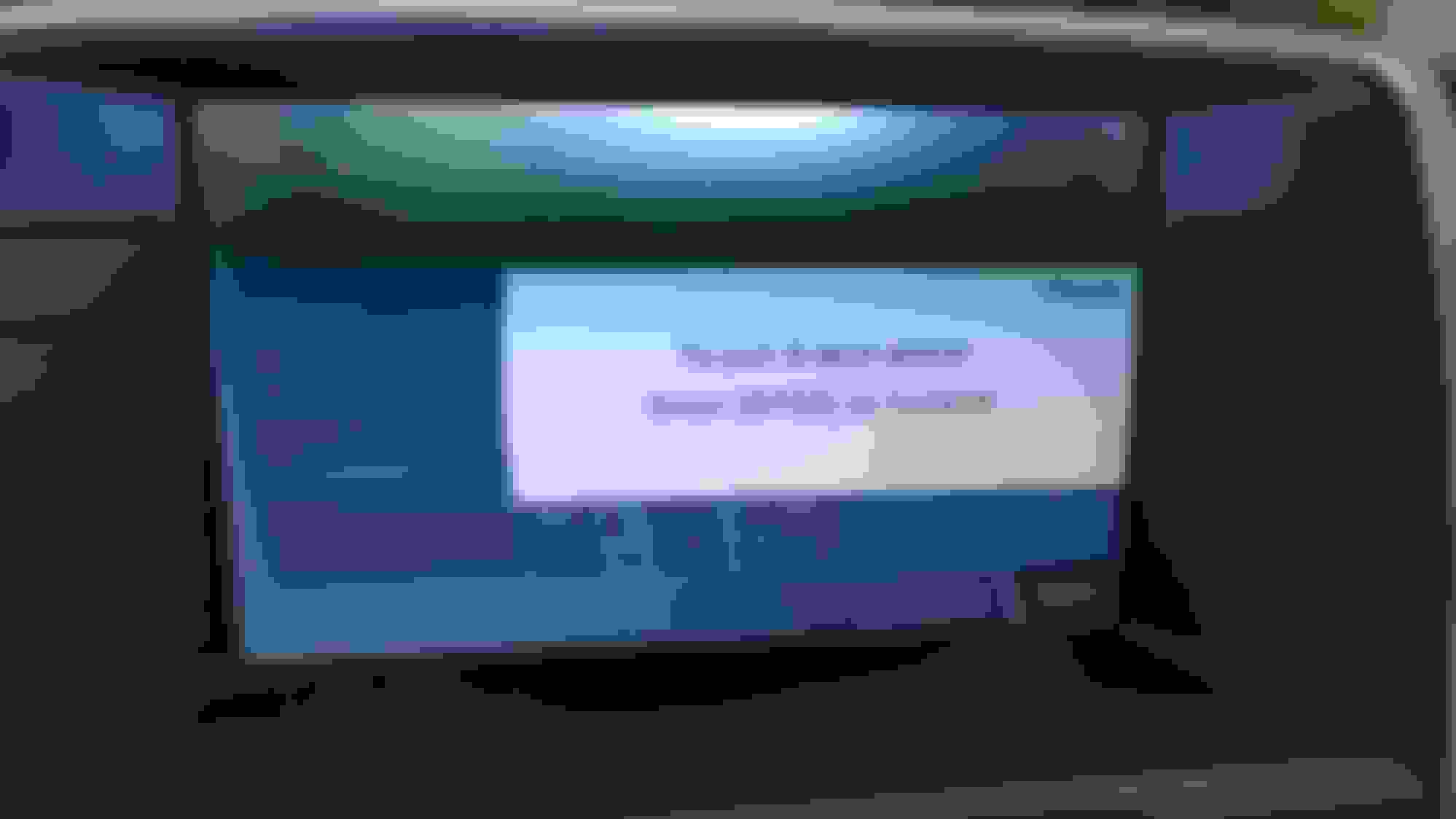
After sitting awhile I took the Jag out and while trying to pair my phone I got this locked screen which won't go away. I tried entering the code I tried turning the car on and off and on again, still no change. Big brains, what gives?
After sitting awhile I took the Jag out and while trying to pair my phone I got this locked screen which won't go away. I tried entering the code I tried turning the car on and off and on again, still no change. Big brains, what gives?
I suggest that you start the Bluetooth pairing process over from scratch, by deleting your phone from your XKR and your XKR from your phone. Reboot your phone after you've cleared it and before you try to pair it to your XKR.
You didn't tell us anything about your phone - iOS/Android. the make, model, and age. If it's new, it's possible that it won't work with your XKR as your car and Bluetooth module are 13 years old.
Yes, Bluetooth has gone through constant improvement over its lifespan but it is “mostly” entirely backwards compatible when it comes to mobile phone device connectivity and the functionality associated with that.
I would be very surprised if your phone cannot connect for telephony purposes. But as suggested, clear the necessary previous settings and then initiate the pairing process.
If you have multiple devices paired, there is no need to remove the unrelated profiles.
Thanks for all the input guys. Actually let it sit overnight and everything started and connected as it has for the previous 3 years. Not sure how sitting for a couple of months affected a phone hookup that had worked for three years so far. Anyway, found a Utube that suggested holding the infotainment power button down for about 10-30 seconds should also work. Thanks again.
It was probably just caused by a module that didn't start up properly. Just turning the car off and on won't reset the modules as they stay awake but locking the car and leaving it for half an hour should do the job.



 frozen screen