How on earth do I post a LARGE pic of my XK?


Thread Starter
|
Senior Member
Joined: Sep 2013
Posts: 112
Likes: 22
From: Qualicum Beach
 How on earth do I post a LARGE pic of my XK?
Like the title says
I've posted many postage stamps size pictures of my XK but I have no clue how to post something that can be seen without a magnifying glass
HELP!!
I've posted many postage stamps size pictures of my XK but I have no clue how to post something that can be seen without a magnifying glass
HELP!!




Joined: Dec 2011
Posts: 120,439
Likes: 17,009
From: Durham, UK
Do you want to post a large picture from OnLine storage or from your PC, laptop etc?
Check the image I've added to your post here:
https://www.jaguarforums.com/forum/x...e2/#post848890
Is this the scale you want?
Graham
Check the image I've added to your post here:
https://www.jaguarforums.com/forum/x...e2/#post848890
Is this the scale you want?
Graham
Last edited by GGG; Nov 6, 2013 at 09:14 AM.
Thread Starter
|
Senior Member
Joined: Sep 2013
Posts: 112
Likes: 22
From: Qualicum Beach
Do you want to post a large picture from OnLine storage or from your PC, laptop etc?
Check the image I've added to your post here:
https://www.jaguarforums.com/forum/x...e2/#post848890
Is this the scale you want?
Graham
Check the image I've added to your post here:
https://www.jaguarforums.com/forum/x...e2/#post848890
Is this the scale you want?
Graham
The pics are coming off my IPad
Thanks
Jeff
Joined: Dec 2011
Posts: 120,439
Likes: 17,009
From: Durham, UK
Jeff,
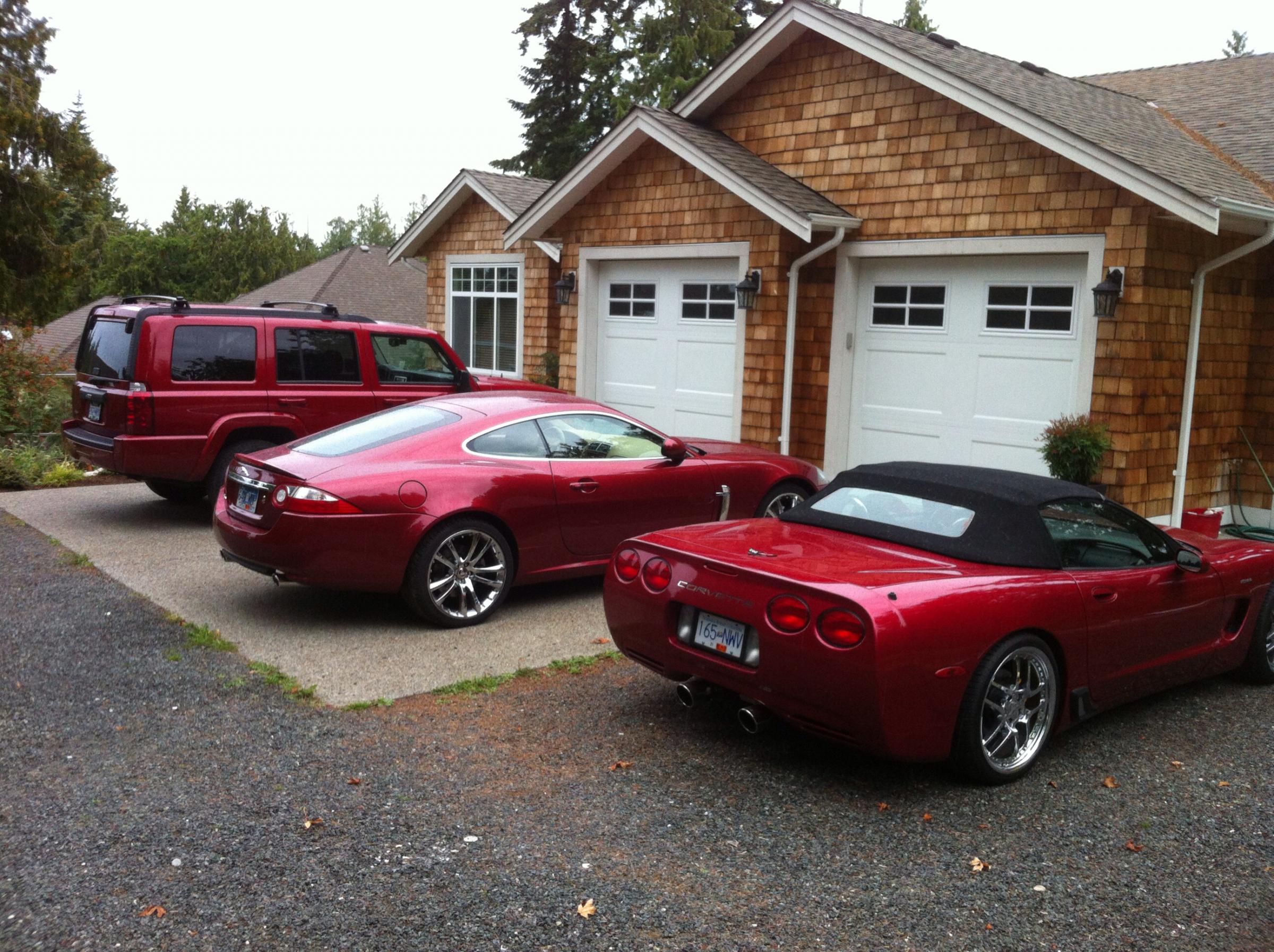
1. upload thumbnails as you have been doing
2. click on the image to open full size
3. edit - copy
4. click on the black edit button at the bottom of the post
5. edit - paste
You then get a full size image as I did with your thumbnail.
Graham
1. upload thumbnails as you have been doing
2. click on the image to open full size
3. edit - copy
4. click on the black edit button at the bottom of the post
5. edit - paste
You then get a full size image as I did with your thumbnail.
Graham



Veteran Member
Joined: May 2013
Posts: 3,294
Likes: 1,250
Graham:
I create the post, go to Manage Attachments, find photo and upload, close the window, and then go to preview post, see thumbnail image, then get lost after this.
When I expand the thumbnail and right click to copy image, I get lost.
The way you expanded the above images are what most of us are looking for.
Is there a YouTube showing the easy steps to do this that you know of?
I create the post, go to Manage Attachments, find photo and upload, close the window, and then go to preview post, see thumbnail image, then get lost after this.
When I expand the thumbnail and right click to copy image, I get lost.
The way you expanded the above images are what most of us are looking for.
Is there a YouTube showing the easy steps to do this that you know of?
Trending Topics

Versatile, in your post above.
I simply clicked on the pic to open the "full size" version and then right clicked and clicked on "copy image"
Then in the post simply right click again and click "paste"
Job done
Nice car btw
I simply clicked on the pic to open the "full size" version and then right clicked and clicked on "copy image"
Then in the post simply right click again and click "paste"
Job done
Nice car btw
Thread Starter
|
Senior Member
Joined: Sep 2013
Posts: 112
Likes: 22
From: Qualicum Beach
One more time
https://www.jaguarforums.com/forum/a...8&d=1384132210
https://www.jaguarforums.com/forum/a...8&d=1384132210
Looks like I'm going to have to rely on Graham and Jim to edit my pics from here on lol
Oh well
Life goes on
https://www.jaguarforums.com/forum/a...8&d=1384132210
https://www.jaguarforums.com/forum/a...8&d=1384132210
Looks like I'm going to have to rely on Graham and Jim to edit my pics from here on lol
Oh well
Life goes on
Last edited by Versatile; Nov 10, 2013 at 07:19 PM.
Versatile.....
In your post above....
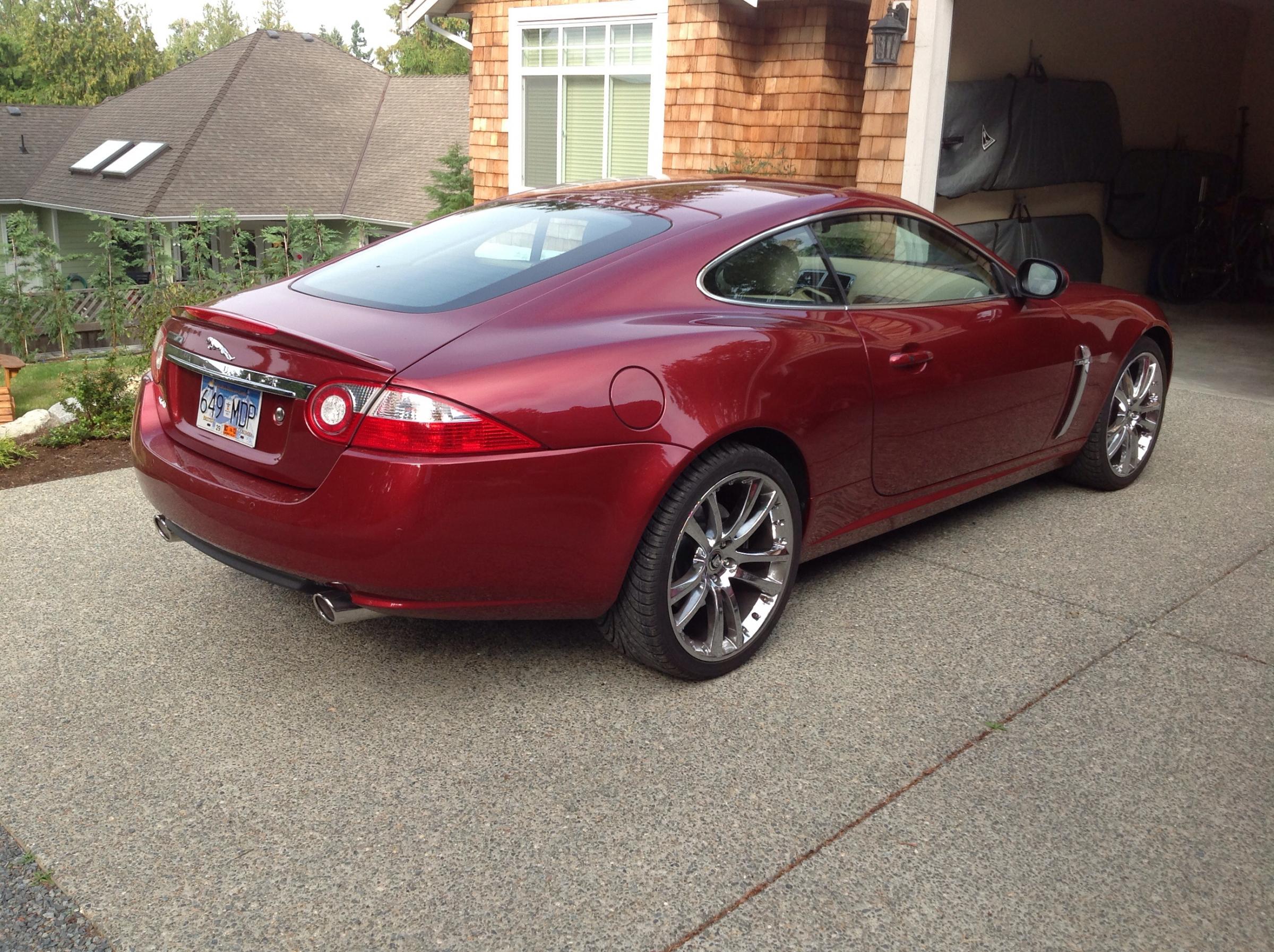
1. click on the picture to enlarge it first
2. Once enlarged, richt click to open drop box
3. Click on "copy image"
4. In the body of the post, right click to open drop box
5. click on "paste"
6. click on submit reply and you should see the results as below..
In your post above....
1. click on the picture to enlarge it first
2. Once enlarged, richt click to open drop box
3. Click on "copy image"
4. In the body of the post, right click to open drop box
5. click on "paste"
6. click on submit reply and you should see the results as below..


Lol...There's not many angles we haven't seen this car from yet, thats true.
How about an under the hood shot Versatile, large and in the body of the post.........go on, please share.
How about an under the hood shot Versatile, large and in the body of the post.........go on, please share.