When you click on links to various merchants on this site and make a purchase, this can result in this site earning a commission. Affiliate programs and affiliations include, but are not limited to, the eBay Partner Network.
Just had a beautiful 2014 XKR with 27k miles delivered. Had a 2015 XFR for a while, which I loved. So happy to have another Jag.
When I plug my iPhone 11 into the USB port, the infotainment system does not recognize the device. The car's iPhone port is not compatible with new devices.
For my '09, one port is specifically for ipods. I found an old ipod shuffle that works well. The second port is a USB which will take a memory stick of up to 256G configured as a USB removable device. Neither port support charging. Your mileage might be a bit different on a younger car,
The phone will only connect through bluetooth. My iphone 12 connects just fine, although there are some tricks to avoid the time-outs when pairing. Search the forums and they'll pop up.
There are some carplay solutions that people have made work. Again, searching the forum for carplay should turn up some nice threads,
I have found that Galaxy mobiles work much better with the X150 than the Apple products. I just started using a Galaxy S23 Ultra with my 2013XKR and connecting it was seamless. It also works very well with my 2018 XJR575.
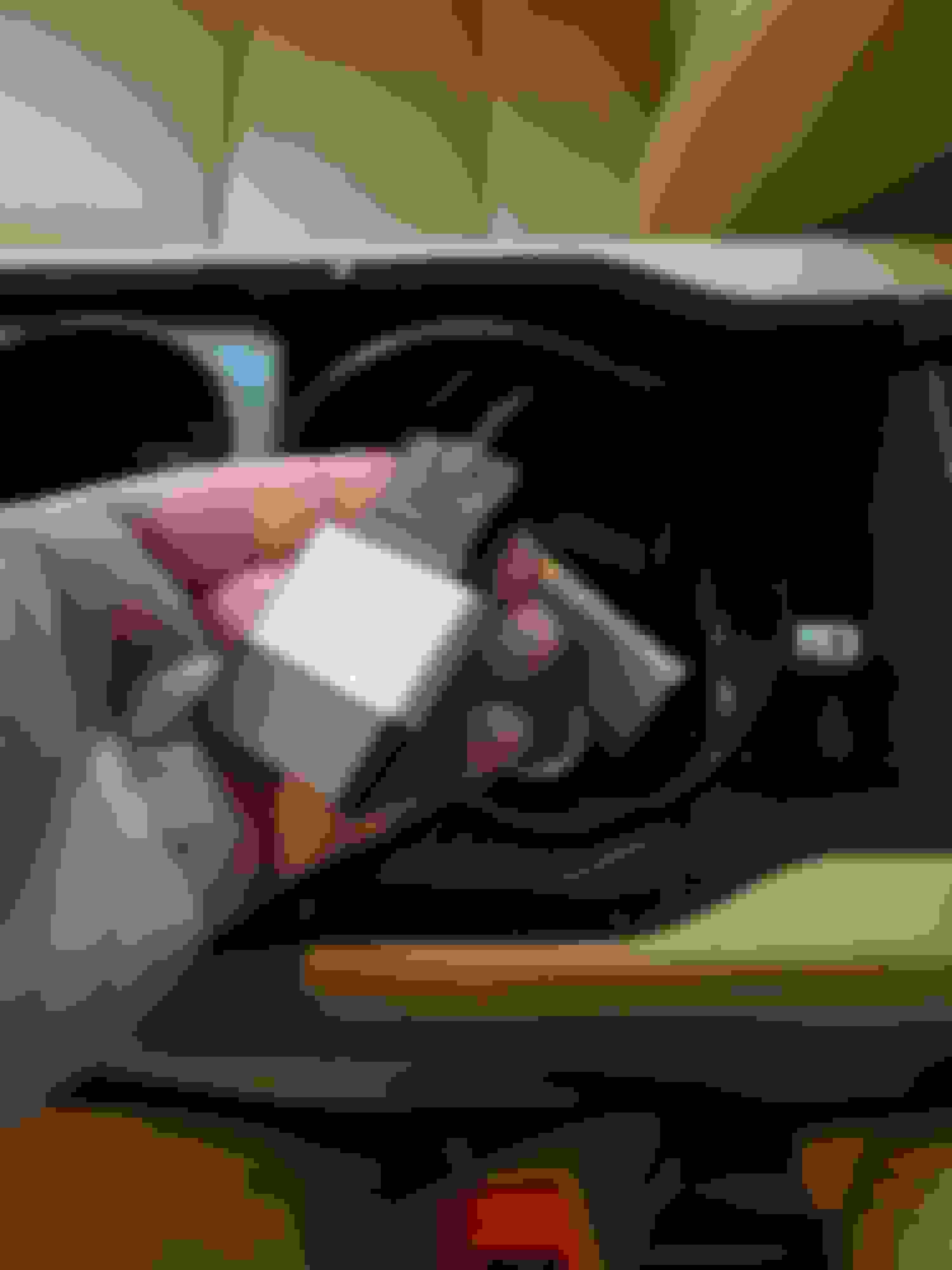
I have a 2015 XK. This is what I did - purchase an INVERY (for Land Rover and Jaguar) adaptor on Amazon (~$70). This fits in the IPOD slot and will stream content on your phone to the Infotainment System. PIcs below
........................................ INVERY Unit installed. I have a USB drive loaded with music (MP3) in the USB port.
I do this also, I have about 9,000 songs on the drive. It does take a minute to first load, but flawless once it gets going.
I don't stream much at all, not even on my Ford SYNC 5, which also works perfectly.
I also have the Invery bluetooth dongle - in my 2014 XK. Works great. Seamlessly connects to my phone when I get in the car without having to do anything. If you use Apple Music, the native ipod player in the Audio controls has all the features available - Playlists, Albums, Artists, shuffle play, steering wheel controls etc.
As a bonus, if you use the Apple podcast app, your Podcasts show up in the list of Albums, which I was pleasantly surprised by.
You cannot connect the phone through USB. Use the phones and cars bluetooth to connect the phone service, Then you will use the Bovee/Invery to connect to the iPod connector next to USB. Once done connect Invery via bluetooth to your phone, pair the two and then on the audio go to the iPod portal to listen to your mp3s on your phone or internet radio. That should be it. Good luck.
All correct approaches… unless you have the optional ACM module installed. As you are hearing, many don’t.
fwiw, my iphone 14 connects without issue both as a phone and as a music source.



 New(er) iPhone compatibility