


inside front headlights- ugly


Thread Starter
|
Junior Member
Joined: May 2017
Posts: 15
Likes: 9
From: Orland,california
 inside front headlights- ugly
Dont know if anyone has posted a way to Almost fix the problem of chrome damage inside of front headlights. I have four of these cars and three of them have this problem.The one I just bought ( has timing chain issues) had this problem because someone had not put the covers to replace bulbs --- they were left open and dirt and water had gotten inside - not that big a problem as i live in california so not a lot of rain --- but one was really bad so I looked at spray chrome ---- long story short --it doesnt look like chrome, however , as the damage is almost always on the bottom surface i was able to fade it in with spray chrome and the upper half still as chrome --- you have to look pretty hard to see the repair. If this interest anyone I can tell you how to remove lens without damageing it and i have photos of repair. thanks Bob Vickers PS; takes a couple of hours and a heat gun.


Veteran Member


Joined: Jan 2009
Posts: 2,199
Likes: 1,371
From: Hudson, Florida


Veteran Member
Joined: Nov 2013
Posts: 1,286
Likes: 456
From: Malvern, England
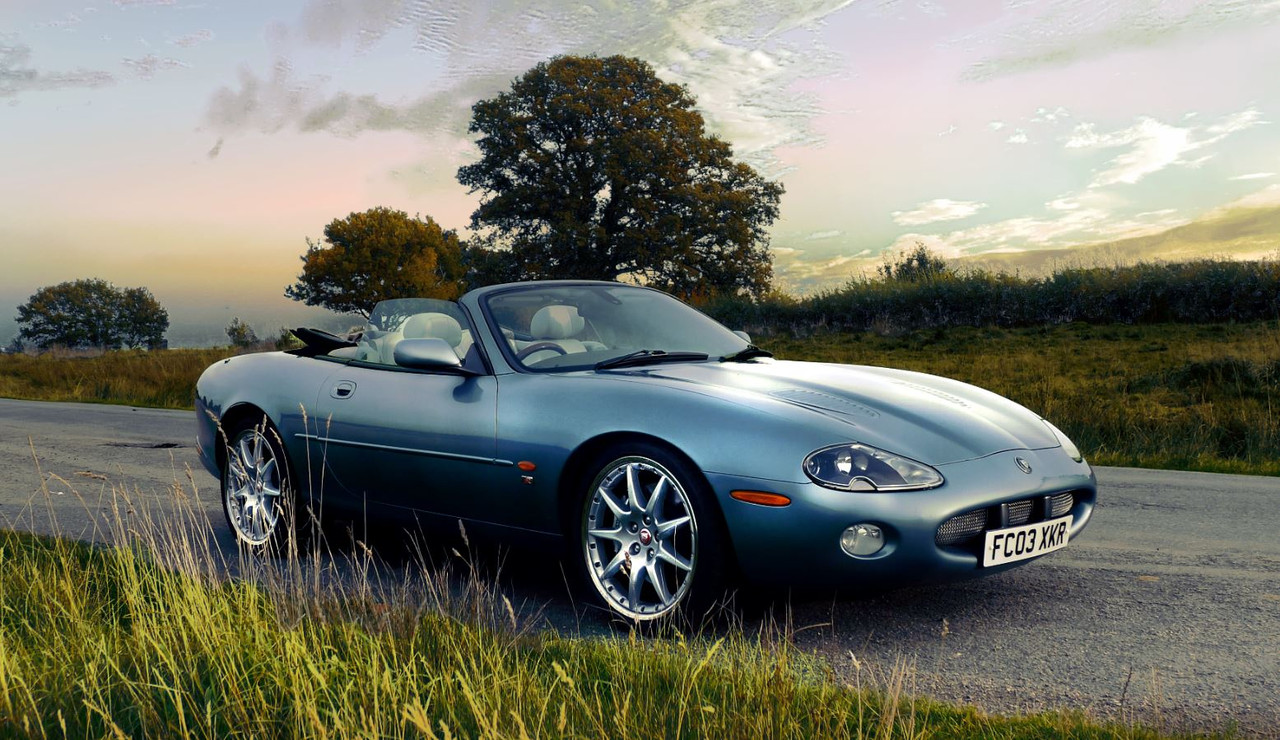
First of all go to this website https://postimages.org/ Join. Open your new hosting service by logging in. Upload your photos to it, simply click top left corner where it says 'upload'. Click and drag your files from your computer onto the Post image website. When its finished uploading go back to the main page. Open the folder that your photos were uploaded to. Click on your photo. In the top of the page click the 'Share' button. A page opens with your photo and a lot of options. Second from bottom option says "hot link for forums". On the end of the line there is an icon that looks like a folder or a page on top of a page (its obvious when you see it) click on that. The line will highlight. Now go onto the web page you wish to post on. Pick the spot you want the photo. Hold onto the CTRL button and press the V button. The code will now be pasted onto the topic. Save. Job done. Just done it to produce the photo below.

Thread
Thread Starter
Forum
Replies
Last Post
jagxkrtoofast
XK8 / XKR ( X100 )
12
Aug 30, 2018 02:14 PM
bdelgros
S-Type / S type R Supercharged V8 ( X200 )
12
Jul 8, 2010 08:52 AM
bigdreams05
X-Type ( X400 )
49
Jul 23, 2007 07:48 PM
Currently Active Users Viewing This Thread: 1 (0 members and 1 guests)