When you click on links to various merchants on this site and make a purchase, this can result in this site earning a commission. Affiliate programs and affiliations include, but are not limited to, the eBay Partner Network.
I am adding a dash camera to my 2014 XJL and will hardwire it. What is the best solution for this? I searched the forum but no real help accept for one post that shows how to remove the overhead console but doesn't help with what wire to tap into. Any tips? Any writeups? How hard is it to get behind the mirror it seems to have a plastic cover all around it?
I have both a Valentine 1 radar detector that is wired into the front overhead console and a front and rear dash cam that is hard wired into the Battery in the trunk for power all the time and a sensor power input that is wired into the 12v lighter at the rear of the center console. The radar detector was wired in by my Jaguar Tech and the dash cam was installed by an installer authorized by the Atlanta JLR dealers. The big difference is that the dash cam will need power when in parked mode and, to my knowledge there is no permanently hot wire to the front upper console.
I don't want the camera on full-time power I want it on switched ignition power. So the overhead I think will be perfect. I'll do all the work myself. I'll do a writeup when done if I get a chance since I could not find anything at all anywhere.
Oh the the camera I got has a front and separate wired-remote rear facing 1080 HD camera. Should be good for anything that comes along and needs a visual record. It is out for delivery now so should be there when I get home.
This looks like it is going to be a VERY easy installation! There is MASSIVE room to run wires around the trim from the back window to the front. And the overhead console took me 30 seconds to figure out how to remove it. Under it has a TON of room for wires and easy accessed to switched 12 volts. From there I can get the power tap to the camera through the headliner easy peasy.
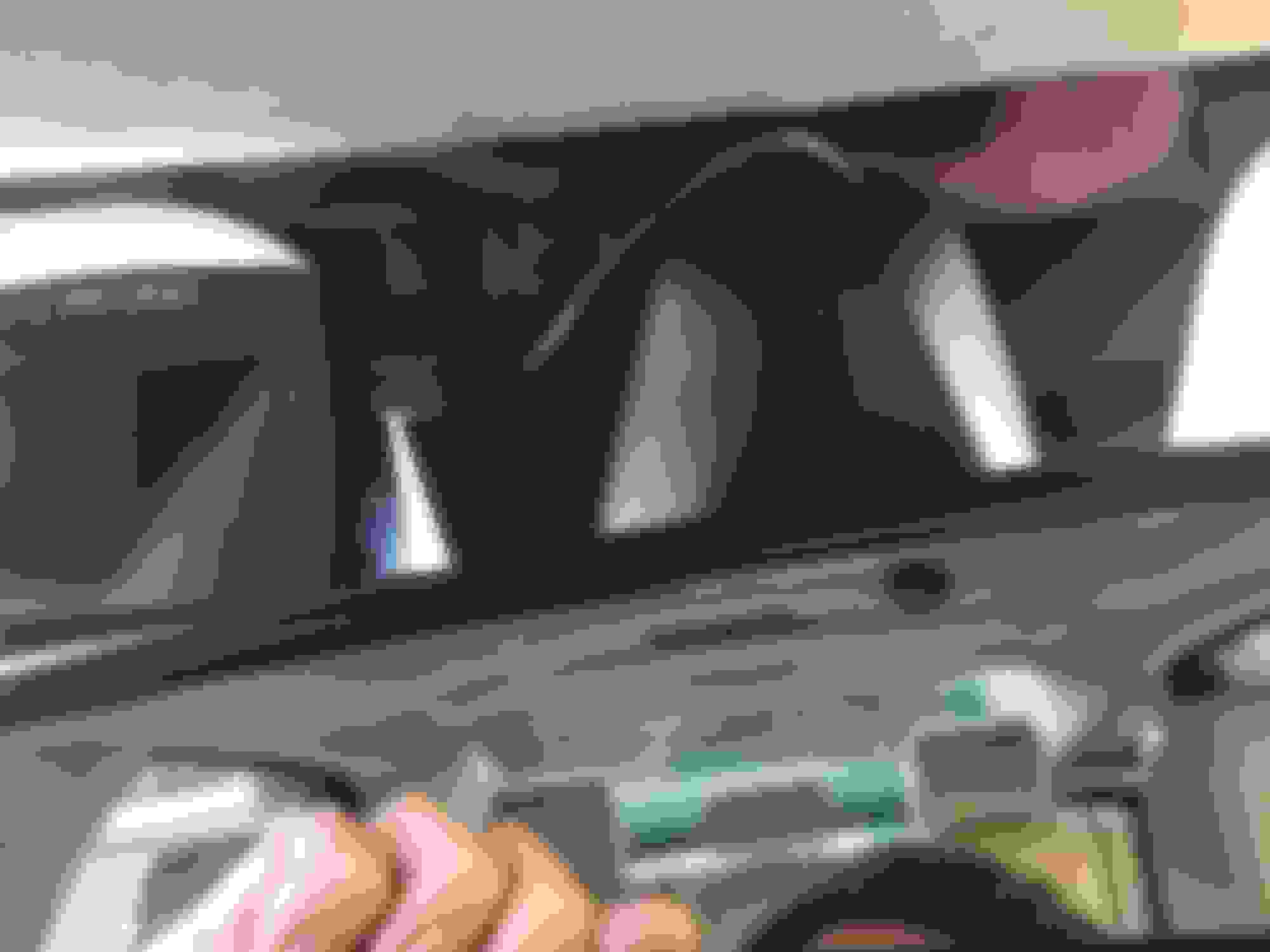
Here are a couple of pictures of the locations of my Valentin 1 and BlackVue DR650S-2CH dash cams for those that are interested. The rear cam nearly dissapears as the headline covers half of it. (sorry for second photo upside down)
I have a dash cam that uses usb cable to charge. I just run a 10ft long cable from rear view mirror (where the dash cam is) to the upper edge of the windshield, and along the edge to reach A pillar, cross it into front door frame rubber sealing, then downwards till the bottom edge, come out and cross the door frame just before the sill, go under the mat and reach bottom of the center column, and come up into center storage where usb port or igniter usb converter is. It is almost unnoticeable and can be installed and removed in seconds. Of course the cam will only be powered up when you opened the door.
I completed the installation yesterday. Took about 2 hours total to run everything and make it look nice. Power tap is super simple from the upper console. Once down there is a large multi connector and I easily located a ignition only 12 volt source and ground. I tapped into it using a crimp clamp connected to my camera power. There is plenty of room to coil up the extra cabling from both the rear camera and power lead right above the console. The power easily routes from the console area out under the edge of the headliner. Makes for a very clean installation!
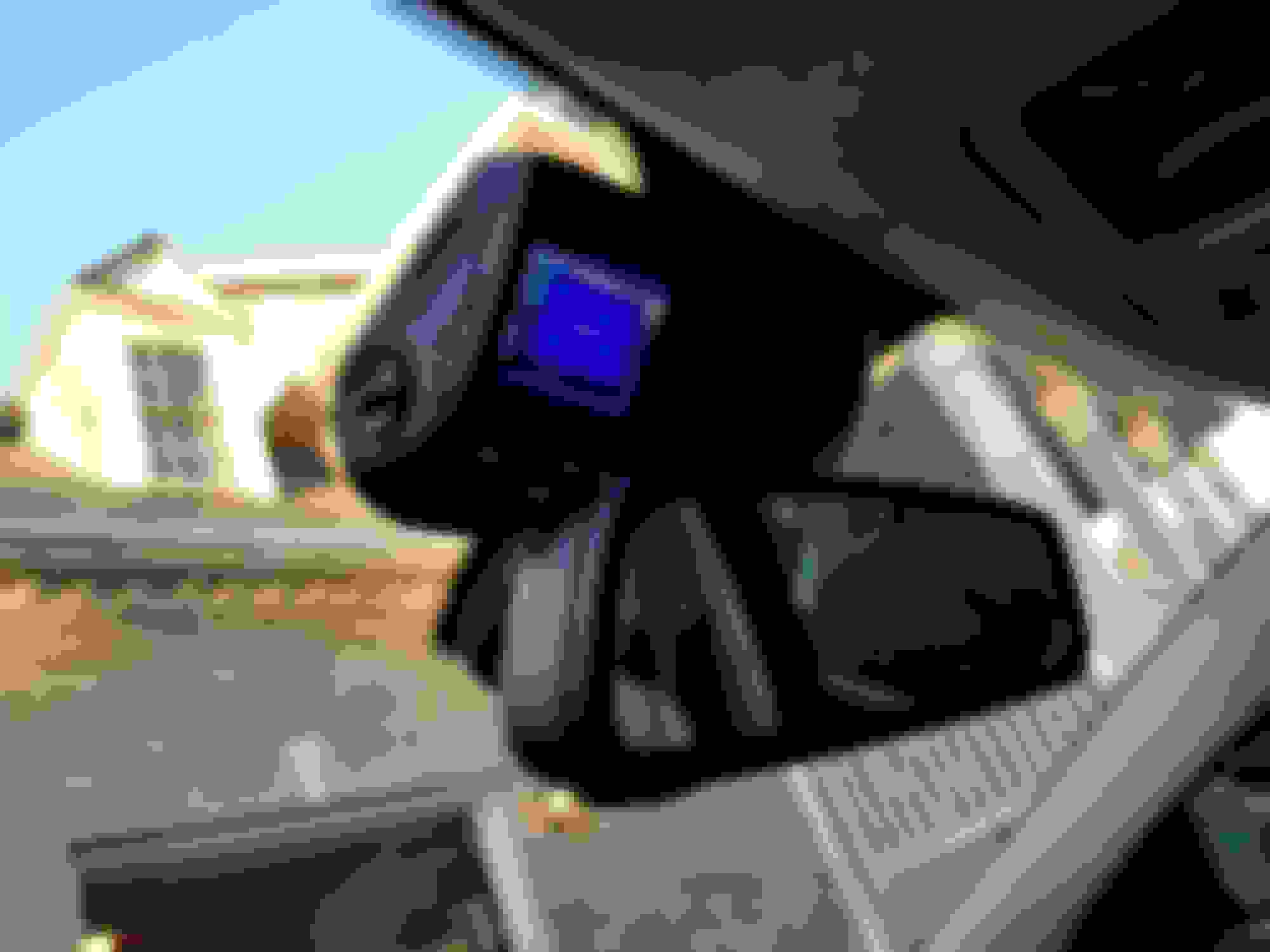
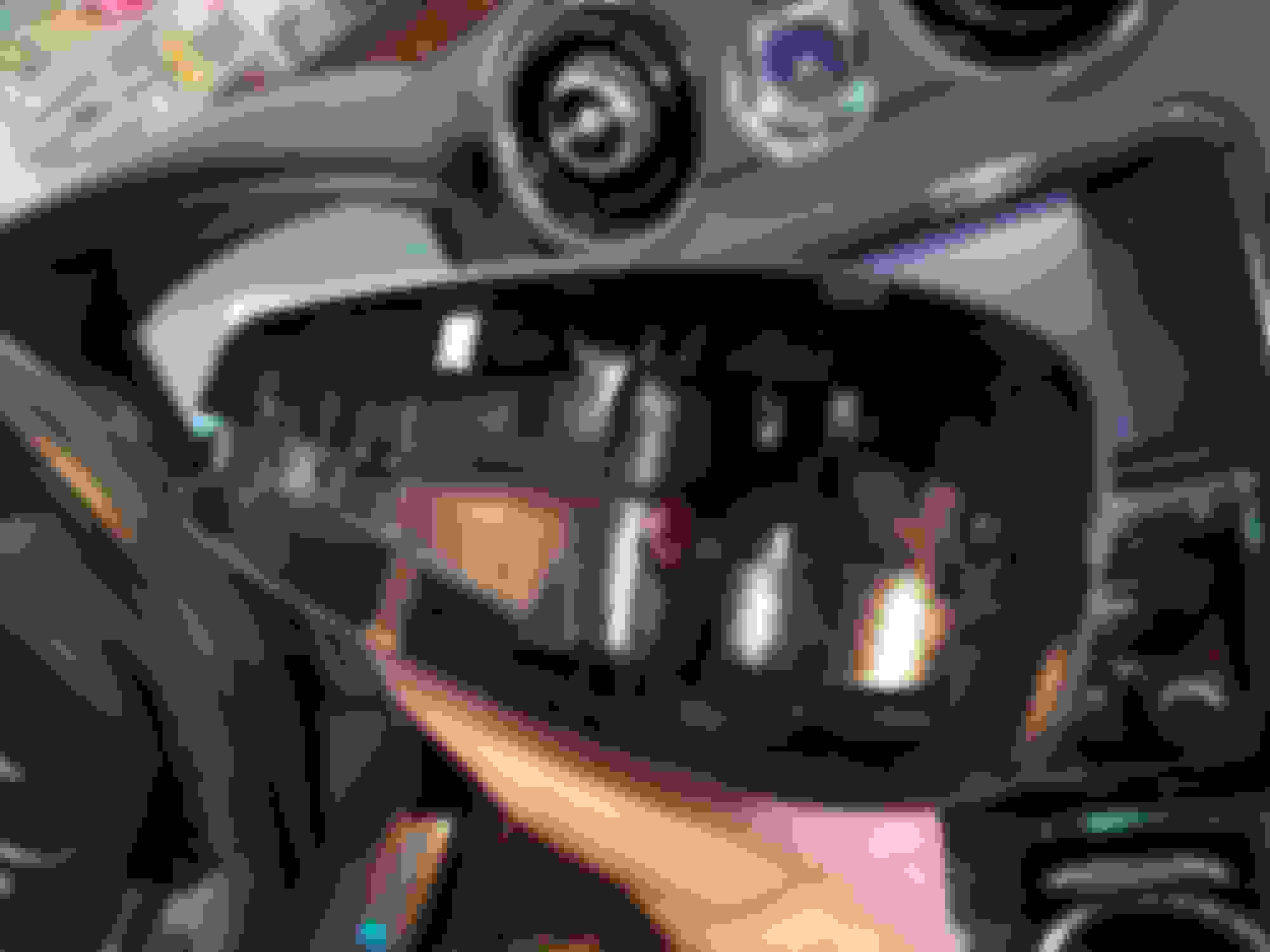
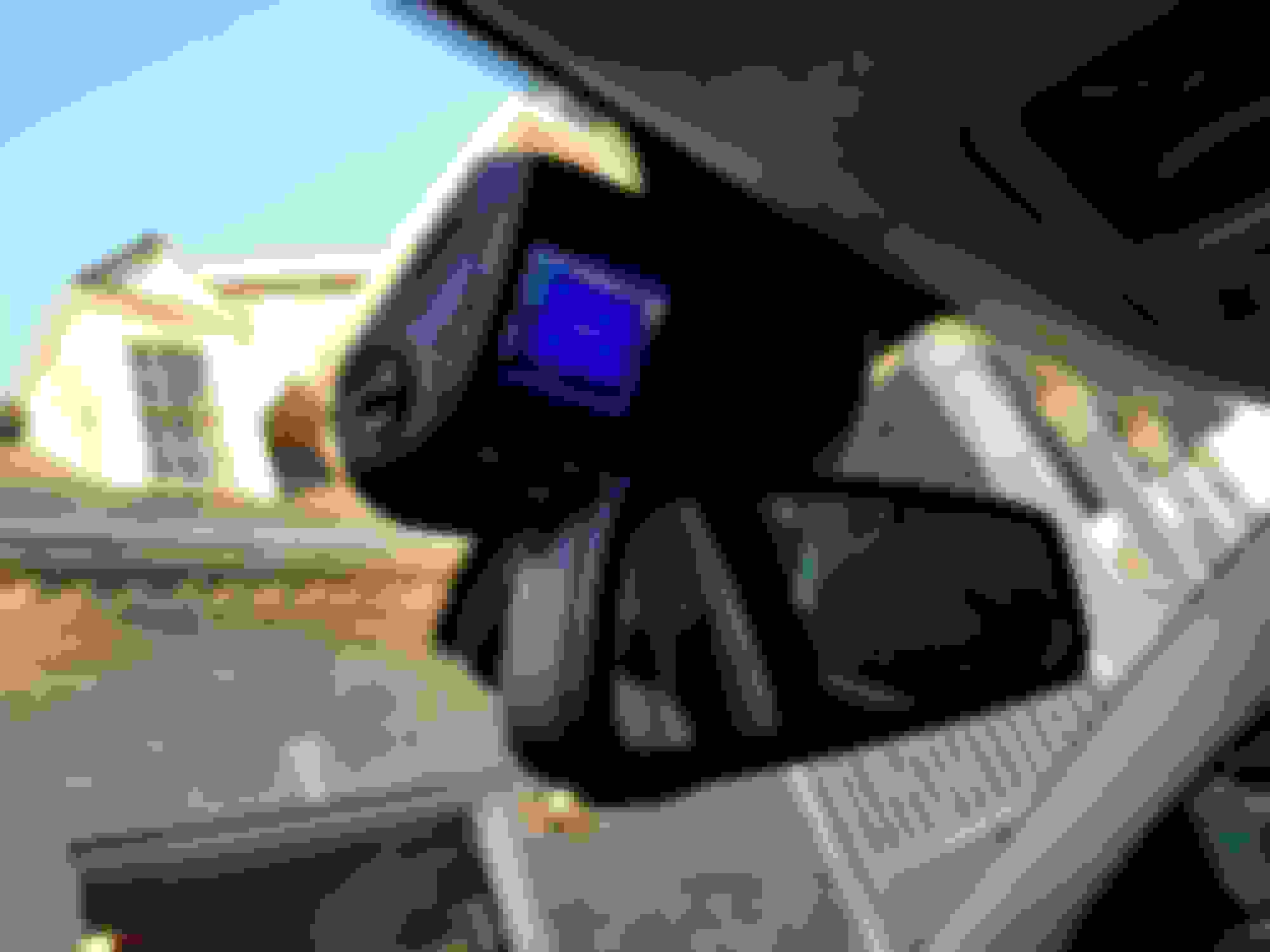
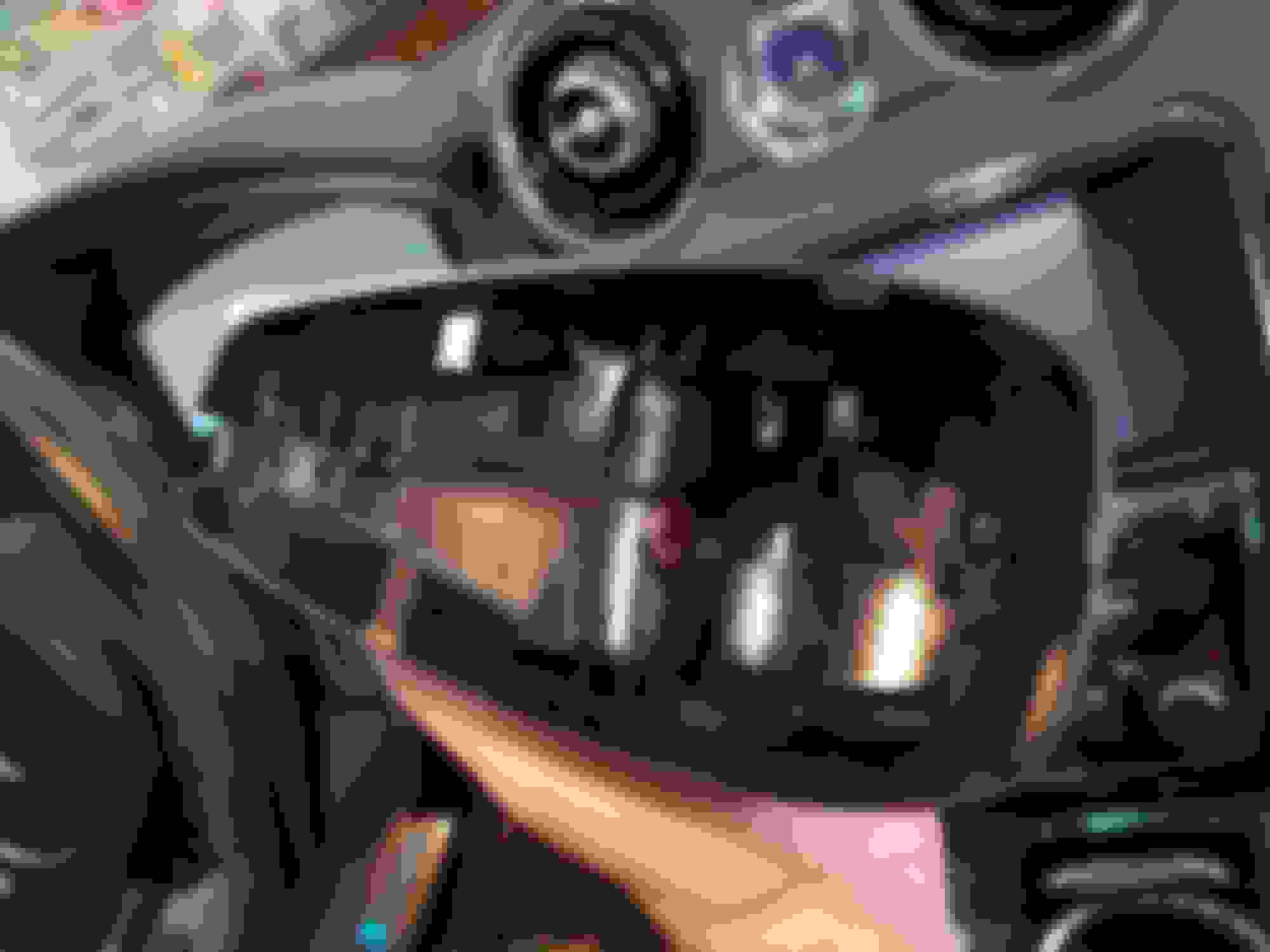
A dash cam installation is reasonably doable in XJL (x351) even if you want to power it without running cables to a cigaret liter. There is 12V supply in the rear view mirror harness (not sure about the amperage, but it worked in my case of Rexing cam). The black and gray cables provide negative and positive polarity respectably. It is in the active state only when the ignition is on and it remains on for some time after ignition is turned off.
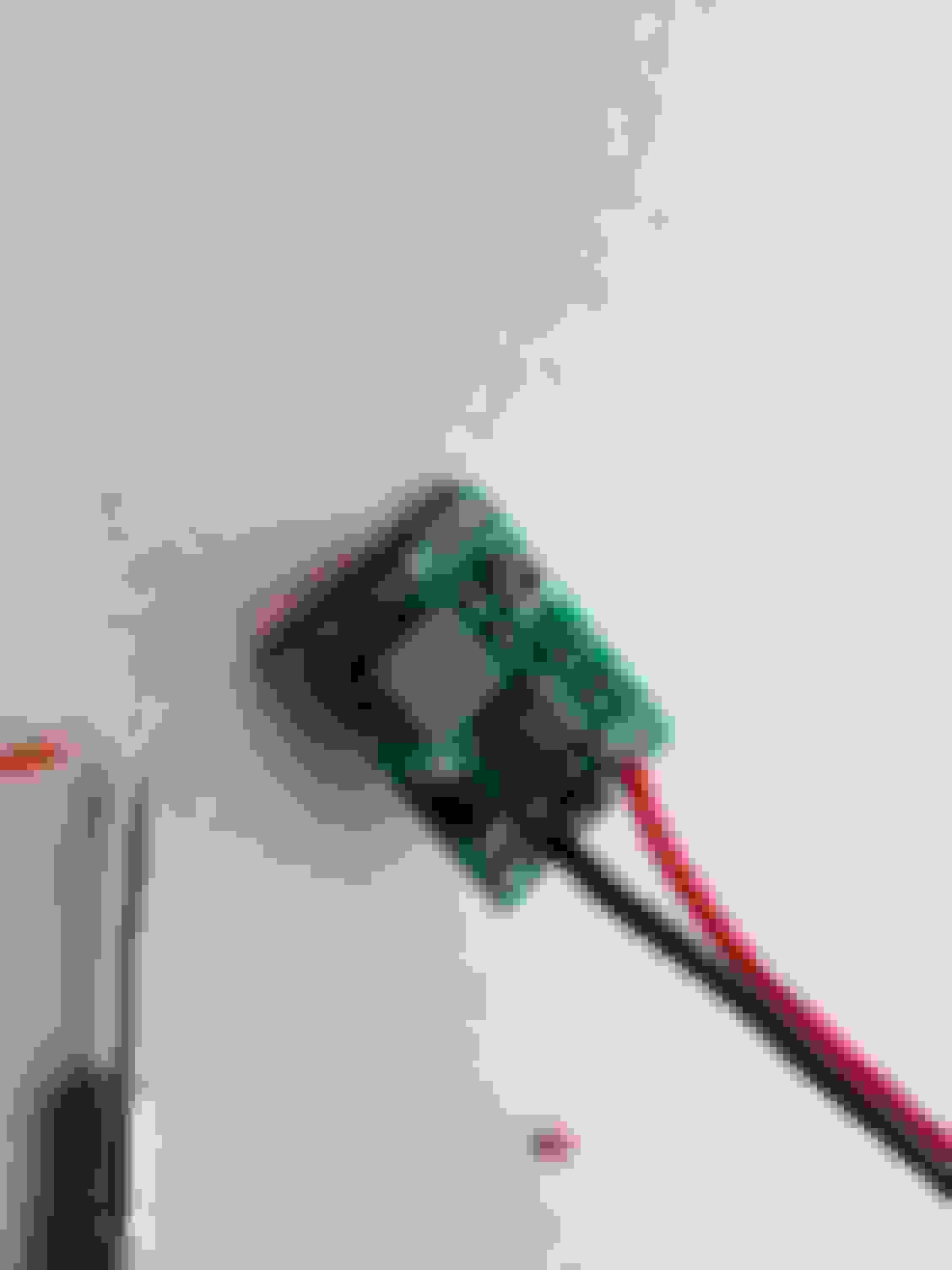
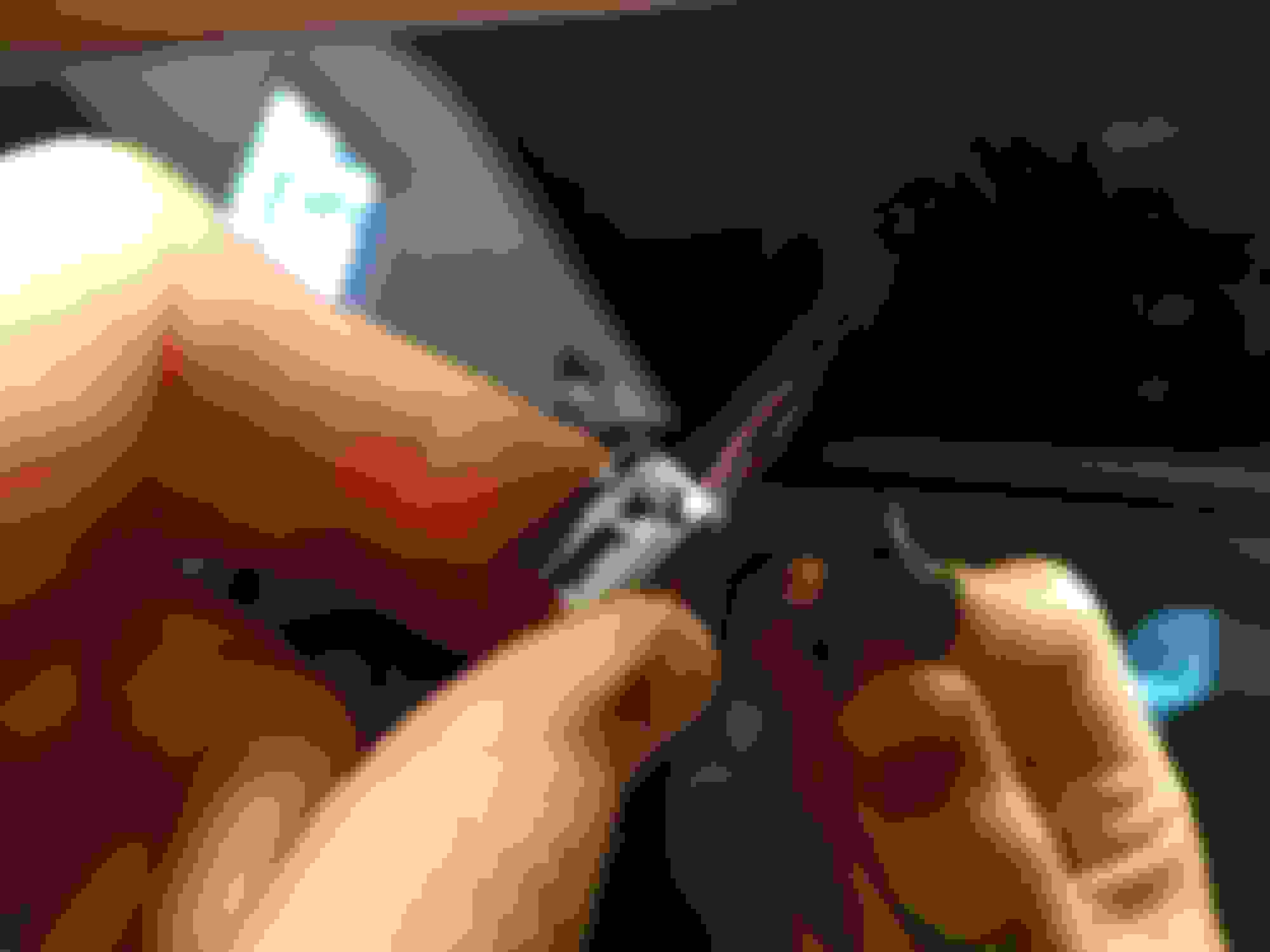
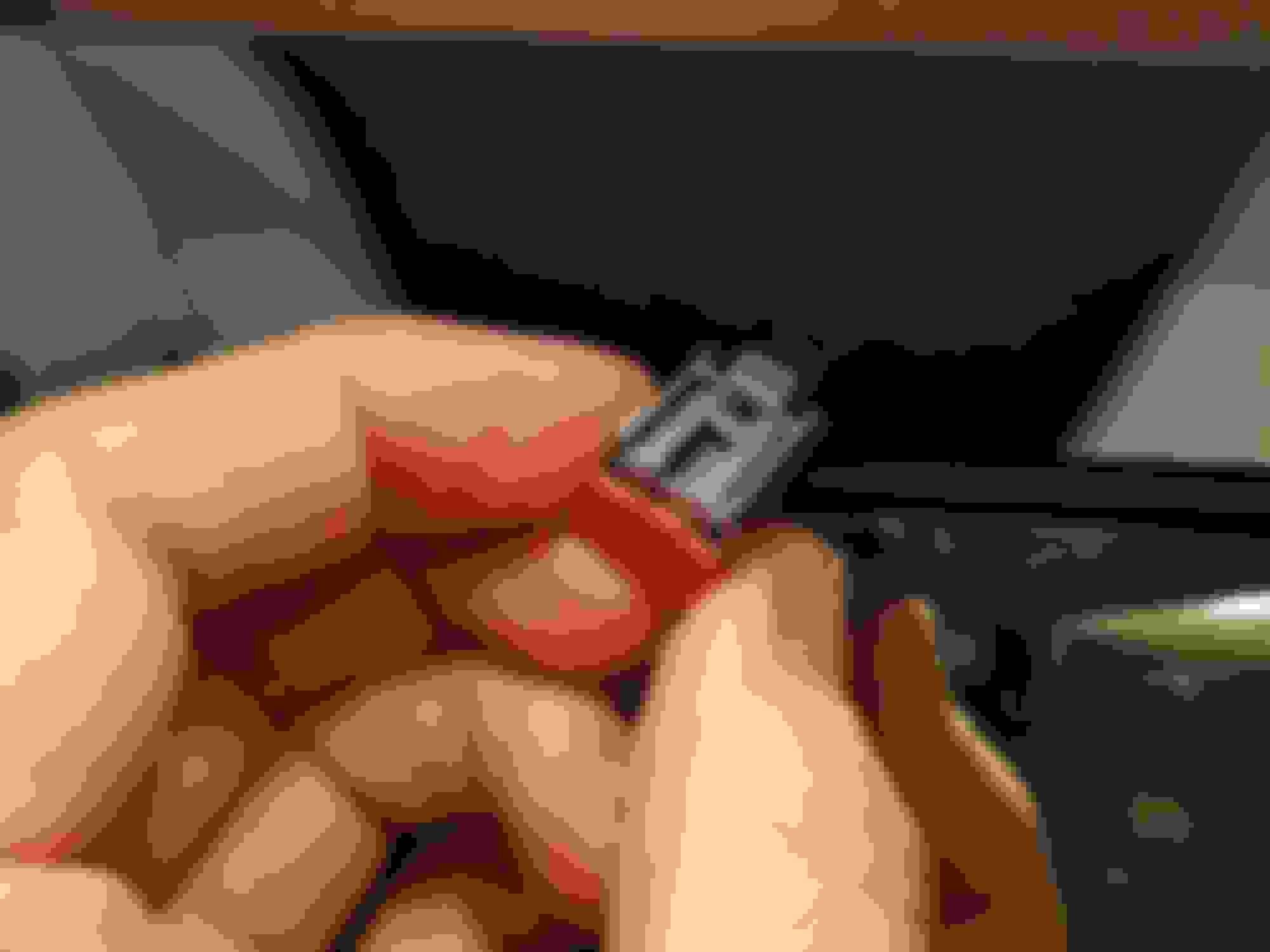
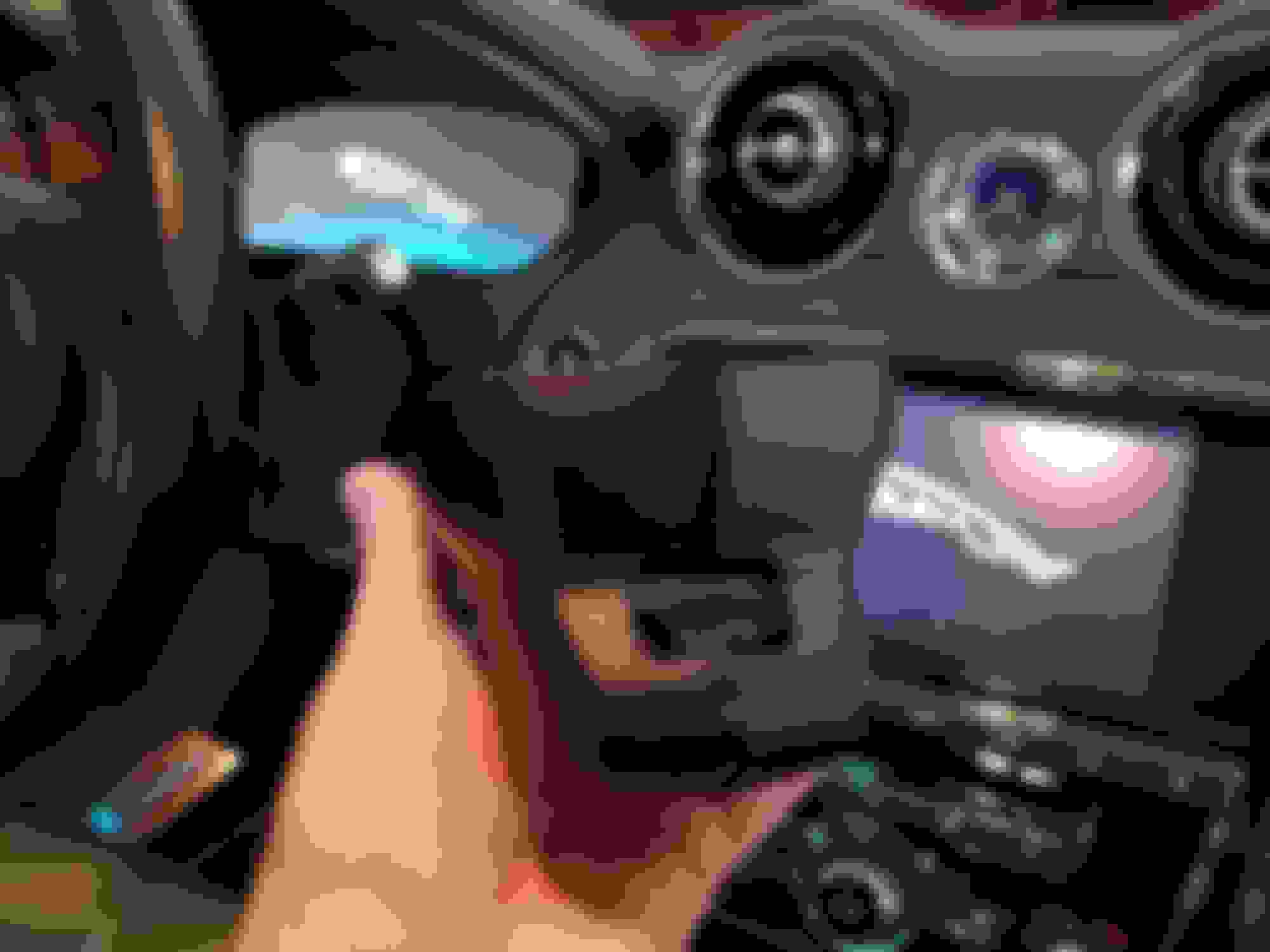
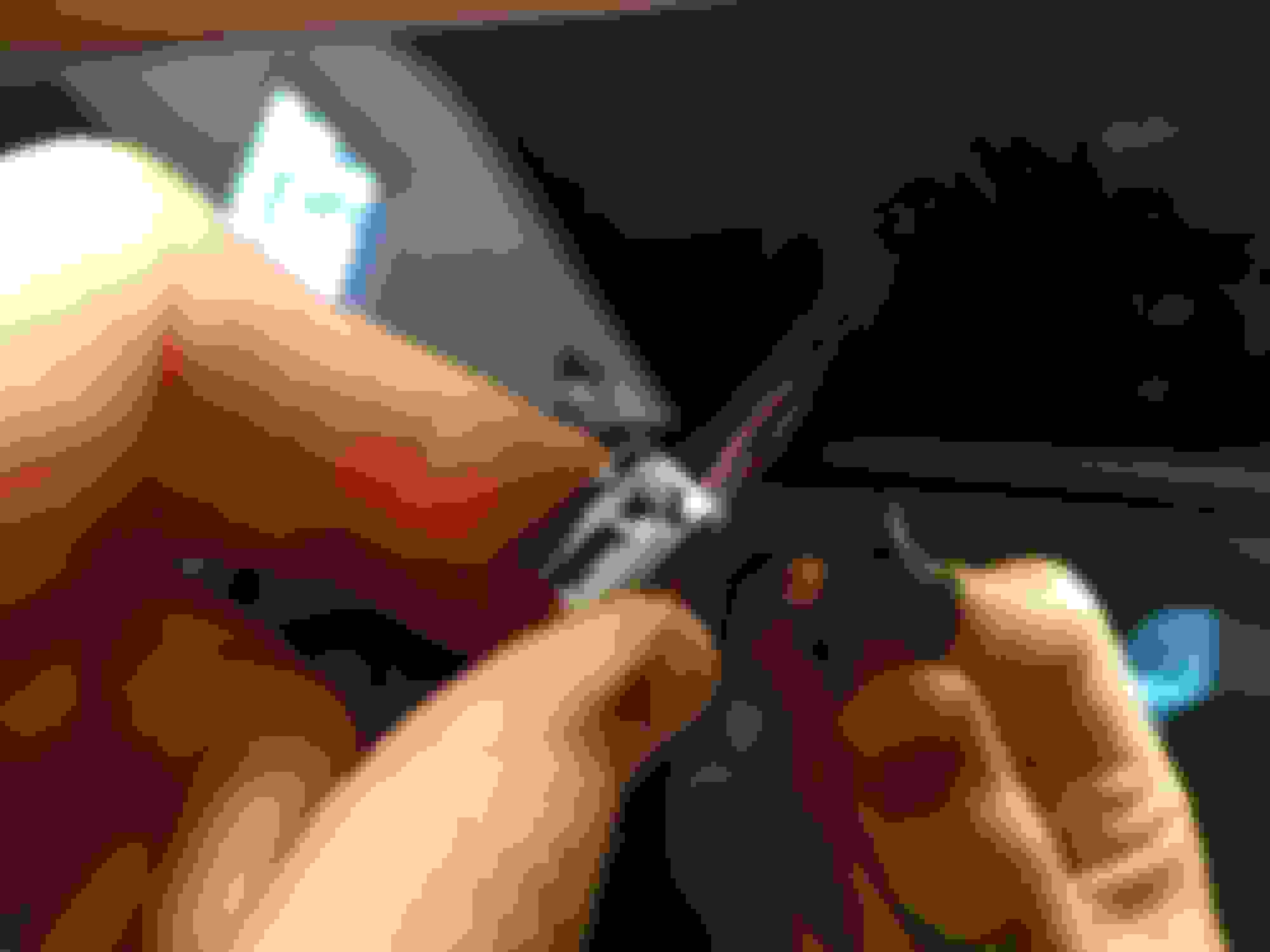
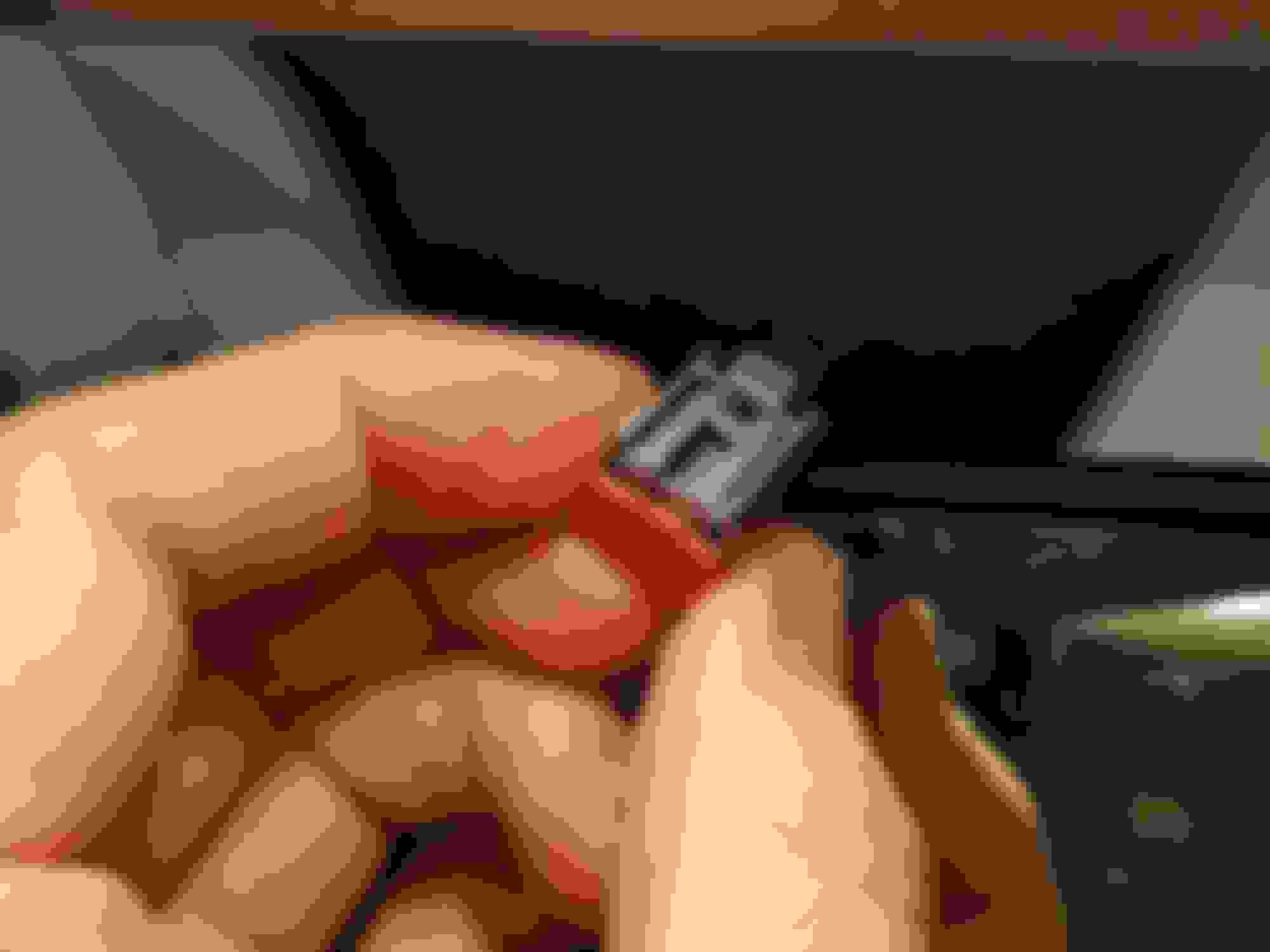
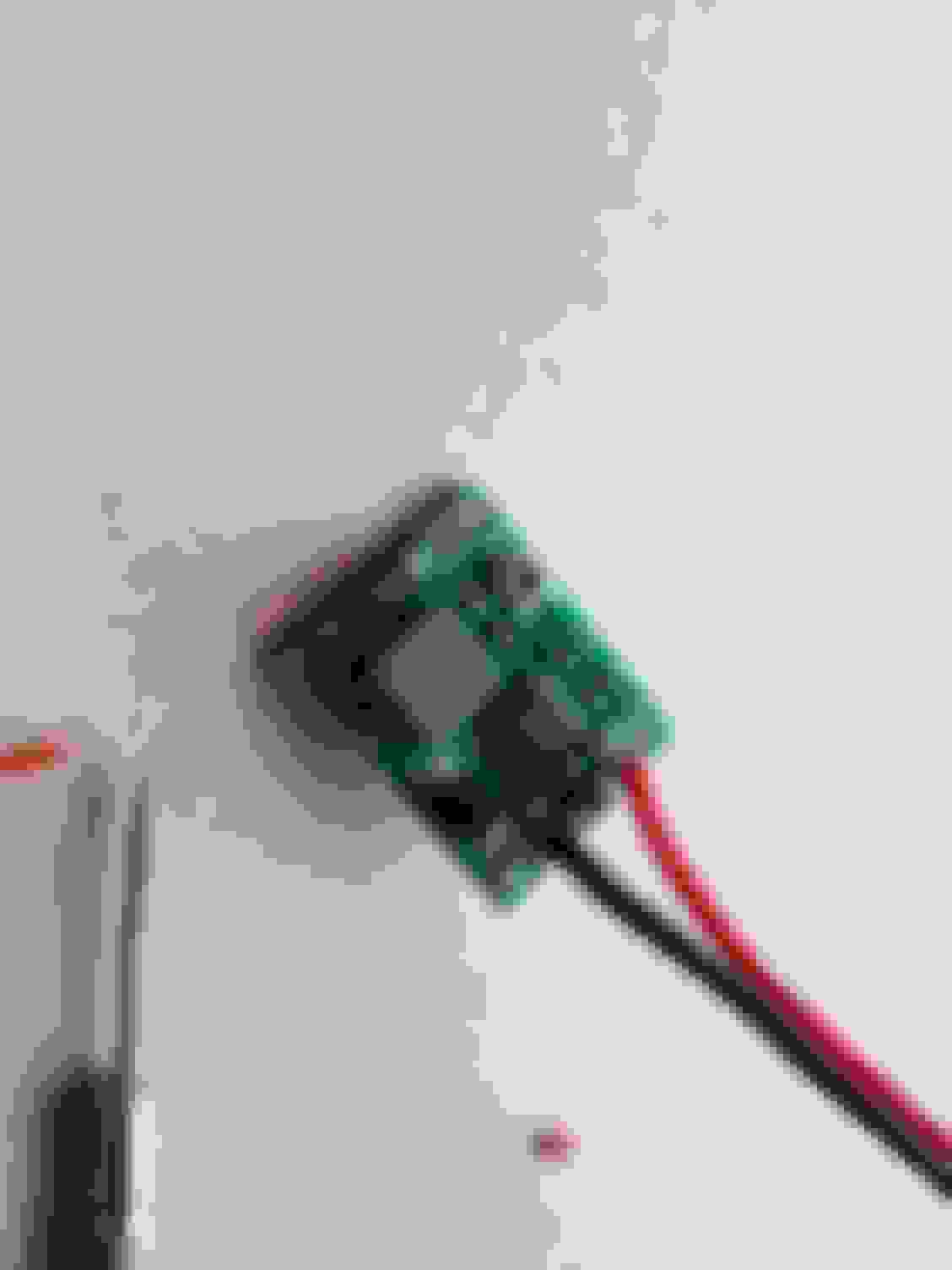
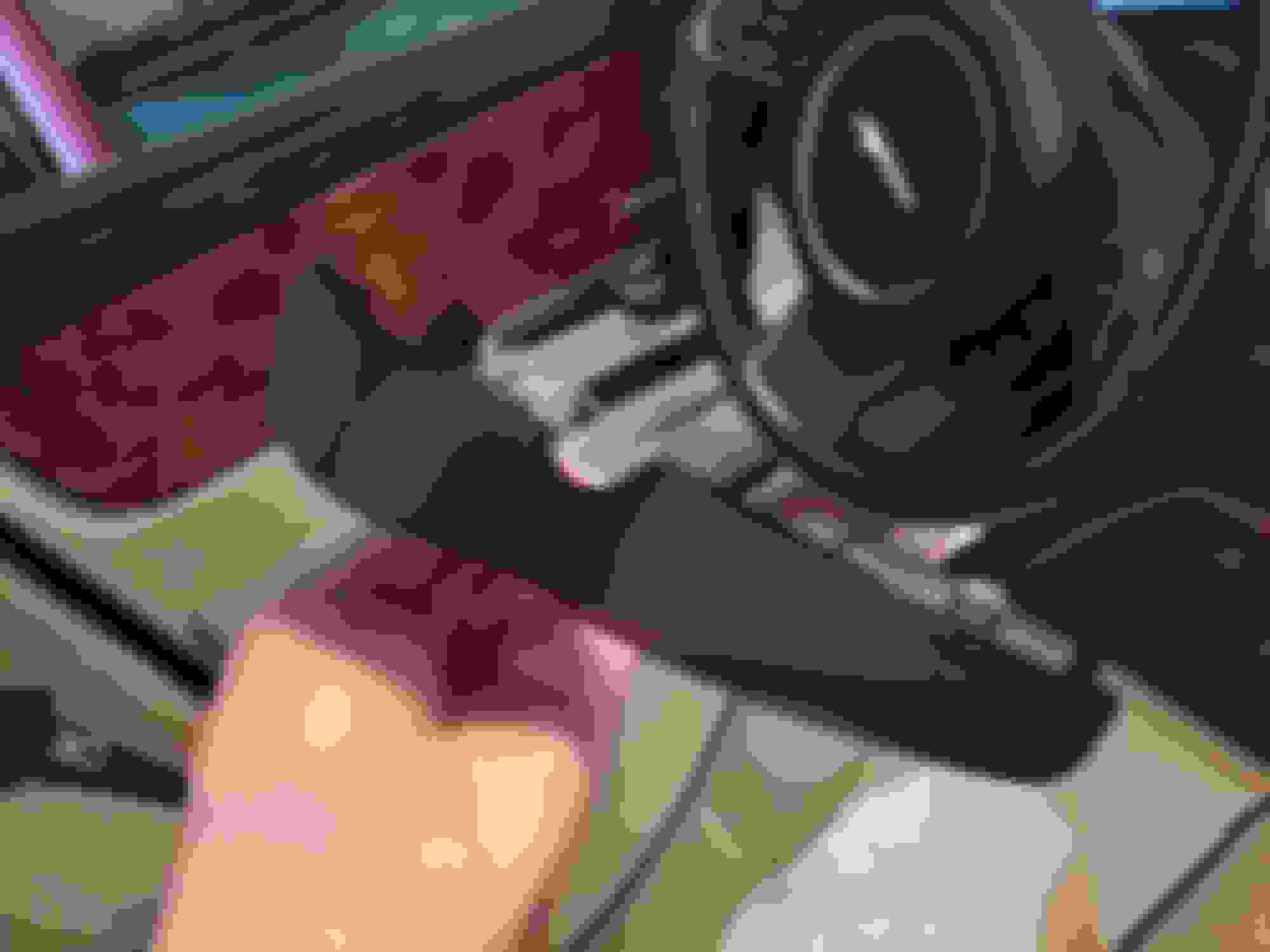
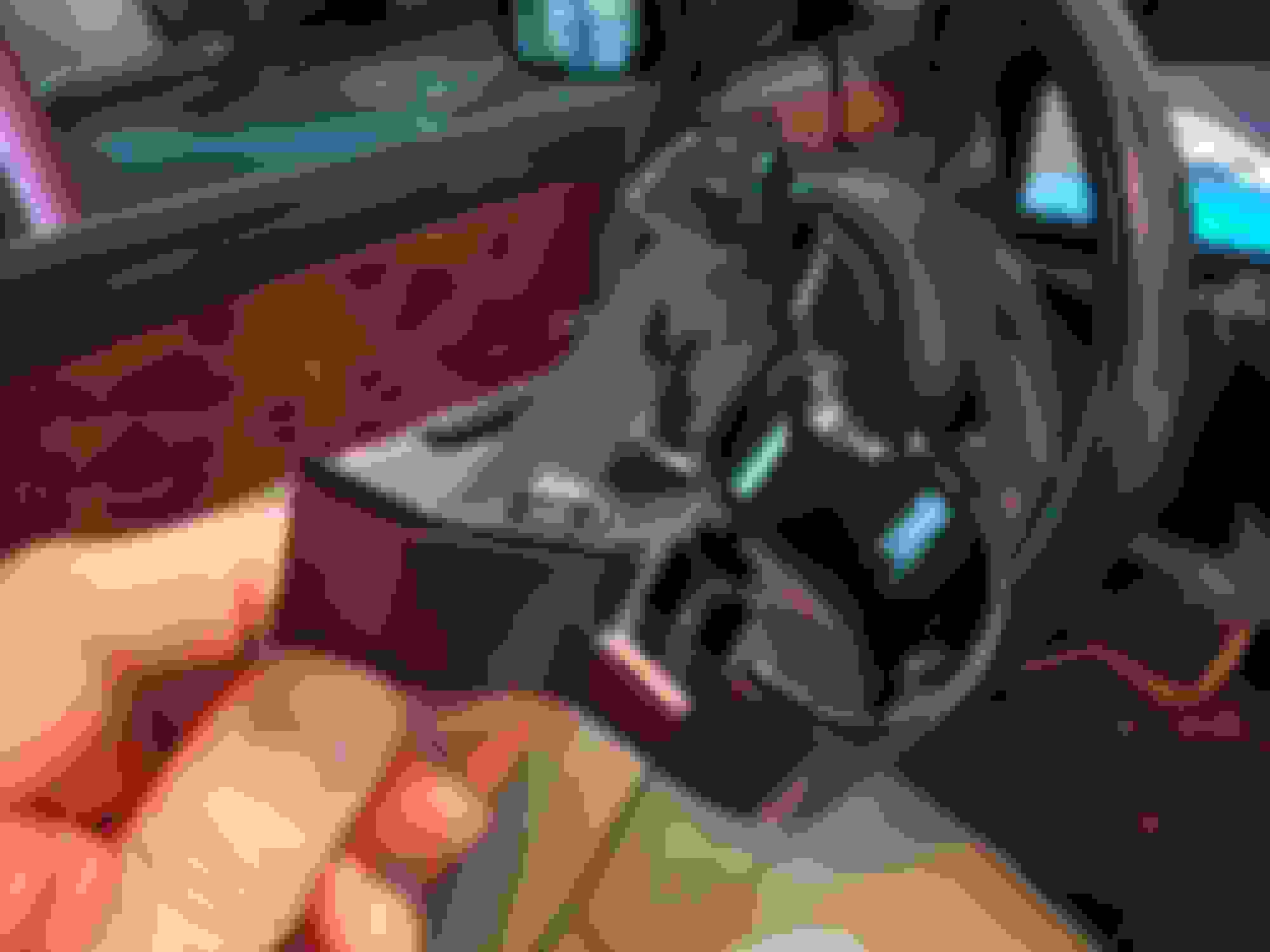
I tapped to those wires and used voltage step down regulator to reduce the voltage from 12V to 5V (5V is required by USB powered dash cams). You can find more inside in the attached pictures. Basically, the steps are:
Press the cover in the center (where two halves meet) and split it apart. Don't go too crazy or you will break the brackets!
Use splice tap connectors to hook up 12V to step down regulator (if your camera requires 5V)
Solder step down regulator to 12V supply
Solder 5V output of the regulator to the USB cable that will power a dash cam
Stick/glue your ram to the windshield and connect everything nicely
Put the cover back in place, again be careful to not break the plastic
I was able to install a dash cam on my XJL x305 2012 by tapping to the mirror power harness. It has 12V for rain and light sensor. The gray and black cables are positive and ground respectably. You need voltage down stepper from 12V to 5V if your cam is powered by USB cable.
Attached are some pics, feel free asking for more details (I am retyping brief version of this post after detail description got rejected/lost).
I completed the installation yesterday. Took about 2 hours total to run everything and make it look nice. Power tap is super simple from the upper console. Once down there is a large multi connector and I easily located a ignition only 12 volt source and ground. I tapped into it using a crimp clamp connected to my camera power. There is plenty of room to coil up the extra cabling from both the rear camera and power lead right above the console. The power easily routes from the console area out under the edge of the headliner. Makes for a very clean installation!
i followed your destructions but hit several snags
1 i have 3 black wires, so i chose the largeest
2 i dont have a grey wire. i have a grey bwn and a grey purole
3 when i chose one of these the sun roof blind goes open/close/open repeatedly
4 when i chose the other the sun roof blind just opens.



 Dash camera - power tap? Hardwire?




 Dash Cam in Jaguar XJL x351