When you click on links to various merchants on this site and make a purchase, this can result in this site earning a commission. Affiliate programs and affiliations include, but are not limited to, the eBay Partner Network.
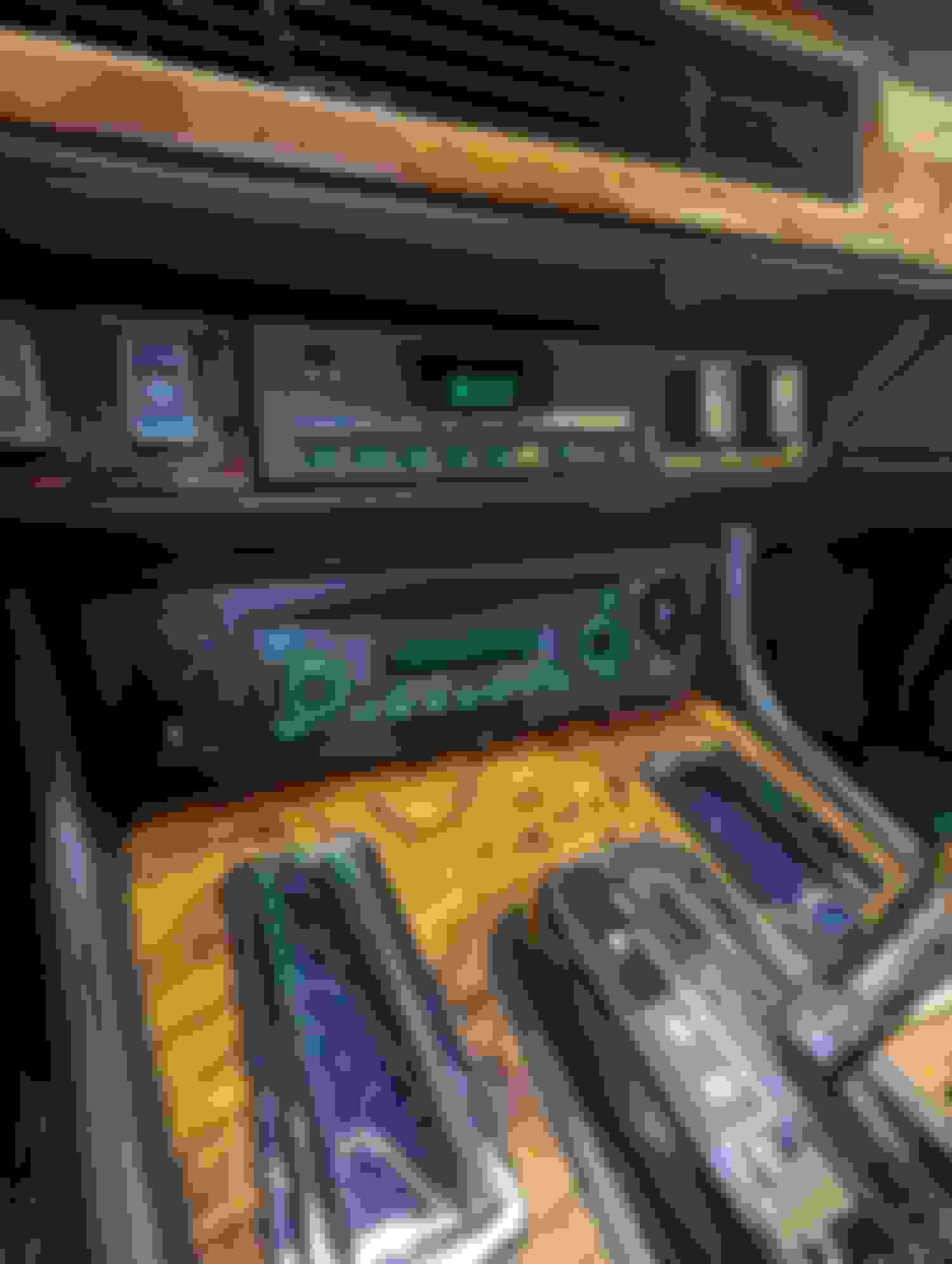
Is there a trick to removing the wood dash plate surrounding the dash computer? I do not want to damage the soft part of dash with a tool to pry it out.
I believe there is a screw, or a bolt that must be removed. The way to access the head of the screw or bolt, is by removing the pair of buttons on either side of the trip computer.
There are only a series of buttons for the dash computer. They are all housed within the black face. There is nothing on either side of the computer except wood. This is surrounded by the dash pad.
You need to gently remove the switches in the veneer on the immediate left and right of the trip computer in order to access the mounting bolts for the trip computer.
Once the trip computer is removed, you can then carefully pry off the veneer from the dash with the other switches attached and then remove the switches and wiring from the veneer.
The veneer is held to the dash via 2 pins that push into nylon mounts on the dash.
So there are two switches on each side. Remove innermost switch on both sides. Do these just snap in? This will gain access to computer. Do I remove computer totally? Where are pins located? Does wood panel just pull off?
From memory, thosexswiches are held into the veneer by the typical plastic tangs, so go easy.
Then there is a small bolt (iirc) on each side of trip computer mounting it to metal brackets. Then you put the computer out and disconnect the wiring plug.
Then you pry off the veneer carefully together with the other switches still attached by their wiring plugs.
On mine, the veneer is held to the dash frame by a pin each side that is part of the veneer that pushes into a plastic grip eyelet hole that is pressed into the dash frame.
The "pair of buttons" that I was referring to exist on either side of your trip computer. Those are friction mounted with metal clips. Dig your fingernails around the bezel and pull them out.
That will reveal the connection and allow you to remove the wood trim. That wood trim holds not only the trip computer, but both "pairs of buttons" on both sides. You need to get those buttons out before you can attack the trip computer and frame.
Rchuda, This is the back of my original veneer removed when i changed the clock for a trip computer. It shows the pin and the plastic eyelet sleeve that is mounted into the dash frame. Paul
I have a 1989 Jaguar XJS with the earlier trip computer. Can you please instructions for removal of the wood veneer? Mine has definitely seen better days and my replacement have arrived!



 removing wood dash plate around computer