When you click on links to various merchants on this site and make a purchase, this can result in this site earning a commission. Affiliate programs and affiliations include, but are not limited to, the eBay Partner Network.
Hello,
Like most of us, I have the DSC system fault message on the console of my 04 xkr. Now the odd thing is I don't have the abs message and the cruise control works fine.
Is having the cruise control working normal when the DSC fault is on? Does that tell more about the source of my DSC problem?
Thanks
Seems to me that if cruise control works and no ABS failure it cannot be related to speed sensor. Either of those cant work without stable cohesive speed sensor input at least that's how it works in my experience.
Do you guys agree? If so Alex can focus elsewhere.
Wish I could remember exactly what my display said when bad wheel bearing caused speed control failure 1 wheel. Think it was Trac fail & ABS fail & disabled cruise control.
Anyone remember what DSC stands for? Is that the default if one doesn't have a Trac Off feature on the car?
I think it's "Dynamic Stability Control". I guess it's more than just "Traction Control", or sounds better anyway !
That's correct for DSC.
Any you're right, wheel reluctor or sensors would turn off abs and send an amber message. But the message is only DSC system fault.
Will do. Waiting for my scanner icarsoft lr v2.0.
It reads abs but not sure it'll have chassis codes for that car. It's a convertible btw.
I wonder if it could be battery... But it shows 13.9v while running and 12.9 at off if I remember well. So idk. Will receive scanner Friday. In the meanwhile idk what to check. I tried to check the wires on to of the shocks but haven't used multimeter on these yet. Think I should..
johnken yes, I think wheel bearing would affect abs.
Anybody would have the part numbers for that btw for an 04 xkr? The wires that connect to the top of the shocks in the front.
Also I neglected checking the rear. Would anybody know how to reach the top of the rear shocks?
I am relying on a fading memory here but l had to do the ABS module repair several years ago on my XKR and as l recall DSC fault was the only fault my car logged.
I am relying on a fading memory here but l had to do the ABS module repair several years ago on my XKR and as l recall DSC fault was the only fault my car logged.
Arrffff!!! The one thing I didn't want to have to do. Removing that module seems to be a real b#$#@ !!
We'll see what it says when I get my scanner. In the meantime I taped some electric tape over the shocks connectors and had no messages after a test drive...
I also had replaced the sway bar end links tonight before the drive as they were dead. But I don't think that had anything to do with the fault. Maybe the tape will tell if the message fault doesn't come back.
Thanks a lot! Great advices!!
In the meantime I taped some electric tape over the shocks connectors...I also had replaced the sway bar end links
The wires to the top of the shocks are for the rebound-adjustable shocks (CATS), not related to the ABS/TRAC.
Double check the area by the sway bar end link (front, driver side). There is a small plastic arm to a sensor from the lower A-arm. I believe it is a roll sensor that factors in the TRAC. There is a ball/socket setup, if I remember. Could have popped while doing the link. $0 to check, right?
PS: never mind, this is for headlight leveling.
Last edited by fmertz; May 14, 2020 at 02:10 PM.
Reason: Added correction
The wires to the top of the shocks are for the rebound-adjustable shocks (CATS), not related to the ABS/TRAC.
Double check the area by the sway bar end link (front, driver side). There is a small plastic arm to a sensor from the lower A-arm. I believe it is a roll sensor that factors in the TRAC. There is a ball/socket setup, if I remember. Could have popped while doing the link. $0 to check, right?
The message was there before I changed the links. Either changing the link fixed it either the tape on the connectors at the top that I put last night, either it was just luck and will come back. Will keep updated.
Thanks a lot.
Hello,
Does anyone have the part number for the connector and wire harness that goes on top of the active cats shocks? I can't seem to find it anywhere.
Thank you.
Hey,
I'm onto something there.. But the electrical tape seems to be a bad choice. The tape soften too much with the heat which gets pretty high around the upper mounts and such. (Is it normal the heat btw??)
The softening turns the top connectors lose again as it doesn't hold down anything.
How would you go about it? I'm trying to have a snug connection with the connector (it's plastic) going in the strut tip at the top. I suspect that's the source of my DSC system fault. It has worked for a while until softening.
So I need the plastic connector plugged in the strut at the top (above the mount) mounted pretty tightly. And with it the wires too could use some tying. How could I reinforce that? Stick some thin extra wire in the holes of the connectors maybe? Keep the taping down method but use duck tape instead of electrical tape ? The plug is 16 years old, can't be found anymore, nothing at the junk yard...3d printer would be great but even with the blueprints good luck...
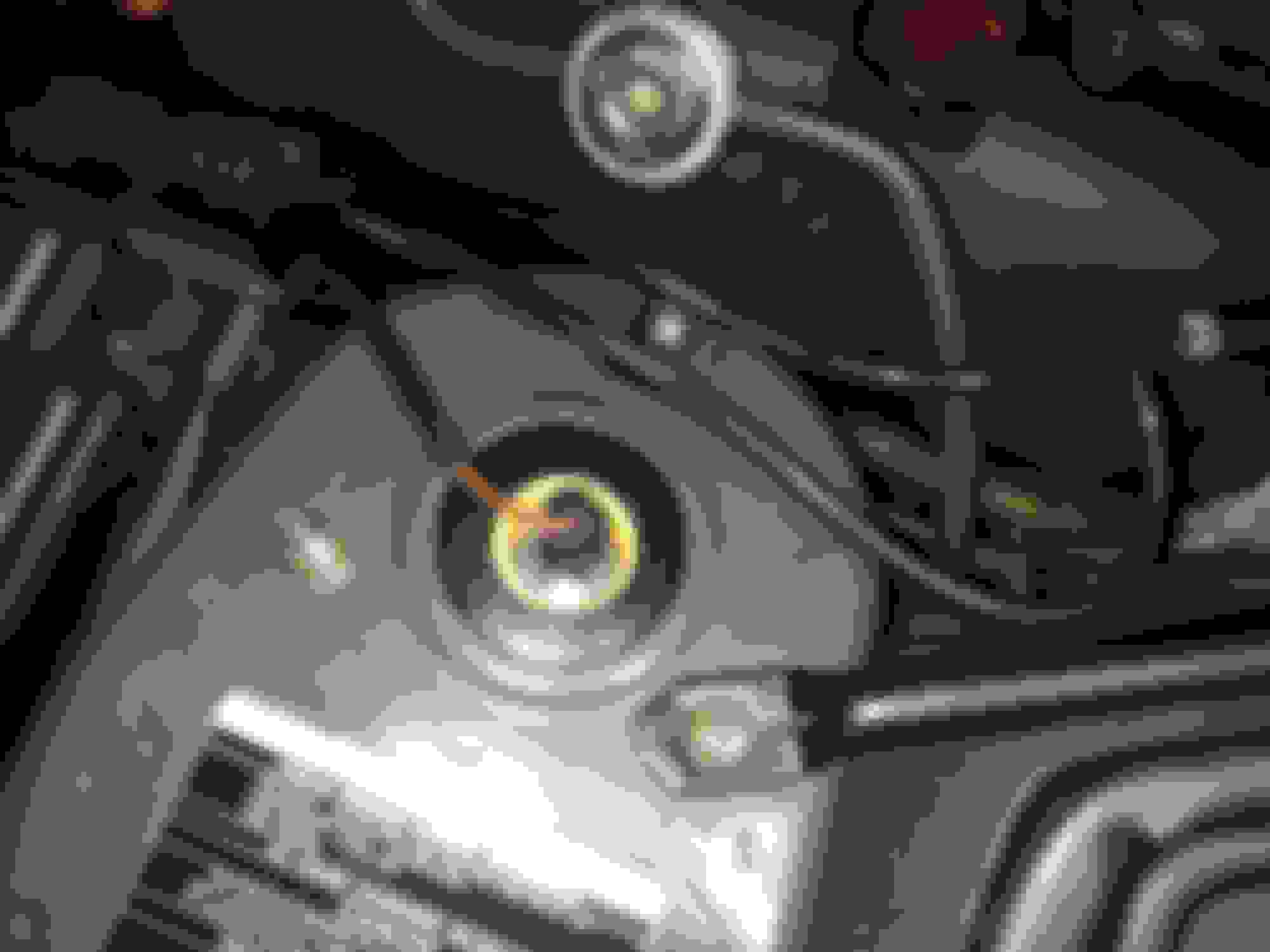
Some tiny paper snuck between the plug and the plug housing to make it tight maybe? Time to experiment... If you zoom in, see the 2 wires in the middle and the plug itself, it's 16 years old, so the connection in the strut isn't tight . How can I tighten everything? Enhance each side of the plug basically.
Alex,
What what exactly is loose? Sounds like the tape isolates the point of failure. I'm going to jump into permanent fix mode instead of analyzing best way to implement a temp fix with more tape. Either way, your answers & analysis of PPOF #'s 1-3 will help with both short term analysis and permanent fix.
You've got a male (my assumption) spade on the CAT. The connector is a piece of plastic that houses a metal female connector (possible point of failure [PPOF]#1); this connector attaches to a wire (PPOF#2); then the wire itself (PPOF#3).
PPOFF#1 - this connector relies on firm metal to metal contact (male to female). Super common for the clamping pressure designed to be provided by the female connector to loosen over the years with usage. It's just a folded piece of metal - you can tighten the female side. Easiest to do if connector temporally freed from its plastic housing. It's likely held in place by a tab that allows assembly to slip it in place and it will self lock, securing it in place during assembly. If you can see the tab, press or lift to temporarily retract it and slide connector and wire assembly out towards the side where the wire enters the housing.
When free, a quick "adjustment" with a pair of pliers to tighten the connection point will make for a secure connection.
NOTE: it's not worth cracking the plastic housing if you cant easily get to the tab to release the connector. Use a jewelers flat head screwdriver, or something similar to get in there from the connection end, pry the gap smaller for same solution.
BTW- since we are only dealing with 12volts, corrosion can easily block it, but I don't think that fits situation since bumps seem to cause the trouble.
How do I clean the inside contact points of this female connector? Plug it in, unplug. Repeat a few times. The physical friction of making and breaking the connection wipes the surfaces clean of corrosion.
PPOF#2 - bad / corroded wire connection to metal female connector.
Release the wire & connector as above. Heat soldering gun, flux, resolder connection. Slide connector back in housing. Yes one can at times solder while in the plastic housing with needle nose soldering iron, but BE CAREFUL real easy to damage the housing.
PPOF#3 - check continuity with meter.
Turn on beep for continuity.
One probe on female metal connector. Other probe down the wire a ways. Pick a span that is most likely to include the fault based on the fact that bumps cause the problem- how much of the exposed wire span will flap around while you drive? Monitor that segment.
I'd then pierce the wire with a hat pin (this is non destructive) to reach the copper conductor inside. Other probe is on the female connector. You will hear beep while that wire segment provides connectivity between the two points.
Bend and wiggle wire without disturbing probe connections. If there's a swinging open in that wire segment, it will interrupt the beep, now you've identified the defective area. Just replace that segment of the wire.
Wrap some electric tape or place a drop of glue over pinhole if no fault found.
I don't know your experience with soldering. I will be happy to post step by step if you like. Just ask.
Alex,
What what exactly is loose? Sounds like the tape isolates the point of failure. I'm going to jump into permanent fix mode instead of analyzing best way to implement a temp fix with more tape. Either way, your answers & analysis of PPOF #'s 1-3 will help with both short term analysis and permanent fix.
You've got a male (my assumption) spade on the CAT. The connector is a piece of plastic that houses a metal female connector (possible point of failure [PPOF]#1); this connector attaches to a wire (PPOF#2); then the wire itself (PPOF#3).
PPOFF#1 - this connector relies on firm metal to metal contact (male to female). Super common for the clamping pressure designed to be provided by the female connector to loosen over the years with usage. It's just a folded piece of metal - you can tighten the female side. Easiest to do if connector temporally freed from its plastic housing. It's likely held in place by a tab that allows assembly to slip it in place and it will self lock, securing it in place during assembly. If you can see the tab, press or lift to temporarily retract it and slide connector and wire assembly out towards the side where the wire enters the housing.
When free, a quick "adjustment" with a pair of pliers to tighten the connection point will make for a secure connection.
NOTE: it's not worth cracking the plastic housing if you cant easily get to the tab to release the connector. Use a jewelers flat head screwdriver, or something similar to get in there from the connection end, pry the gap smaller for same solution.
BTW- since we are only dealing with 12volts, corrosion can easily block it, but I don't think that fits situation since bumps seem to cause the trouble.
How do I clean the inside contact points of this female connector? Plug it in, unplug. Repeat a few times. The physical friction of making and breaking the connection wipes the surfaces clean of corrosion.
PPOF#2 - bad / corroded wire connection to metal female connector.
Release the wire & connector as above. Heat soldering gun, flux, resolder connection. Slide connector back in housing. Yes one can at times solder while in the plastic housing with needle nose soldering iron, but BE CAREFUL real easy to damage the housing.
PPOF#3 - check continuity with meter.
Turn on beep for continuity.
One probe on female metal connector. Other probe down the wire a ways. Pick a span that is most likely to include the fault based on the fact that bumps cause the problem- how much of the exposed wire span will flap around while you drive? Monitor that segment.
I'd then pierce the wire with a hat pin (this is non destructive) to reach the copper conductor inside. Other probe is on the female connector. You will hear beep while that wire segment provides connectivity between the two points.
Bend and wiggle wire without disturbing probe connections. If there's a swinging open in that wire segment, it will interrupt the beep, now you've identified the defective area. Just replace that segment of the wire.
Wrap some electric tape or place a drop of glue over pinhole if no fault found.
I don't know your experience with soldering. I will be happy to post step by step if you like. Just ask.
John
Thank you John. That's an amazing step by step set on instructions. I meant that the tape was used to press in the plug that I suspect loses contact over bumps. I will get to my multimeter and try to test. The strut top ppoff 2 being brand new, is last one to be tested as it's more unlikely.
Will let you know what I find.
Thanks for the taking the time. That's amazing.



 Weird fault message