When you click on links to various merchants on this site and make a purchase, this can result in this site earning a commission. Affiliate programs and affiliations include, but are not limited to, the eBay Partner Network.
Time to do some research again, last time i checked i couldn't find anything.
What has been available for some time is a gvif interface you can access through the navigation menu, Sean w did post on that.
If that's what you are referring to, it's technically not carplay, the bad part about installing any types of interfaces into the OEM screen is the resolution, the OEM screen has poor resolution, i have seen those interfaces working and it just looks weirdly poor.
Time to do some research again, last time i checked i couldn't find anything.
What has been available for some time is a gvif interface you can access through the navigation menu, Sean w did post on that.
If that's what you are referring to, it's technically not carplay, the bad part about installing any types of interfaces into the OEM screen is the resolution, the OEM screen has poor resolution, i have seen those interfaces working and it just looks weirdly poor.
Well sort of. I did virtual gauges via GVIF and the resolution was fine but to your point Carlos or anyone, is there a way to improve the resolution of the OEM screen? Sincere question as I thought the same thing. Is there a mod that can be made to the OEM screen to change the resolution from current 800x400? What would it take?
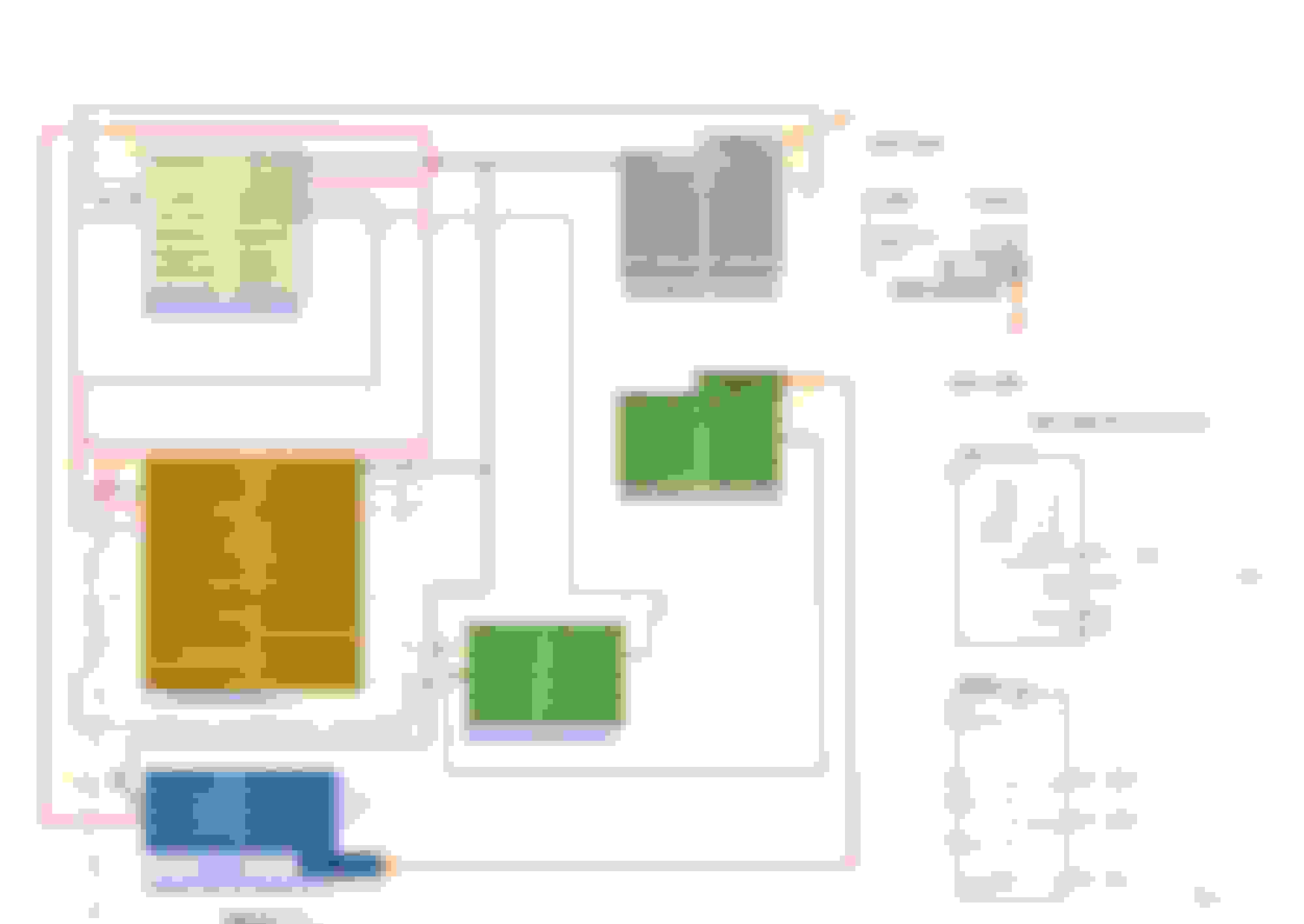
@Carlos Saez and @Hunnenkoenig or anyone with specifics. I did a wiring diagram and will reattach it below for the pre-facelift. On the XK the integrated control panel connector connects to the aftermarket but doesn't use all the pins - just the hazard and air bag light. Since I don't have an XF I wasn't able to determine how your hazard and airbag lights are connected.
My issue on the XK (I used your 7" XF screen) but an XK harness and CANBUS box. The control buttons below the screen do not work on my car. They should as the connector plugs into the OEM head unit. So it's powered. The flashers work and the airbag light briefly illuminates when starting the car as normal, but none of the buttons work and the should just be driven by power and CANBUS which remain connected.
So looking at your OEM wiring diagrams - though slightly different and after watching one of Hunnenkoenigs excellent videos, I see the black ten pin connector in the video but don't know what you do with it. Also if it's not plugged in, how do the hazards lights and air bag light work?
Please see my drawing below and you can see the hazard and air bag on the right from the OEM wiring diagram. Can you draw where the wires connect to the after market unit? Pencil it on the PDF and repost is fine. I don't care about pretty.
@Carlos Saez and @Hunnenkoenig or anyone with specifics. ...Please see my drawing below and you can see the hazard and air bag on the right from the OEM wiring diagram. Can you draw where the wires connect to the after market unit? Pencil it on the PDF and repost is fine. I don't care about pretty.
Sorry for the late reply. I was not around for a while, I guess.
Unfortunately I have no idea about electricity and wire diagrams other than the basic stuff and I also don't remember much about the installation anymore, so I can't help you.
I think, you need to select your car in the settings for everything (I mean almost everything) working well, if you didn't do that yet. I show it in the second video I think.
I got a wiring diagram for rearranging a cable for getting the original microphone working, but I didn't even do that.
I just bought a new device with Android 11 and more power (8GB RAM and 256GB Memory) and the seller is swearing that everything is working.
With my current device I do not have the original microphone and the beeping for the front parking sensors and I can not set the clock on the dashboard.
We will see, if the seller is telling the truth and I will report back, when I get my new device.
@Carlos Saez and @Hunnenkoenig or anyone with specifics. I did a wiring diagram and will reattach it below for the pre-facelift. On the XK the integrated control panel connector connects to the aftermarket but doesn't use all the pins - just the hazard and air bag light. Since I don't have an XF I wasn't able to determine how your hazard and airbag lights are connected.
My issue on the XK (I used your 7" XF screen) but an XK harness and CANBUS box. The control buttons below the screen do not work on my car. They should as the connector plugs into the OEM head unit. So it's powered. The flashers work and the airbag light briefly illuminates when starting the car as normal, but none of the buttons work and the should just be driven by power and CANBUS which remain connected.
So looking at your OEM wiring diagrams - though slightly different and after watching one of Hunnenkoenigs excellent videos, I see the black ten pin connector in the video but don't know what you do with it. Also if it's not plugged in, how do the hazards lights and air bag light work?
Please see my drawing below and you can see the hazard and air bag on the right from the OEM wiring diagram. Can you draw where the wires connect to the after market unit? Pencil it on the PDF and repost is fine. I don't care about pretty.
Thank you
Hi Sean, the hazard on the xf is located on a completely different connector it's on the ornament spear, so it has no wiring or connection to the loom from the unit.
Sorry for the late reply. I was not around for a while, I guess.
Unfortunately I have no idea about electricity and wire diagrams other than the basic stuff and I also don't remember much about the installation anymore, so I can't help you.
I think, you need to select your car in the settings for everything (I mean almost everything) working well, if you didn't do that yet. I show it in the second video I think.
I got a wiring diagram for rearranging a cable for getting the original microphone working, but I didn't even do that.
I just bought a new device with Android 11 and more power (8GB RAM and 256GB Memory) and the seller is swearing that everything is working.
With my current device I do not have the original microphone and the beeping for the front parking sensors and I can not set the clock on the dashboard.
We will see, if the seller is telling the truth and I will report back, when I get my new device.
Please post link, and please make another of your great videos, hopefully this seller is more honest than the other.
Currently the bugs are many and unresolved, and they have no intention addressing them.
Please post link, and please make another of your great videos, hopefully this seller is more honest than the other.
Currently the bugs are many and unresolved, and they have no intention addressing them.
I ordered the last one, with 8G+256.
It says $719.10 but I got some coupons and I had Coupert on in my browser and somehow I paid $118 less. I paid $592.58
As I am thinking about getting one of these screens I have been in touch with the manufacturers for some time. They have just let me know that the Canbus box is now upgraded to V5, from v4, v3. They claim to have now fixed any and all issues with the system.
I will also add that I am not connected to the company in any way (canavie not alie lol).
I posted about this ac panel a while back but no one responded lol. I would definitely like to see it in action and I wonder if you can do any customization to it also.
I would be interested in being the guinea pig, but the complete package is not available at the url anymore and I don't know, how the separate unit works with the one I have, which already has AC control over the original hardwer buttons.
This is a tesla style device topic and I have small unit replacing only the OEM screen.
Maybe it would be interesting to open a new topic for this as I believe this is a system containing two separate units working together.
Last edited by Hunnenkoenig; Jul 21, 2022 at 06:53 AM.
I would be interested in being the guinea pig, but the complete package is not available at the url anymore and I don't know, how the separate unit works with the one I have, which already has AC control over the original hardwer buttons.
This is a tesla style device topic and I have small unit replacing only the OEM screen.
Maybe it would be interesting to open a new topic for this as I believe this is a system containing two separate units working together.
Just checked links still working, this is just to replace the hard buttons below the unit, according to what I have been discussing with other seller, it just plugs in the same plug as the OEM ac control, and has no interaction with any of the units, can be used with OEM and aftermarket.
I believe you got confused, this is for the 7" and 8" units, this thread is about our 7", not Tesla, nevertheless if you try one please start a new post this one has too many messages.
Hi all, maybe Im missing something here.
Is it not possible to take out the Denso unit ( I have a 2009 XF Portfolio - picking it up tomorrow ! ) with the bosche unit and then do the easier screen conversion? Surely that is the way forward rather than the butt ugley tesle style one?
Just asking! No technical skills what so ever! lol.
I know this is an old thread, but several years have past now, and I'm wondering if they have worked out the kinks in the Tesla screen version yet? I think I can live with the fact that the car won't have an OEM look to it anymore, and I don't care at all about the hardpress buttons (never much liked them anyways), buuuut.. this is a pricey unit, and if it still is riddled with bugs and issues several years down the line, I'm not sure I want to take the plunge.
Has anyone installed the Tesla style screen recently and maybe moreover, is actually satisficed with it's functionality?





 Canbus