When you click on links to various merchants on this site and make a purchase, this can result in this site earning a commission. Affiliate programs and affiliations include, but are not limited to, the eBay Partner Network.
Installing JTIS on modern systems can be a challenge. I figured, "why not virtualize"? Yes, I know its been done before, but I haven't seen a pre-built template shared that makes it really easy. So I built one. Yes I did DM @jimlombardi first and this template is built on all the great work in his 64 bit thread(s).
System requirements: a vaguely useable Mac or PC made sometime in the past decade.This is a virtual machine appliance template with windows 98 and JTIS 21 pre-installed. Just deploy in virtualbox and hit start, it will power up and start JTIS.
You now have working JTIS in a VM. Step-by-step instructions for the less initiated:
1. Download the VM template package from here: https://drive.google.com/file/d/1PZW...ew?usp=sharing
You’ll get a warning – you’ll have to trust me, or not install this.
2. Download and run latest Oracle Virtualbox installer for your system here: https://www.virtualbox.org/wiki/Downloads
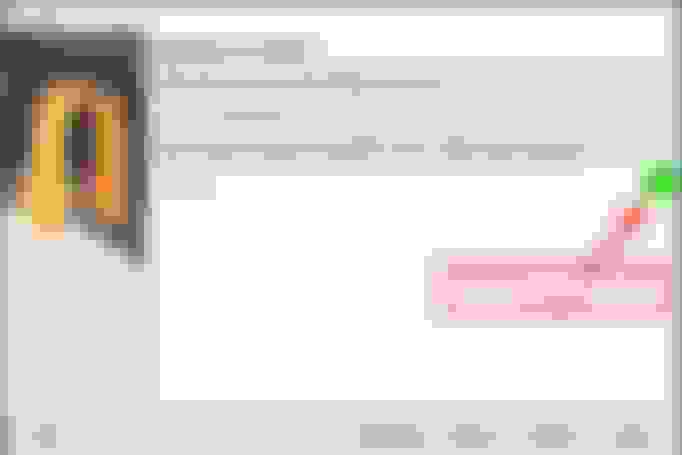
3. Install with following options:
Finish the install and start VirtualBox
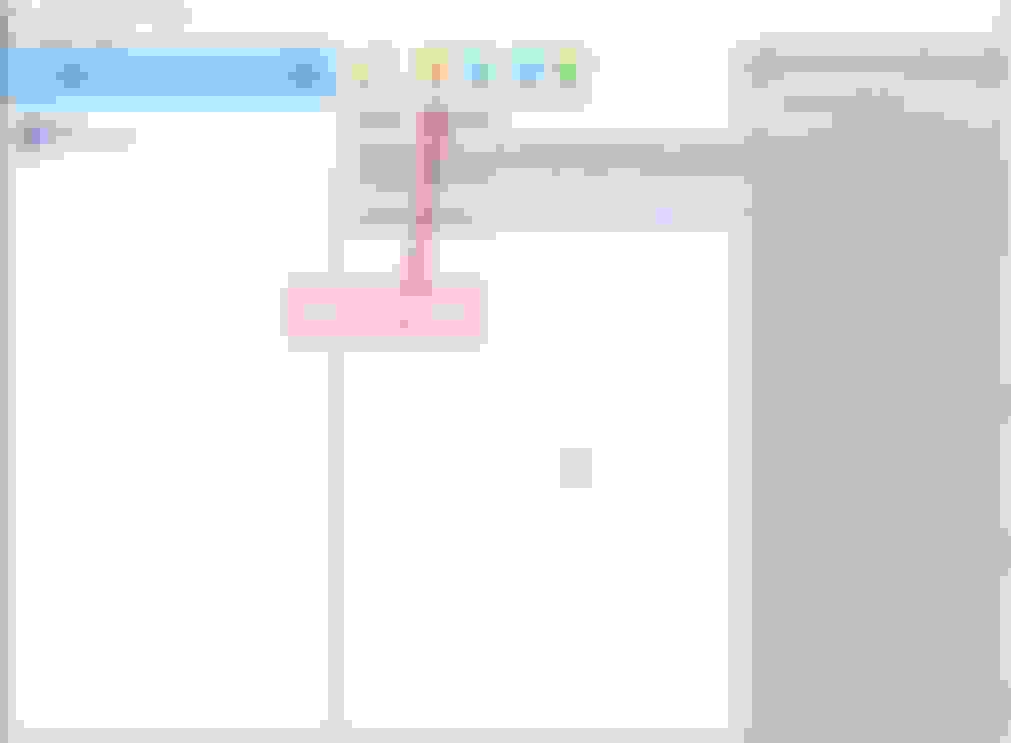
4. When Virtualbox starts, click import:
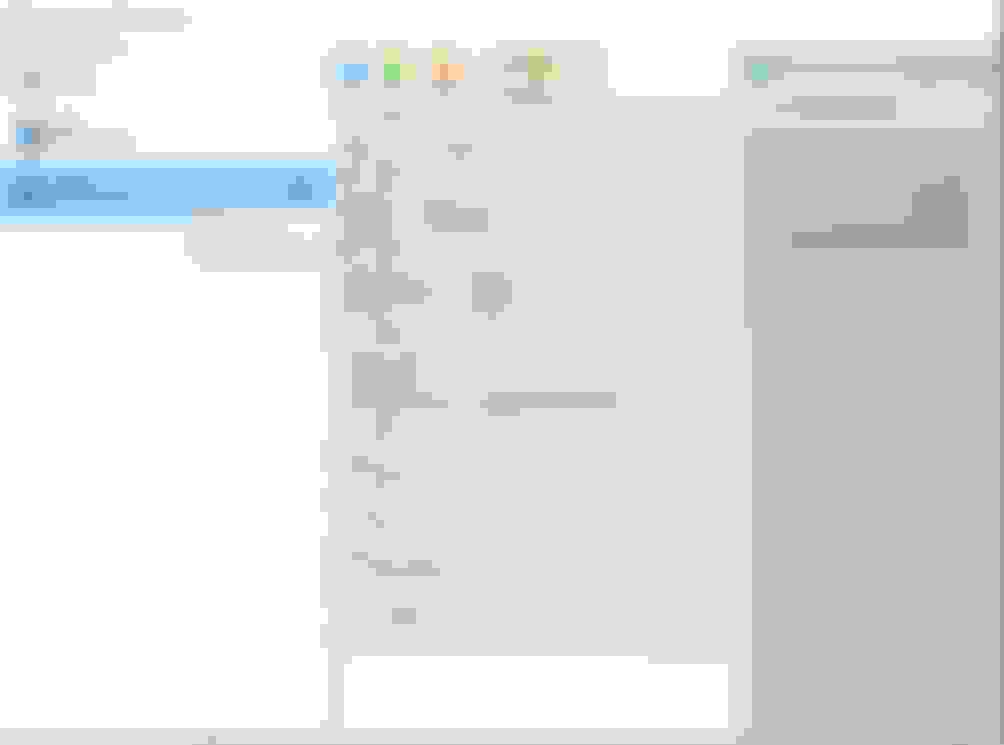
Once imported, hit start
VM will start up and JTIS will load.
Have fun.
Provided with no warranty, no money back, no guarantees, only fools and horses work… Build notes:
Installed standard windows 98SE
Installed a vbe miniport driver to support higher resolutions. I left it on 1024x768 by default for compatibility, on first startup you can choose a resolution that works for you. (In win98 this is right click on desktop, choose properties, go to settings, configure 32 bit color and whatever screen res works best for your use case.)
Edited c:\windows\jjtis.ini to change the data files reference path to the C:\jaguar\jtis folder, which contains a copy of the JTIS21 CD. (Windows 98 puts jjtis.ini in the SYSTEM path, not in %appdata%)
Merged the content of the XK-specific JTIS19 with JTIS21, keeping all newer files. This means all the nice artwork of the XK is retained, but you can also browse/use the content for other Jaguars too. So far seems to work. Yes this makes it non-standard. You can always obtain the original JTIS and install in the VM instead from the existing sticky Win64 JTIS thread. Don’t ask me for support doing that. This package is installed as-is.
There is NO network adapter. Do not attempt to connect the VM to the internet. There are ways to mitigate the risks of this, but it’s out of scope for this guide, and in any case all the protocols you'd use to transfer data or network a printer are insecure as hell and obsolete and would require you to reduce the security of the host system. Just don't. Use screenshots, and the virtual disk to copy data back and forth if needed.
VM integration between virtualbox and windows XP is much better supported than 98, but I didn't have an XP iso lying around whereas, for some reason, I had a windows 98 one. I think this was from a retro gaming experiment a few years ago. Old age has wearied me and the years condemn, so I don't remember why. I wasn't willing to devote more effort to this, because its good enough. An XP version of this VM or even a windows 7 32 bit version would probably work a lot better and be able to export the PDFs more gracefully, but use more memory. This is just so lightweight.
Tested on Windows 10 21H2 Build 19044.2486 and VirtualBox 7.0.6 r155176. Should work on most any virtualbox install, Windows, Mac or Linux. Linux users do not need instructions .
I need someone to test this on an Intel Mac, and an M1 Mac.
Known issues
The ISO 8879 error from "Parser Message" when changing some pages. Just dismiss it and move on with your life. FAQs Why did you use VirtualBox? I prefer %virtualizationproduct%:
Because its free, open source, multi-platform, supports legacy-*** hardware well. Want to convert to a different format and upload here? Be my guest.
How do I get files in and out of the VM?
Use the attach virtual ISO feature in the VM settings
Can I print straight from the VM? to PDF?
That would be nice. see my build note on why it would have been better to use windows XP or 7 32 bit for this, but I didn't have those to hand. DM me if you can help.
This has been done before, why did you bother?
Just got laid off, why not. Apparently lots of people have done this but not uploaded the template to make it real easy.
Thank you SO much for this- it’s a huge time-saver (from someone who’s been lost down a virtualization rabbit-hole for the past 2 weeks, trying to get winXP working at a usable speed).
I need someone to test this on an Intel Mac, and an M1 Mac.
confirmed it works on intel mac (model 5,1 with 6 cores/16MB RAM) running Catalina10.15.7
(I doubt it will work on M1 - I believe M1 will run only OS’s that are ARM based - but I’ll give it a try and report back.)
Thank you SO much for this- it’s a huge time-saver (from someone who’s been lost down a virtualization rabbit-hole for the past 2 weeks, trying to get winXP working at a usable speed).
confirmed it works on intel mac (model 5,1 with 6 cores/16MB RAM) running Catalina10.15.7
(I doubt it will work on M1 - I believe M1 will run only OS’s that are ARM based - but I’ll give it a try and report back.)
Thank you for testing, and glad to be of help!
What virtualization platform were you tinkering with XP on? Curious, I would expect it to run just fine. If you have an ISO, DM me.
and Im sure you meant 16GB of ram, otherwise that's your performance bottleneck right there
Last edited by Throwback; Mar 5, 2023 at 01:22 PM.
Thank you SO much for this- it’s a huge time-saver (from someone who’s been lost down a virtualization rabbit-hole for the past 2 weeks, trying to get winXP working at a usable speed).
confirmed it works on intel mac (model 5,1 with 6 cores/16MB RAM) running Catalina10.15.7
(I doubt it will work on M1 - I believe M1 will run only OS’s that are ARM based - but I’ll give it a try and report back.)
Right. Runs on an intel Mac but not M1 ( or M2 I would think) as virtual box is not supported.
I have built a new version of this VM based on Windows XP, also including the Jaguar Electronic Parts Catalog (EPC) and link to the XJ40 service manual on the desktop.
Benefits of XP are a newer/better Adobe Reader which supports search, copy/paste from desktop works, and easier to look at. Also native compatibility with all the legacy libraries so no faffing around trying to make Windows 11 play nice with DAO.
I have built a new version of this VM based on Windows XP, also including the Jaguar Electronic Parts Catalog (EPC) and link to the XJ40 service manual on the desktop.
Benefits of XP are a newer/better Adobe Reader which supports search, copy/paste from desktop works, and easier to look at. Also native compatibility with all the legacy libraries so no faffing around trying to make Windows 11 play nice with DAO.
Handy, thanks - nice to have another option that's easier to move around machines when the need arises - especially if you already use vbox for other reason.
I tried the parts thing and it asks for user and password? Did I miss a step?



 JTIS21 for Dummies - Virtual Machine Template







 .
.